
ForkLift 4.6.0 macOS 文件管理 双栏极速协同 远程直连+智能标签中枢

还在用 Finder 拖着进度条等同步?试试 ForkLift——专为 macOS 打造的「生产力加速器」:它不只是一套双栏界面,而是你本地硬盘与全球服务器之间的无缝通道。无论你在处理设计素材库、部署网站代码,还是跨团队协作管理云端文档,它都能让你在两秒内完成过去需要三步操作的任务。
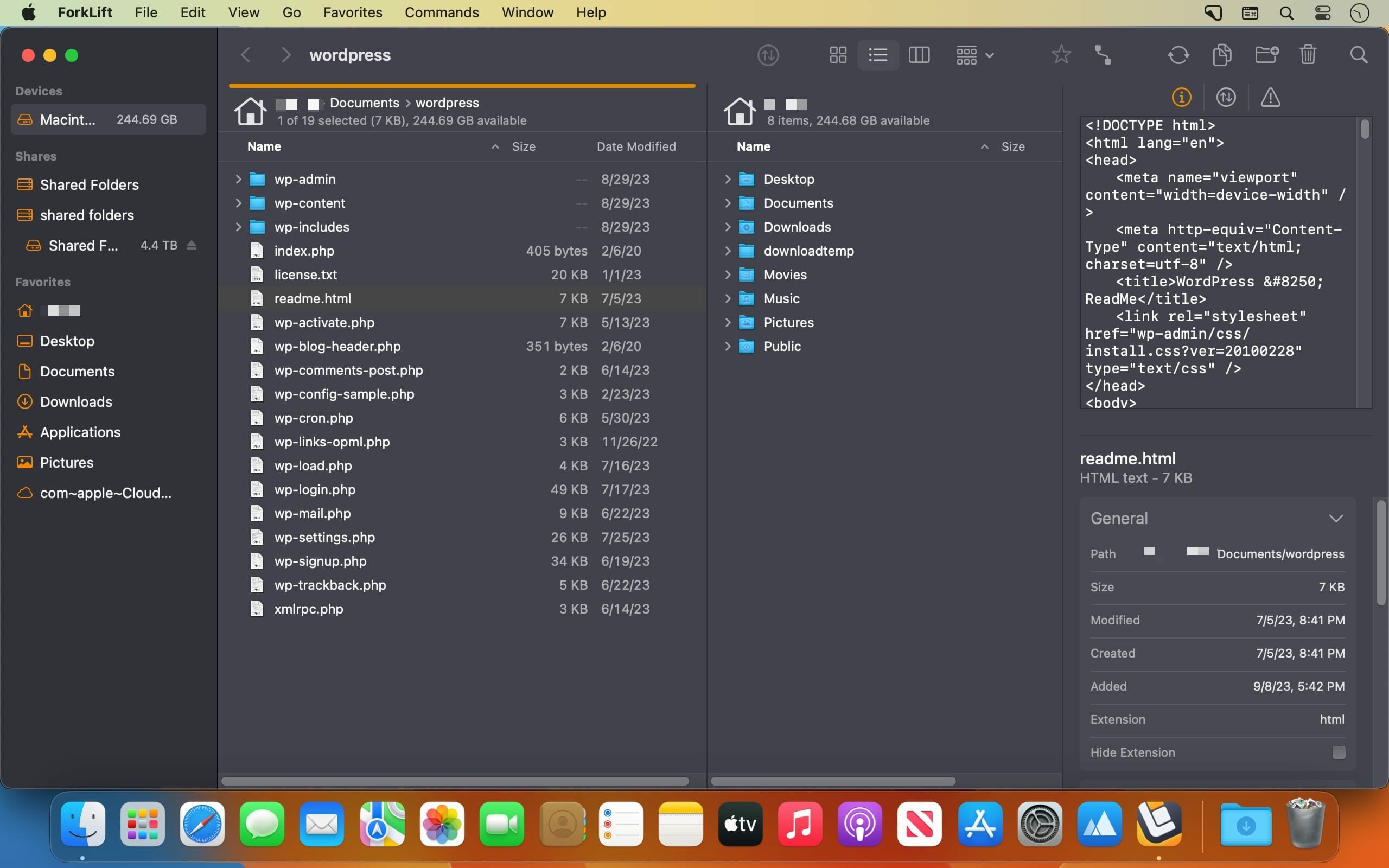
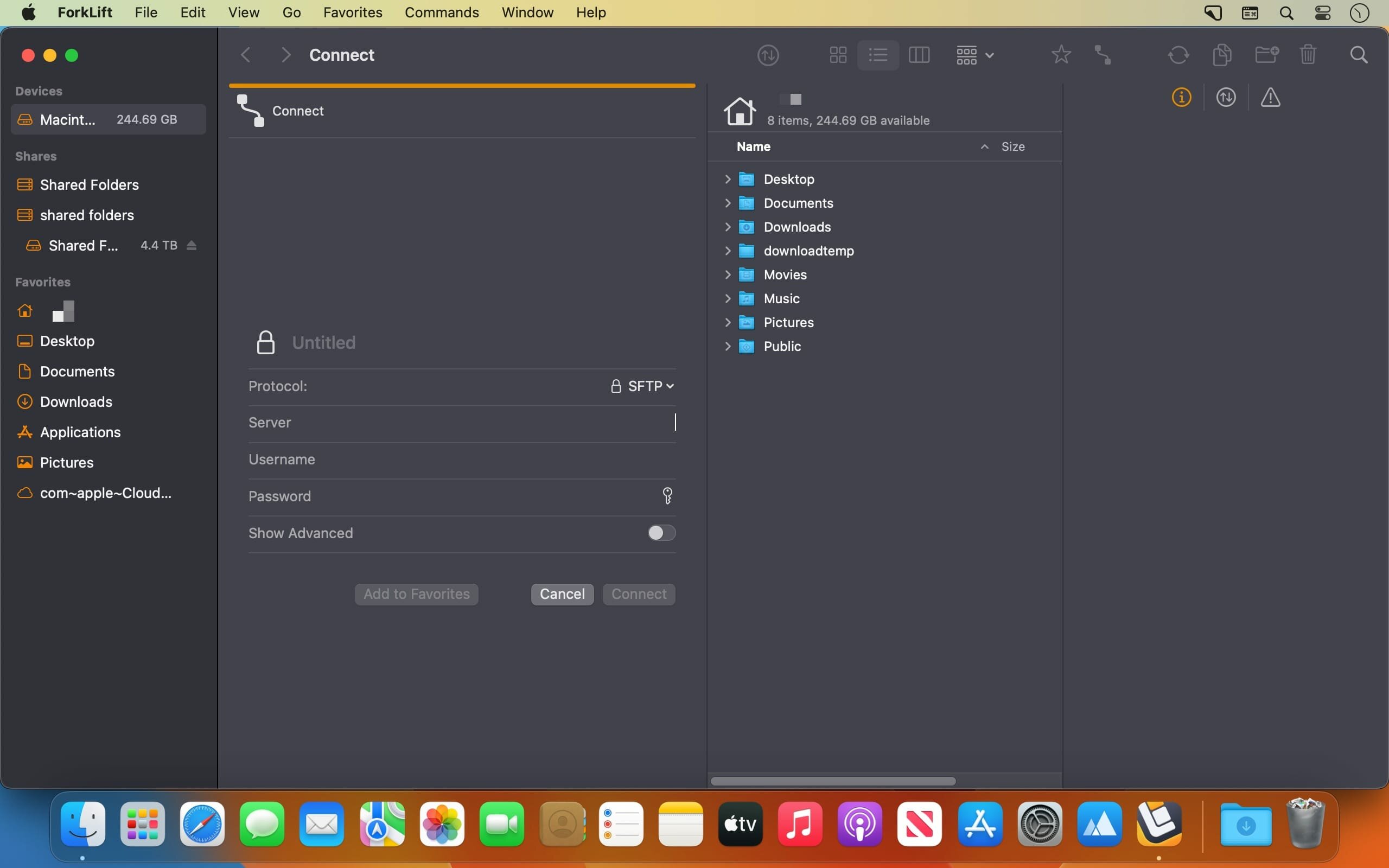
你随时可以并排打开两个完全独立的空间:左边是 MacBook 里的项目文件夹,右边直接连上 AWS S3 存储桶或公司内网的 SFTP 服务器——所有协议(SMB、WebDAV、AFP、iDisk、NIS)原生支持,无需插件,不掉连接。更妙的是,任一栏都可一键切换为实时预览窗,选中 PDF 立刻显示缩略图,点开代码文件即见高亮语法,连远程服务器上的日志也能边编辑边自动上传。
这不是复古的“双窗口”工具,而是一整套现代工作流引擎:多标签页让 12 个不同环境(测试服务器、客户 FTP、本地备份盘、NAS 共享卷……)同时在线却不乱;拖拽一个文件到侧边栏的「重要」标签,它立刻被标记、归类、全局可搜;右键点击标签名就能隐藏/显示分类,Esc 键秒退编辑状态——连键盘呼吸感都为你调校好了。
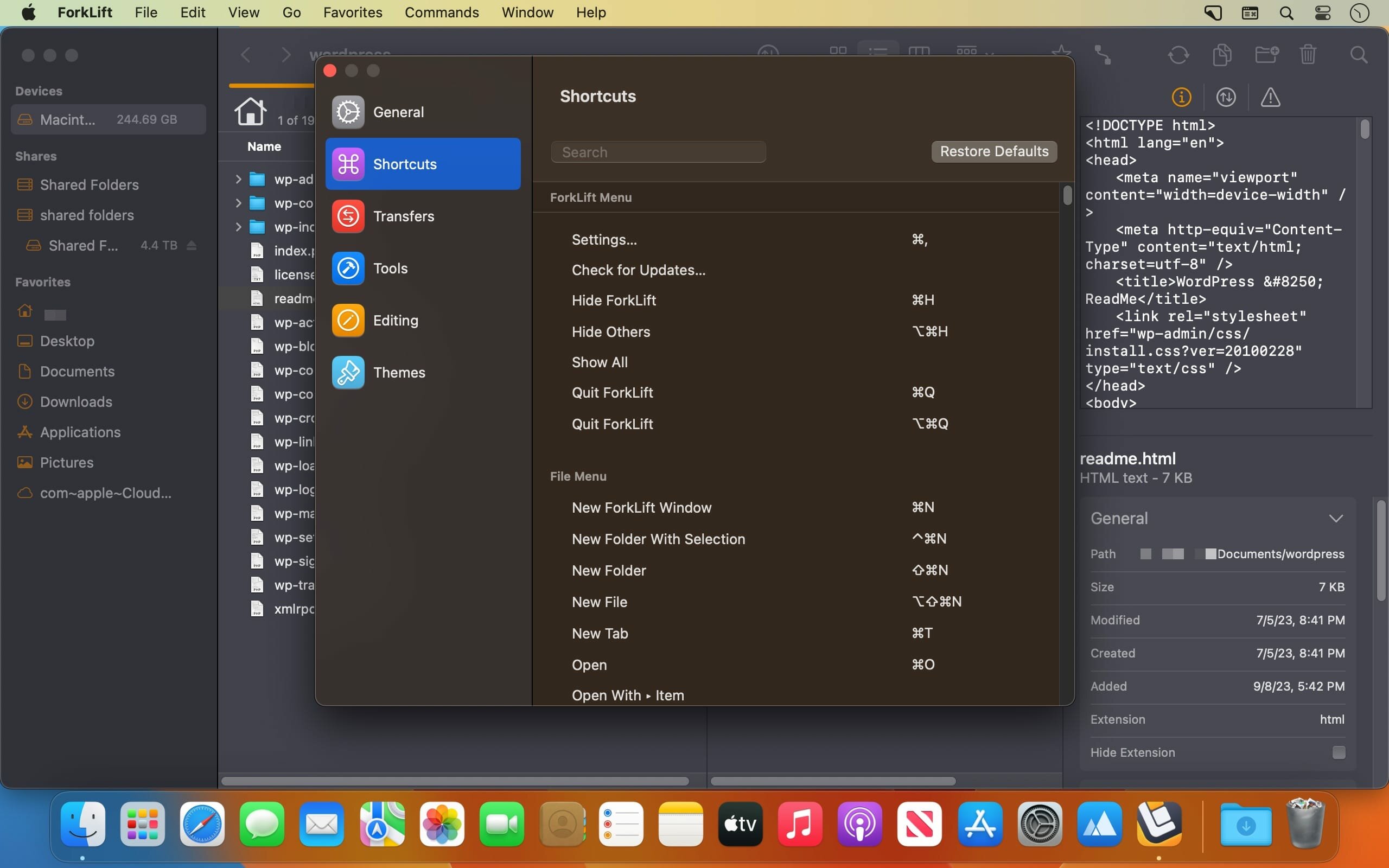
开发者和运维人员会爱上它的深度集成:任意目录下按 ⌘+T,终端窗口瞬间弹出,命令行与文件视图同屏协作;上百个可自定义快捷键覆盖从批量重命名到符号链接创建的全场景;内置应用清洁工自动扫描残留配置与缓存,卸载软件后硬盘立刻清爽;还有智能同步引擎——设定源目录与目标路径,增量比对、断点续传、冲突预览,再也不用手动核对 37 个子文件夹是否更新完毕。
新版 4.6.0 更把效率推到新高度:预览窗与信息面板中,标签输入支持智能联想补全;把文件拖到侧边栏标签上,秒级打标;自建脚本工具(如一键压缩上传、MD5 校验批处理)可直接拖进顶部工具栏;右侧键菜单新增「显示/隐藏标签」开关,整洁度由你掌控。那些曾让你皱眉的细节——列视图断连后自动回退、macOS Sequoia 下 Esc 取消新建工具操作、远程文件无法拖入收藏栏的 Bug——全部修复到位。
如果你每天要切换 5+ 存储位置、反复上传下载、手动整理百级嵌套文件夹……那么 ForkLift 不是「替代 Finder 的选择」,而是你本该早拥有的 macOS 第二大脑。
What's New:
Version 4.6.0:
New
Tags autocompletion feature in the Preview Pane and Info Window based on the list of tags added under ForkLift Settings TagsOption to assign a tag to a file by dropping a file onto a tag in the sidebarOption to add custom tools created under ForkLift Settings Tools to the toolbarOption to hide and display tags in the sidebar under ForkLift Settings Tags through the right-click context menu
Improvements
Improved expandable Tags field in the Preview Pane, now able to display all tagsOption to exit the Tags field using the Esc keyOption to select multiple tools in the Tools section of the Settings
Fixes
Fixes an issue that indicated it was possible to add remote files as favorites to the sidebar by drag and dropFixes an issue in Column View where, after disconnecting from a remote location, the location did not change back to the starting directoryFixes an issue on macOS Tahoe where hitting Esc in the tool editor while adding a new item did not cancel the operation and instead added the new item
Screenshots:
下载地址:





