
Unite Pro 1.2 macOS 网站封装 原生级 Dock 集成 WebKit 轻量沙箱

还在用浏览器标签页硬扛 Slack、Notion、Figma 或内部管理系统?是时候把它们「钉进 macOS 的灵魂」了——Unite Pro 让任意网页秒变真正意义上的 Mac 应用:它不模拟、不套壳,而是用原生 WebKit 引擎为你定制专属沙箱,直接入驻 Dock、响应系统级窗口控制、支持 Mission Control 切换,连菜单栏都像原生 App 一样呼吸自如。
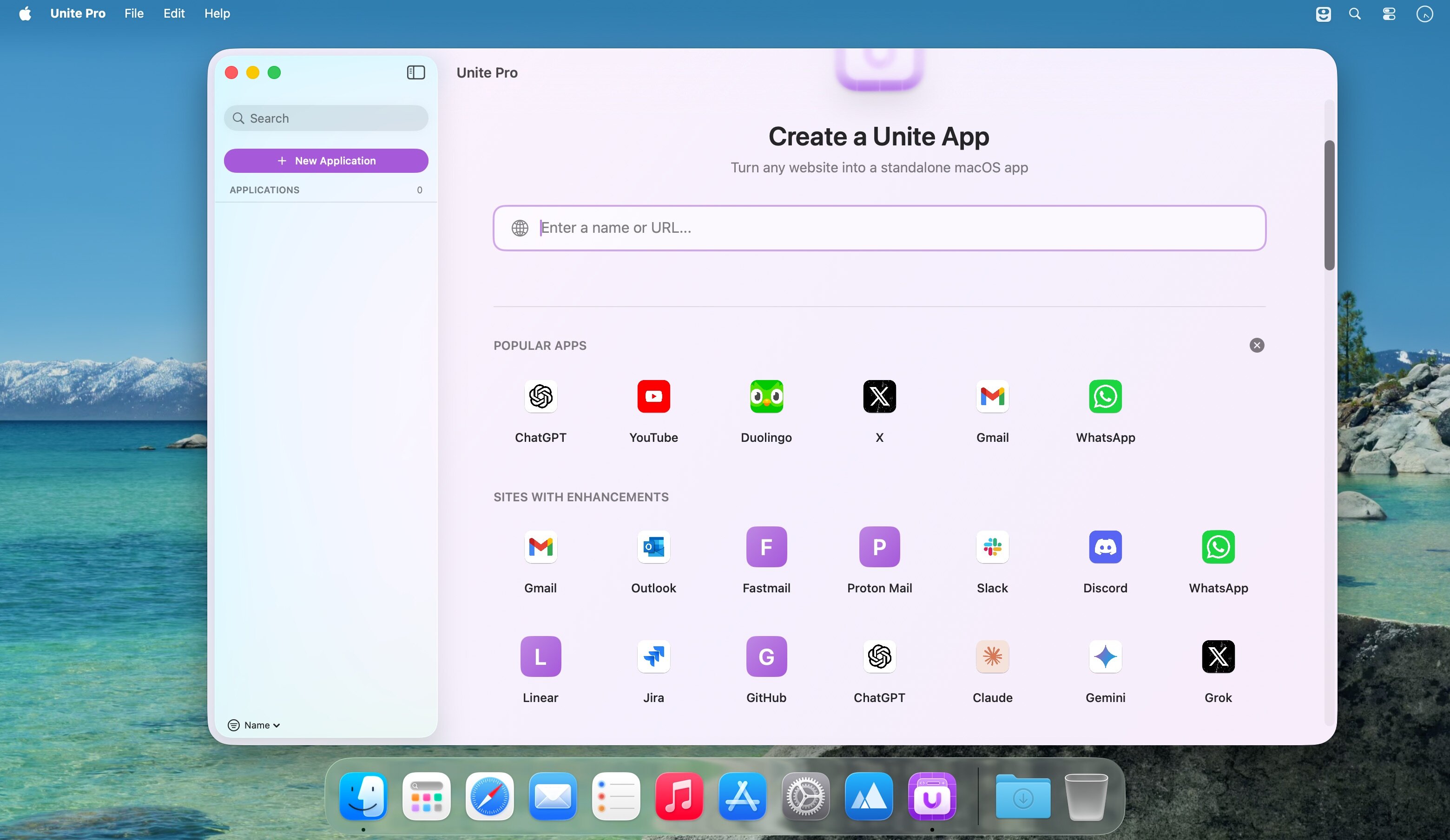
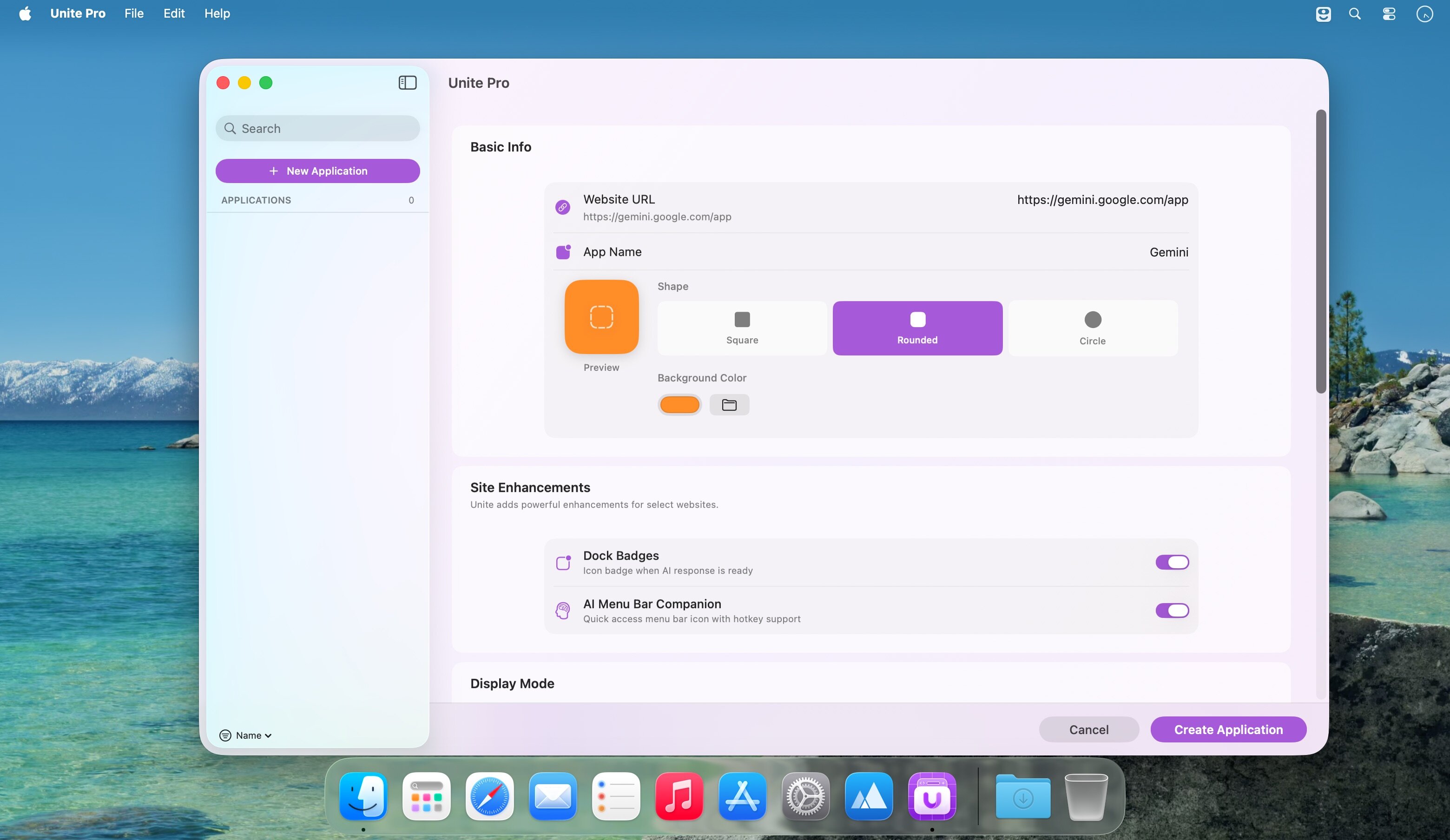
三步封神:粘贴网址 → 拖入图标 → 调整主题色与窗体风格。无需编码,不依赖 Electron 或 Chrome 内核,每个应用仅占用极小内存,却拥有独立进程、独立通知权限、独立 Focus Mode 行为——你终于能对「那个总在后台偷跑的 Gmail 标签页」说再见了。
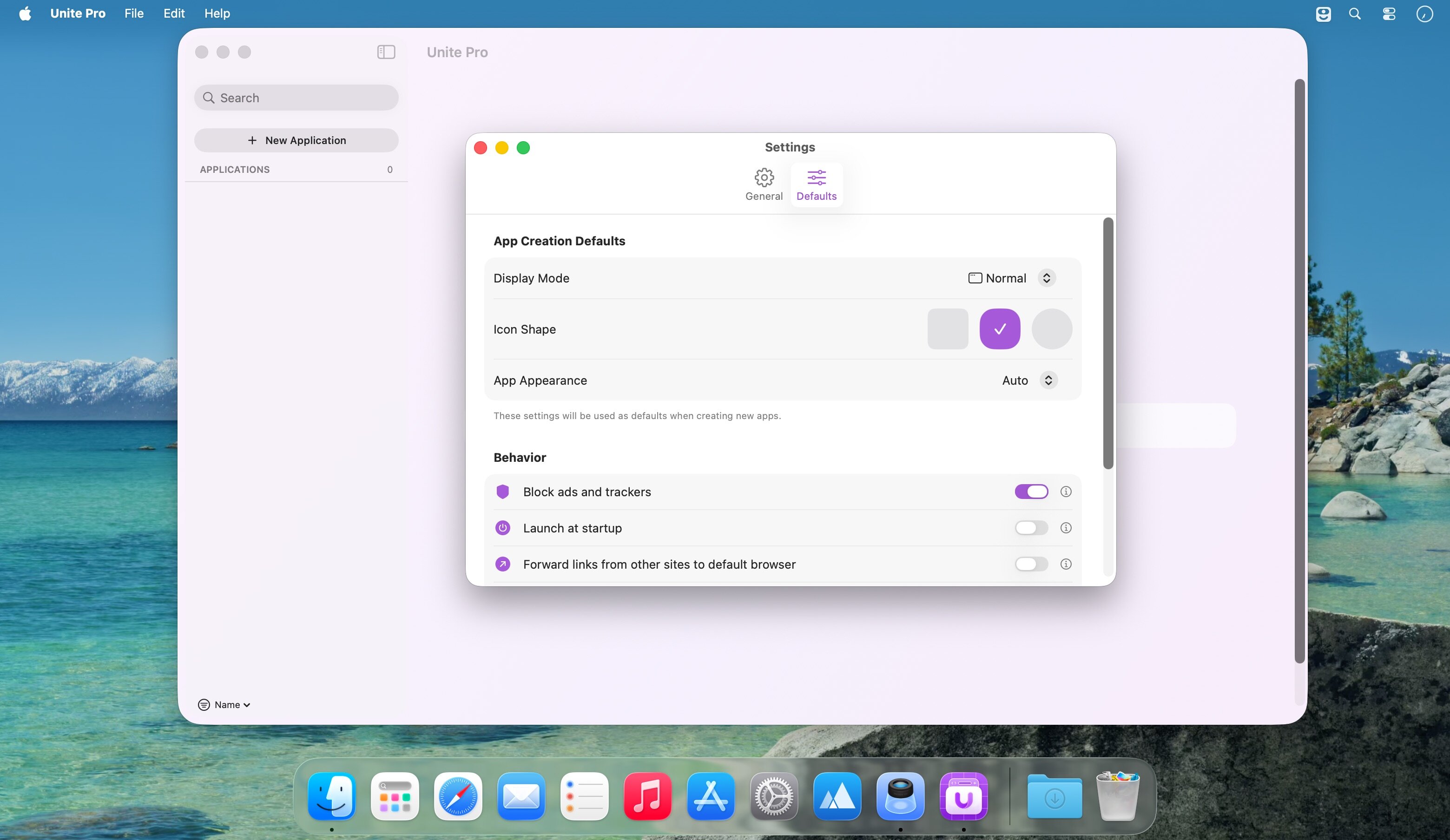
这才是真正的网页深度定制:一键隐藏标题栏、自动适配网站主色调、自由切换浮动窗口/侧边栏/紧凑模式/菜单栏工具形态;链接默认新开窗还是新标签?通知是否绕过勿扰模式?Tab 是否锁定防误关?甚至键盘快捷键——从 Command+Shift+L 快速聚焦搜索框,到自定义删除键修复(Reddit/LinkedIn 文本编辑终于不再失灵),全由你掌控。
更懂效率玩家的细节已就位:内置广告过滤器静默拦截干扰元素;Terminal URL 支持让自动化脚本直呼内行——现在,你可以用 open -a "Unite Pro - Jira" https://jira.example.com 一键唤起专属工作台;所有导航快捷键(Cmd+←/→ 光标跳转、右键菜单新增「新开标签」选项)全部精准生效;Dock 点击逻辑、菜单栏图标着色持久化、启动时随机弹出 Apple.com 的诡异 Bug……统统清零。
这不是又一个 PWA 封装器——这是 macOS 上首个把网页体验「编译」进系统肌理的生产力引擎。
What's New:
Version 1.2:
Terminal URL Support: Added support for opening supported URL commands directly in Terminal, making Unite fit more naturally into advanced workflows and automation.New Window and Tab Shortcuts: The “Open in New Window” right-click shortcut now always opens links in a new window, and a new “Open in New Tab” shortcut has been added for clearer, more predictable behavior.Improved Web Shortcut Initialization: Fixed an issue where website shortcuts on sites like Gmail would only begin working after clicking inside the tab. Shortcuts now work immediately when the app opens.Delete Key Behavior Fix: Fixed an issue that broke delete key behavior on websites like Reddit and LinkedIn, restoring expected text editing behavior.Navigation Shortcut Fixes: Fixed an issue where Command + Left Arrow and Command + Right Arrow were not working correctly in web-based text editors, and resolved a bug where disabling alternative back and forward shortcuts did not properly turn those shortcuts off.Dock Click Behavior Fix: Fixed an issue where clicking the Dock icon could unexpectedly open a blank tab.Menu Bar Tint Persistence: Fixed an issue where the menu bar icon tint setting would not persist correctly between sessions.Menu Bar Launch Fix: Fixed an issue where a random Apple.com tab could open on launch in certain menu bar app scenarios.
Screenshots:
下载地址:





