
Parallels Desktop 26.3.1-57396 macOS 虚拟化 苹果芯片原生加速 Windows/macOS 双系统无缝共生
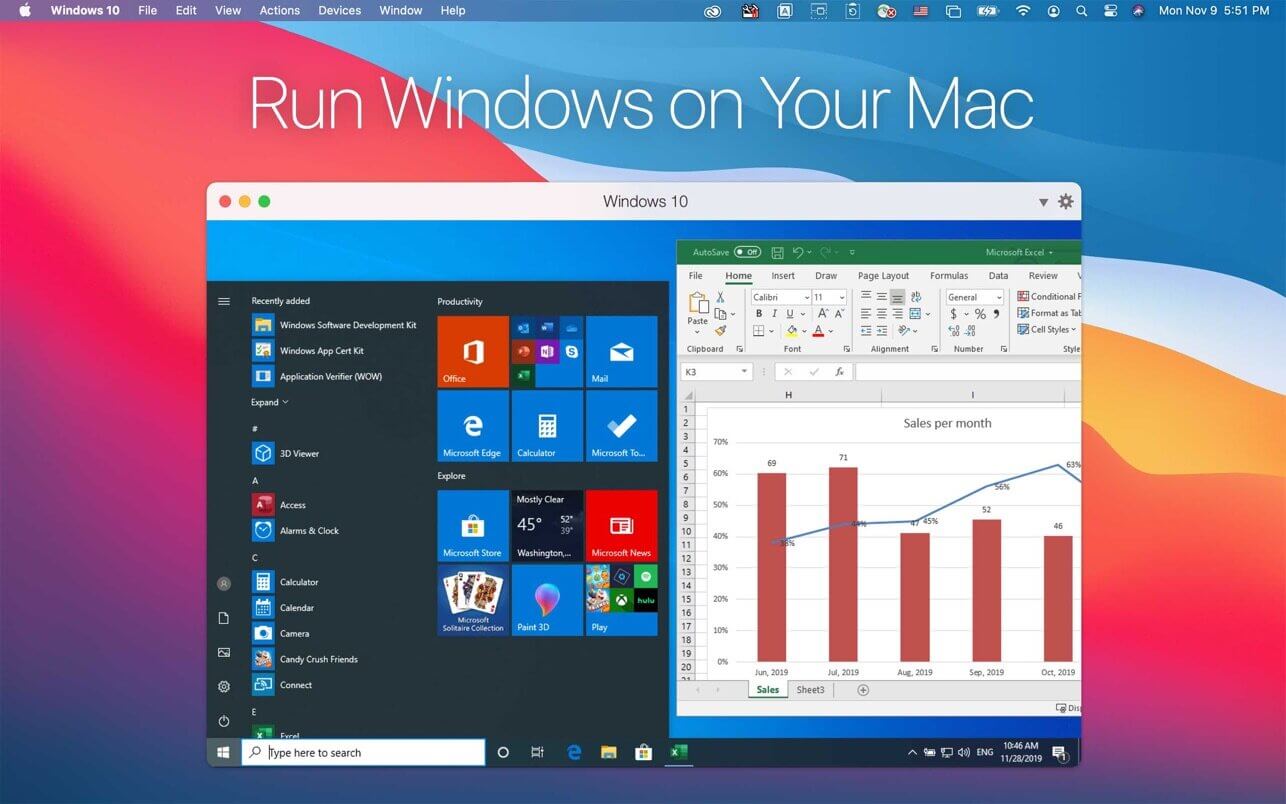
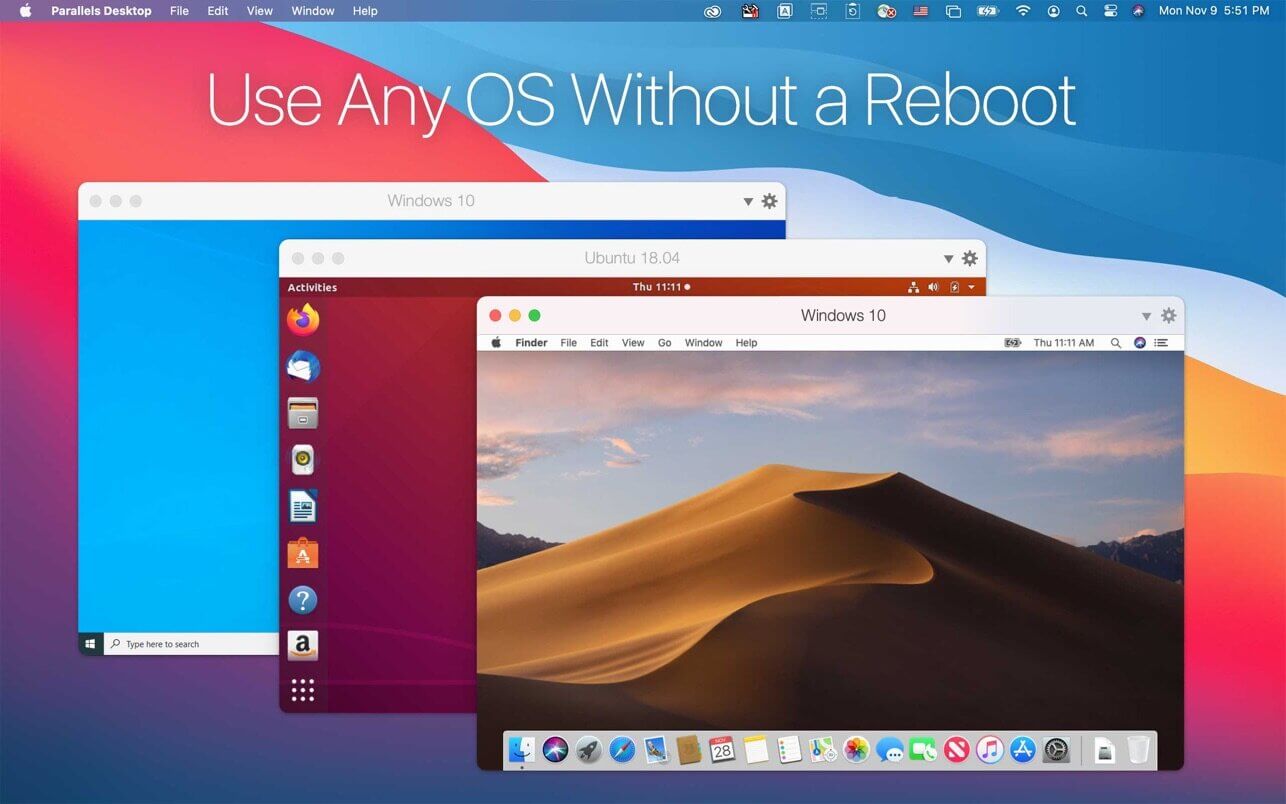
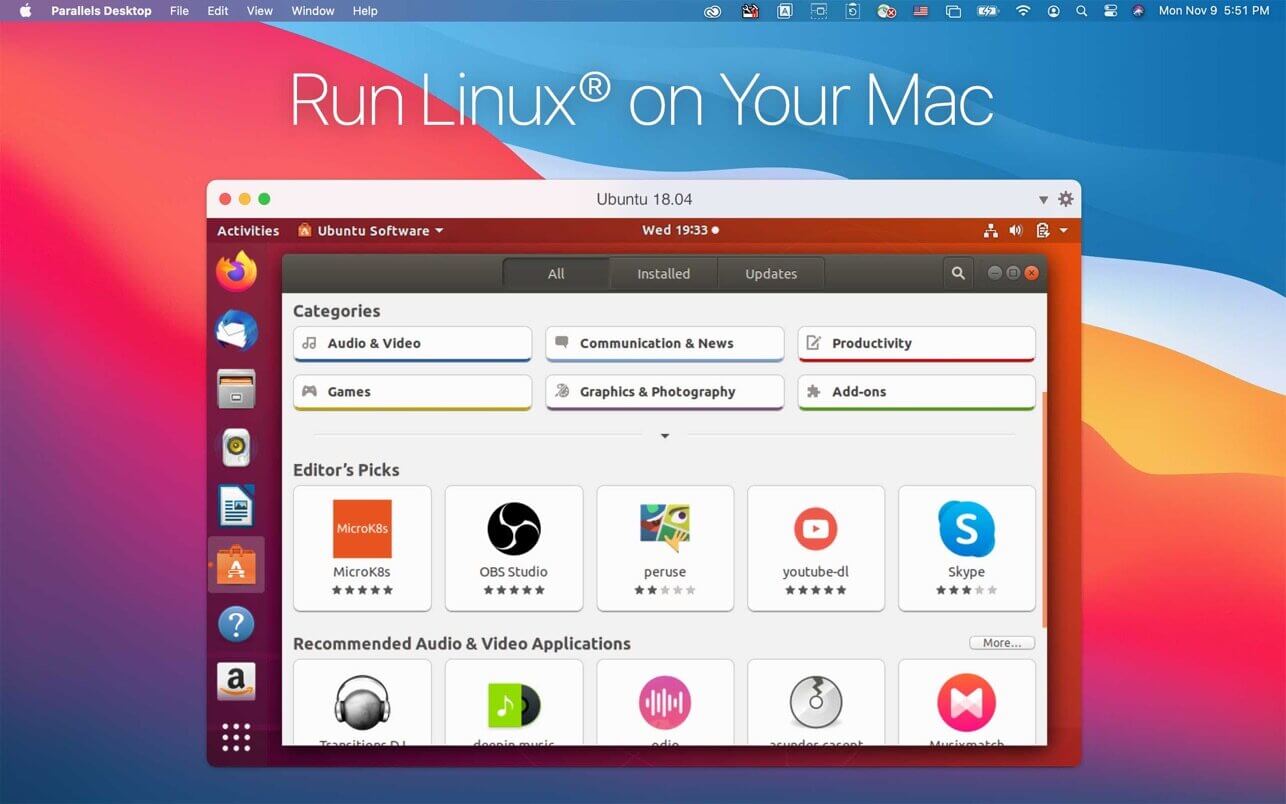
还在为M1/M2/M3 Mac无法运行Windows软件发愁?别再折腾Boot Camp——它已在Apple Silicon上彻底谢幕。现在,你只需一键启动Parallels Desktop,就能在Mac桌面原生运行Windows 11、macOS Ventura/Sonoma/Tahoe、Ubuntu 24.04、Fedora 42、Kali 2024.2,甚至ChromeOS和Android系统,全程无需命令行、不查文档、不配环境。
新手三步开箱即用:选系统→点安装→等完成。想试Windows 11?向导自动下载ISO、分配资源、激活License;想跑Linux开发环境?Ubuntu或Debian直接“即点即装”,连驱动都预装完毕;连macOS本体都能从恢复分区一键克隆成虚拟机——这才是真正为Mac用户重写的虚拟化体验。
更惊艳的是「共生模式」:开启Coherence后,Word、Excel、Photoshop等Windows应用窗口直接浮现在Mac桌面上,支持Mission Control调度、Spotlight全局搜索、Touch Bar快捷操作,文件拖拽跨系统秒同步——你的Mac不再“托管”Windows,而是与它并肩协作。
苹果芯片专属优化已深度落地:ARM架构下Windows虚拟机磁盘空间感知更精准,避免大体积软件拖垮Mac响应;全屏Windows应用在Coherence中不再阻断睡眠,Persona 5 Royal等游戏级应用崩溃问题彻底修复;Retina显示渲染无锯齿,Office文档在Safari中双击即唤起原生Windows版打开——这不是模拟,是融合。
专业场景同样游刃有余:企业版集成Jamf脚本批量管控VM更新,Golden Image部署自动刷新UUID确保Intune零故障入网;开发者可直连Docker容器、调用Vagrant编排、在Visual Studio中调试跨平台代码——Pro版保留全部生产力工具,Standard版则专注满足绝大多数用户的日常刚需:流畅运行办公、设计、测试、学习类虚拟系统。
告别VirtualBox的配置地狱,绕过VMware的复杂授权。Parallels不是“又一个虚拟机软件”,而是Mac生态里唯一把「易用性」和「专业性」同时拉满的虚拟化中枢——尤其当macOS Tahoe 26正式发布,它已是首批全面适配的解决方案:全新系统图标、完整宿主/客户机双端支持、Linux发行版开箱即用,连Debian 12.6和Mint 21.3都已列入默认镜像库。
当然,精简也是进化的一部分:macOS Monterey 12支持终止、蓝牙直连虚拟机功能下线(USB蓝牙适配器仍完美兼容)、内核扩展(kext)全面退役——Parallels选择砍掉低频冗余,只为让每一次点击、每一次拖拽、每一次切换,都更快、更稳、更像Mac该有的样子。
无论你是刚买MacBook Air的学生、需要双系统办公的设计师、依赖Windows测试环境的开发者,还是管理百台虚拟机的IT负责人——Parallels Desktop 26.3.1就是你在Apple Silicon时代,继续自由使用所有操作系统的底气。
What's New:
Version 26.0
Parallels Desktop 26.0.0(build 57238)迎来架构级升级,全面拥抱macOS Tahoe 26——不仅是兼容,更是深度协同:宿主机与虚拟机双向支持Tahoe新特性,图标系统全面重绘,视觉语言与新版macOS严丝合缝。
Windows on Mac
Windows虚拟机 now intelligently reads your Mac’s real-time disk capacity—no more accidental “C: drive full” crashes or sluggish performance from oversized installs.
Full-screen Windows apps in Coherence mode now respect macOS sleep policies without workarounds.
Persona 5 Royal launch crash on Windows 11 VMs? Fixed—game-ready out of the box.
Linux on Mac
Apple silicon Macs: Ubuntu 24.04.2, Fedora 42, Debian 12.6, and Kali 2024.2 boot instantly—no manual kernel tweaks.
Intel Macs: Ubuntu 24.04, Fedora 40, Debian 12.6, and Mint 21.3 now supported natively.
CentOS 10 on Intel Macs? Parallels Tools install reliability restored.
Parallels Desktop 26 for Mac Business Enterprise Edition
IT admins can now orchestrate VM software updates across fleets using Jamf Pro scripts.
Golden Image-deployed VMs auto-regenerate unique IDs—Intune enrollment succeeds every time.
What was deprecated or removed from Parallels Desktop 26
Based on real-world usage data from the Parallels Customer Experience Program, rarely used features have been retired to sharpen focus on what matters most: speed, stability, and simplicity.
The following capabilities are discontinued in Parallels Desktop 26 for Mac:
Installation on macOS Monterey 12.
Direct Bluetooth device passthrough to VMs (keyboard/mouse/gamepad still work seamlessly via host).
Note: For VM-exclusive Bluetooth pairing, use a USB Bluetooth adapter.
Legacy USB and network kexts—Intel Mac VMs now operate reliably in modern kextless mode.
Deferred activation.
Custom update server configuration in deployment packages.
Color tag sync between Parallels Desktop Control Center and Finder.
One-click Parallels Toolbox for Windows installation from the Parallels Desktop menu.
Screenshots:
DOWNLOAD:
下载地址:





