
MouseBoost Pro 4.3.0 macOS 鼠标增强 30+场景化右键工具 深度集成Shell/AppleScript自动化

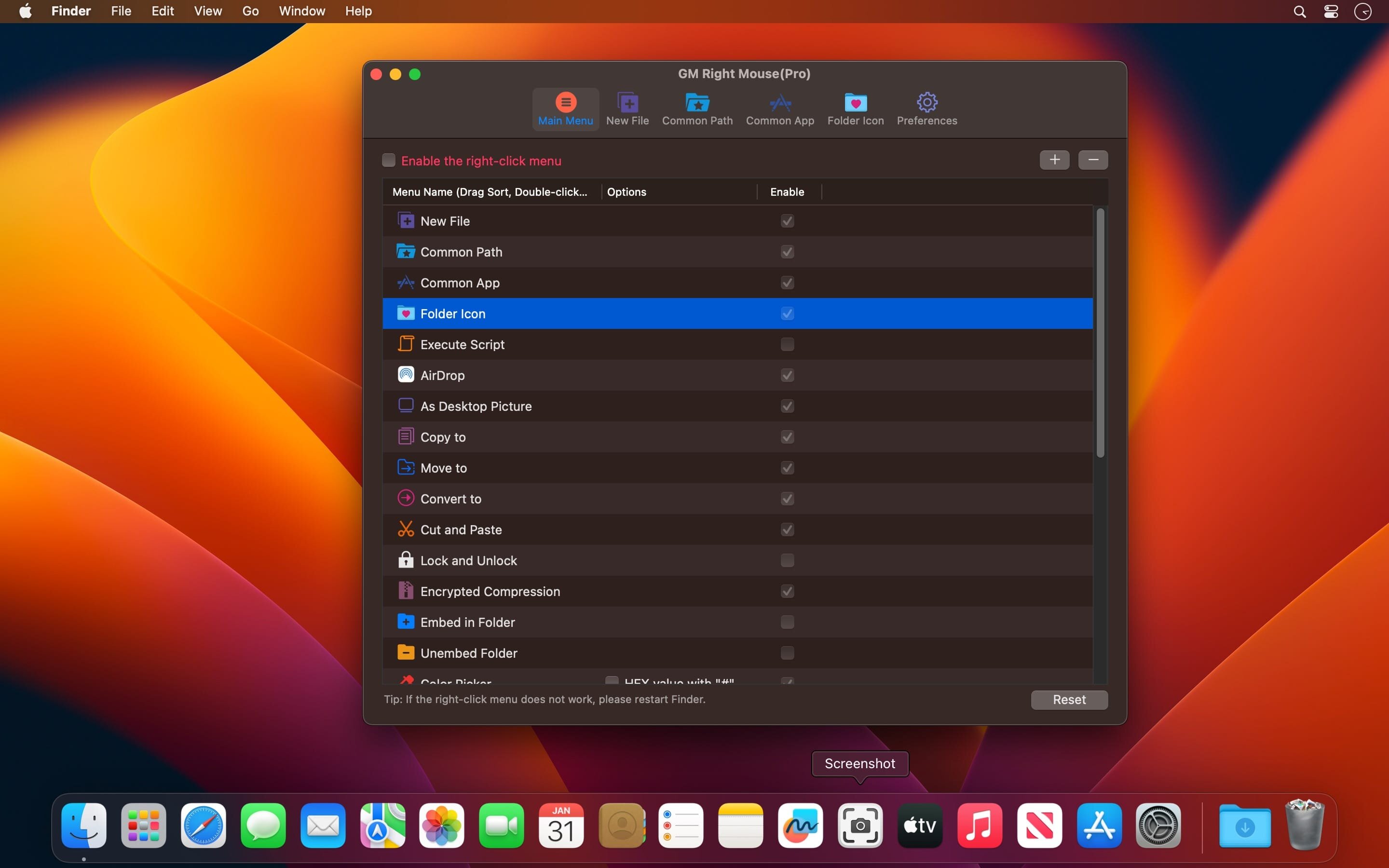
你只需轻点一下右键——无需记忆快捷键、不用切换窗口、不必打开设置面板,30余项高频操作即刻唤醒:从新建项目文档、秒启VSCode或iTerm2到指定路径,到一键加密压缩文件、批量获取SHA256校验值,甚至隐藏敏感文件夹、自定义图标样式……所有动作都为你收束在指尖方寸之间。
它不只是“右键菜单扩展”,而是你Mac工作流的隐形加速器:拖拽文件即可完成移动/复制/剪切;选中目录直跳终端当前路径;点击即生成Markdown、JSON、Python脚本等任意模板文件;连系统级操作如主题切换、休眠锁定、强制清空废纸篓,也统统支持单击触发。
更惊艳的是——4.3.0已全面打通Shell与AppleScript生态:你收藏的自动化脚本,现在能像原生功能一样嵌入右键菜单,真正实现“所想即所得”。暗色/亮色模式一键切换、常用开发环境秒级唤起、文件元数据(MD5/SHA1/SHA256)实时解析……每项能力都经过开发者日常高强度验证,只为把重复劳动压缩成一次点击。
Main Features
All menus are fully reorderable via drag-and-drop — no config files, no restarts.
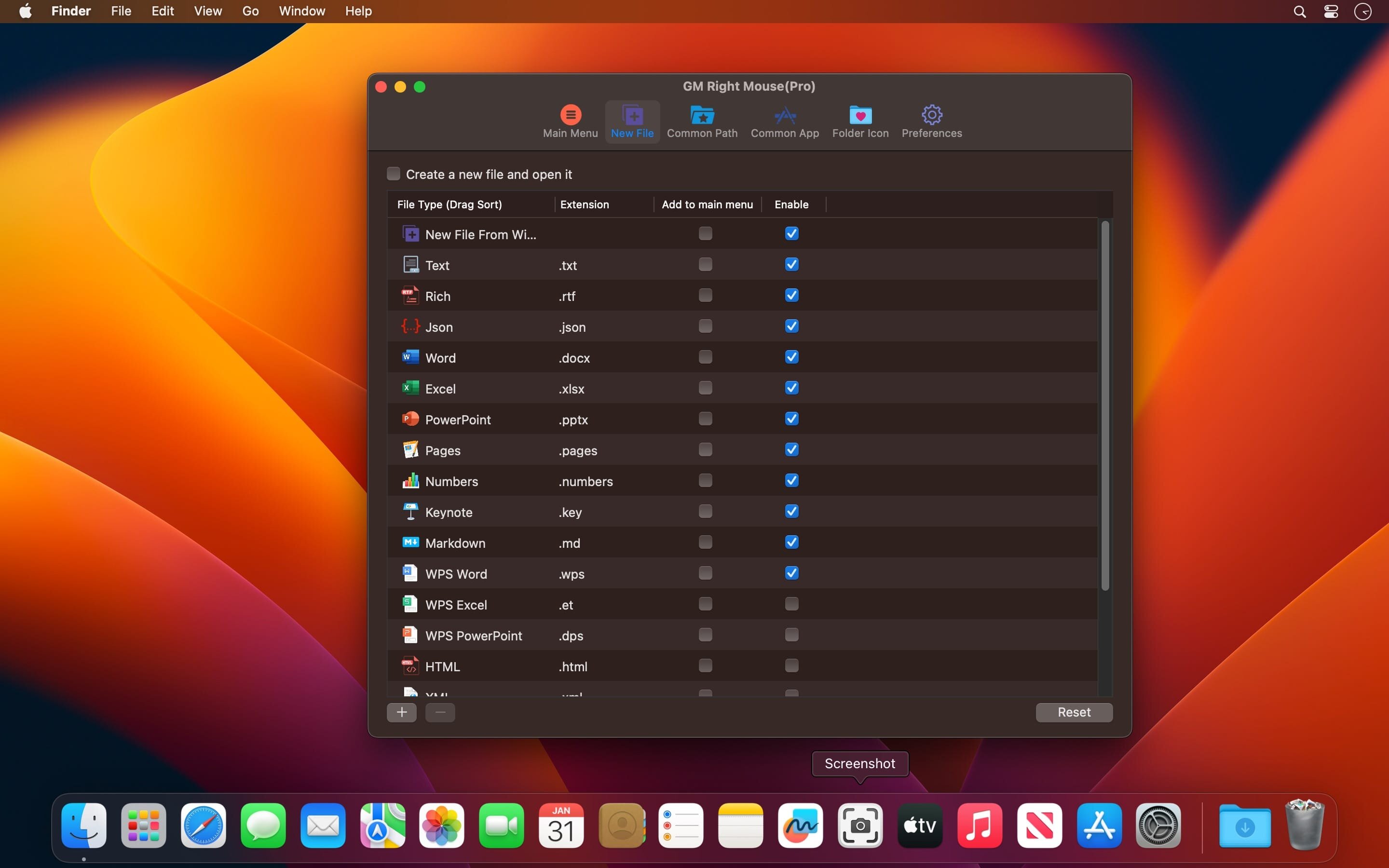
Instantly generate any file type: .py, .md, .env, .json, or your own custom templates.
Jump straight into iTerm2 or Terminal at the current folder — no cd commands needed.
Launch VSCode, Sublime Text, Emacs (or any app) with pre-configured paths and arguments.
Copy full POSIX path with one click — perfect for devs and power users.
Bypass Finder’s safety prompts: secure permanent deletion with confirmation override.
Drag-to-move/copy/cut files across volumes — with visual feedback and progress.
Create encrypted ZIP/TAR archives on demand, password-protected and AES-256 secured.
Bookmark favorite folders (Desktop, Projects, Downloads) for instant navigation.
Reveal hidden files/folders selectively — no terminal required.
Swap folder icons in seconds using drag-and-drop image assignment.
What's New:
Version 4.3.0
Version 4.3.0 — Where automation meets intuition.
Now execute *any* Shell script or AppleScript directly from context menu — no wrappers, no permissions hurdles.
Added intelligent theme sync: matches system appearance *and* respects manual overrides.
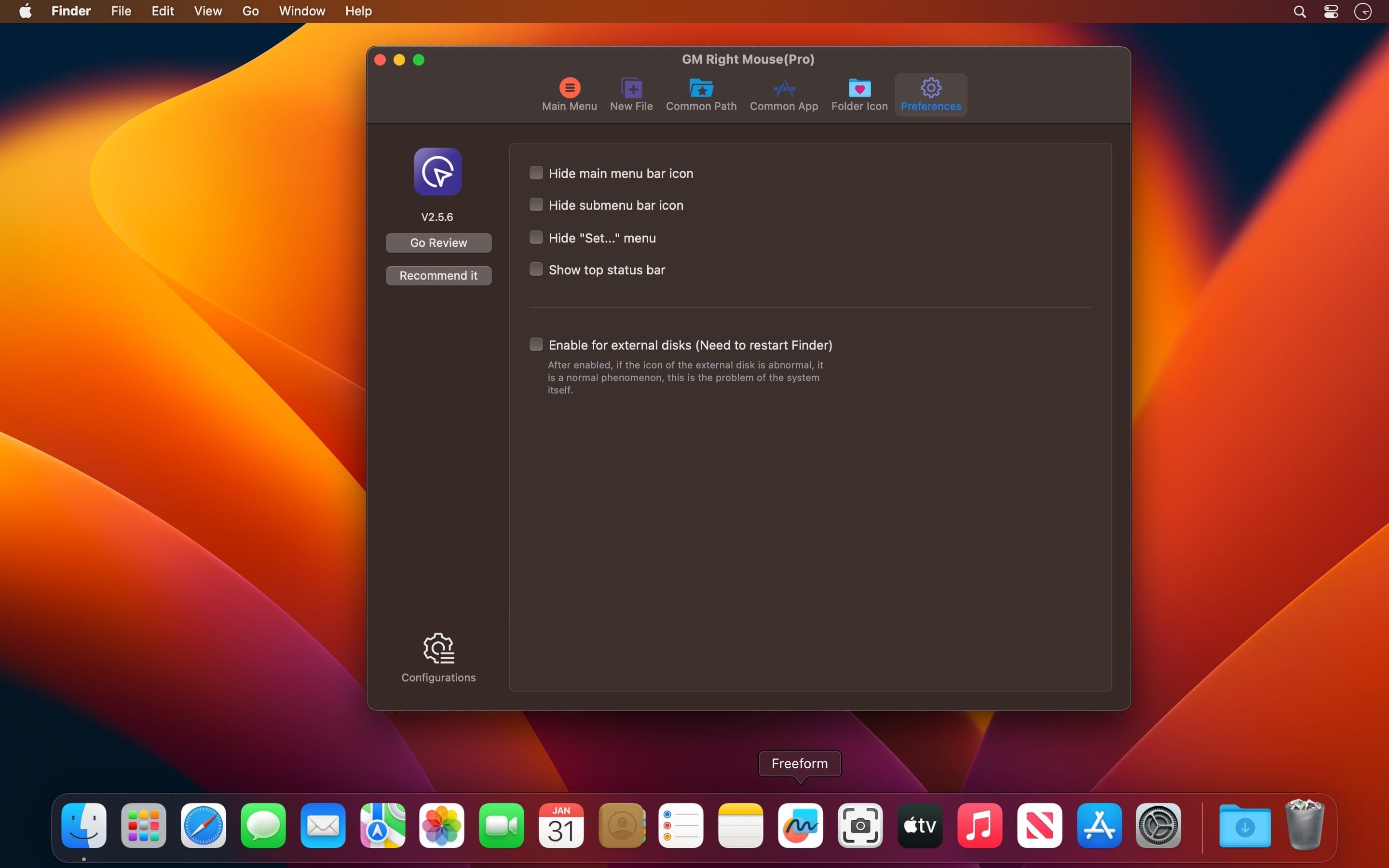
New “Quick Lock” & “Deep Sleep” shortcuts — optimized for security-first workflows.
Fixed edge-case conflicts with third-party menu enhancers and M1/M2 Rosetta 2 environments.
Screenshots:
DOWNLOAD:
下载地址:





