
MouseBoost Pro 4.3.1 macOS 鼠标增强 30+ 场景化右键工具 一键触发全栈文件与开发工作流

你只需轻点一下右键——不是菜单里翻三层,而是瞬间唤醒终端、启动 VSCode、加密压缩文件、跳转到任意工程目录,甚至生成 Markdown 笔记模板或 Python 脚本骨架。MouseBoost Pro 不是“又一个右键插件”,而是为你量身打造的 macOS 鼠标生产力中枢。
它把开发者日常高频操作(打开 iTerm2 并自动 cd 到当前路径、用 Sublime 快速编辑配置文件)、文件管理刚需(彻底删除敏感文档、批量重命名+图标自定义、隐藏系统级临时文件)和创意效率动作(一键获取 SHA256 校验值、拖拽即加密打包)全部浓缩进一次右键响应——毫秒级调用,零记忆成本。
更聪明的是:所有功能都支持深度个性化——你可以按项目习惯重排菜单顺序,为设计团队固定「新建 Sketch 文件 + 打开资源库」组合项,给运维同事预置「SSH 连接脚本 + 日志实时 tail」快捷入口;还能把 Shell 或 AppleScript 封装成按钮,让自动化真正长在指尖上。
新版亮点直击痛点:
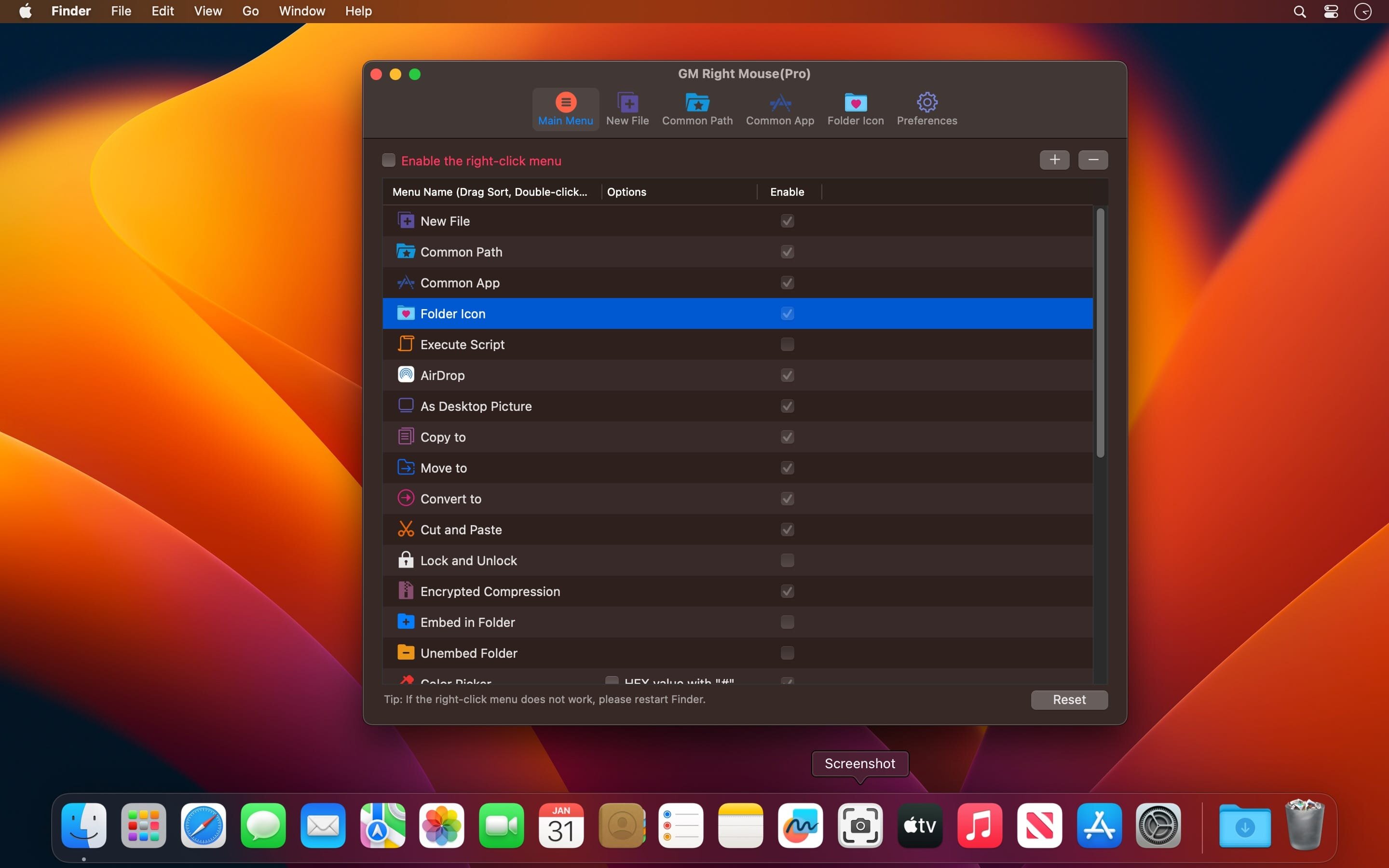
All menus support custom sorting.
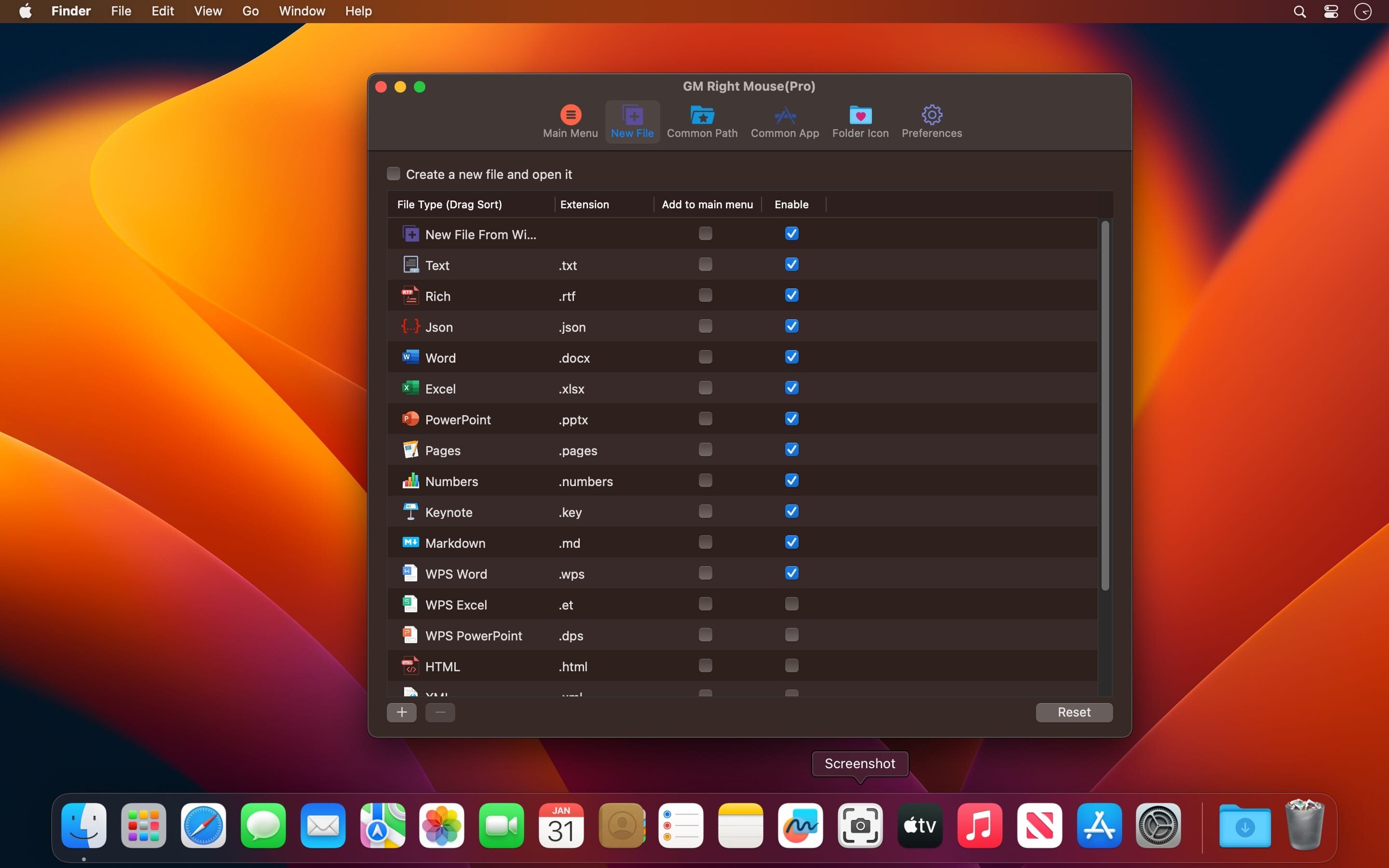
Quickly create all kinds of commonly used files, and supports custom creation of various file types you want.
Quickly open your terminal, iTerm2, and go to the directory you want.
Quickly open VSCode, Sublime Text and Emacs, and customize the various apps you want to open.
Quickly copy the current path power.
Complete files deletion is supported.
Supports files moving, copying and cutting.
Supports files encrypted compression.
Quickly open your favorite directory.
Quickly get file MD5,SHA1,SHA256 and other information.
Supports hiding and displaying of specified files.
Supports modify folder icon.
✨ 版本 4.0.0 起全面进化:新增暗色/亮色主题一键切换、系统级锁屏与休眠快捷指令,并原生支持任意 Shell / AppleScript 脚本注入——从此,你的右键就是 macOS 的第二大脑。
Screenshots:
DOWNLOAD:
下载地址:





