
Mellel 6.6.5 macOS 学术写作 多语种原生支持 RTL 深度索引引擎

你是否正为撰写跨语言学术长文而焦头烂额?阿拉伯语注释混排希伯来语脚注、波斯语术语嵌入英文正文、叙利亚语段落需精准双向对齐——这些让主流文字工具频频崩溃的场景,正是 Mellel 的主场。它不是又一个“轻量级”写作 App,而是专为研究者、译者与出版编辑锻造的 macOS 原生文字工作站:稳定到可连续编校 300 页博士论文不闪退,强大到让复杂索引、层级大纲与多脚注系统真正协同运转。
✨ 真正懂你的大纲视图
点击拖拽即可重组章节结构;按方向键实时收放层级;选中任意大纲项,文档自动滚动至顶部精准定位——连带批注、书签与浮动文本框的上下文关系都毫秒同步。这不是静态目录,而是你思维流动的实时镜像。
⚡ 秒级智能替换引擎
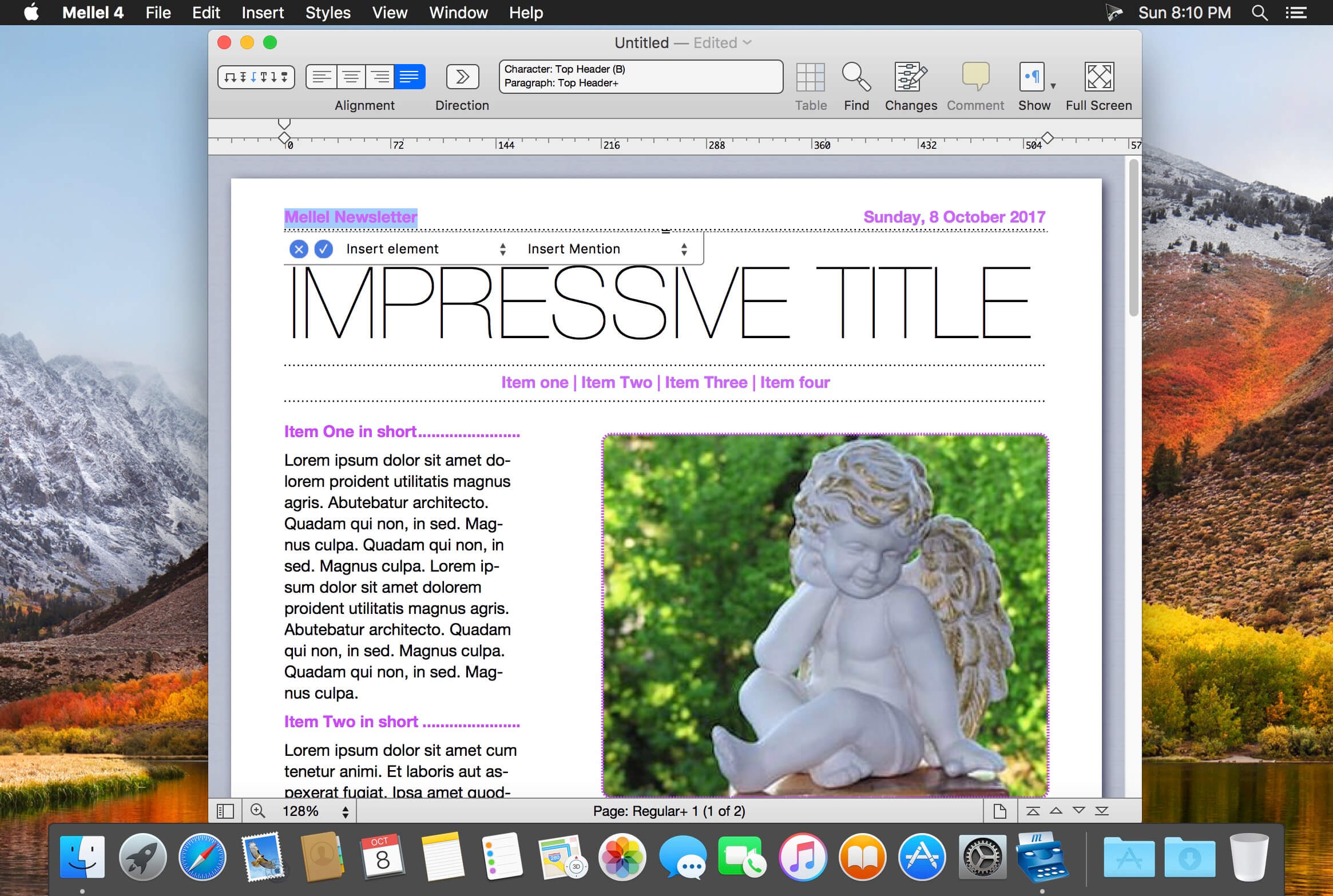
告别逐条手动修改!用「插入引用」「自动标题」「超链接」等语义化占位符构建替换模板,保存后一键复用——昨天整理的文献格式,今天三秒套用到新章节;上周修复的标点断行规则,此刻批量修正整本手稿。连带注释内符号定位、引文编号逻辑、甚至 Unicode 组合字符(如希伯来文尼库德)都能精准捕获。
📚 行业唯一的 RTL 原生架构
从底层渲染引擎开始就为阿拉伯、希伯来、波斯与叙利亚语深度优化:混合书写方向时标点自动归位、连字正确呈现、数字序列保持本地习惯(如阿拉伯数字右对齐)、连字符断行遵循语种规范——无需插件,不靠妥协,这才是真正的多语种平等协作。
🔍 专业级索引生成器(比独立索引软件更快)
三步完成学术出版级索引:标记关键术语 → 智能聚合同义词与变体 → 一键导出结构化记录。支持从笔记中提取索引项、跨文档导入/导出索引库、批量插入带样式的索引标记——你花半小时手动整理的索引,Mellel 用 90 秒生成并保持动态更新。
🌙 深度融入 macOS 生态的新体验
系统级暗色模式无缝切换(文档内容可独立设为浅色保眼);双栏分屏对比修订与原始结构;大纲可直接导出为独立 Mellel 文件用于协作审阅;参考文献对话框支持 Tab 键快速跳转字段;所有编号系统(页码/脚注/章节号)统一采用阿拉伯/罗马/希伯来(无格沙音)等专业格式——连图标、菜单分隔线与偏好设置命名(现为「Mellel Settings」)都经过学术用户千次打磨。
What's New:
Version 6.0.0:
New Features:
Dark Mode: Mellel's user interface and (optionally) document content will adapt to the system Dark Appearance when selected.Appearance automatically adjusted according to system setting.Always use light appearance for document content setting in Mellel Settings.Split View: Split the document view into two aspects.Toggle Split View button at the bottom bar.View Split View item in View menu.View Switch to Next Aspect command in View menu.Export Outline: Export document's outline into a new Mellel file.File Export Outline menu item.Option to export remarks.Option to immediately save exported document.
Find and Replace Improvements: New elements for replace expressions:
Insert Auto-titleInsert NoteInsert CitationInsert Hyperlink
Index Improvements: Several improvements to indexing:
Control over locators of index symbols inside notes.Export Index Records index cogwheel menu command.Import Index Records index cogwheel menu command.Insert Index Insert Index Mark menu command.Revised Index Record Context MenuMove Index RecordsAuto-title Batch Insert: Rapidly insert multiple Auto-titles based on character style.Batch Insert button on Auto-title palette.
Miscellaneous Changes:
You can now expand and collapse outline items using the right and left arrow keys.Outline navigation improvement: when clicking an outline item corresponding to a structure Auto-title, the document will scroll so that the Auto-title is positioned at the top of the document view and not at the center.Outline improvement: the outline now reflects the current location in the document correctly in filtered mode and the outline selection is updated when expanding/collapsing outline items.You can now tab between tables and fields in the Edit Reference dialog box.Revised About dialog.Revised icons for toolbar, palettes and more.Edit Table submenu.Unified menu labels and added dividers for numbering types (Arabic (1, 2, 3) Roman (i, ii ,iii) etc.) in all numbering type popup menus (Page number type, note symbol type etc)Hebrew (No Gershayim) numbering type.Mellel Preferences was renamed to Mellel Settings.Migration improvement: more robust detection of an installed old application.Trial window is now showing only at startup and every 24 hours.Revised and updated User Manual.
Bug Fixes:
Fixed a bug that caused only one Index record to be deleted when selecting multiple index records and deleting.Fixed an issue that caused the "continue" button in the trial dialog not to function properly.Fixed a bug that caused the format menu of the insert date sheet to be cutoff sometime.Fixed an issue that caused the style menus to display the wrong style or no style at all after applying a style set or doing "replace styles".Different drawing for "unfocused" state for selection of table as object, inline images and text boxes, and floating images and text boxes.Fixed capitalization in menu items and dialogs all around the application.Fixed an issue that caused dotted circle (u+25CC) not to combine with right-to-left non-spacing marks (i.e. nikkud and taamim).Fixed an issue that caused incorrect line breaking behavior with dashes (including minus hyphen) followed by a quotation mark.Fixed typo in reference format name (See Chaper See Chapter)Fixes many issues that caused insert menu items (autotitle, citation, date etc) to be enabled when they shouldn't be while editing non document fields (edit autotitle popover, outline items etc.)Fixed an issue that caused typed text to revert to the surrounding attributes when inserting diacritics/accented characters.Fixed a problem that caused track changes delete and insert marking not to be preserved for bookmarks, dates, images, text boxes and notes when reloading a document.Properly showing image and text box in track changes bubble.Fixes an issue that caused deleted note references not to look deleted in track changes.Find Replace toolbar button now bears the correct tooltip.Fixes an issue that caused strange and unexpected results after applying list attributes to a paragraph following an auto-title.Fixed an issue that caused elements seperated by a tab character to appear unified in epub export.Fixed a bug that caused Mellel to crash when filting an outline containing bookmarks under certain circonstances.Proper indenting of multiple bookmarks in the outline, when filtered.Fixed an issue that caused automatic update to fail sometimes on Apple Silicon macs.Fixed an issue that caused QuickLook to fail sometimes on Apple Silicon macs.
Screenshots:
DOWNLOAD:
下载地址:





