
PasteNow 2.29 macOS 剪贴板管理 多端实时同步 智能分类+光标秒贴

还在为复制粘贴反复切换、重要内容一刷就丢而抓狂?试试 PasteNow——你桌面与手机之间的「剪贴板中枢」。它不只是记录文字,更智能接管你的每一次复制:网页链接、代码片段、截图、富文本……全类型内容自动捕获、永久留存、跨设备即刻调用。
你真正需要的,是效率不中断的流畅感——现在,只需轻按快捷键,就能把刚存的代码块精准“钉”在光标位置;滑动指尖,iOS 键盘扩展里一键删除冗余项;创建专属清单(比如「待发邮件草稿」「调试日志」「灵感碎片」),让千条记录秒变结构化知识库。
Sync data between multi-devices
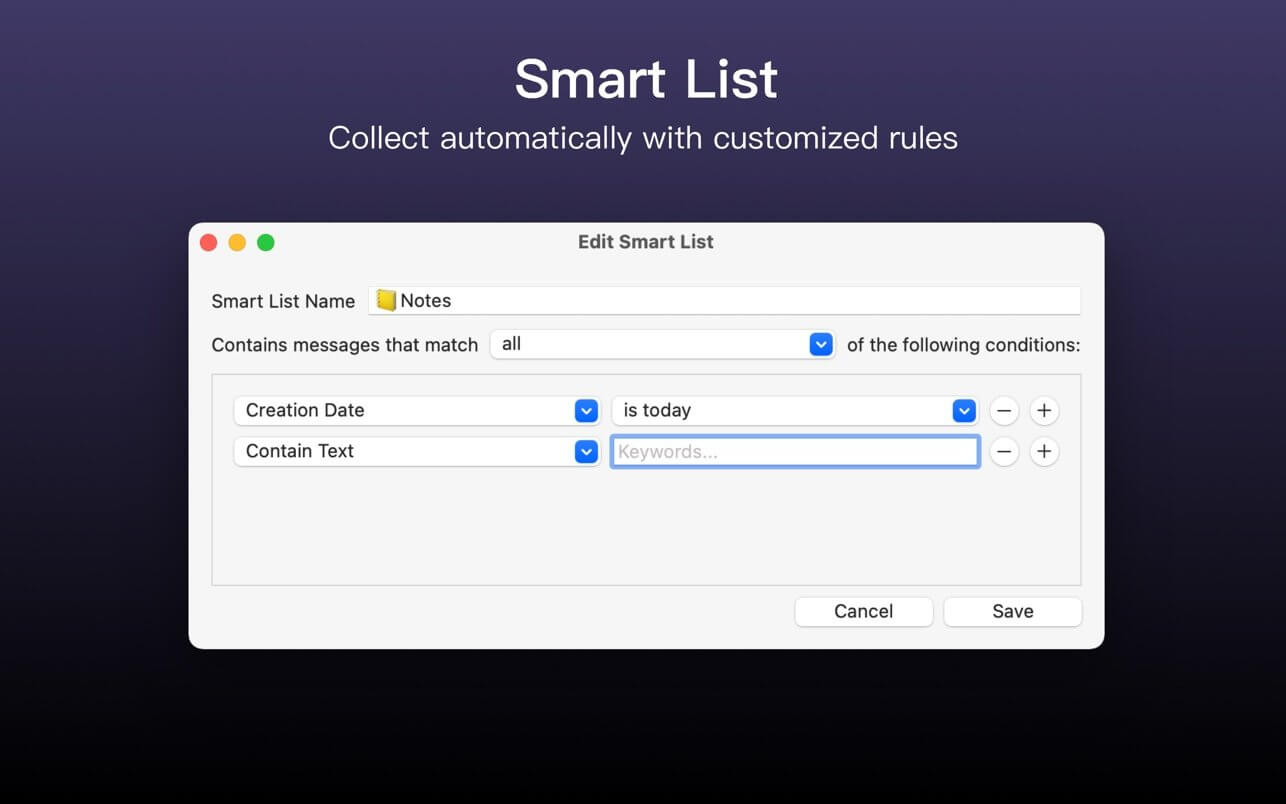
Create smart lists to filter and search content easily
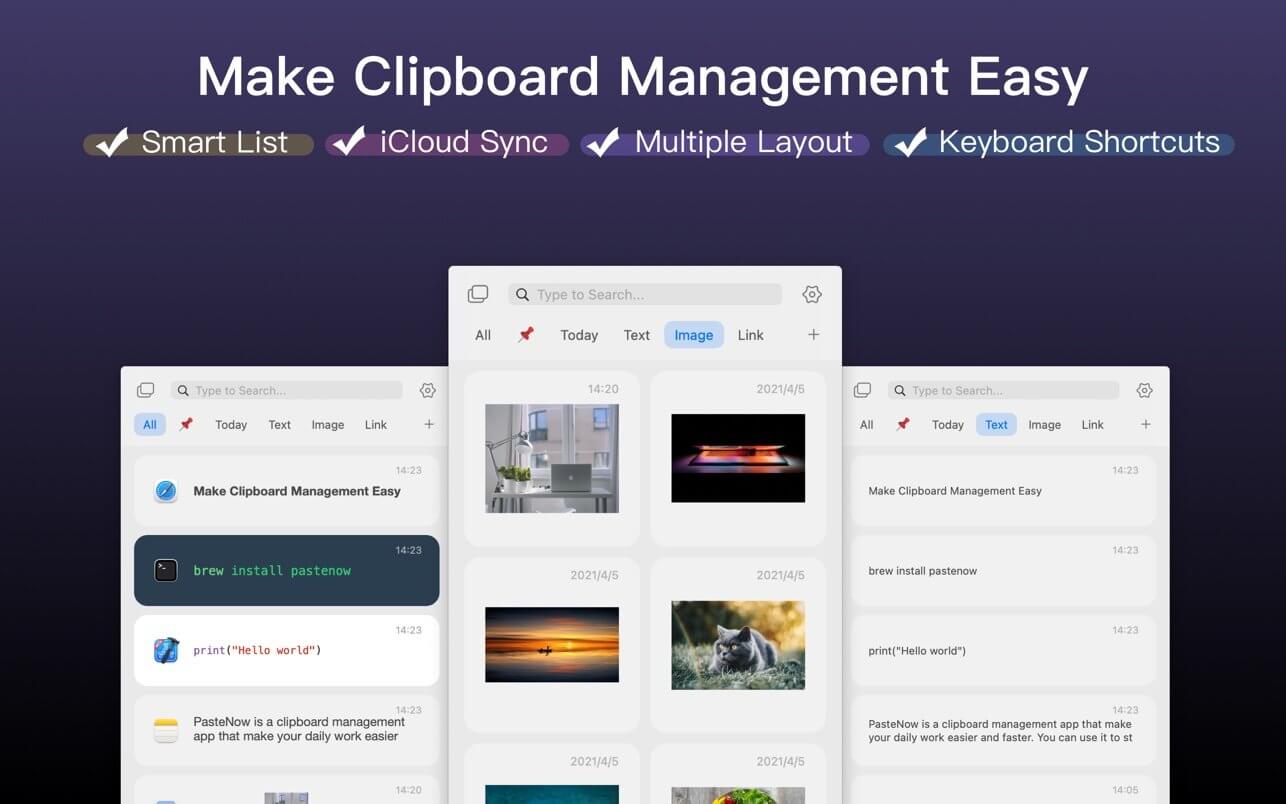
View different content in different styles of list view
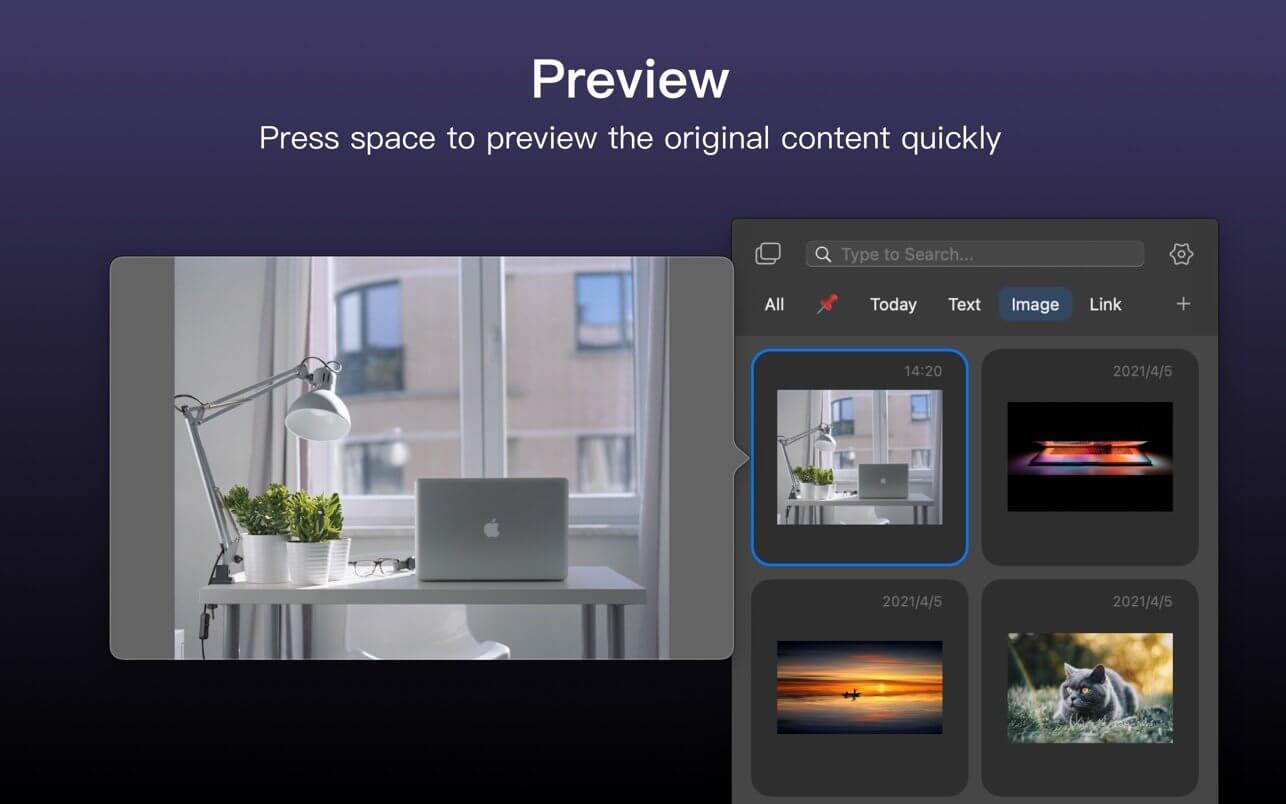
Use shortcuts to paste near the cursor instantly
这次 2.29 版本,我们把 iOS 键盘体验推向新高度:全新紧凑模式隐藏非必要按钮,界面呼吸感拉满;左滑复制、右滑删除,清理历史快如闪电;更深度适配 iOS 18——修复多选后操作栏消失的顽疾,让批量删、批量拷贝稳如磐石;键盘按键配色与系统原生风格严丝合缝,深色/浅色模式下对比度全面提升,看得清、点得准、用得爽。
别再让灵感从指缝溜走——PasteNow 不是工具,是你数字工作流的隐形加速器。立即启用,让每一次复制都有回响,每一次粘贴都恰到好处!
What's New:
Version 2.29
PasteNow 2.28 is here, bringing major improvements focused on the keyboard extension.Added a new Compact Mode for the iOS keyboard extension to hide the list and action buttons for a cleaner layout.Added swipe actions in the keyboard extension, including Copy and Delete and Delete, to speed up item cleanup.Fixed an iOS 18 issue where action options disappeared after selecting all items, restoring multi-select delete workflows.Improved keyboard key styling and special key colors to better match the native iOS keyboard and increase contrast in light and dark modes.
Screenshots:
DOWNLOAD:
下载地址:





