
GraphicConverter 12.5.2 macOS 图像处理 200+格式兼容 RAW专业开发 苹果生态深度协同

你是否厌倦了在多个工具间切换处理照片?GraphicConverter 12.5.2 就是你桌面端的全能图像中枢——它不是“又一个编辑器”,而是为你量身打造的 macOS 原生图像工作流引擎。从手机截图到专业相机 RAW,从压缩包里的老照片到 HEIC 格式的新影像,它用一套界面、一次点击,完成过去需要三四个 App 才能搞定的事。
想象一下:双击一个 ZIP 文件,无需解压,直接预览内嵌的 JPG、PNG、TIFF 甚至 PDF;拖拽一组 HEIC 照片到窗口,瞬间转成 WebP 并自动添加水印;给旅行人像一键抠图换背景,边缘自然得仿佛用 iPhone Pro 拍摄时就已智能完成——这些,现在全在 GraphicConverter 里丝滑实现。
更惊艳的是它的 RAW 开发能力:全屏沉浸式调校界面,曝光、对比度、色彩曲线一应俱全,6 维降噪滑块精准压制高感噪点,而画面通透度远超 JPEG 后期——因为原始数据毫发无损地参与运算。宽角畸变?用「广角均衡」功能轻轻一拉,建筑线条挺拔、人脸轮廓自然;想为海报设计渐变背景?新建 10 色自由渐变,实时渲染所见即所得;复古胶片风?「双色调」模式让你用两种主色重构明暗层次,每张图都自带电影质感。
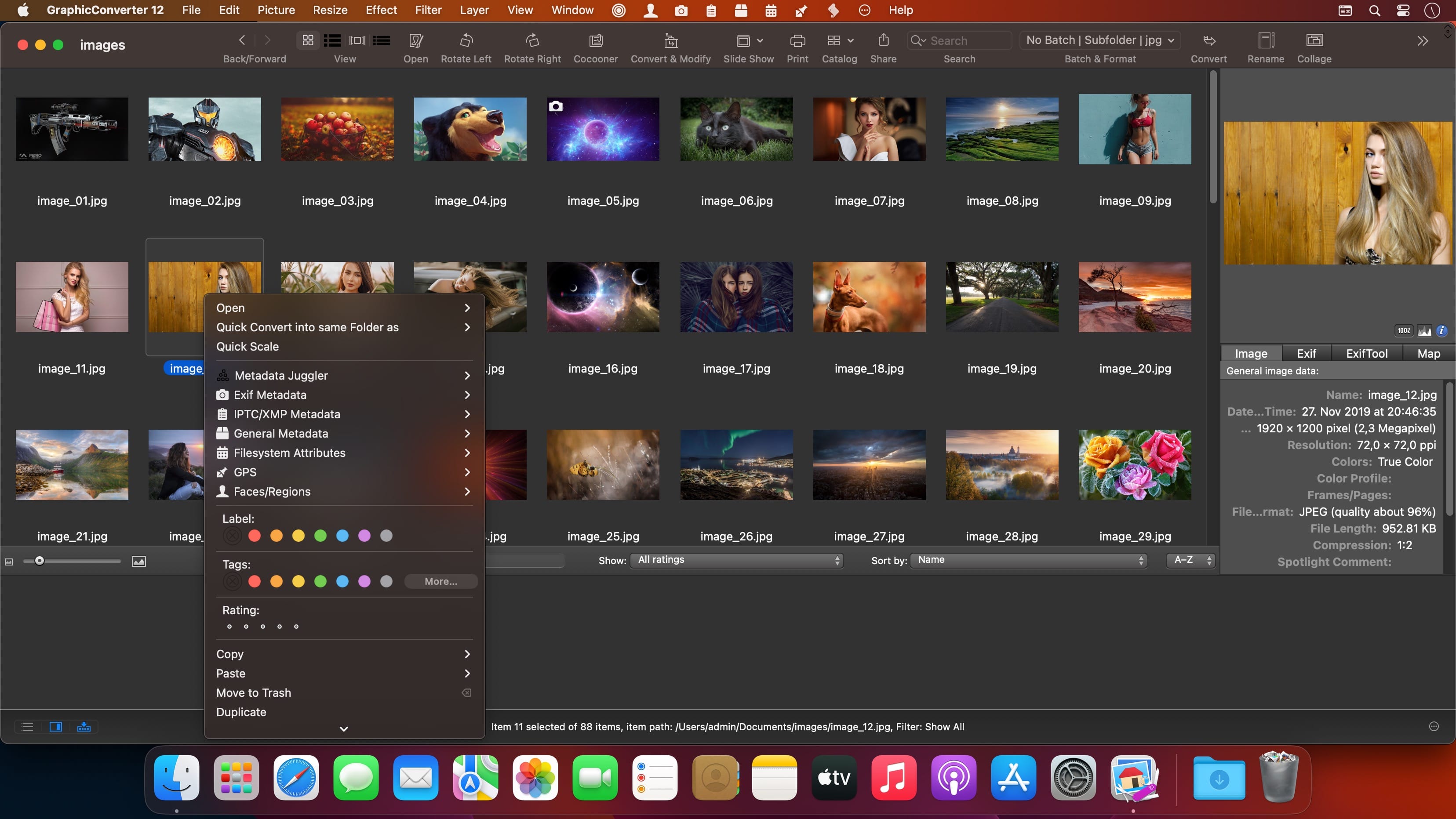
它还真正懂你的 macOS 生活:右键图片即可查看/修改 Finder 标签,让文件管理与创意工作无缝衔接;「元数据杂耍师」(Metadata Juggler)让你批量清洗、迁移、重组 EXIF/IPTC/XMP 字段——改掉拍摄时间、同步作者信息、复制版权字段……全程不重写图像本体,JPG/HEIC 零画质损耗,RAW 更是原地编辑;连鼠标定位都贴心升级:开启十字准线,线条直抵画布四边,裁剪、对齐、测量从此稳如标尺。
效率革命不止于此:支持 TAR/TGZ 等 13 种归档格式即时浏览;矢量图形(圆/矩形/直线)可带阴影自由编辑,保存为 .gcimgd 格式后随时调整;「撕裂边缘」效果升级——撕口自动右偏,你能像摆放贴纸一样精确定位残片;转换设置、动作脚本、常用文件夹全部支持导出/导入,换新 Mac 时,你的整个图像工作台一键复刻。
还有这些悄悄提升幸福感的细节:
• HEIC 导出新增 GainMap 增益数据,为未来 HDR 显示预留空间
• 元数据单独更新功能——只存 IPTC 变更,不碰像素分毫
• 拖拽即转换:扔进图片,选择目标格式+动作,转身喝杯咖啡,任务已完成
• 自动人物/物体识别抠图,精度媲美 iOS 17 实时分割技术
这不是功能堆砌,而是为 macOS 用户重新定义图像生产力:专业级能力藏在极简交互之下,新手三分钟上手,高手十年离不开。当你第一次用它修复一张十年老照片的色偏,或把百张扫描件秒转可搜索 PDF,你就知道——这才是 Mac 上该有的图像软件模样。
What's New:
Version 12.0
Metadata Juggler
With GraphicConverter you have always been able to edit the metadata of your images and move them to other fields. Now it's even easier. With the new Metadata Juggler dialog you can effortlessly combine several editing steps, save them and open them again at any time, just as you already know from the actions. Your advantage: You can, for example, delete parts of the metadata such as exposure time and aperture in one editing step and copy the contents of an IPTC field into another field, etc. The images are not opened and resaved. This means that there is no loss of quality with compressed formats such as JPG and HEIC, and RAW images can also be edited.
Automatic cropping
Just like on iPhones and iPads, you can now automatically crop people and objects and insert them into another image, for example. You won't believe your eyes.
Vector objects
Many have been waiting for this: lines, circles and rectangles can now be created as vector objects, optionally with a shadow. Save your image in GraphicConverter format /gcimgd) to be able to change the vector objects later.
Torn edge improved
If you don't want to show an image in its entirety, for example, because of space limitations, you can make the edge look like it's been torn off. Simply draw a zigzag line with the mouse. GraphicConverter tears off the lower part and adds a shadow. A new feature is that the torn-off part is moved to the right so that you can position it freely.
Import and export all settings
If you move to a different or new Mac, you can now easily take all settings and saved actions, etc. with you.
Multiple conversion: Favorites
In Convert Modify, you can now save your regularly used folders as favorites.
GainMap gain data
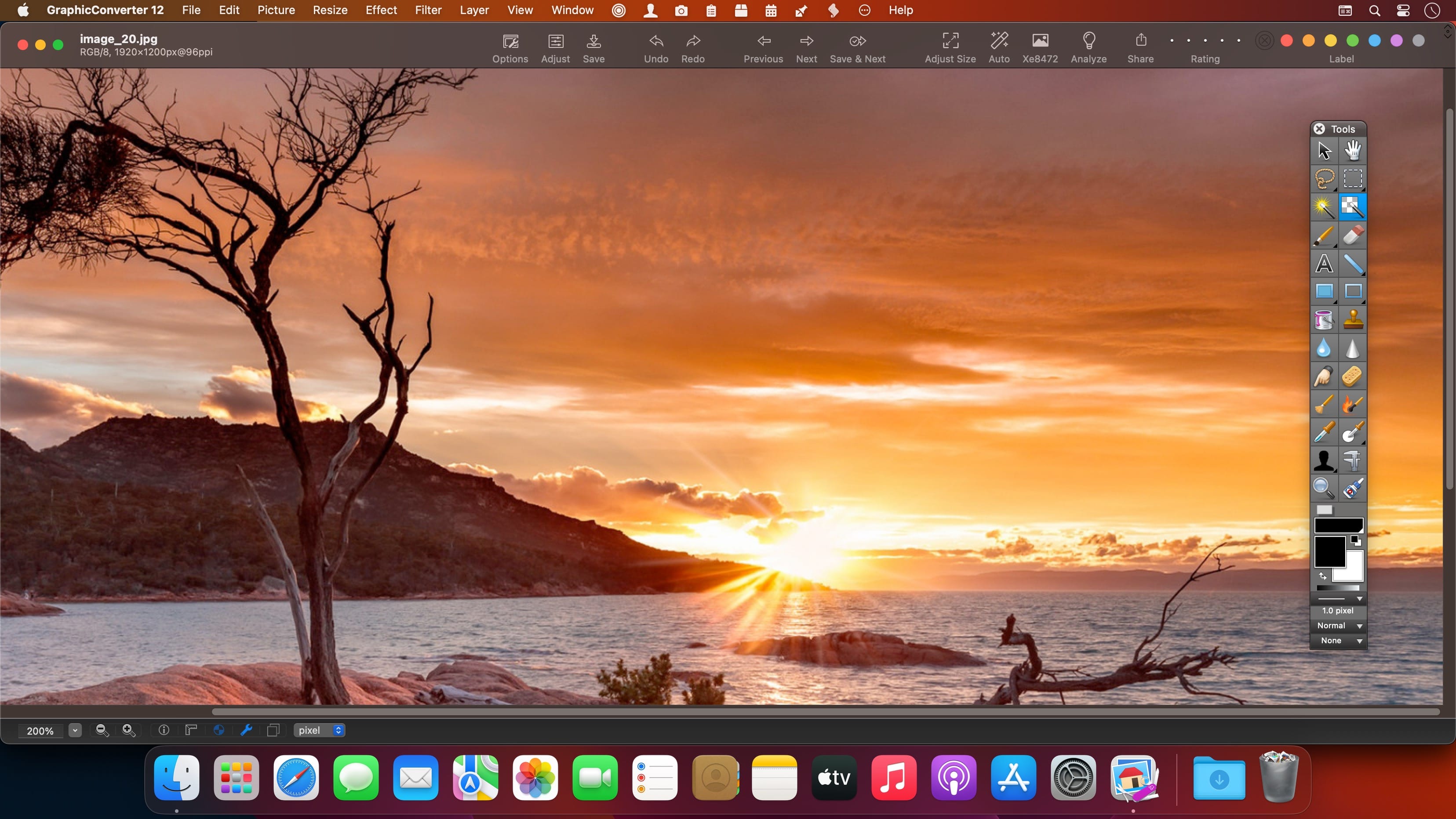
HEIC images can now be saved with GainMap gain data.Crosshairs In order to be able to read the mouse position at any time during editing, a crosshair can be switched on in the settings, whose lines always go to the edge of the image. This makes it easier for you to orientate yourself while working.
Convert via drag and drop
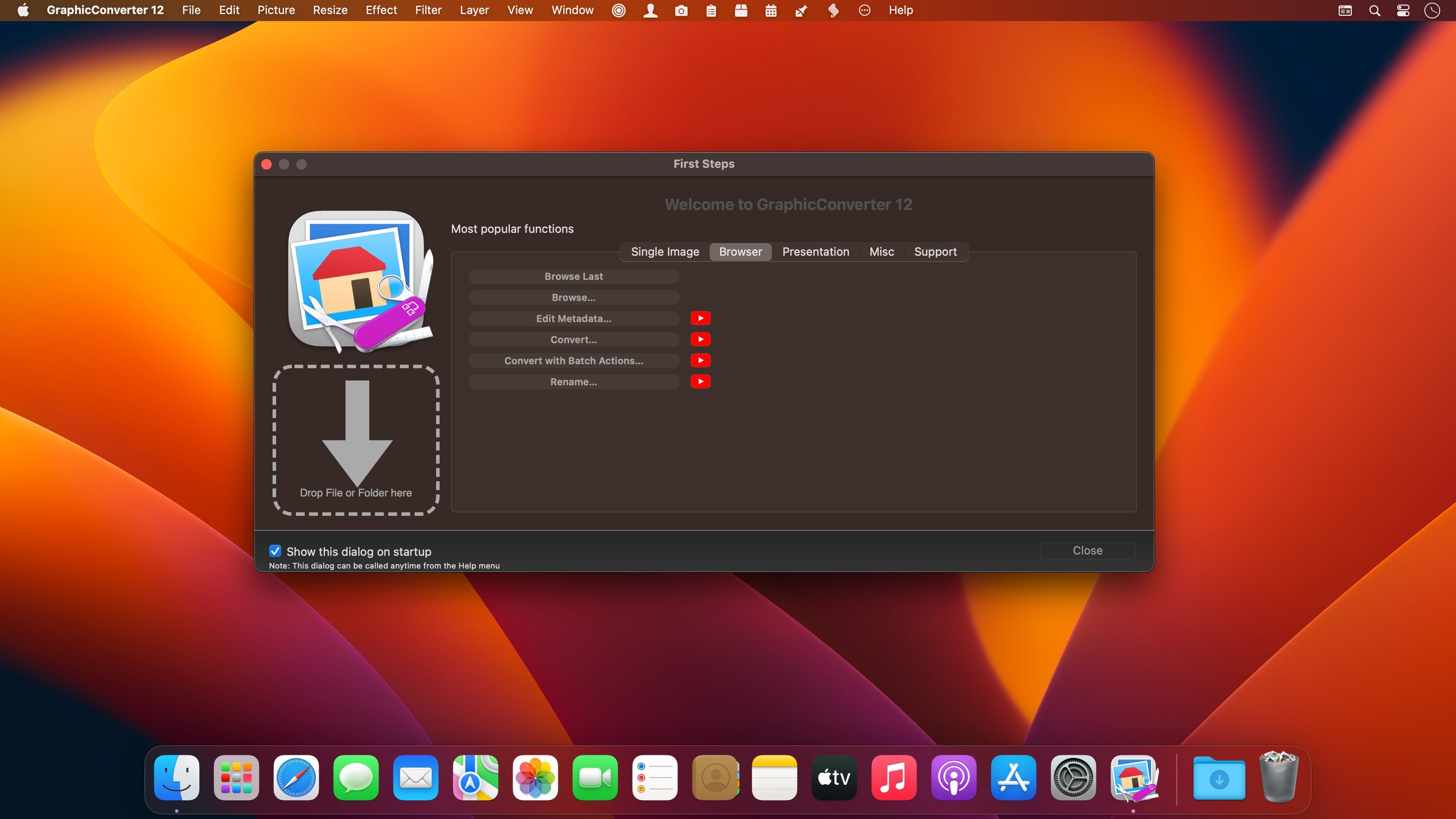
Our new dialog makes quick conversions even easier. Drag your images onto the dialog and sit back. GraphicConverter does the conversion and performs an action at the same time if you wish.
Update metadata only
If you have only changed the IPTC/XMP metadata, you can now save these changes without resaving the entire file. This way you avoid unnecessary quality losses with formats like the JPG or the HEIC format.
And much more…
Screenshots:
DOWNLOAD:





