
Tagr 5.14.1 macOS 音乐整理 智能批处理+Discogs直连 封面嵌入+命名规则自定义

还在为杂乱无章的本地音乐库头疼?Tagr 就是你指尖上的唱片管理员——无需切换多款工具,一首歌、一整张专辑,甚至上百个文件,三步完成专业级元数据焕新。
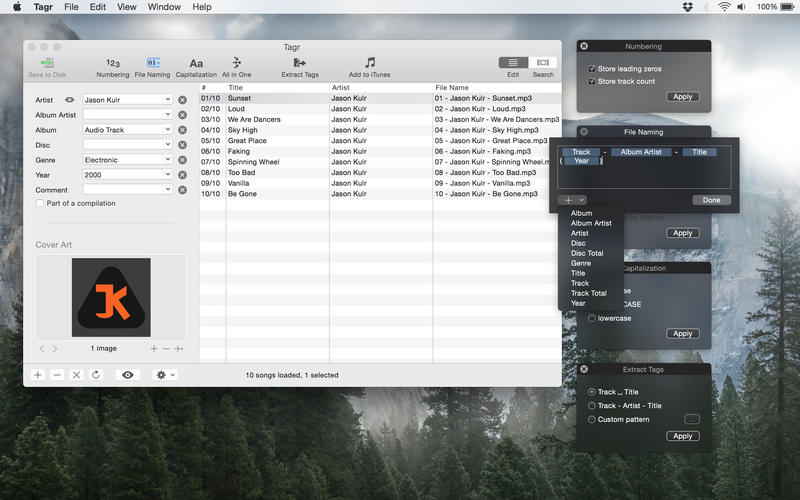
你可以直接双击修改任意 MP3 或 M4A 的歌手、曲名、年份、流派;更可一键批量清洗——自动补全缺失的专辑封面(支持拖拽嵌入或从 Discogs 实时抓取高清图)、智能重排曲目编号、按你习惯统一大小写(标题式/全大写/全小写任选);连文件名都听你指挥:用预设模板(如「艺术家 - 标题」)快速标准化,或自由组合字段($track $album $year)打造专属命名逻辑。
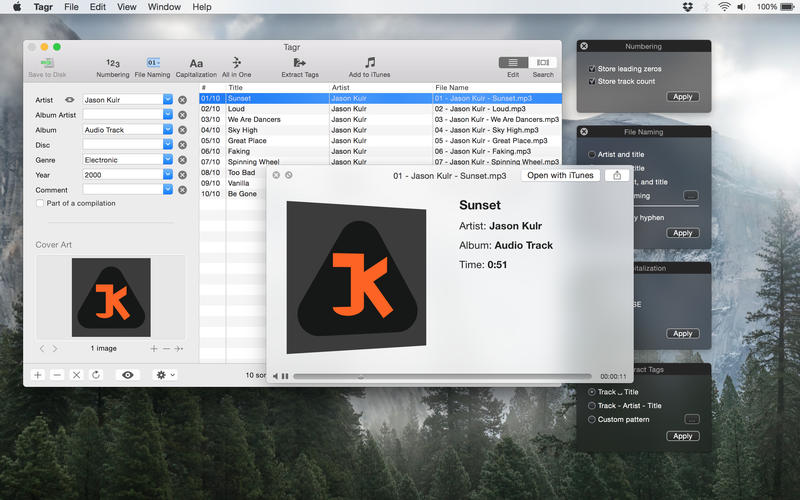
它还能反向“读取”文件名——比如「03 - Bohemian Rhapsody.mp3」,自动解析出第3首、曲名《Bohemian Rhapsody》,并写入 ID3 标签;点击 QuickLook 即可原生试听,边听边调,所见即所得。界面清爽不干扰,所有功能模块均可按需启用/隐藏,真正为你而定制。
Features
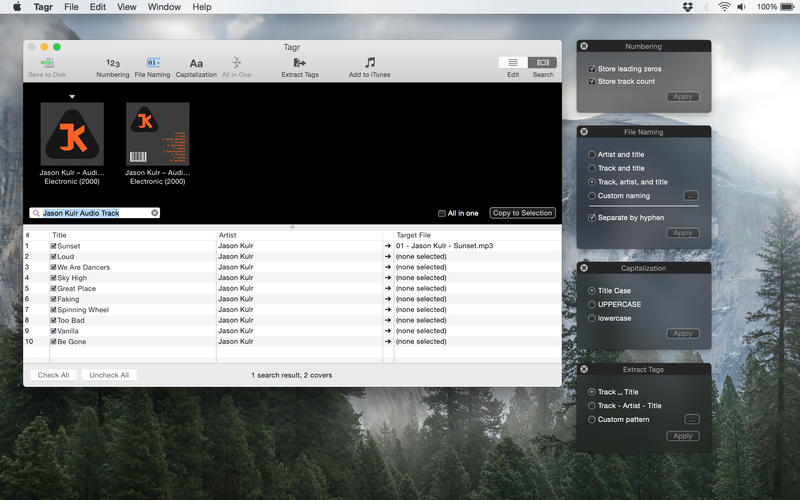
Edit meta data of individual MP3 and M4A files orEdit a list of files in bulkEmbed cover art into your songsApply uppercase, lowercase, and title case capitalization schemesAutomatically generate track numbersChoose from predefined file naming schemes or define your ownExtract tags from the file name using predefined or custom patternsSearch discogs.com for album information and copy it to your songsListen to songs through QuickLookCustomize Tagr to your needs
What's New:
Version 5.14.1
Bug fixes
Stability improvements and bug fixes
Screenshots:
DOWNLOAD:





