
RightFont 10.0.0 macOS 字体管理 全链路字体工作流 深度原生集成 macOS 26 与 Adobe/Apple 创作生态
还在为上百款字体找不到、装不上、用不顺而反复重启设计软件?RightFont 10.0.0 就是你桌面右上角那个安静却无比强悍的字体中枢——它不只管理字体,而是重构你从发现、试用、组织到协同的每一步体验。
你只需点一下菜单栏图标,就能秒开字体库;双击任意字体,立刻在 Photoshop、Illustrator、After Effects 2026、Sketch 或 Apple Creator Studio 中实时替换当前文本层字体——无需退出、无需刷新、不打断创作节奏。更酷的是:你标记的“星标字体”会智能置顶,常用字族自动聚类,Google Fonts 与 Adobe Fonts 不再混杂显示,而是独立分区、支持变量字体默认同步(省下 70% 本地存储空间)。
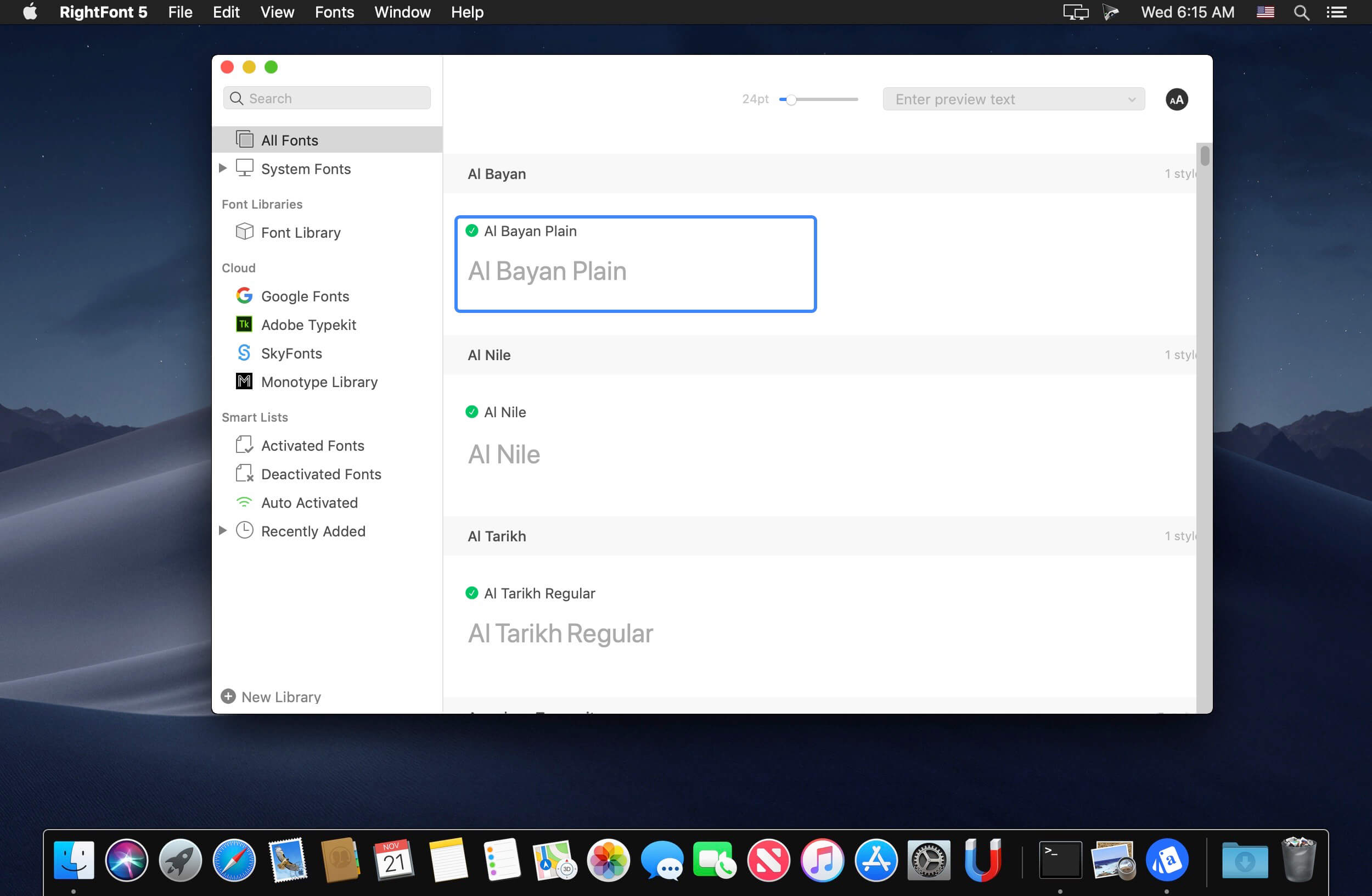
告别手动拖拽安装!全新重写的「导入工作流」让你一键将整个字体文件夹转为可命名的字体集(Set),或直接生成独立可迁移的字体库(Library)——备份、协作、跨设备同步,全由你定义位置。想看效果?试试新上线的「自定义预览文本编辑器」:保存多组文案模板(如中文标题/英文正文/LOGO标语),点击即切;Inspector 面板里还能直接编辑预览文字、切换 OpenType 特性(连字、样式集、数字变体一触启用),甚至用「嵌套标签」给字体打上多维标签(例如:#品牌VI #中文黑体 #可商用 #Variable),比文件夹分类精细十倍。
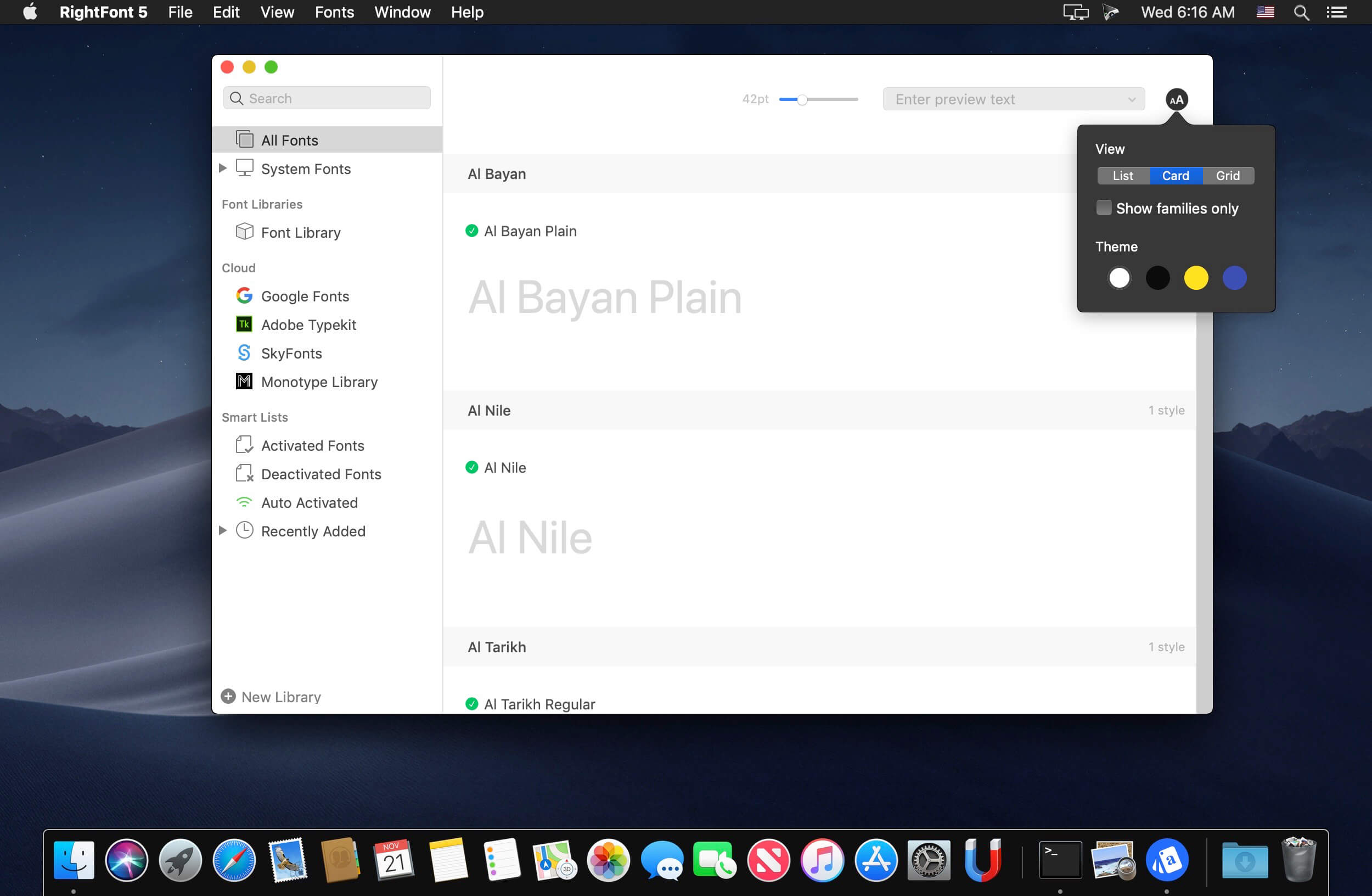
视觉与性能同步跃迁:全面适配 macOS 26 设计语言,深色/浅色模式丝滑切换,Touch Bar 快捷操作、SVG 彩色字体原生渲染;列表视图彻底自由化——列宽可调、顺序可拖、字段可删(支持显示字重、宽度、OpenType 支持度、Unicode 17 覆盖率等硬核指标);瀑布流预览新增专属「字号调节面板」,逐级放大缩小,一眼锁定最佳显示尺寸。实测大型字体库(12,000+ 字体)加载速度提升 2.3 倍,Google Fonts 同步快如闪电,Adobe CC 激活失败率趋近于零——所有优化,只为让你把时间花在创意上,而不是和字体较劲。
Interface Redesign
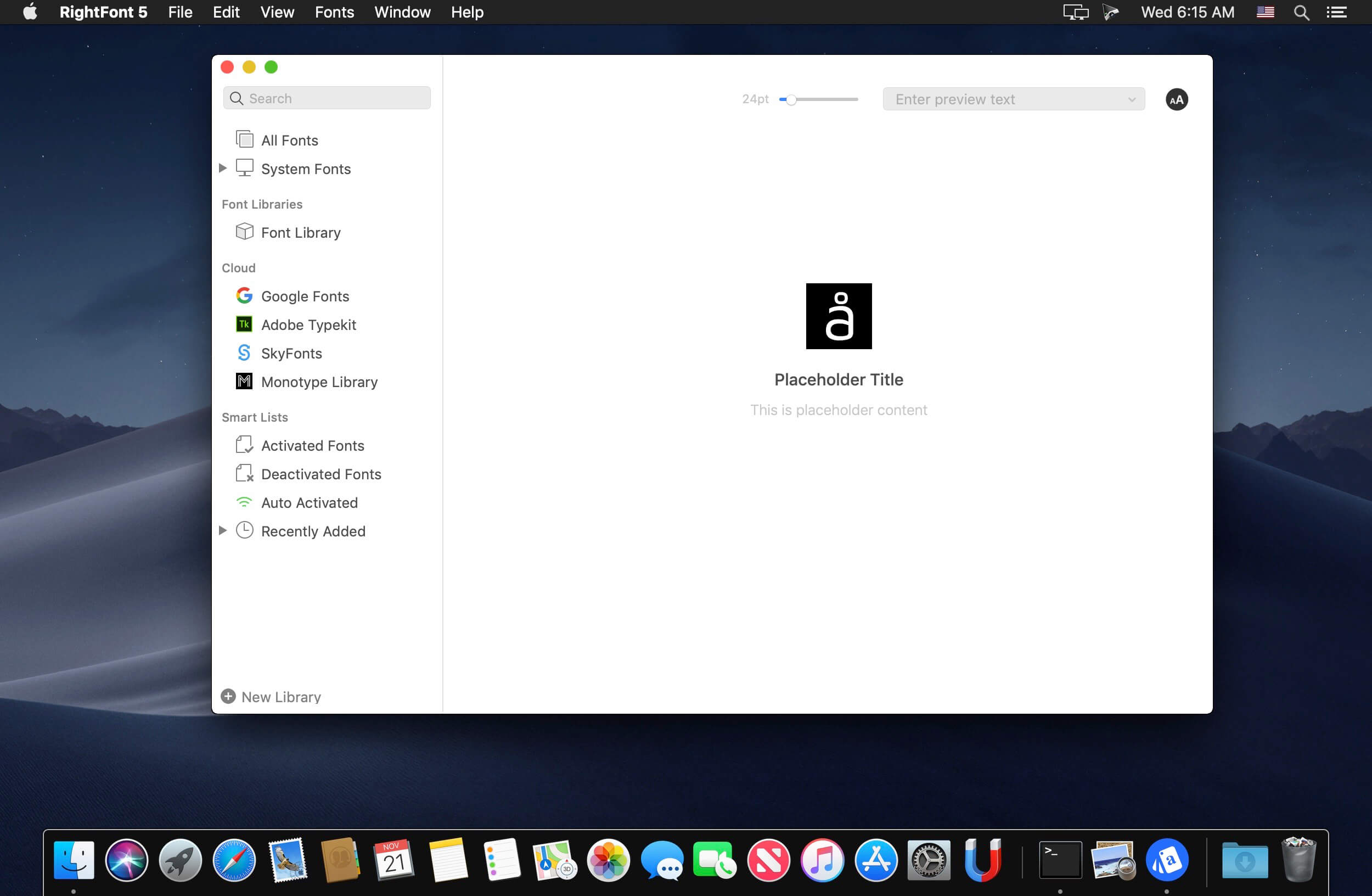
不是微调,而是重写逻辑:RightFont 10 的界面以「设计师第一眼需要什么」为起点,剔除冗余控件,将高频操作(筛选、预览、导出、同步)压缩进三步内完成,同时保留专业级深度控制入口——简洁不等于简陋,强大不等于复杂。
Font Library
你的字体资产,值得被当作项目来管理。字体库不再固定在应用沙盒内,你可以把它拖进 NAS、iCloud 共享文件夹,或打包发给团队成员——结构完整、标签继承、预设同步,真正实现「一份字体,多人复用」。
macOS Mojave → macOS 26 全栈兼容
从暗色模式到 SVG 图标,从动态字体匹配到 Unicode 17 完整字符集解析,RightFont 已深度融入苹果最新系统底层能力,每一次滚动、每一次搜索、每一次激活,都像原生应用一样呼吸同频。
What's New:
Version 10.0
New
Add Folders to browse and organize fonts directly from existing folders.Completely redesigned Import Fonts workflow with new options, including Create Sets from folders and Create new libraries during import.New Preview Text Editor to save, edit, and quickly switch between custom preview presets.Fully customizable List View with support for adding/removing columns and reordering columns.Font preview in Inspector can now be edited directly.Added a new Font Sizes tab for Waterfall preview.Added a new OpenType Features tab in Font Inspector.Added Nested Tags for better font organization and management.Deeply integrated with the new macOS 26 design language for a more modern and native experience.Added support for Apple Creator Studio apps.Added support for After Effects 2026.Added support for Unicode 17.
Improved
Improved performance when loading large font libraries.Significantly faster Google Fonts importing and synchronization.Google Fonts now syncs variable fonts by default, significantly reducing storage usage.Enhanced font activation reliability across Adobe Creative Cloud apps.Improved preview rendering performance and scrolling smoothness.Improved search responsiveness and filtering accuracy.Enhanced duplicate font detection during import.Improved metadata parsing for OpenType and variable fonts.Updated multiple interface components for a cleaner and more consistent experience.Improved synchronization stability and background processing performance.Enhanced compatibility with the latest macOS releases.Added right-click menu options to switch between Color and Monochrome icon styles for Google Fonts and Adobe Fonts libraries.
Fixed
Fixed an issue where some fonts failed to activate correctly.Fixed preview rendering issues with certain variable fonts.Fixed occasional crashes during large batch imports.Fixed incorrect sorting behavior in List View.Fixed Waterfall preview update issues.Fixed several Inspector layout and display glitches.Fixed duplicate font detection issues in specific edge cases.Fixed minor UI bugs and improved overall stability.
Screenshots:
DOWNLOAD:





