
EdgeView 5.9.1 macOS 图像浏览 原生M1加速 40+格式直解+漫画专属模式

你正在寻找一款真正为macOS而生的图像工具?EdgeView 5.9.1不是普通看图软件——它是专为M1/M2/M3芯片深度优化的Swift原生应用,启动如光速,滑动无拖影,连打开10GB ZIP包里的RAW序列帧都无需解压,点击即览。
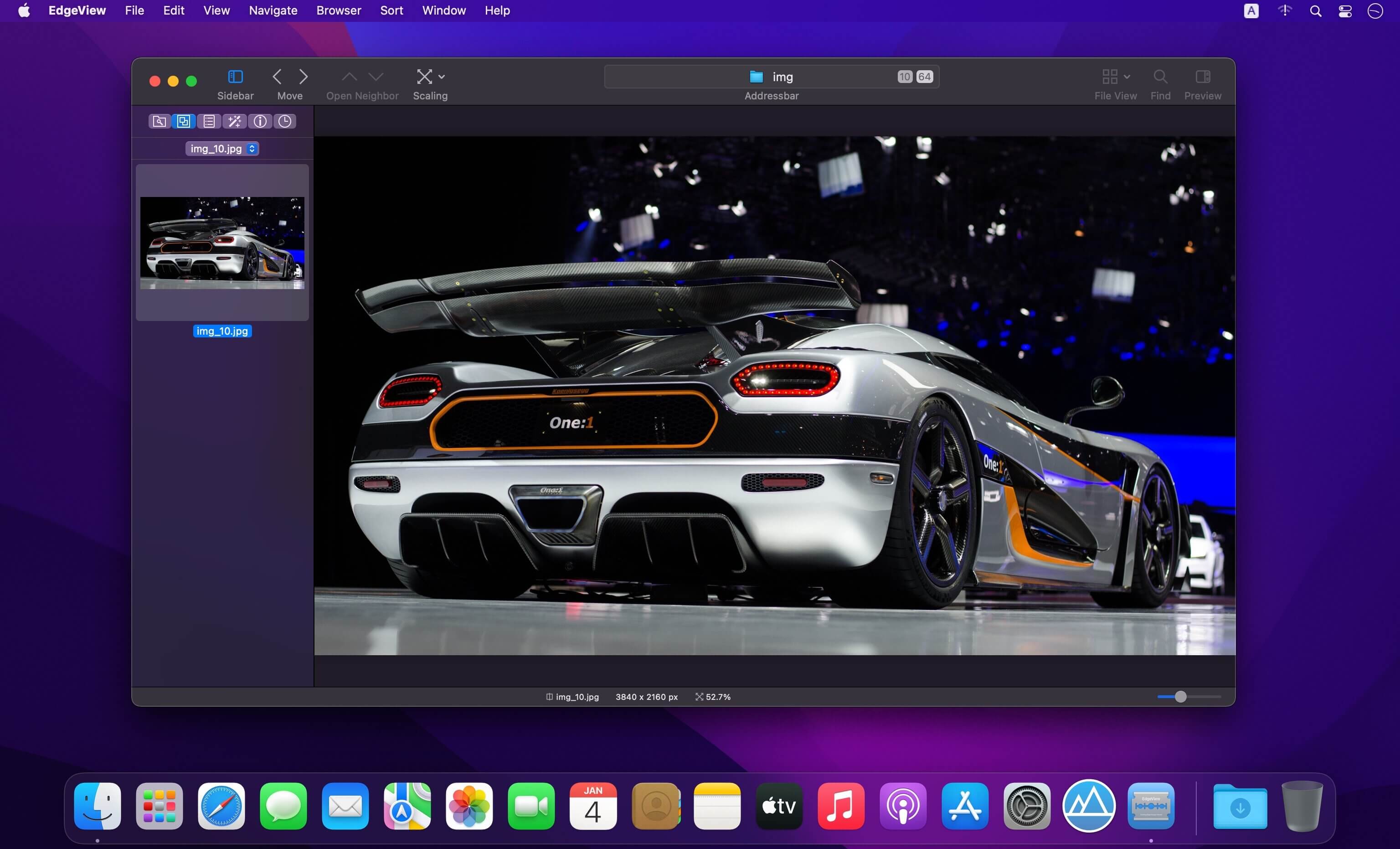
无论你是摄影师、插画师、漫画收藏者,还是日常需要快速审阅PDF/AI/EPS设计稿的创意工作者,它都能成为你桌面的视觉中枢:一键穿透ZIP、CBR、7z甚至嵌套压缩包,直接预览内部HEIC多帧、GIF动画、WebP动态图;轻点浮动控制器,就能暂停、逐帧、循环播放——连EXIF元数据和直方图都实时悬浮显示,专业细节触手可及。
试试这些让效率翻倍的操作:用双指在触控板上滑动翻页,按空格键跳转下一张,Shift+方向键批量位移浏览;缩放时启用内置放大镜,精准校对像素级细节;开启「双页对开」或「右向左阅读」模式,漫画党秒变沉浸式体验;所有操作状态——旋转角度、缩放比例、当前帧、标签星级——自动存入历史,下次打开即还原现场。
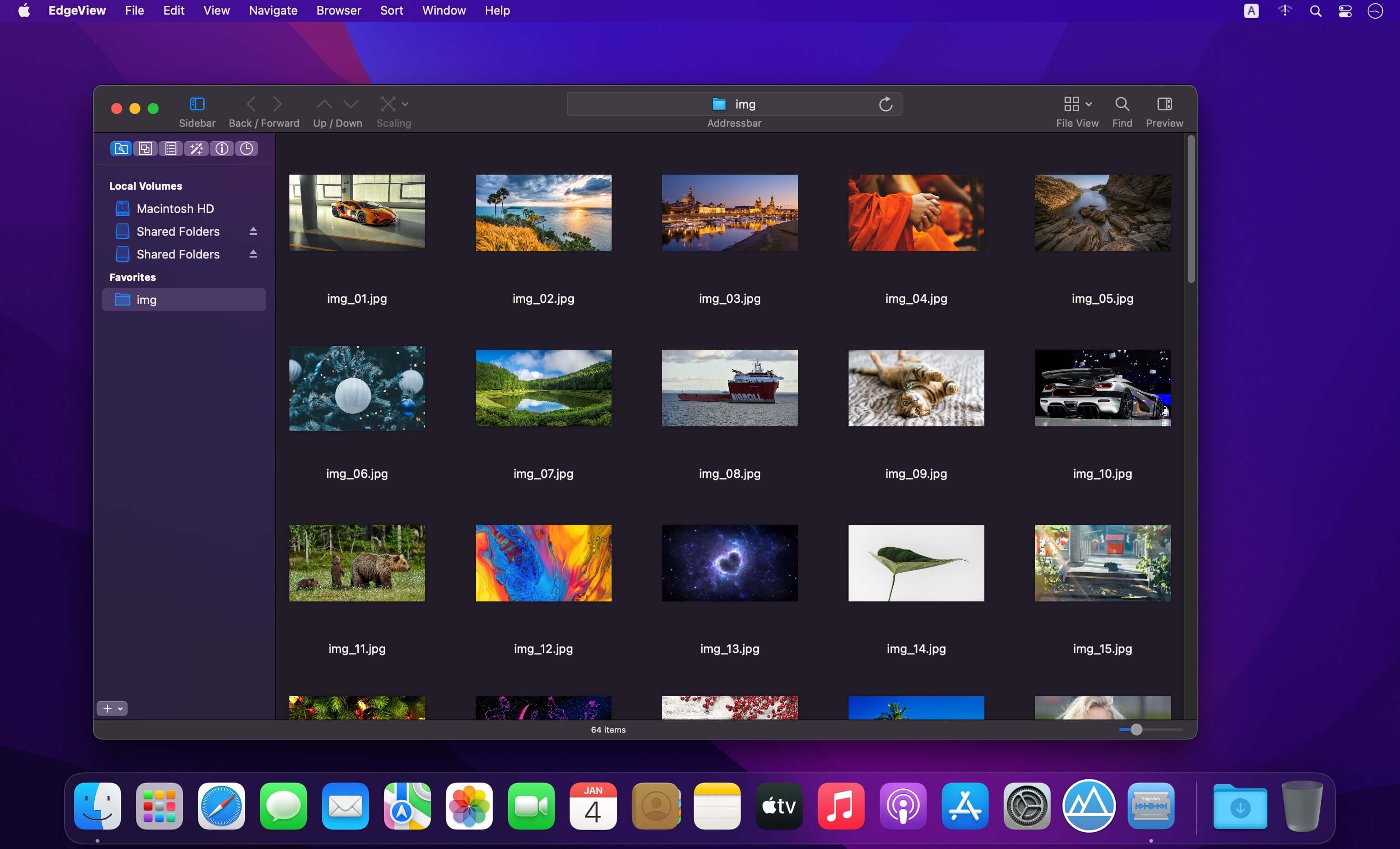
文件管理同样聪明:左侧边栏集成本地磁盘+AFP/SMB/FTP网络卷,图标/列表双视图自由切换;预览窗实时渲染压缩包缩略图,搜索框支持按作者、类型、日期筛选;右键即可重命名、删除、打星标,连加密RAR也能秒读——更别提Finder里自带Quick Look扩展,压缩包图标旁自动生成高清缩略图,所见即所得。
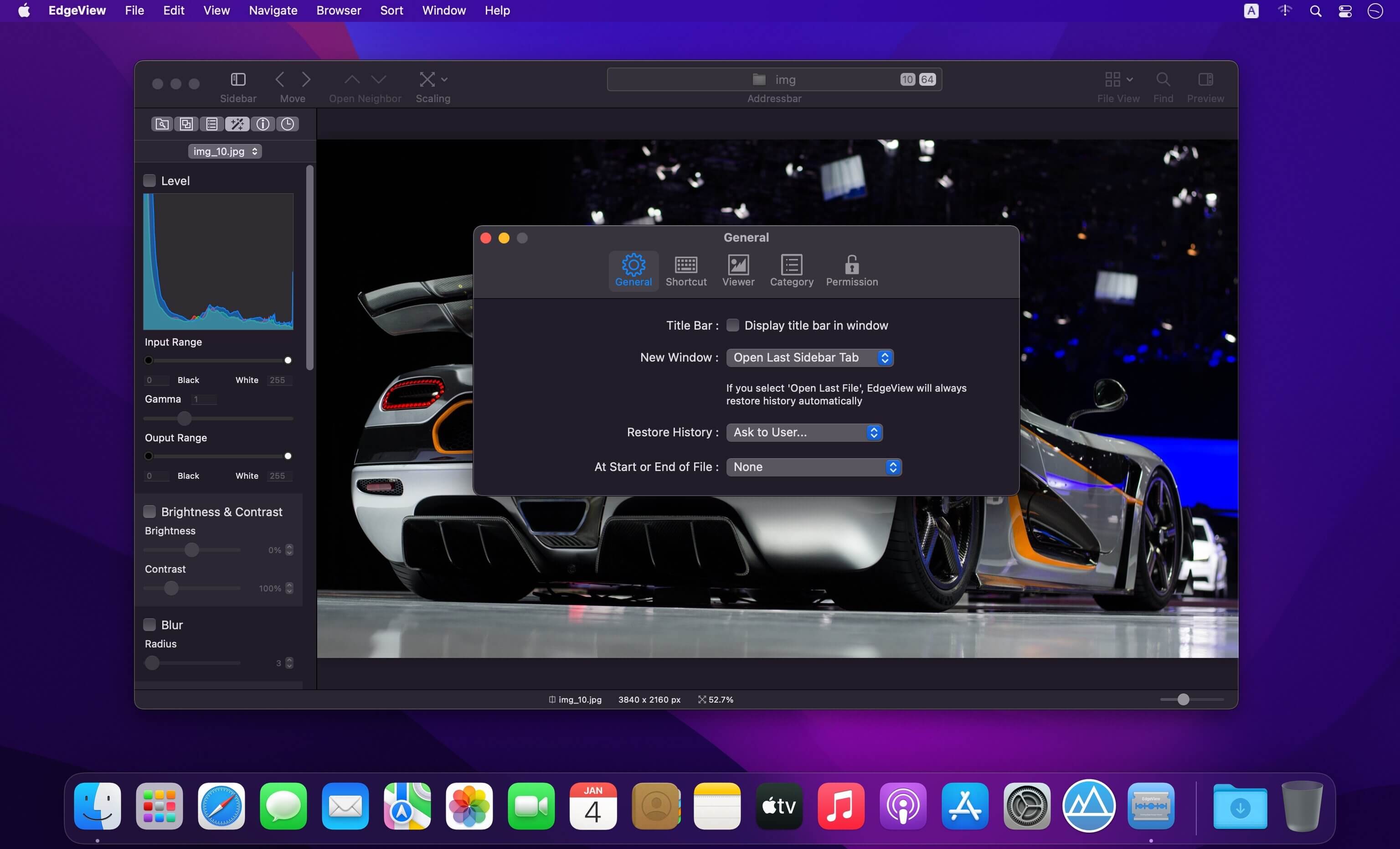
界面极简却不失强大:侧边栏集中掌控全部核心功能,中英文/日文/韩文/简体中文四语随心切换;所有快捷键支持自定义,连放大镜热键、翻页灵敏度都能调到最顺手的状态。这不是“能用”的图像查看器,而是你每天睁眼就想打开的视觉工作台——快、稳、懂你,且越用越顺手。
Features
Rewrote full code as Swift for improve performance.
Native M1/M2/M3 optimization delivers 3x faster rendering and near-zero memory footprint.
Intuitive sidebar-first UI puts every essential tool within one click.
Full multilingual support: English, Japanese, Korean, Simplified Chinese.
Image Viewer
Opens JPG, PNG, GIF, TIFF, BMP, PSD, WEBP, HEIC, RAW (Canon/Nikon/Sony), PDF, EPS, AI, OpenEXR, HDR, TGA — all natively.
Plays multi-frame animations (GIF/PNG/WebP/HEIC) with real-time frame navigation and playback control.
Direct archive browsing: ZIP/RAR/CBZ/CBR/7z (including >4GB & nested archives) — no extraction needed.
Industry-leading comic reading toolkit: Two-Page Spread, Continuous Scroll, RTL mode, Page Shift, and Thumbnail Jump Bar.
Pixel-perfect zoom (up to 3200%), lossless rotation/flipping, region selection + copy/save, histogram overlay.
Smart history: saves orientation, zoom level, animation frame, rating — restores instantly on reopen.
Rate images with ★★★★★, filter by rating in browser or thumbnails.
File Browser
Built-in dual-mode browser (list/icons) with live preview panel for folders & archives.
Generates instant thumbnails for ZIP/CBZ/RAR — even encrypted ones.
Advanced search: filter by name, type, date modified, author, category, or rating.
Sort by any column (size, date, name); batch rename/delete; star-rate folders for quick access.
Others
Fully customizable interface: rearrange sidebar items, assign custom shortcuts, adjust gesture sensitivity.
Finder-integrated Quick Look extension — shows archive contents & image previews directly in macOS Finder.
What's New:
Version 5.9.0
Image Viewer
Fixed metadata parsing failure for JL format images.
Common
Resolved rare crash during progress indicator rendering.
Screenshots:
DOWNLOAD:





