
VueScan Professional 9.8.55 macOS 扫描处理 ICC精准校色 + 机器学习加速

还在为扫描失真、色彩偏灰、操作卡顿而反复折腾?VueScan Professional 不只是扫描工具——它是专业影像工作者的「数字暗房中枢」:兼容超400款高端平板与胶片扫描仪(含Nikon CoolScan 5000/8000/9000 ED、PrimeFilm 120、Canon DR系列、HP Officejet 9010、Brother MFC-J6959DW/J7700CDW等),从底片到文档,一机掌控全链路品质输出。
你无需精通色彩工程——VueScan 自动加载ICC配置文件,支持IT8靶标深度校准,让泛黄的老照片重现鲜活饱和度;你也不必等待漫长流程——它独创「边扫边修」工作流:当前图在编辑时,下一张已在后台高速采集,彻底告别传统软件的单线程阻塞式体验。
更惊喜的是,新版9.8.55已深度激活macOS原生AI能力:在macOS 10.15+系统中,自动调用Core ML加速「滤镜|着色」运算,响应快如瞬击;边缘检测精度全面升级——自动纠偏(Auto Skew)与裁剪框操控(支持Shift键10像素微调/无Shift键1像素精移)完全对标Photoshop逻辑;双线性插值全面升级为更细腻的双三次插值,裁剪边界识别更锐利,Nikon扫描仪的去畸变准确率显著跃升。
安装零侵入:绿色部署,不写注册表、不劫持系统驱动、不干扰你原有的任何扫描软件;崩溃防护也足够聪明——插件异常时自动生成vuescan_trouble.xxx日志,连续失败则静默禁用并生成vuescan_disable.xxx,一键重置(通过「文件|默认选项」或「扫描仪|查找设备」)即可满血复活。难怪它能斩获Mac Addict杂志“年度最佳实用工具”大奖——这不是妥协于硬件的辅助程序,而是把扫描这件事,真正做成了艺术级生产力。
What's New:
Version 9.8.55:
Improved speed of ‘Filter | Colorize’ when Machine Learning accelerator available.Uses the macOS Core ML subsystem on macOS 10.15 and later.Uses the Windows WinML runtime on Windows 11 24H2 and later.Improved quality of scans when using ‘Input | Auto skew’ or ‘Crop | Skew’Uses bicubic interpolation instead of bilinear interpolation.More accurate handling of edges of crop box.Improved accuracy of some Nikon scanners, especially when deskewing.CoolScan 5000 EDCoolScan 8000 EDCoolScan 9000 EDImproved use of ‘Crop | Border (%)’ when already at the edge of a scan.Improved use of arrow keys to move a crop box.Moves crop box by 1 pixel when shift key not pressed.Moves crop box by 10 pixels when shift key is pressed.Behaves the same as Photoshop and many other programs.Improved disabling of plugin libraries after a crashed plugin.On first crash, a file named vuescan_trouble.xxx is created.On repeated crash, a file named vuescan_disable.xxx is created.If vuescan_disable.xxx is detected on startup, plugin isn’t used.Using ‘File | Default options’ or ‘Scanner | Find scanners’ re-enables all plugins.Improved calibration of PrimeFilm 120 on Windows and macOS when CyberViewX installed.Fixed problems with some Canon DR-series scanners.Fixed problem with duplex scanning on HP Officejet 9010Added support for Brother MFC-J6959DWAdded support for Brother MFC-J7700CDW
Screenshots:
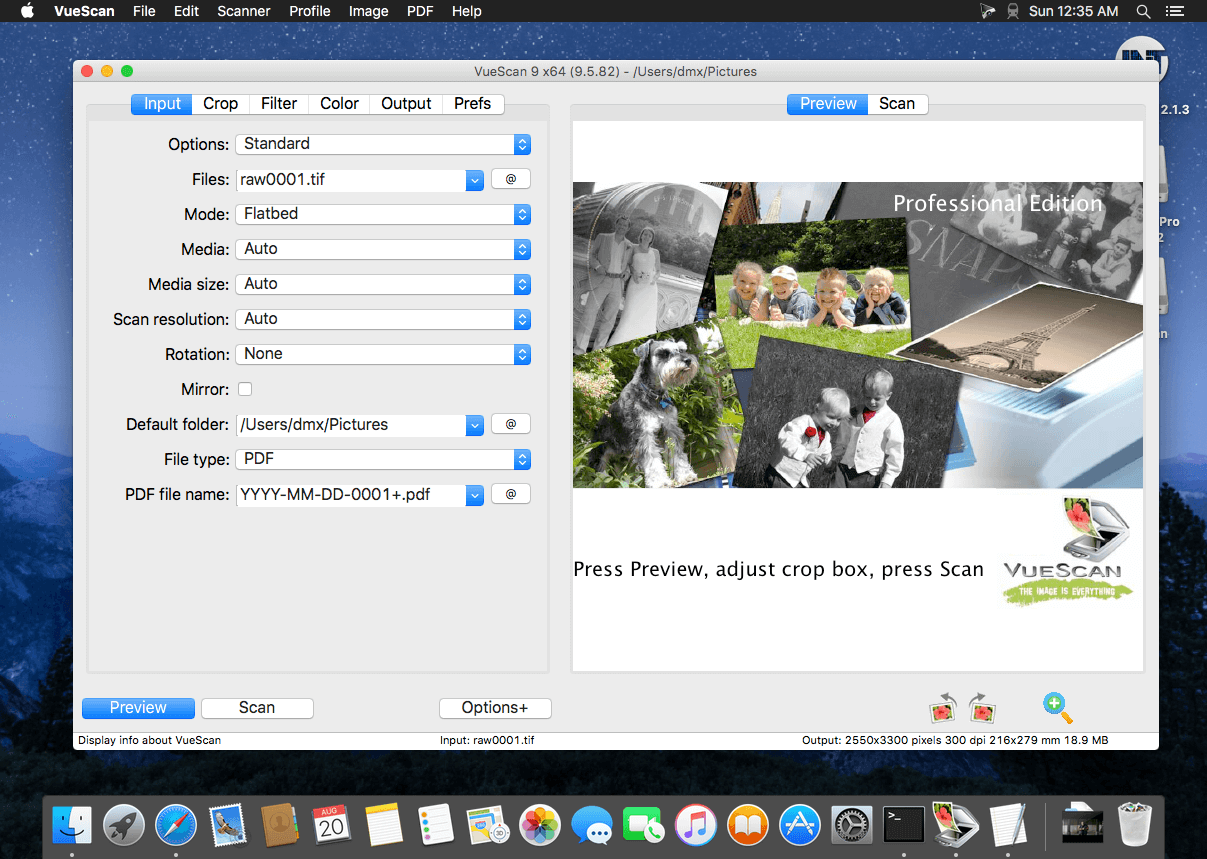
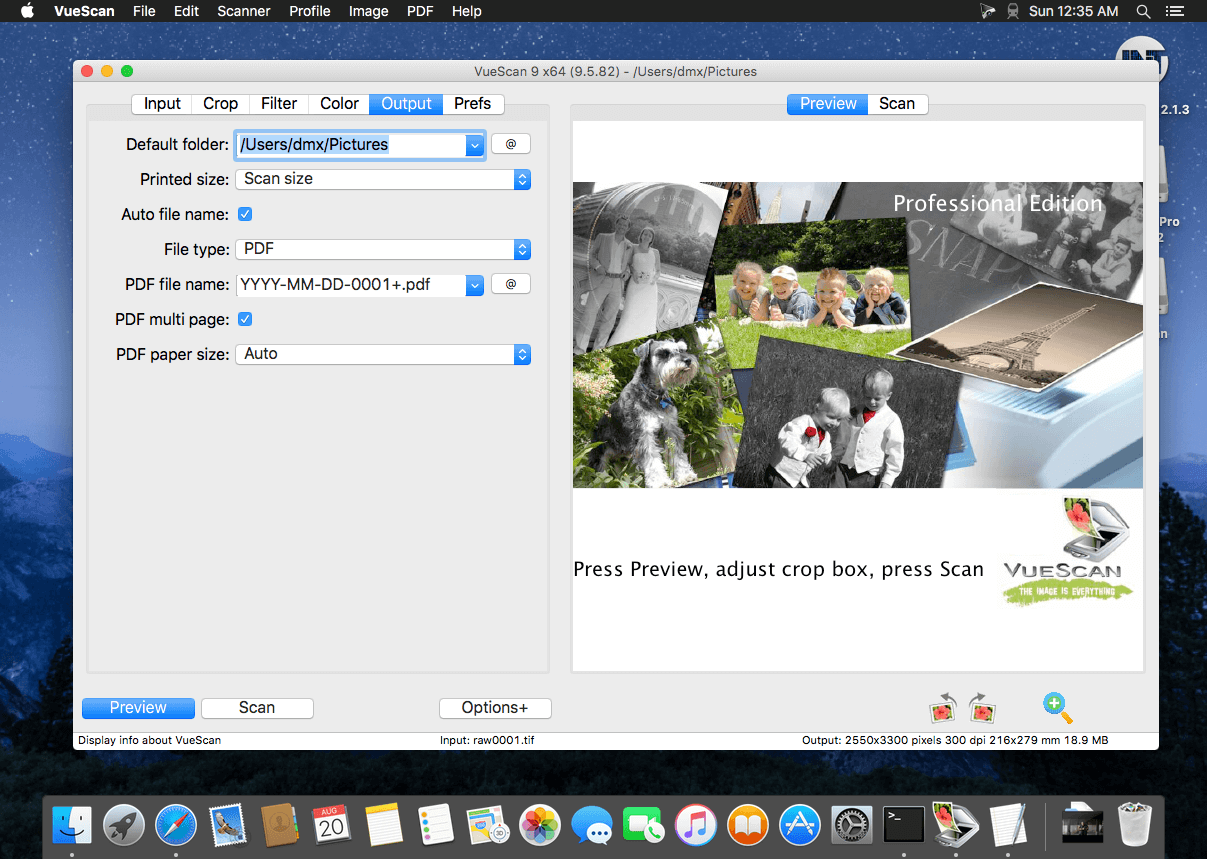
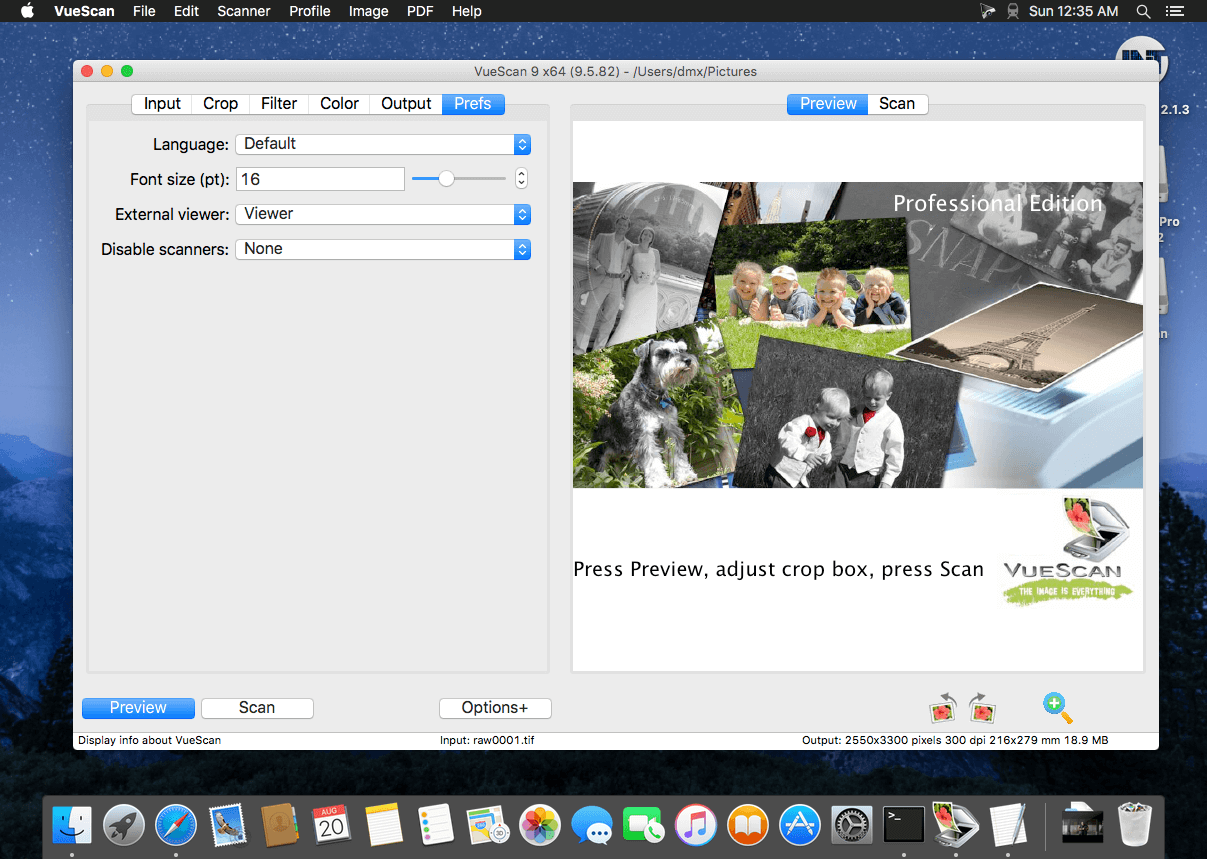
DOWNLOAD:





