
ProFind 1.38 macOS 文件搜索 全盘深度索引 自然语言+路径直访双模引擎
你还在为找不到藏在包内、隐藏目录或加密卷里的关键文件而反复刷新 Spotlight?试试 ProFind——它不是另一个轻量级搜索工具,而是 macOS 上真正打通系统底层的「文件定位中枢」。
你可以用日常语言提问:“上周打开过的PDF发票”,也能敲下 /Users/Shared/Projects 直达任意路径;它自动调用 kernel-level searchfs(当系统支持时)和 Spotlight 元数据索引双引擎,让千万级文件秒出结果——连 .app 包内部的资源、Time Machine 快照里的旧版本、甚至 APFS 加密卷中的文档,统统无死角覆盖。
操作直观得像呼吸:输入时实时补全应用名,双击结果即启动;选中多个文件,状态栏立刻显示总容量;右键点击结果表头,随心开关「标签」「最后打开时间」等高价值列——再也不用靠记忆猜文件归属。更贴心的是,开启「结果打开后自动收起窗口」,让工作流无缝衔接,拒绝界面干扰。
新版 1.38 把效率再推一阶:首次加入原生 AND/OR/NOT 逻辑运算符(告别模糊匹配),缓存构建速度提升 3 倍以上,Activity 窗口 now 用进度条+实时状态说明每一步在做什么——无论是工程师检索代码片段、设计师找回素材源文件,还是律师快速定位加密案卷,ProFind 都是你指尖下的精准雷达。
What's New:
Version 1.38:
Requires macOS 11 or laterType a / followed by a path to explore your folders directly from the search field. See Live Directory in Help for more.Full AND/OR support. See AND, OR and NOT in Help.Added Tags and Date Last Opened columns to the results table. Turn any column on or off by right-clicking the list header.New preference to automatically close the search window after you open a result.The combined size of the items you select is now shown in the status bar.Building caches can now be much faster.The Activity window has been improved, with clearer progress for searches and cache updates.
Screenshots:
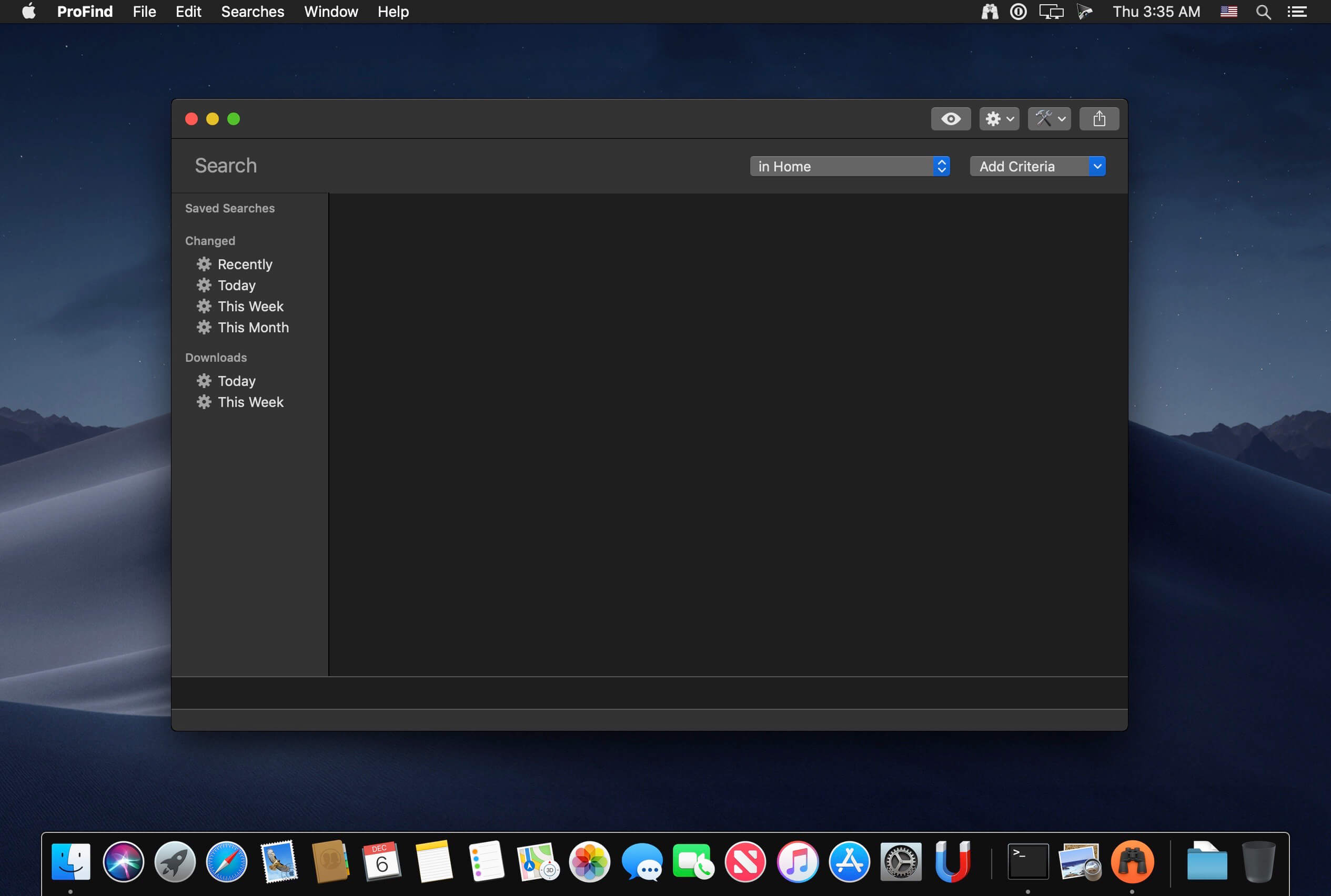
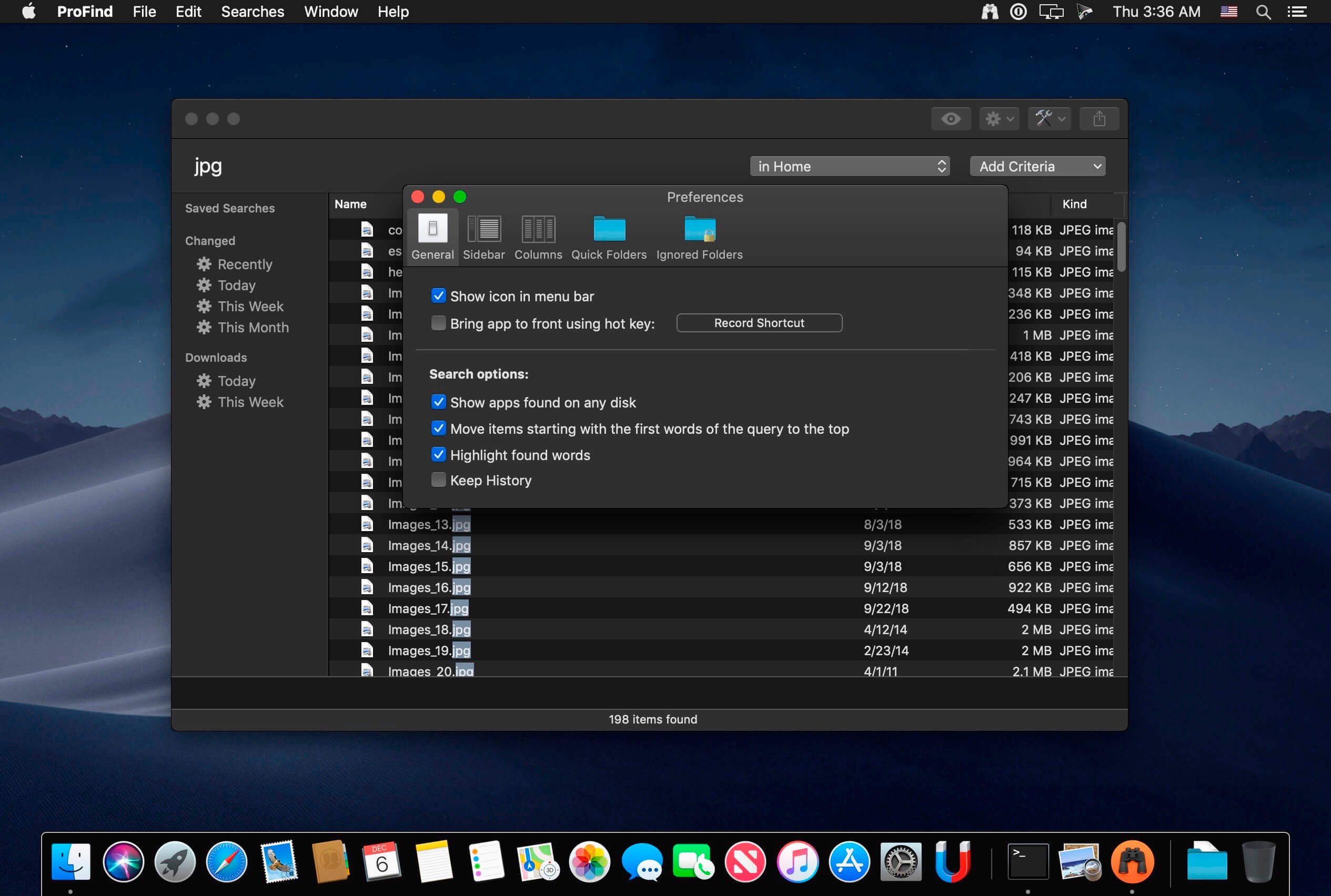
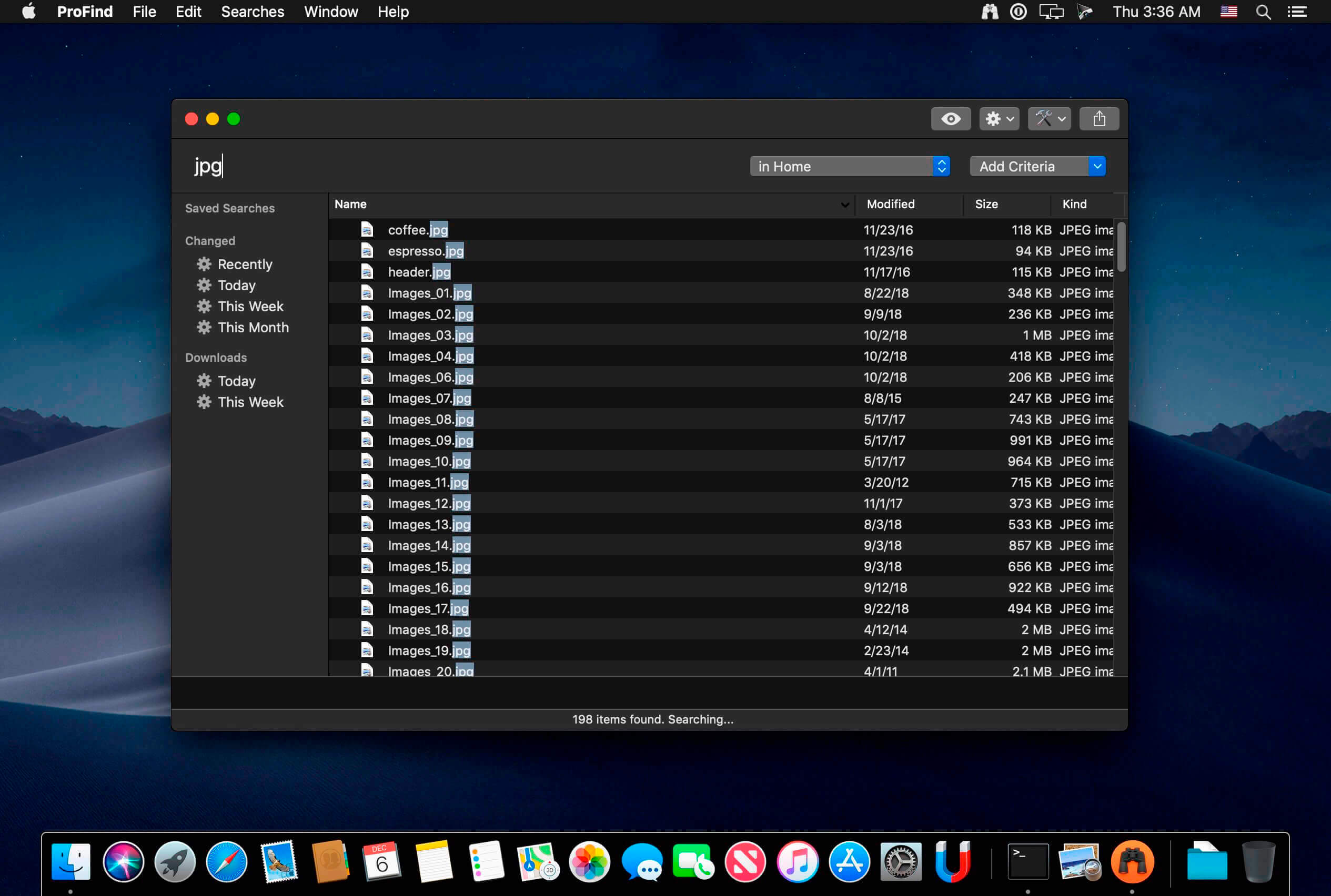
DOWNLOAD:





