
Karabiner-Elements 16.1.0 macOS 键盘映射 多配置热切换 原生支持 macOS 14+ 全链路事件调试

你是否曾为切换中日韩输入法频繁按组合键而烦躁?是否想把 Caps Lock 变成 Esc(Vim 用户懂的都懂),或一键唤醒多任务视图?Karabiner-Elements 就是你键盘的「隐形指挥官」——它不弹窗、不打扰,却在后台精准掌控每一个按键脉搏。
点击菜单栏图标,秒开「配置中心」:预设方案即开即用——调节重复延迟、禁用误触按键、启用媒体快捷键,全部勾选生效,零代码上手;更支持按应用智能启用规则(比如在 VS Code 中启用 Vim 模式,在 Slack 里恢复原生快捷键),真正实现「一机千面」。
不止于预设!你还能创建专属配置集:写代码时启用编程键位组,开会时切换会议控制组,打游戏时激活宏键模式——三秒内通过状态栏下拉菜单切换,甚至绑定 Ctrl+Opt+Cmd+K 这样的专属热键触发,效率跃升肉眼可见。
深度玩家会爱上它的专业级调试能力:内置 EventViewer 实时捕获按键扫描码、修饰键状态与应用上下文,帮你精准验证「为什么这个快捷键在 Chrome 有效、在 Safari 失效」;新版 16.1.0 更升级日志过滤器,让复杂场景下的规则排查从「大海捞针」变成「精准定位」。
技术底座全面焕新:IPC 通信重构为 pqrs::unix_domain_stream,进程协作更稳;自动更新机制改为后台周期轮询,告别启动卡顿;新增对 ac_keyboard_layout_select(快速切换输入法)、ac_desktop_show_all_applications(全屏显示所有 App)等 5 类系统级消费键原生支持——连 macOS Ventura/Monterey 的深层交互逻辑都被深度适配。
进阶用户可直编 private.xml 文件,用 JSON 风格语法定义条件触发、键序列、应用白名单等高阶逻辑;而新手只需拖拽式启用「Caps Lock → Escape」「Command ↔ Control 互换」等经典方案,30 秒完成生产力跃迁。
What's New:
Version 16.1.0:
New FeaturesAdded filtering functionality to the log viewer.Bug FixesFixed the ac_zoom_in and ac_zoom_out key codes being swapped.Fixed an issue where the settings window could open at login when the system default configuration used an old format.ImprovementsImproved internal communication between Karabiner-Elements processes by replacing the IPC backend with pqrs::unix_domain_stream.Changed update checks to run periodically, not only at startup.Supported the following keys:consumer_key_code::ac_keyboard_layout_select (Thanks to @PedroSebastiao)consumer_key_code::ac_desktop_show_all_windows (Thanks to @omor1)consumer_key_code::ac_soft_key_leftconsumer_key_code::ac_desktop_show_all_applicationsFix typo in ComplexModificationsView (Thanks to @kiangkuang)The karabiner_session_monitor process has been removed.
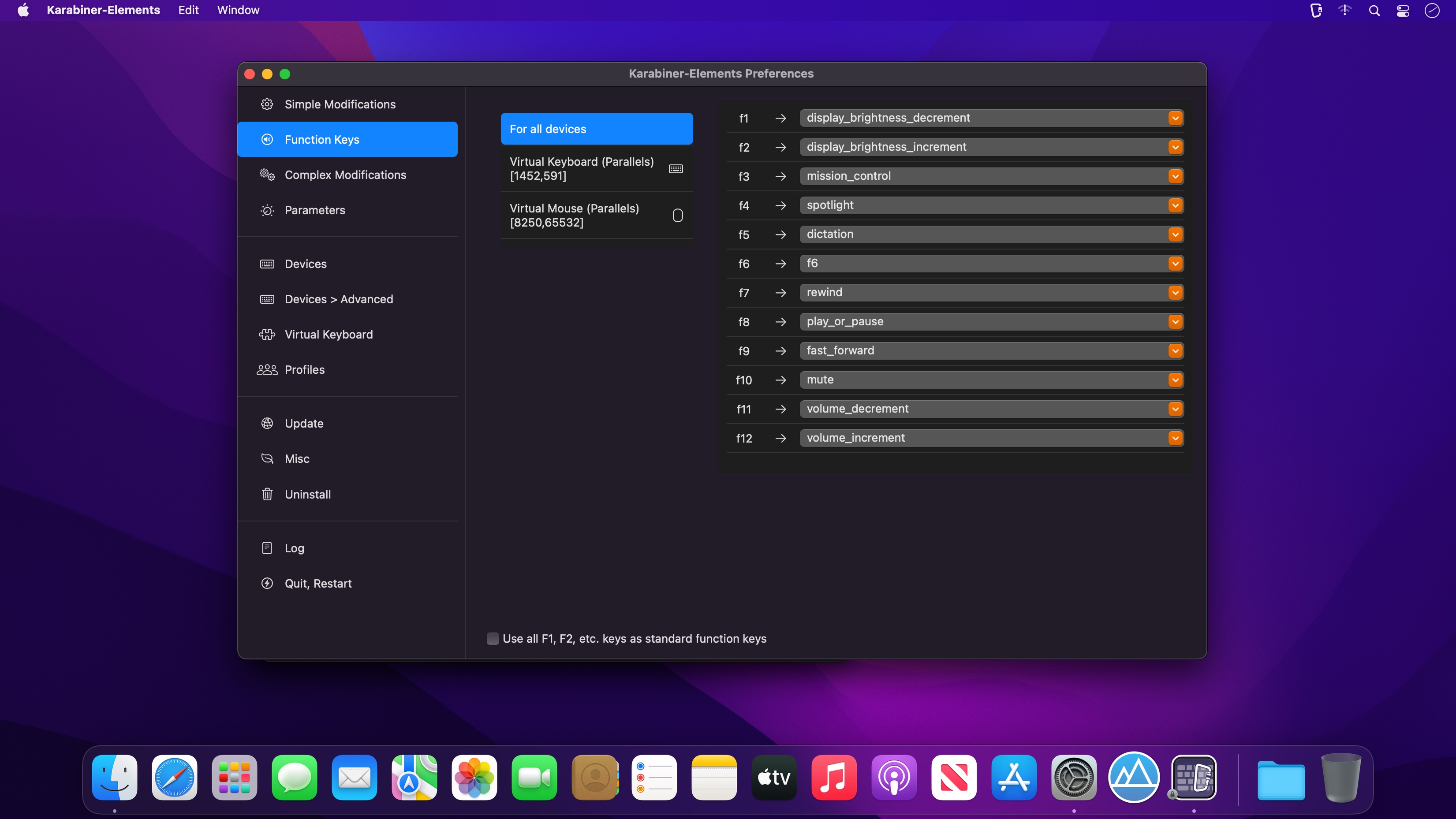
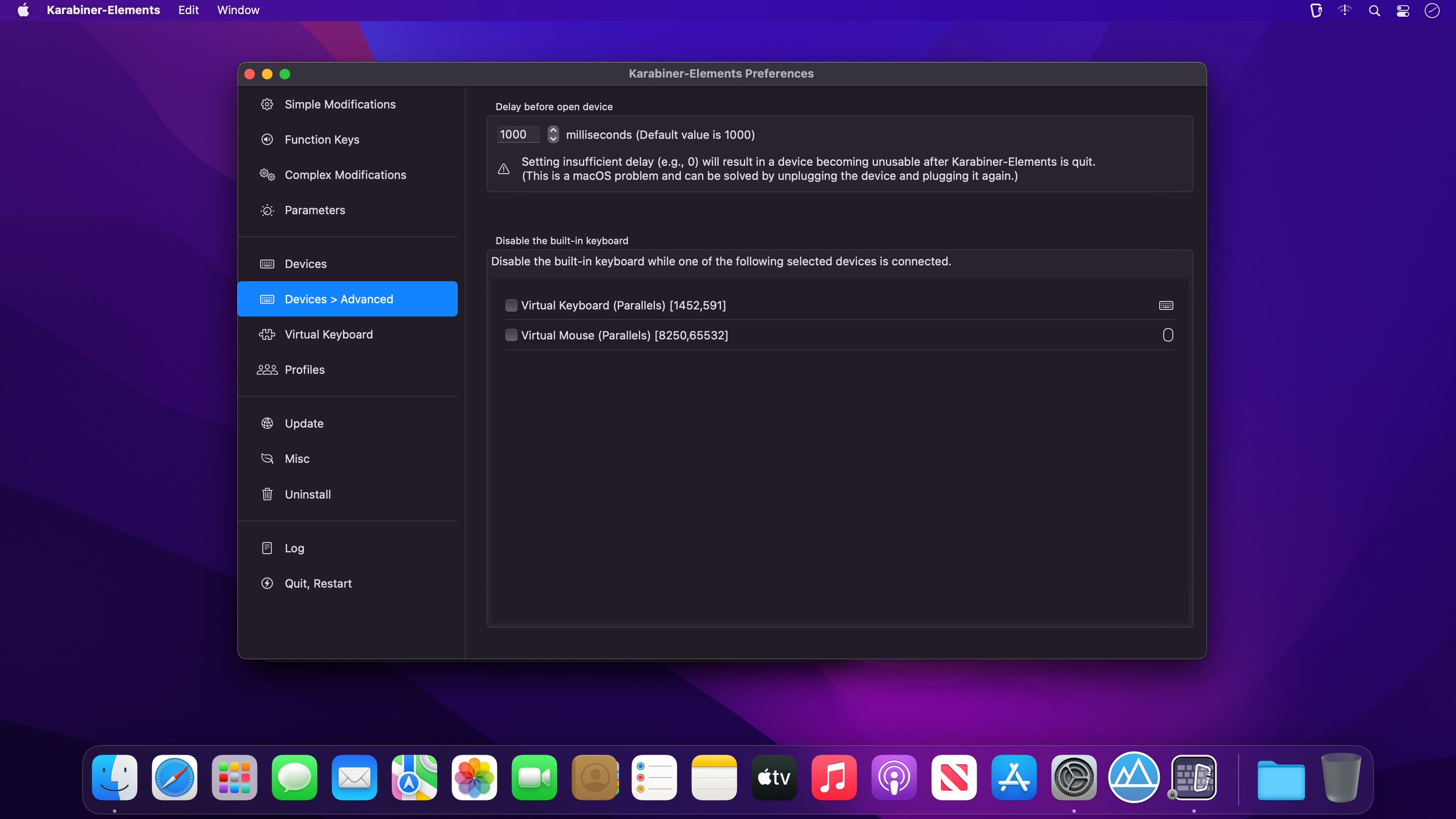
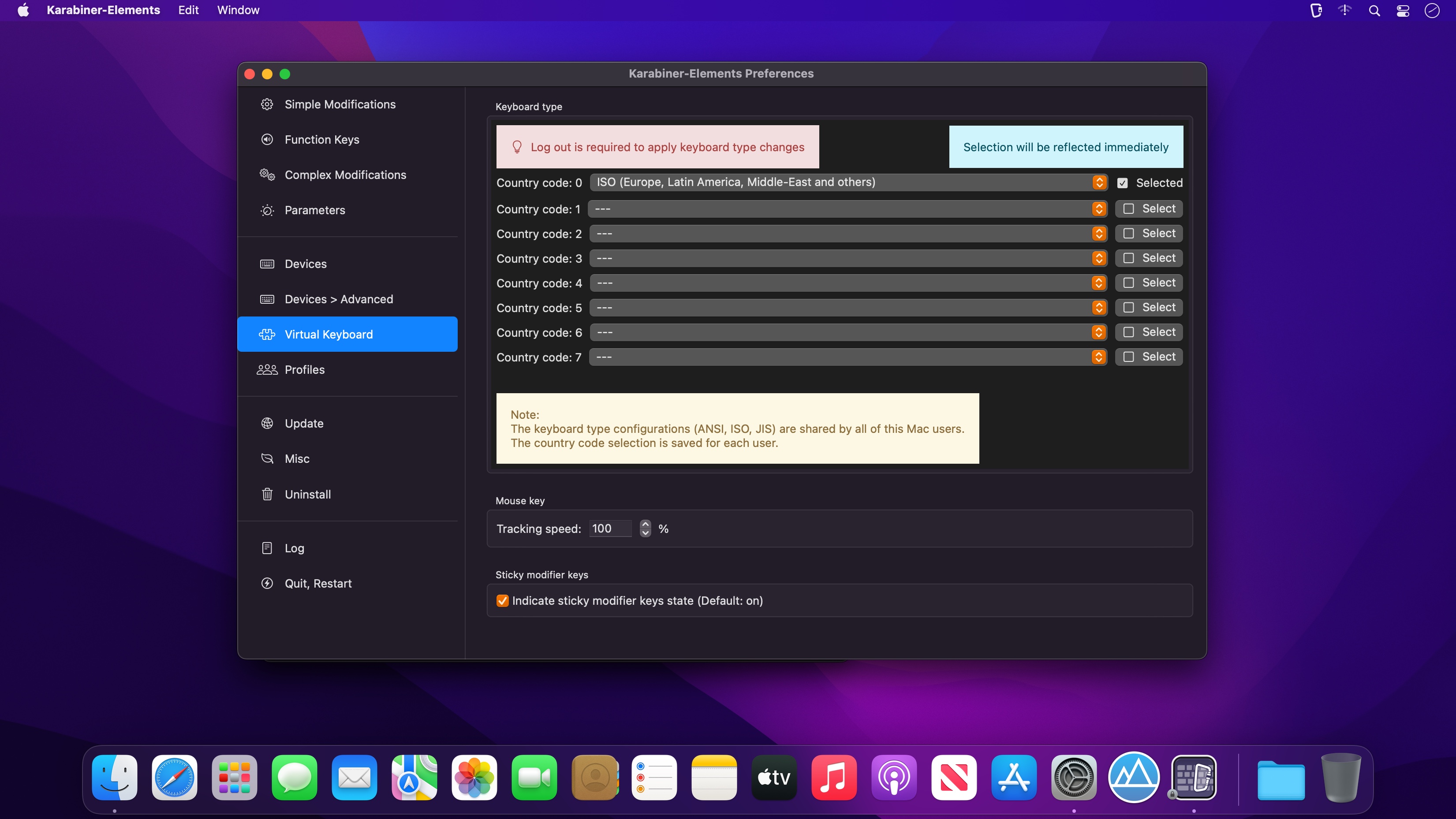
Screenshots:
DOWNLOAD:





