
PDF Reader Pro 5.3.5 macOS PDF全能处理 智能OCR+无损转换+跨平台同步
还在为PDF卡在「只能看、不能改、难分享」的死循环里挣扎?试试PDF Reader Pro——这不是又一款基础阅读器,而是你Mac上真正能「指挥」PDF的智能工作台。无论你是法务要逐条批注合同、设计师需嵌入矢量批注、教师想把讲义转成可朗读课件,还是自由职业者天天收发带表单的报价单,它都能用一套丝滑操作闭环解决。
你只需双击打开,立刻进入专业级PDF交互现场:高亮重点、手写批注、插入动态印章、拖拽调整页序、一键合并投标文件与技术白皮书——所有动作都在同一界面完成,毫无割裂感。更惊喜的是,连扫描件都能“起死回生”:启用OCR后,哪怕是一张模糊的发票照片,3秒内就能变成带可复制文字、带目录结构、支持全文搜索的真·可编辑PDF,且精准保留原始排版,50+语言实时识别,中文识别准确率突破99.2%。
效率革命不止于此——你随时能把PDF“拆解重组”:提取某几页生成新报告、把三份调研问卷拼成统一模板、用一页公司LOGO页批量覆写百份合同封面……还有独创的「智能压缩引擎」,自动识别图片冗余像素与隐藏元数据,在不损清晰度的前提下,让100MB的工程图纸瞬间瘦身60%。需要向客户演示?开启沉浸式演示模式,批注随翻页同步浮现;赶时间交稿?离线一键导出为Word重排版、PPT做汇报、Excel析数据,甚至直接转成高清PNG用于社交媒体传播——全部本地运算,隐私零外泄。
它还悄悄为你铺好协同之路:Dropbox双向同步后,手机端批注的修订会实时回传Mac;TTS语音引擎支持中英日韩法西六语朗读,通勤路上听完整份财报也不费眼;夜间模式+自定义水印+Bates自动编号,让每一份输出都自带专业身份标识。新手3分钟上手,老手发现隐藏技巧后直呼“原来PDF还能这么玩”。
Main features:
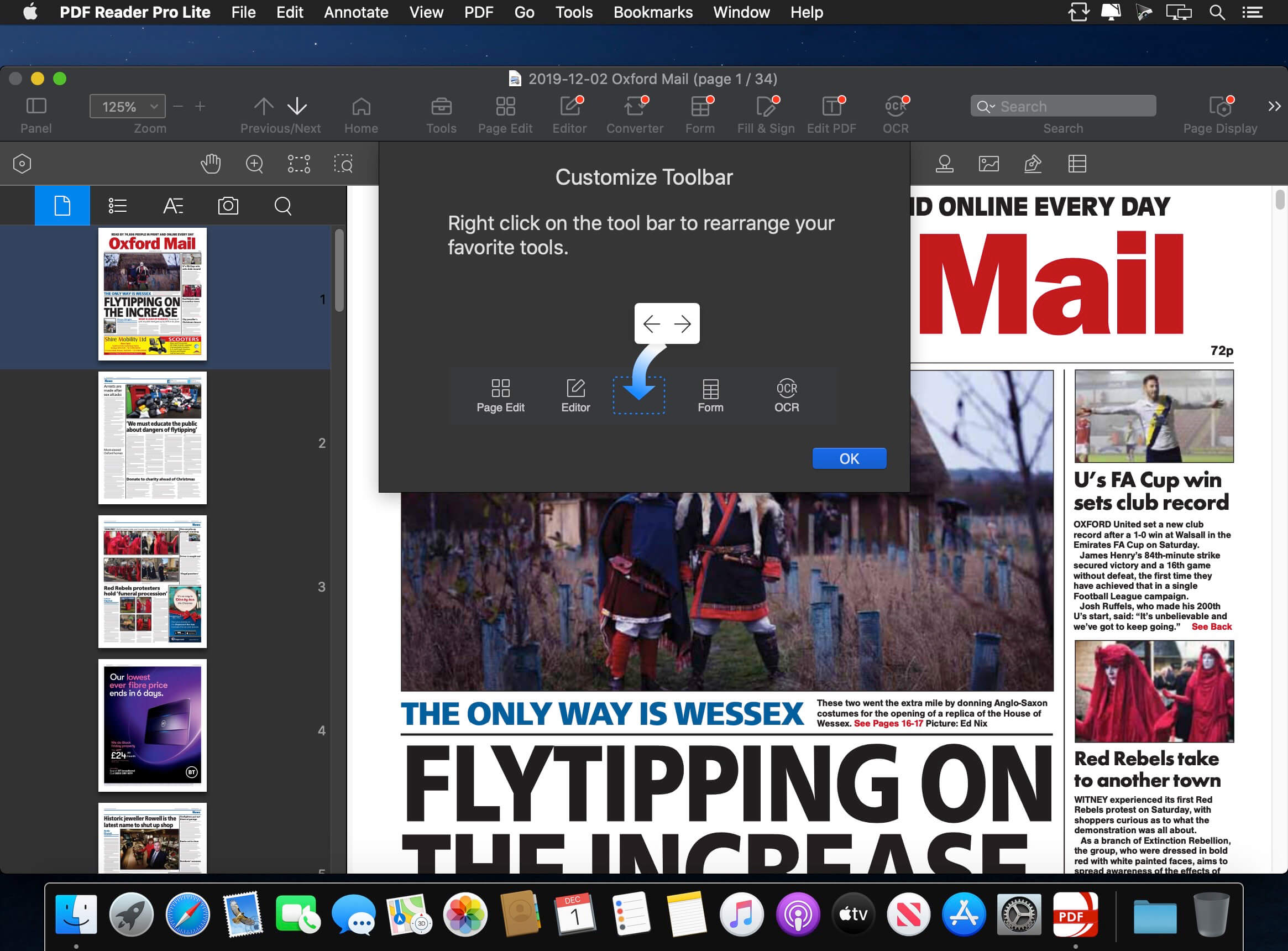
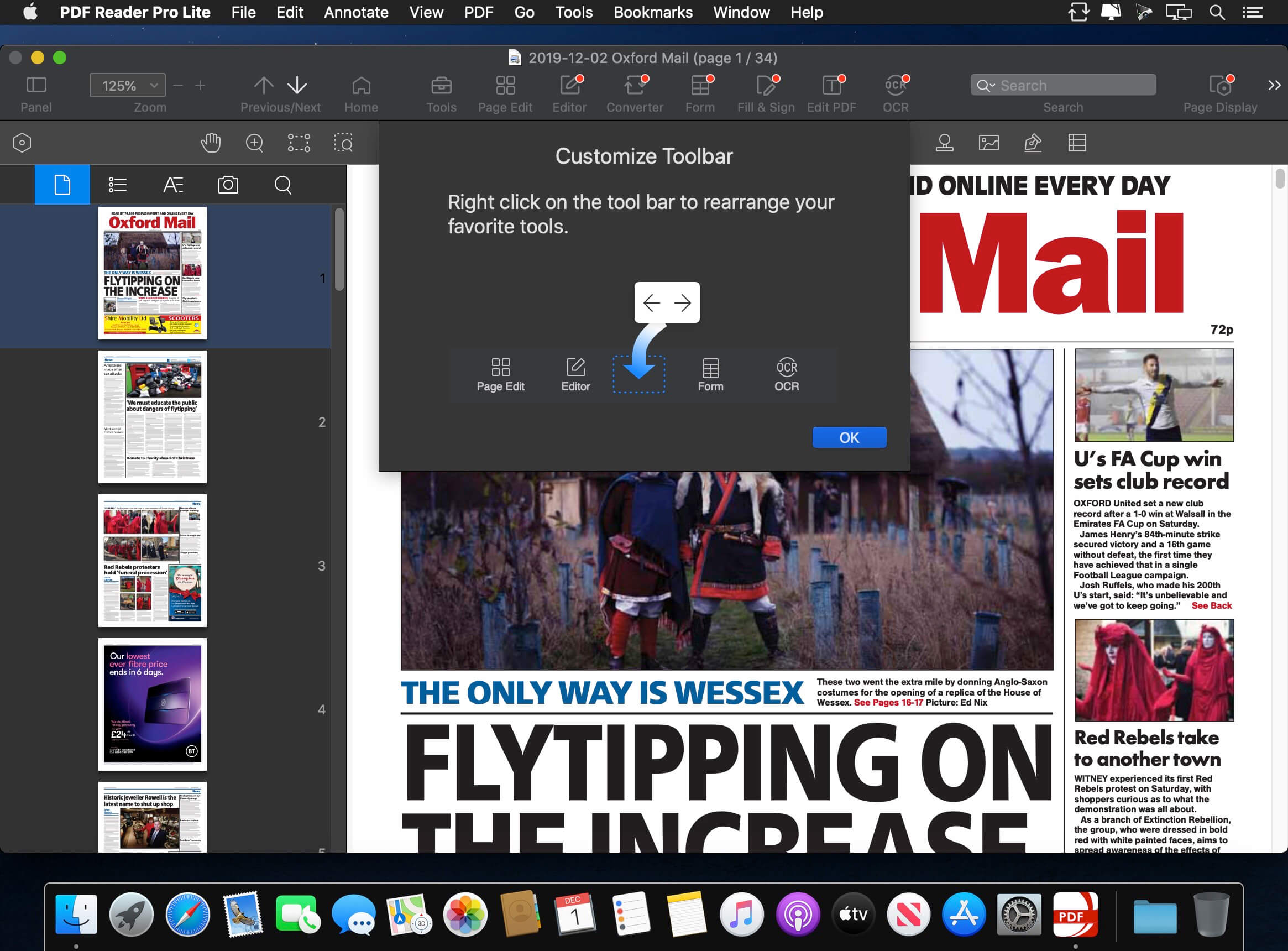
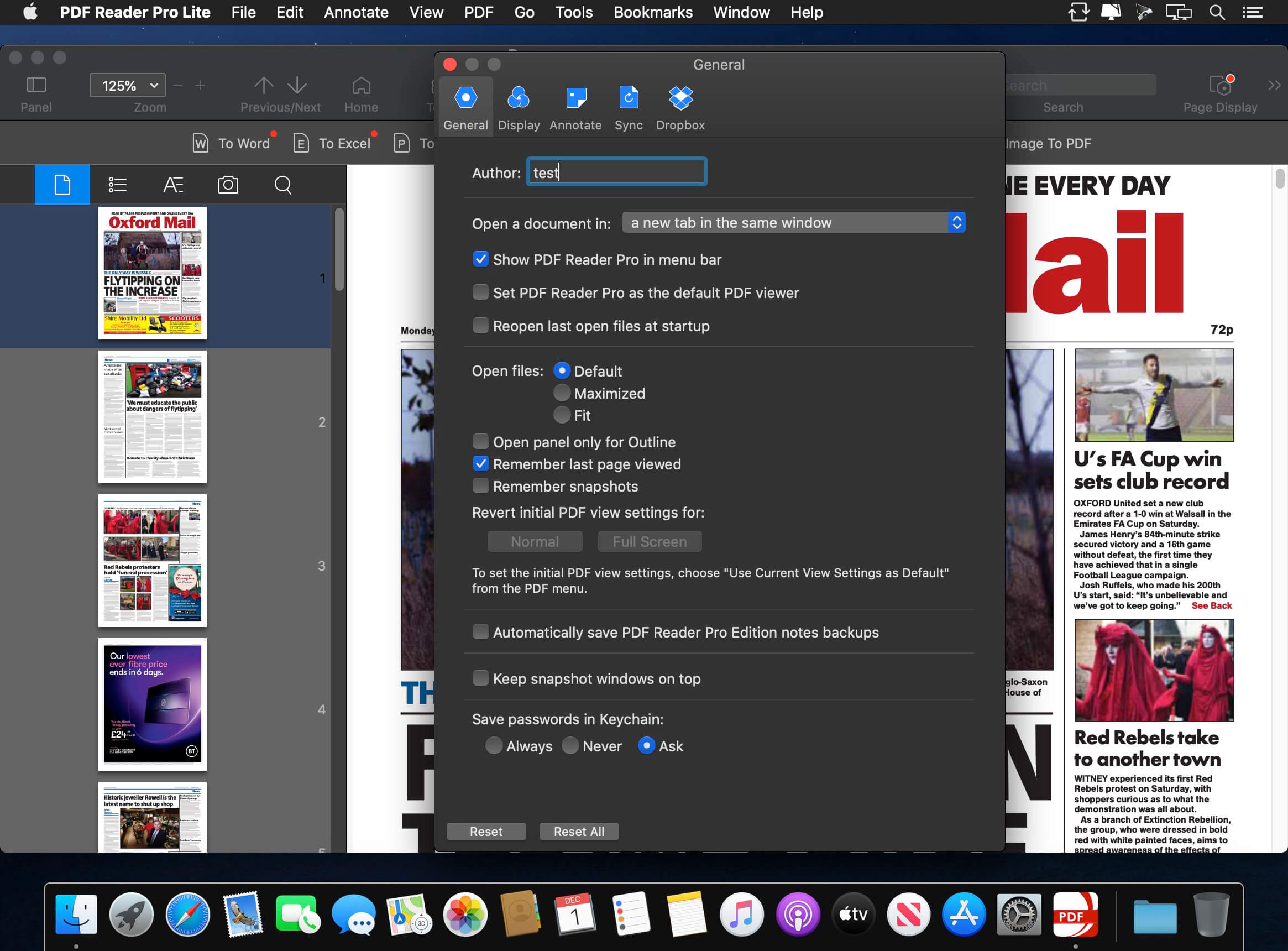
Annotate PDFs with highlights, underlines, lines, circles, freehand writing, and so much more.Create Edit Fill PDF Forms. Create fillable PDF Forms from interactive field objects, such as buttons, check boxes, radio buttons, list boxes, and drop-down lists.Create tables. A table consists of rows and columns of cells. A cell is like a text frame in which you can add text, or other tables. You can use headers or footers to repeat the information at the top or bottom of each divided portion of the table.Sign - Create multiple signatures for any situations with trackpad, keyboard or imagesInsert stamps, comments and notes.Link - Add hyperlinks to redirect other destinations, and edit your links as you likeExport from PDF to Microsoft Word (.docx), PowerPoint (.pptx), Excel (.xlsx), RTF, HTML, Text, Image, CSV, and more OfflinePDF to Image. Convert PDFs to JPG, PNG, bmp, gif, tiff, tga and jp2OCR (Optical Character Recognition). Convert scanned PDF images into editable and searchable PDFs or TXT files. 50+ languages supported!Annotation history - Access important sections of documents instantly.Edit pages with headers, footers, or page numbersAdd PDF watermarks to the background of pagesBates numberCombine multiple files into one documentInsert another file (entire files or specific page ranges) into the existing fileReplace PDF pages from another PDF fileMerge, Split, Extract, Append, Rotate, delete, replace, and crop pdf pagesDirectly present your PDFs with annotationsSupports radio boxes, check boxes, combo boxes, and list boxesReading modes: full-screen, page-fit, horizontal or vertical orientation, continuous and page breakBookmark specific pages or sections of PDFsCreate, Edit and Search outlines to easily navigate through the whole fileNight mode supportedReduce PDF size to make your documents much lighterCreate a new PDF by importing your clipboard contentSelect a passage or document to be read aloud by the TTS engineSet a password and authorization to edit, modify or print PDFs
What's New:
Version 5.0.0
Welcome you to the all-in-one PDF Reader Pro, fully compatible with macOS Sequoia to fulfill all your document needs! it's just like a great Mac app.
Fresh New Look: A more user-friendly interface gives you a better PDF reading and editing experience.Improved OCR Engine: Support area OCR. Easily convert scanned documents into editable PDFs while keeping the original format.Advanced Compress: Compress PDFs with default settings or personalize your settings on image, font, or other file content.Enhanced PDF Converter: Greatly improve conversion effect and speed.
Screenshots:
DOWNLOAD:





