
Parallels Desktop 26.4.1.57516 macOS|Mac上最流畅的Windows与多系统虚拟化方案
Parallels Desktop 是 macOS 平台上历史最悠久、口碑最扎实的虚拟化软件之一。虽然市面上也有不少 Mac 虚拟机工具,但论上手门槛之低、交互体验之自然,几乎没有对手能真正比肩 Parallels——它让虚拟化从“技术活”变成了“点几下就能搞定”的日常操作。
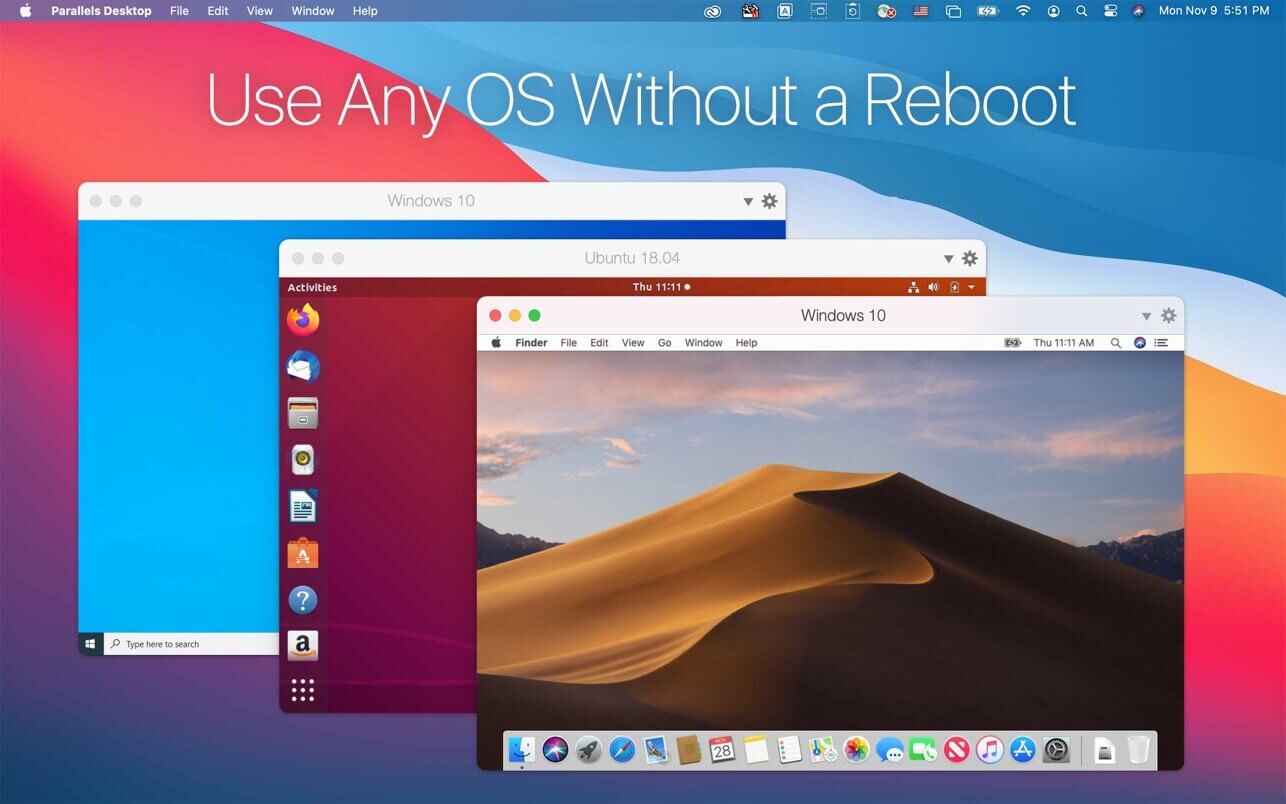
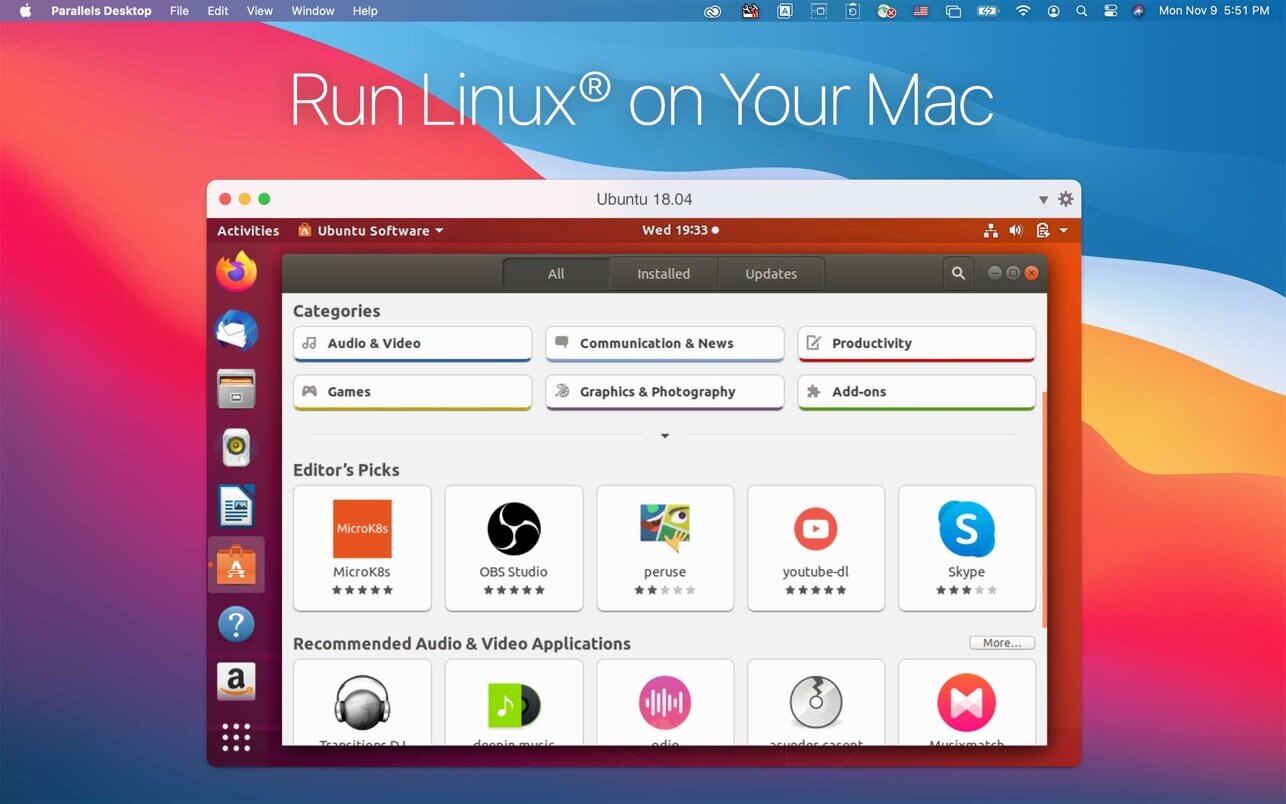
借助它,你可以在 Mac 上轻松运行 Windows 全系列版本、主流 Linux 发行版(如 Ubuntu、CentOS、Debian 等)、ChromeOS、Android,甚至其他小众操作系统。创建和配置虚拟机的过程高度自动化,系统级集成也极为深入:虚拟机中的操作系统不仅能无缝调用 macOS 的触控板手势、通知中心、剪贴板,还能原生适配 Spotlight 搜索与 Dock 栏。
真的就这么简单。相比 VirtualBox 或 VMware Fusion 这类传统方案,Parallels 在开箱即用性上优势显著——比如部署一台 Windows 11 虚拟机,内置向导会全程引导,从下载镜像、分配资源到完成安装,全程只需几次点击,零命令行、零配置经验也能轻松驾驭。
即便跳过初始的 Windows 10 快速设置向导,Parallels 仍提供智能安装助手,支持一键部署 Windows、Linux、Android 等多种系统。更贴心的是:Windows 10 测试开发环境完全免费开放;数十种 Linux 发行版与 Android 系统镜像可直接调用;你甚至能从 macOS 恢复分区直接安装 macOS 虚拟机,或将已有的 Boot Camp 分区无损转换为虚拟机。
在 Apple Silicon(M 系列芯片)全面取代 Intel 架构的当下,Boot Camp 已基本退出历史舞台。而 Parallels 凭借深度优化的 Rosetta 2 与原生 ARM 支持,成为目前在 M1/M2/M3 Mac 上运行 Windows 等异构系统的最顺滑选择。
MacBook Pro 用户可将常用 Windows 应用快捷方式拖入 Touch Bar;Safari 中打开的 Office 文档,双击即可自动调用 Windows 版 Word 或 Excel;Retina 显示屏全程高清渲染,字体锐利、界面细腻,视觉体验毫无妥协。
跨系统文件共享更是“无感”级便捷:Mac 桌面与 Windows 虚拟机桌面实时双向同步,任意一方新建或修改的文件,另一端立即可见,无需手动挂载、拷贝或设置共享文件夹。
想进一步打破系统边界?开启「融合模式(Coherence Mode)」即可。启用后,所有 Windows 应用将以独立窗口形式直接呈现在 macOS 桌面上,图标融入 Dock,菜单栏自动切换,仿佛它们本就是原生 macOS 应用一般自然。
Parallels Desktop 提供标准版、专业版(Pro)与企业版(Business)三大版本。标准版已覆盖绝大多数个人用户需求,但在单台虚拟机的内存上限、vCPU 数量及高级管理功能上有所限制;专业版与企业版则面向开发者与 IT 团队,强化了工程协作与规模化运维能力。
这些进阶能力包括:深度集成 Docker 容器引擎、Vagrant 自动化部署框架、Microsoft Visual Studio 开发调试环境;支持虚拟机批量迁移与云端分发;内置性能分析与远程调试工具;并提供集中式控制台,实现多台 Mac 设备上的虚拟机统一纳管与策略下发。
无论你是第一次接触虚拟机的新手,还是常年依赖多系统开发的老鸟,Parallels 都能以极简的操作路径、极稳的运行表现和极全的功能矩阵,带来无可替代的使用体验——它不只是“好用”,更是 macOS 生态中虚拟化体验的标杆级存在。
随着 Boot Camp 在 Apple Silicon Mac 上彻底停更,Parallels Desktop 已不仅是首选,更可能是未来数年内 M 系列芯片 Mac 用户运行 Windows 及各类操作系统的唯一成熟可靠方案。

What's New
Version 26.0
The new major Parallels Desktop version 26.0.0 (build 57238) includes many under-the-hood upgrades aimed at better supporting the latest version of macOS. Parallels Desktop 26 follows Parallels Desktop 20 to bring the version number in line with Apple’s new macOS versioning.
The release delivers the following improvements:
All editions of Parallels Desktop 26 for Mac
- Ready for macOS Tahoe 26.
Parallels Desktop 26 supports the upcoming macOS Tahoe 26 as a primary OS on Mac and as a virtual machine, so you can upgrade your Mac computers once the new operating system becomes available.
Look and Feel
- Brings updated icons across the board on Macs running macOS Tahoe 26.
Windows on Mac
- Enables Windows to accurately assess the available disk space on your Mac, helping you avoid harming your Mac’s responsiveness by installing overly large Windows software.
- Improves the behavior of full-screen Windows apps in Coherence mode, enabling your Mac to go to sleep mode normally.
- Fixes the issue that caused Persona 5 Royal to crash on launch in Windows 11 virtual machines.
Linux on Mac
- Apple silicon Macs: Adds out-of-the-box support for new Linux distributions, such as Ubuntu 24.04.2, Fedora 42, Debian 12.6, and Kali 2024.2.
- Intel Macs: Adds out-of-the-box support for new Linux distributions, such as Ubuntu 24.04, Fedora 40, Debian 12.6, and Mint 21.3.
- Fixes the issue that prevented Parallels Tools for Linux from installing correctly on CentOS 10 running on Intel Macs.
Parallels Desktop 26 for Mac Business & Enterprise Edition
- Adds the ability for system administrators to manage and monitor virtual machine software updates using Jamf scripts.
- Regenerates unique identifiers for virtual machines deployed from Golden Images to ensure smooth Intune enrollment.
What was deprecated or removed from Parallels Desktop 26
According to the statistics from the users who participate in the Parallels Customer Experience program, some product features are used very seldom or not at all. We have decided to either stop supporting them or completely remove them from Parallels Desktop and focus on frequently used features and further enhancements.
Below is the list of features that are no longer supported and have been removed in Parallels Desktop for Mac 26:
- Installing Parallels Desktop on Macs running macOS Monterey 12.
- Shared Bluetooth functionality. Bluetooth devices (e.g., keyboards, mice, or game controllers) connected to your Mac will continue to work normally in virtual machines.
Note: To connect a Bluetooth device directly to a virtual machine, consider using a USB Bluetooth dongle. - USB and network kexts (kernel extensions). This deprecation affects virtual machines that run on Intel Macs using Parallels hypervisor; such machines will continue supporting USB and network adapters in kextless mode.
- Deferred activation.
- Designating a custom update server in the deployment package settings.
- Synchronization of virtual machine color tags between the Parallels Desktop Control Center and macOS Finder.
- The option to install Parallels Toolbox for Windows in a Windows virtual machine using the Parallels Desktop menu.