
Zipic 1.10.0 macOS 高效本地图片压缩工具,隐私优先、画质无感压缩
Zipic 是一款专为 macOS 打造的原生图像压缩应用,专注在不牺牲视觉质量的前提下显著减小图片体积。所有操作均在本地完成——无需上传至服务器,也无需联网依赖云端服务。你的照片始终留在设备中,既保障隐私安全,又获得极致响应速度。
核心优势一览:
- 高压缩率 + 几乎无损画质:依托先进压缩引擎,Zipic 能在大幅缩减文件尺寸的同时,将人眼可辨的画质损失降至近乎为零;压缩后的图像与原图并排对比,几乎无法分辨差异。
- 极速本地运算:作为纯本地运行的 macOS 原生应用,全部图像处理均在你自己的 Mac 上实时完成——批量处理成百上千张图片依然流畅如初,全程离线、零数据外传。
全格式兼容:不仅支持 JPEG、PNG、WebP、HEIC、GIF 等主流格式,更深度适配 AVIF、JXL、TIFF、ICNS 等专业级图像格式。 - 极简操作体验:提供多种“零学习成本”的使用方式:拖拽即压、指定文件夹自动监听、Finder 右键菜单一键调用,让压缩真正融入日常流程。
- 灵活自定义控制:可自由创建多套预设方案——按用途(如网页发布、邮件附件、存档备份)或按画质偏好(高保真/轻量优先)精细调节参数,结果完全可控。
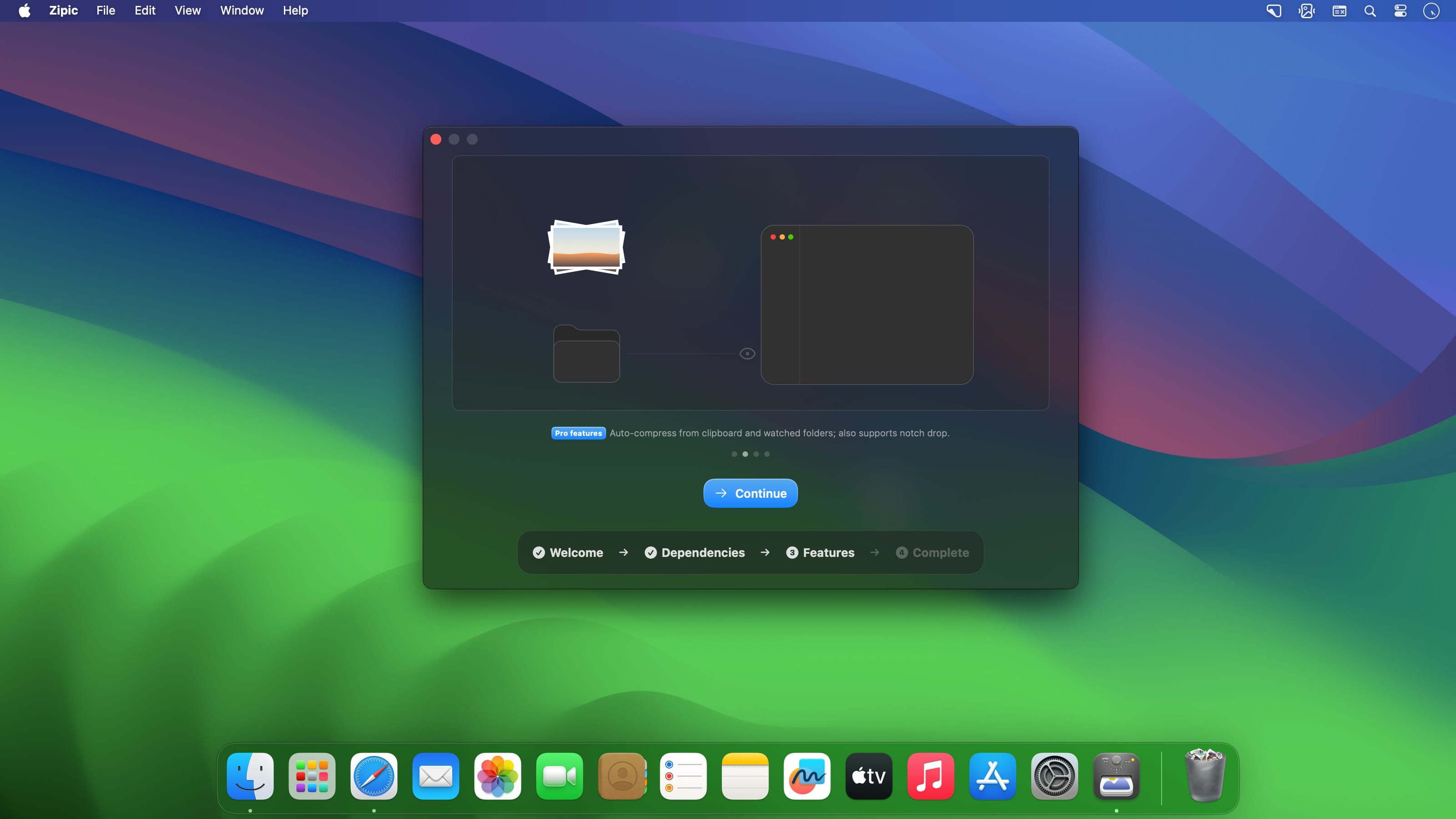
- 智能自动化扩展:Pro 功能进一步释放效率:剪贴板图片自动压缩、监控指定目录实现“放入即压”、支持 Raycast 插件及 Apple Shortcuts 深度集成,轻松嵌入你的工作流。
无论你是前端开发者、UI 设计师、内容创作者、摄影爱好者,还是经常处理大量图片的办公用户,Zipic 都致力于成为你 Mac 上那个“无需思考、一压就灵”的静默优化伙伴。
What's New
Zipic v1.10.0
New Features
- Multiple outputs: one compression can now produce extra versions at once — each with its own format, size, and filename suffix, grouped in the results list — fully supported in the CLI, Shortcuts, and URL Scheme.
- HDR preservation: HDR photos keep their HDR brightness (Ultra HDR / gain map) when converted to JPEG, AVIF, HEIC, or JXL — even when resizing.
- iCloud sync: settings and presets now sync automatically across your Macs.
- Redesigned settings: a brand-new settings window with an icon sidebar and frosted-glass look; preset cards, the license page, and every settings page have been refreshed.
- Config export & import: the new Data settings page lets you export and import settings and presets, with category-based selective import.
Clipboard format whitelist: choose which image formats clipboard monitoring reacts to; defaults to PNG, JPEG, and WebP.
Scale by percentage: resize now offers a percentage mode to shrink images proportionally. - CLI upgrades: the command-line tool reaches 0.3.0 with new config and monitor command groups and more complete compression overrides.
- DPI preservation: image DPI metadata is preserved after compression.
- Folder access guidance: when a monitored folder loses permission, Zipic now detects it quickly and guides you to re-authorize.
Bug Fixes
- PDF compression: fixed blank pages in compressed scans and pages losing all text in certain PDFs.
Honest HDR output: converting HDR images to SDR formats like JPEG/PNG now tone-maps brightness correctly instead of producing washed-out or fake-HDR results. - Clipboard experience: compressed images are written back in the clipboard’s original shape, and unchanged clipboard content is no longer reprocessed.
- Resize accuracy: fixed inconsistent output dimensions and ±1 pixel drift when resizing certain formats.
Stability: fixed a crash when notifications popped up in rapid succession, a black flash in the Notch animation, and monitored cloud-synced files being compressed before fully downloaded. - ICNS compression: compression level now actually applies to ICNS icons.
Other Improvements
- Behavior change — clipboard monitoring: clipboard monitoring now only handles PNG, JPEG, and WebP by default; enable other formats in Settings if needed.
- Behavior change — Shortcuts: with multiple outputs configured, the Shortcuts compression action returns all output files.
Engine upgrades: built-in JPEG, PNG, AVIF, and PDF encoders have been upgraded for better quality and compatibility.





