
FilePane 2.0.8 macOS 轻量级菜单栏文件与媒体处理工具

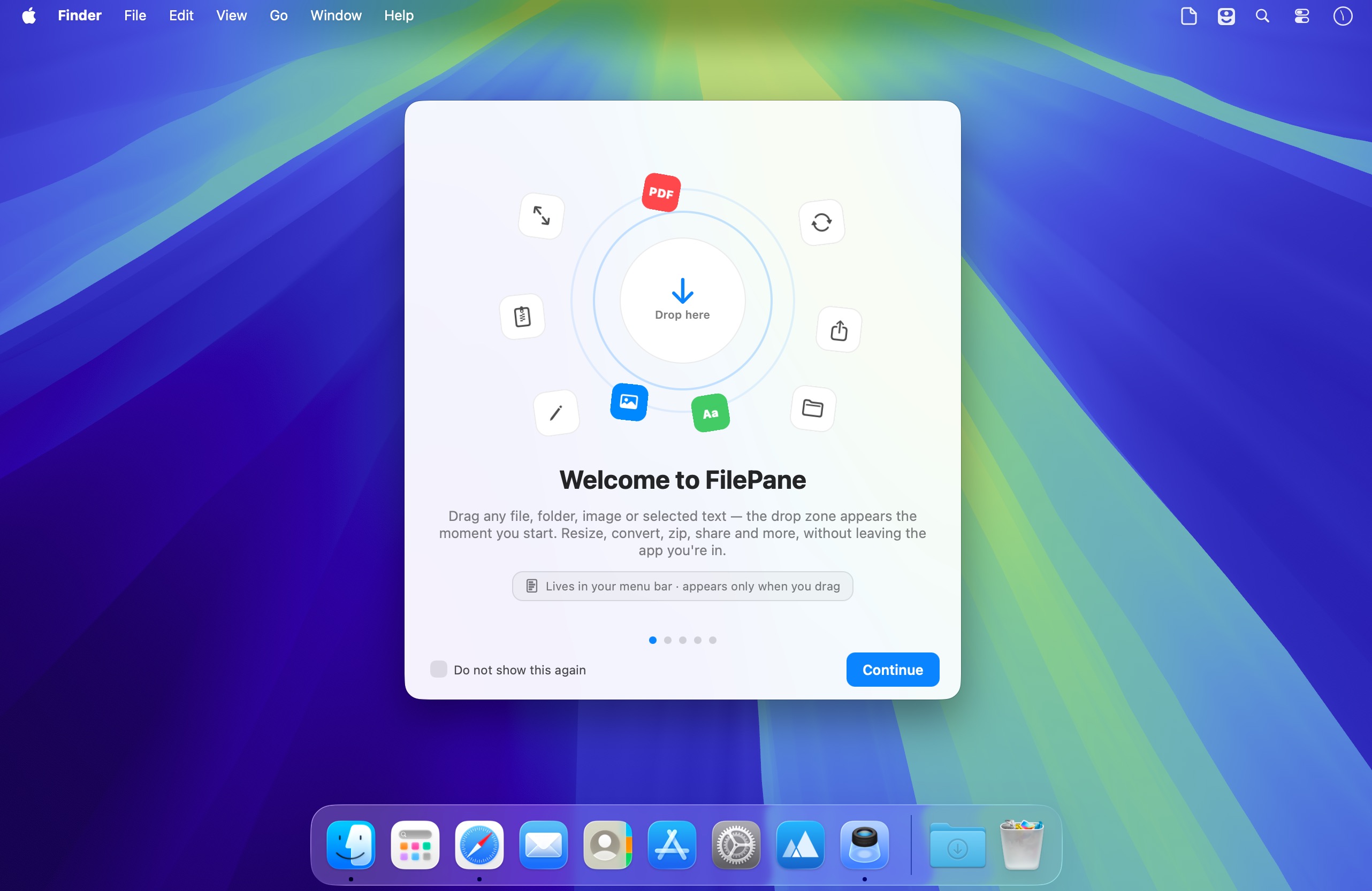
FilePane 是一款专为 macOS 打造的轻量级效率工具,无需打开独立窗口,只需点击菜单栏图标,即可秒级调用文件管理、图片处理、文本操作等高频功能。
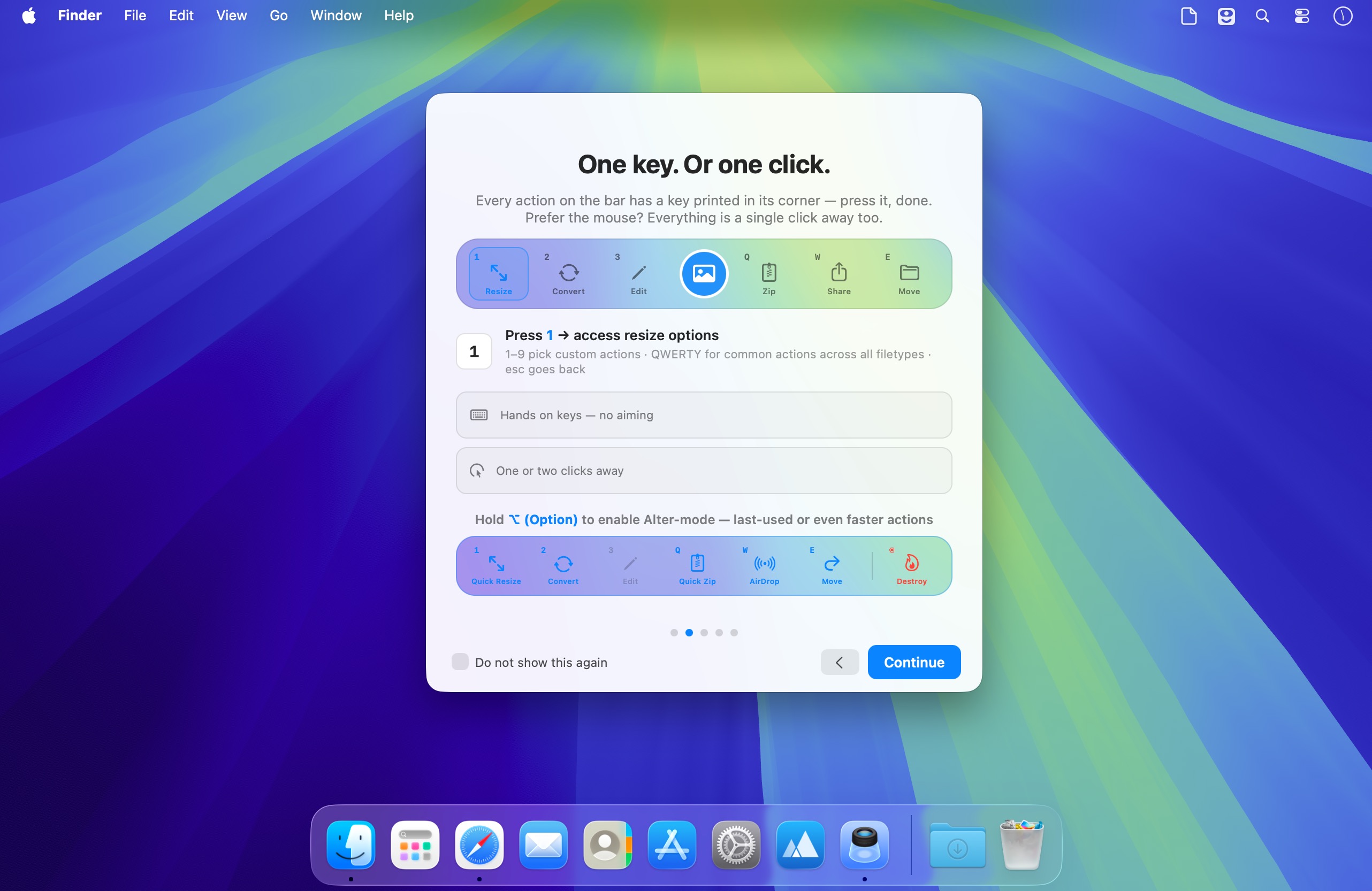
支持拖放即用,也可自定义快捷键一键唤醒——两种激活方式任你选择,无缝融入你的日常操作节奏。
一触即达的文件处理能力
借助 FilePane,你可以轻松实现:
- 一键将任意图片设为桌面壁纸。
- 实时查看文件大小,并快速复制其完整路径到剪贴板。
- 自由调整图片分辨率,适配社交平台、文档或网页需求。
- 文本文件转 PDF(保留格式),PDF 文档提取纯文本内容。
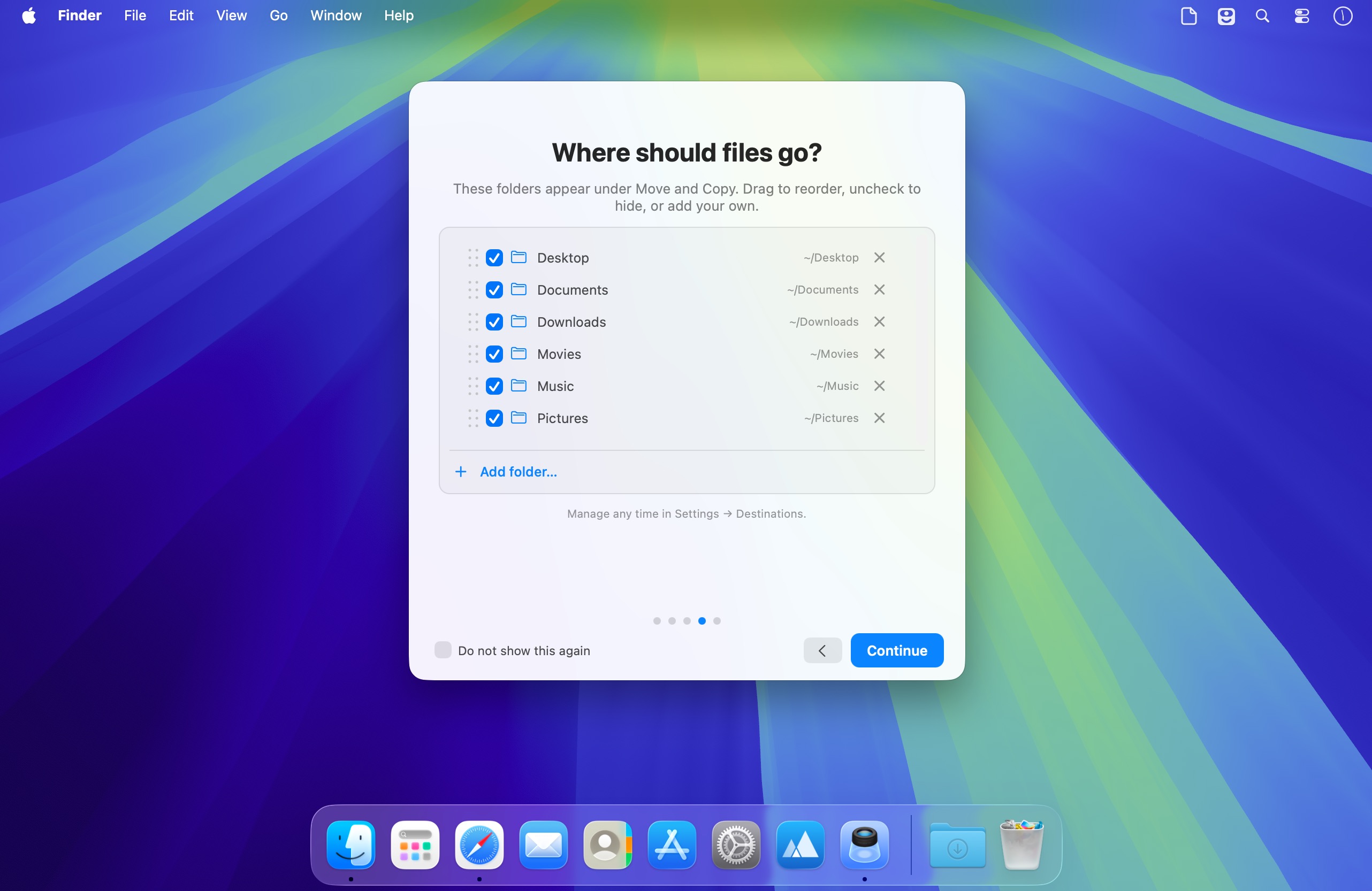
- 跨文件夹移动文件,告别 Finder 多层跳转。
- 批量打包成 ZIP 或 TAR 归档,压缩过程简洁可控。
- 直接打印选中文本内容,省去新建文档步骤。
- 保存临时文字片段为 .txt 文件,随手记录不丢失。
- 高亮文本后一键复制,剪贴板操作更顺手。
- 以选中文字为正文快速创建新邮件,提升沟通效率。
- 通过 AirDrop、邮件、Facebook 或 Twitter 一键分享文件,多渠道覆盖。
为专注工作而生的设计哲学
FilePane 始终静默驻留在 macOS 顶部菜单栏,不弹窗、不打扰,真正实现“需要时出现,不用时隐形”。你可随时启用/禁用它,设置开机自启,切换黑白风格菜单栏图标,并为唤醒操作分配专属快捷键。
无论是批量处理照片、整理散乱文档、即时分享资料,还是高效编辑文本——FilePane 都能帮你砍掉冗余步骤,把重复操作压缩成一次点击。
What's New
Version 2.0.8:
- NEW: Watermark for images — stamp text or a logo over your images. Resize, rotate it, apple font color, style. save and manage presets. Batch watermarking is also supported. Metadata is preserved on write.
- NEW: Watermark for videos — the same marks and presets, burned into every frame. output files stay matched to the source.HDR included
- crop frame in image edit window now has ability to align the crop frame to center, top and botom corners. you can also set frame size manually, if needed
- file info pill (over the actions bar) will now show multiple files and folders total size, just like for individual files
- NEW: Bulk Crop — drop several images and crop by aspect ratio (1:1, 4:5, 16:9…) or an exact size in pixels/percent. metadata for images is preserved





