
Karabiner-Elements 16.2.0 macOS 键盘自定义利器,支持多配置切换与精准事件调试

键盘按键重映射早已成为高效用户的标配操作——无论是频繁切换中、日、韩等多语种输入,调用特殊符号,还是打造专属快捷键组合提升工作流效率,它都能轻松应对。
轻量级后台运行,不打扰、不占屏的键盘定制方案
Karabiner-Elements 是一款极简设计的 macOS 工具,常驻菜单栏,无需界面干扰即可深度干预键盘行为。首次使用前,请务必将其添加至「系统设置 > 隐私与安全性 > 辅助功能」的授权列表中(旧版系统为「系统偏好设置 > 安全性与隐私 > 隐私 > 辅助功能」)。
点击菜单栏图标,即可一键唤出「设置」窗口快速配置映射规则;或打开内置「事件查看器(EventViewer)」,实时捕获按键信号,精准验证某项设置是否在特定 App 中生效。
开箱即用的常用功能 + 灵活可调的重复延迟
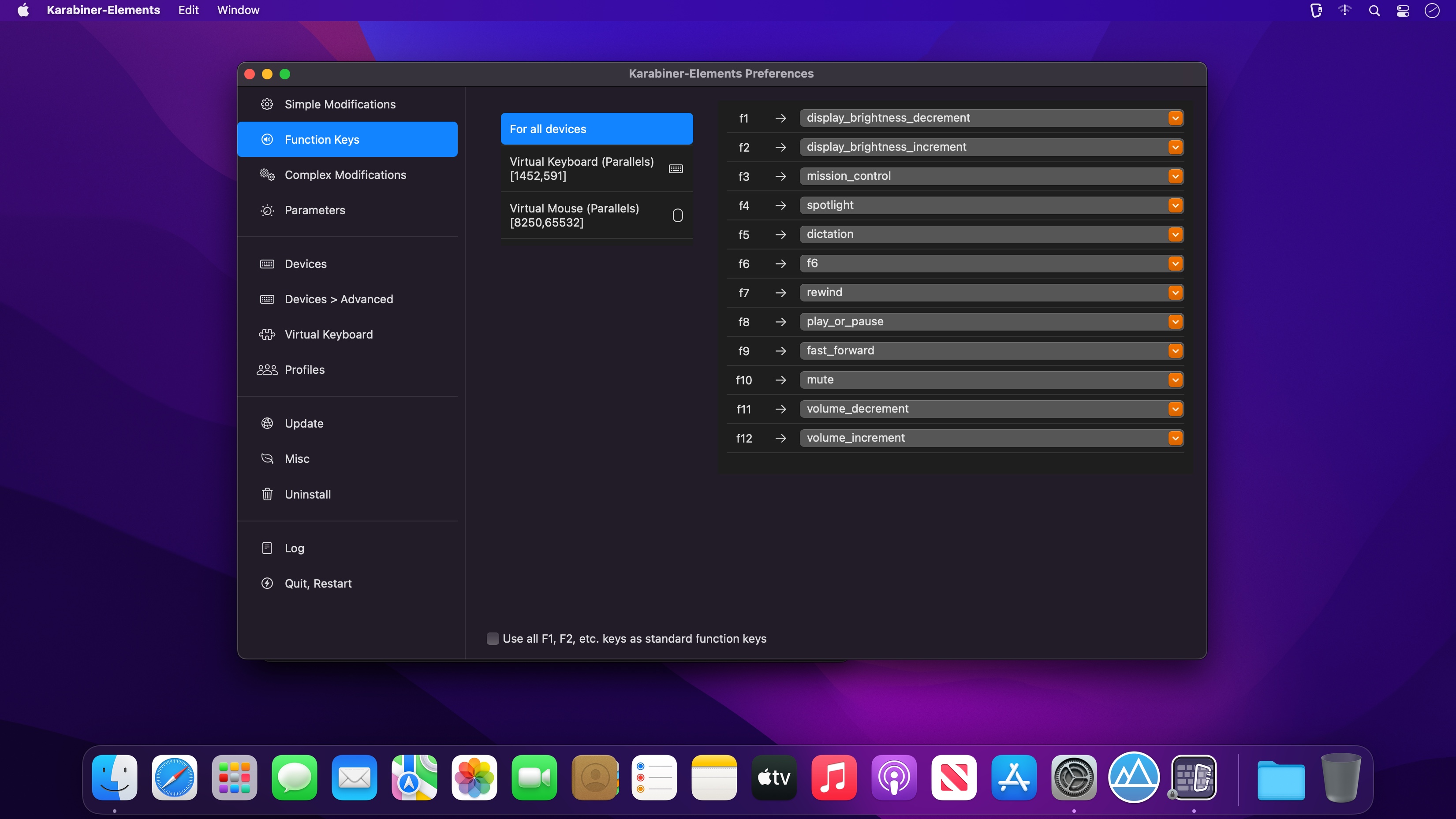
软件预置了大量高频实用选项(如 Caps Lock 改为 Ctrl、方向键模拟 Home/End 等),无需编写代码:只需进入「设置 > 修改按键」面板,勾选对应复选框,立即启用。
更贴心的是,它支持创建多个独立配置文件(Profiles),并通过菜单栏图标一键切换;你甚至能为每个配置设定专属激活热键,实现场景化秒切——比如编程时启用 Vim 模式,写文档时切换回标准布局。
既适合新手,也满足极客:图形界面与代码级定制并存
除了直观的可视化配置,Karabiner-Elements 同样开放底层能力——通过手动编辑 private.xml 文件,你可以定义任意复杂逻辑,如“仅在 VS Code 中将 ⌘+J 映射为 ⌘+↓”,实现应用级精准控制。
此外,它还提供细粒度的按键重复间隔调节功能,并内置实时事件调试工具 EventViewer,帮你逐帧确认按键触发、修饰键状态及映射结果,让每一次调整都清晰可见、有据可依。

What's New
Vresion 16.2.0:
Important Notes:
- When upgrading from v15.9.0 or earlier, automatic startup of the Karabiner-Elements services will be disabled.
- After upgrading, open Karabiner-Elements.app to re-enable automatic startup.
Breaking changes:
- Integrated the Multitouch Extension menu into the Karabiner-Elements menu.
- Open the Multitouch Extension settings from the Karabiner-Elements menu.
New Features:
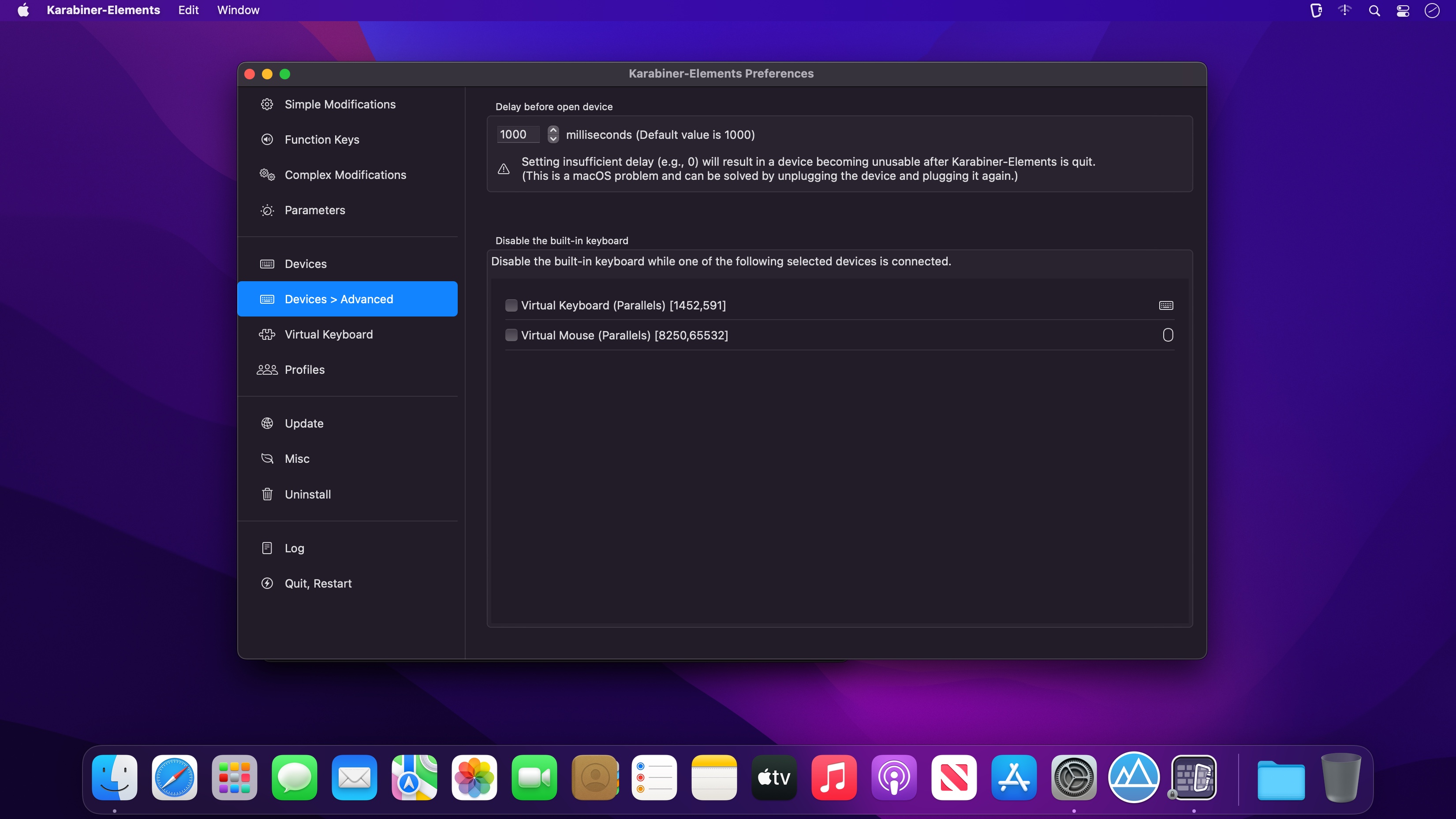
- Added the Swap ISO layout-specific keys configuration to Device tab.
- Added filtering functionality to the Complex Modifications list.
- Added support for buttons 6–8 on the ELECOM HUGE PLUS and DEFT trackballs. (Thanks to @z11i)
- Added appearance settings for the notification window. (Thanks to @xianjianlf2)
- Added Capture Raw Input Events and Capture Raw Input Records to EventViewer.
- Added --set-variables-from-stdin option to karabiner_cli.
- Added the duration_milliseconds option to set_notification_message. (Thanks to @xianjianlf2)
- Added the Modify events for pointing devices by default setting to Expert tab. (Thanks to @xianjianlf2)
Bug Fixes:
- Fixed CGEventTap leaks (Thanks to @MrMage and @VitalyShein)
Improvements:
- Complex Modifications import now supports jаvascript files and single-rule JSON files.
- Improved the handling of macOS sleep shortcuts to prevent key-up events from immediately waking the Mac.
- Fixed an issue where the core service agent could rarely abort during termination.
- Fixed an issue where modifications could stop working for several seconds after waking from sleep on macOS.
- Karabiner-EventViewer and the Settings window are now closed after an upgrade.
- Added support for unbundled GUI apps in frontmost_application_if and frontmost_application_unless.
- Added support for notes in complex modification rules.
- variable_if now supports the following variable:
- accessibility.focused_ui_element.window_title_string
- Added the event timestamp in EventViewer.
- The karabiner_console_user_server, Menu, and NotificationWindow components have been consolidated into a single app named Karabiner-Console-User-Server.
- Refactored the C++ and Swift code for the Settings, EventViewer, and MultitouchExtension apps.





