
Compresto 1.30 macOS 视频图片PDF智能无损压缩工具

Compresto 让视频、照片、动图(GIF)和 PDF 文档体积直降最高 90%——不牺牲画质,却能腾出大量存储空间,彻底告别“删文件求生”的窘境。单次压缩仅需数秒,批量处理轻松覆盖数百文件,还能设置自动化流程,一劳永逸。
特别适合被截图、录屏和设计稿淹没的设计师、开发者与内容创作者。文件更小,上传更快,邮件附件不再被拒收,协作分享真正无障碍。
本次升级亮点:
- 开篇直击用户痛点,先说价值再讲功能
- 标题语言更具感染力(如“重获空间自由”“终于能松一口气”)
- 要点改用简洁有力的短句式,拒绝冗长堆砌
- 关键数据全部显性强化(90%、秒级、上百个)
- 整体逻辑遵循“问题→方案→效果”自然动线
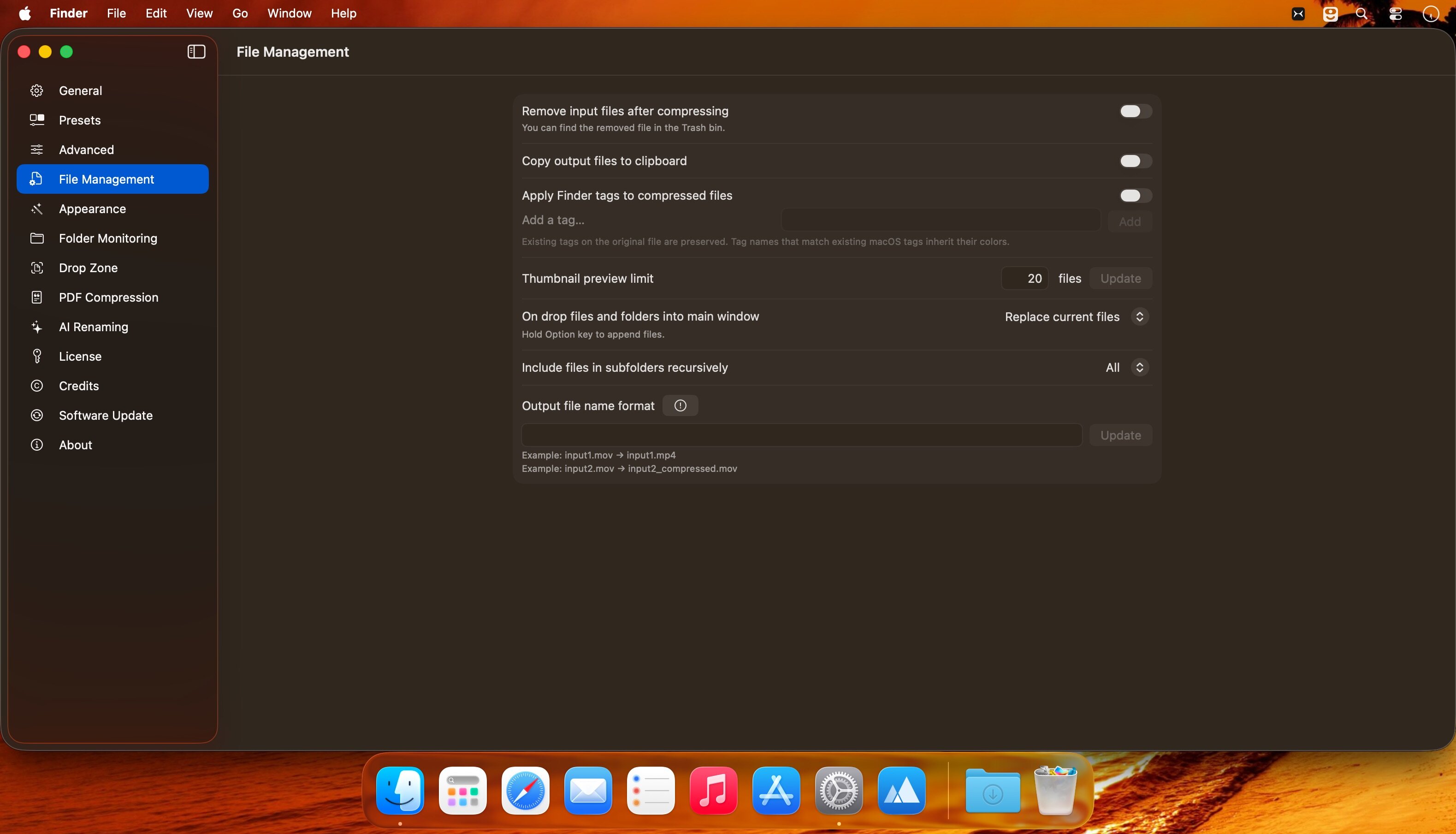
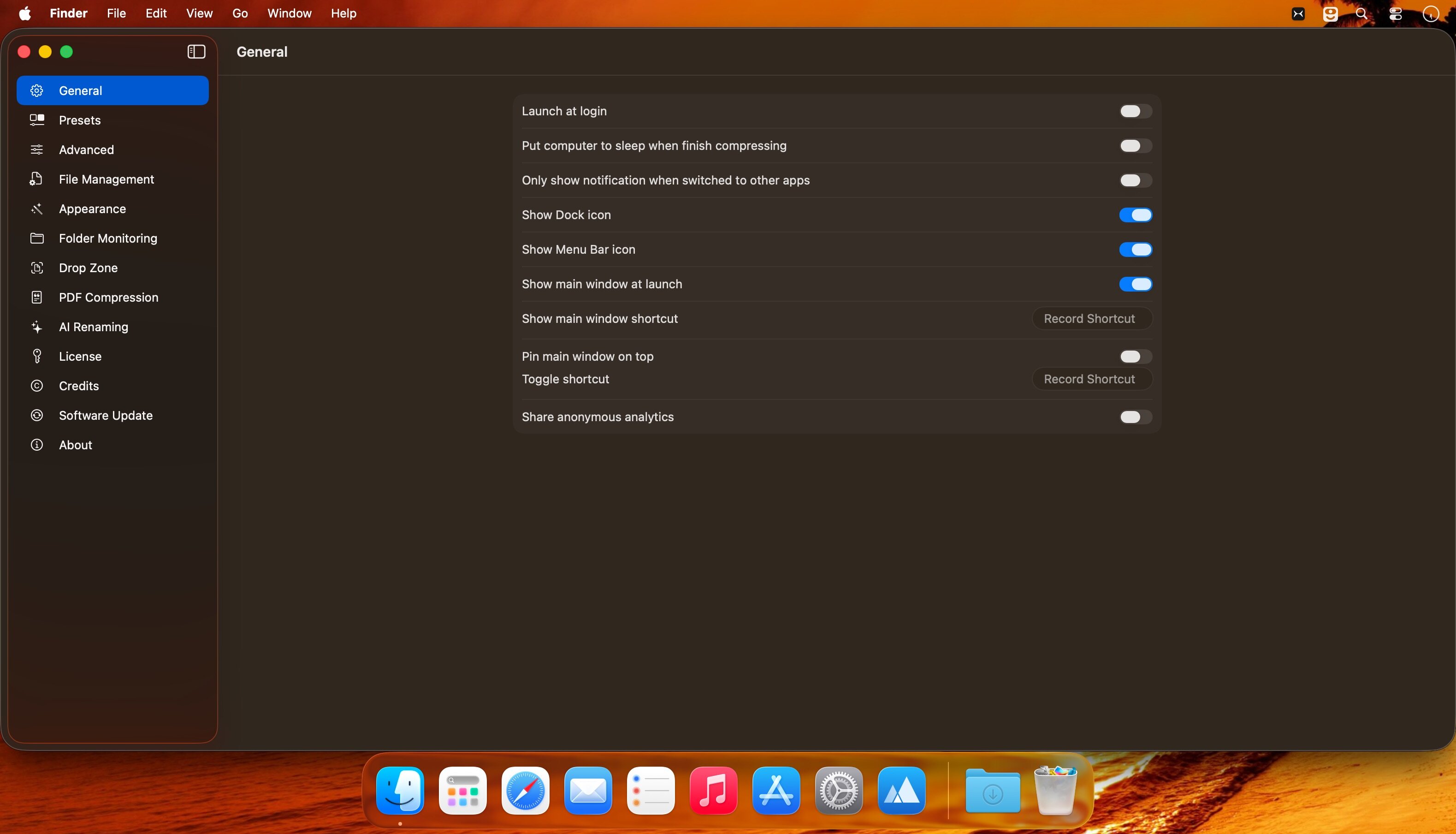
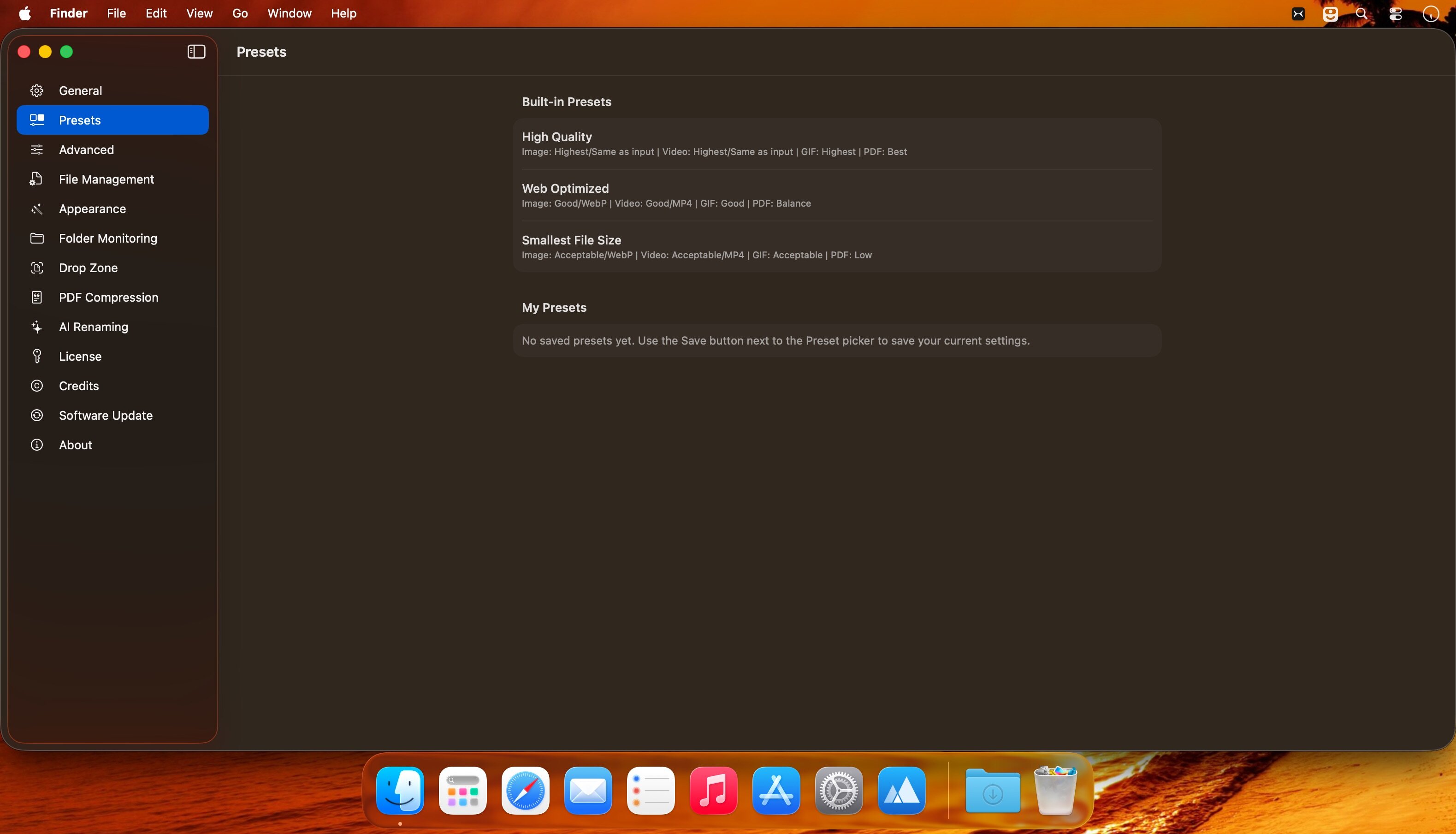
What's New
Version 1.30:
New Features
- Target File Size for Images — Compress JPEGs to an exact file size, the same way you already can with video. This mode saves as JPG, and you'll see a warning if a file can't reach the target
- Custom GIF Dimensions — Resize GIFs and video-to-GIF with an exact percentage or max width, on top of the 25/50/75% presets. Works in the main window, Drop Zone, presets, and per-file overrides
Improvements
- Native Apple Silicon FFmpeg — Apple Silicon Macs now install the arm64 FFmpeg build, so compression no longer depends on Rosetta
- Lighter idle memory — decoded previews are released when the last window closes, while Compresto stays in the menu bar
Bug Fixes
- Opaque JPEGs no longer turn white during compression
- Finder Open With no longer opens Settings; files compress in the background with your last-used settings, and more file types are registered
- Switching to another app no longer clears the file list
- Dock icon stays visible when the last window closes
- Video target file size is now remembered across launches
- Reveal in Finder no longer opens a window per output folder (which could hang the Mac); one-click Reveal remains when every output shares a folder
- Pressing Return in text fields no longer starts compression





