
File List Export 3.1 macOS 批量导出文件清单与深度元数据提取工具

一款操作直观、上手零门槛的 macOS 工具,专为高效生成各类文件清单而设计——无论是整理海量照片、归档视频资料,还是清点整个项目目录,它都能轻松胜任。无论您需要一份简洁的文件名列表,还是包含完整属性的详细报表,这款应用都是您的理想之选。
全新 3.1 版本重磅升级:新增 26 项专业级元数据字段,并全面支持导出为 CSV 格式!
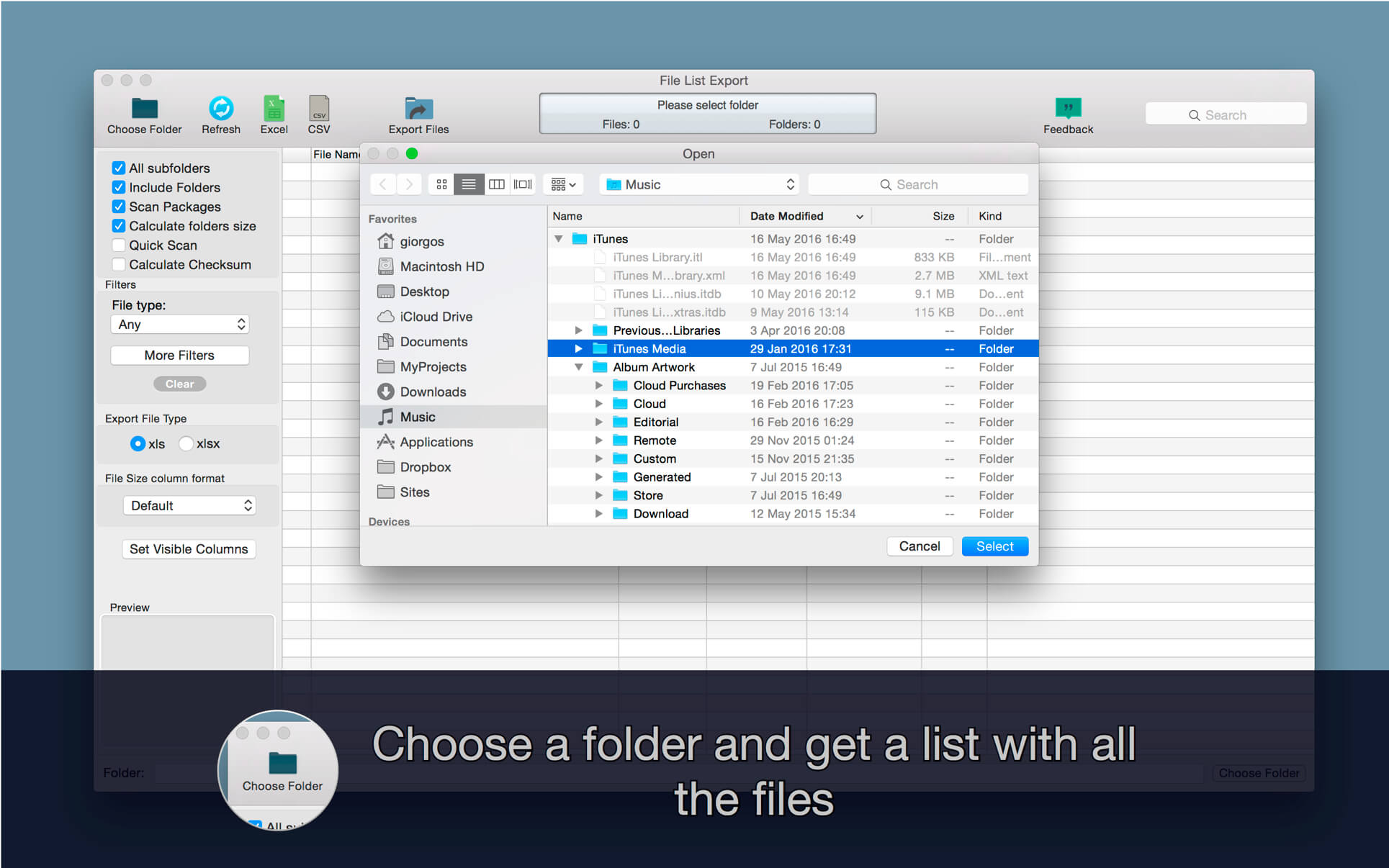
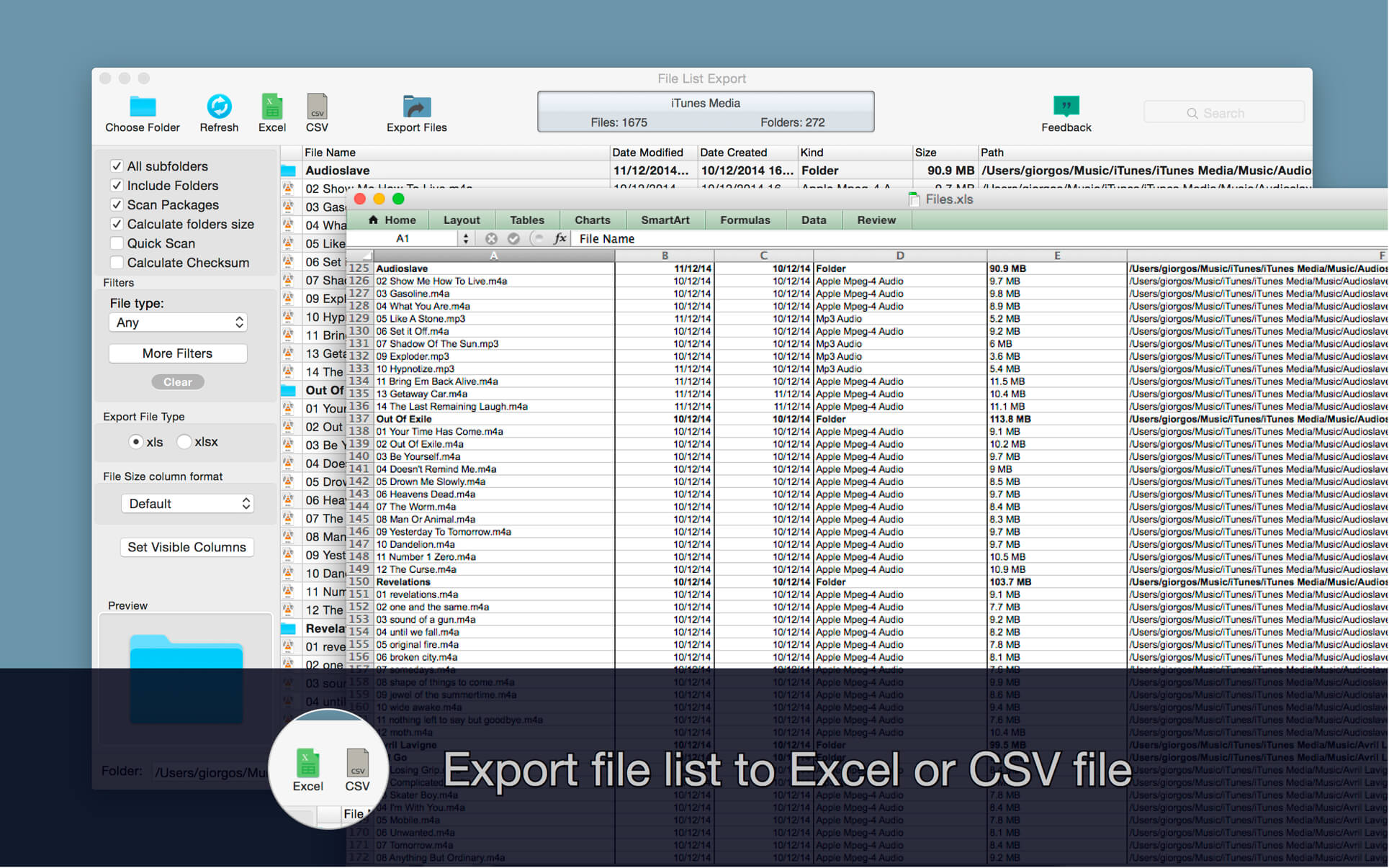
只需一键选择目标文件夹,或直接拖拽文件/文件夹到界面,即可即时生成含全部文件与子目录结构的完整清单,并自由导出至 Excel(.xlsx)或标准 CSV 文件。支持灵活配置是否递归扫描子文件夹;导出前可实时预览、手动编辑条目,还能快速筛选、关键词搜索,大幅提升整理效率。
更支持按类型精准筛选导出:比如,一键提取 iTunes 音乐库中所有 AAC/M4A 音频文件,或从“文稿”文件夹中单独导出全部 PDF 文档并生成结构化报表。
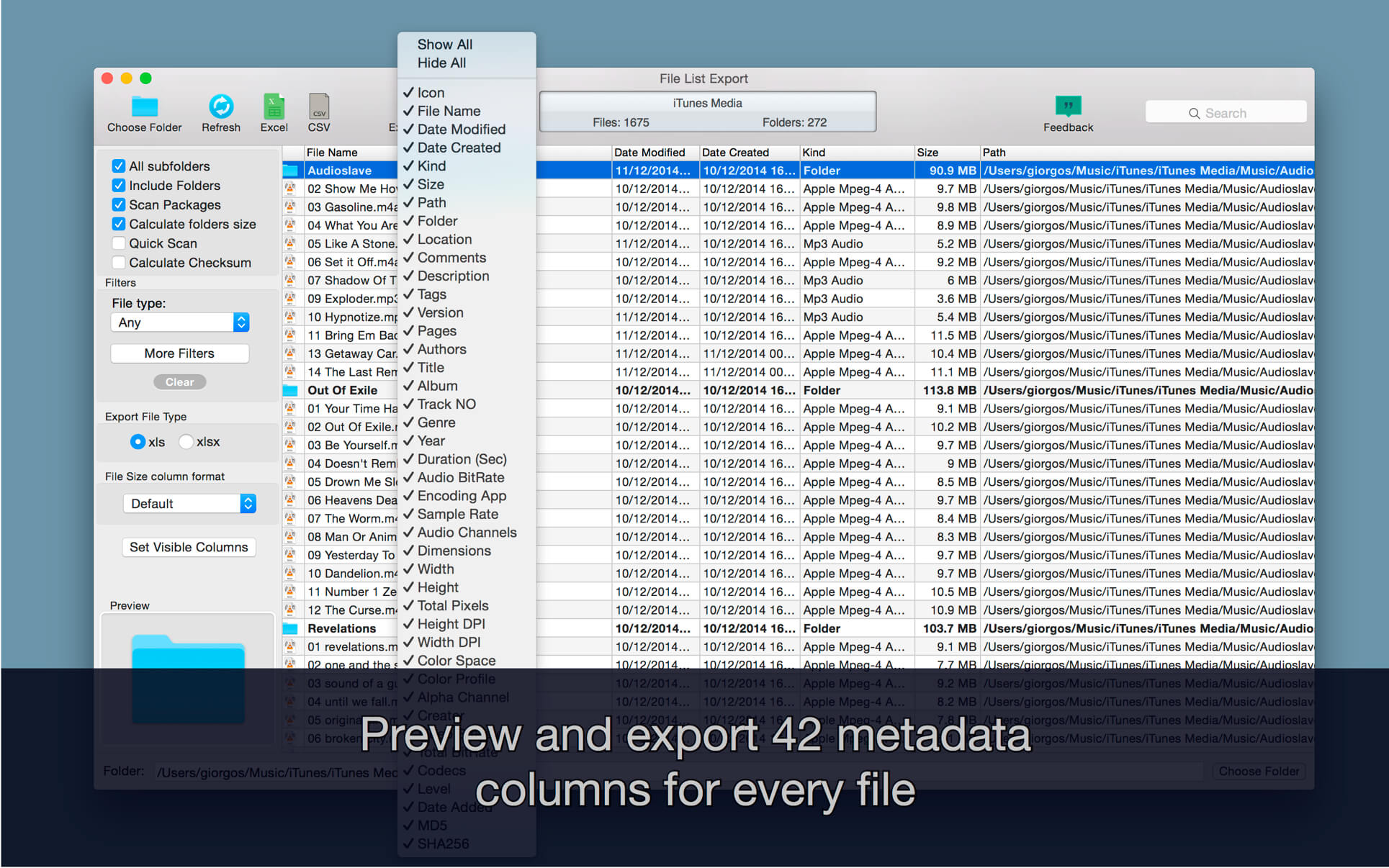
每份文件均可获取以下丰富信息:
- 文件名
- 修改日期
- 创建日期
- 文件类型(Kind)
- 文件大小
- 完整路径(存储位置)
- 备注内容
- 标签(Tags)
- 版本号
- 页数(适用于 PDF、Pages 等文档)
- 作者 / 艺术家
- 标题
- 所属专辑
- 音轨编号
- 流派
- 发行年份
- 时长
- 音频比特率
- 音频编码软件
- 音频采样率
- 声道数
- 图像尺寸(宽×高)
- 像素宽度
- 像素高度
- 总像素数
- 垂直分辨率(DPI)
- 水平分辨率(DPI)
- 色彩空间
- 色彩配置文件
- 是否含 Alpha 通道
- 创建者(Creator)
- 视频比特率
- 总比特率
- 编解码器(Codecs)
- MD5 校验值
- SHA256 校验值
What's New
Version 3.1:
Version 3.1 adds the most-requested feature yet - duplicate detection:
- Find duplicate files — spot files with identical contents anywhere in your scan, and see exactly how much space the extra copies waste. Files are matched on their contents, not their names, so renamed copies are found too.
- Remove the extras safely - keep the newest copy, the oldest, or the one nearest the top folder, and send the rest to the Bin. One copy of every set is always kept, and every file stays recoverable.
- A Duplicate Group column that sorts, filters, and carries into every export format.
- Print your list directly (Command-P) - the printout matches the PDF export exactly, with page setup and printer choice.
- Much faster on large folders — folder sizes are calculated in a fraction of the time, and scrolling long lists is smoother.
- Scanning now shows how many files are done, how many remain, and roughly how long is left.
- Several memory leaks fixed.





