
MountMate 5.19 macOS 轻量级外置存储管理工具
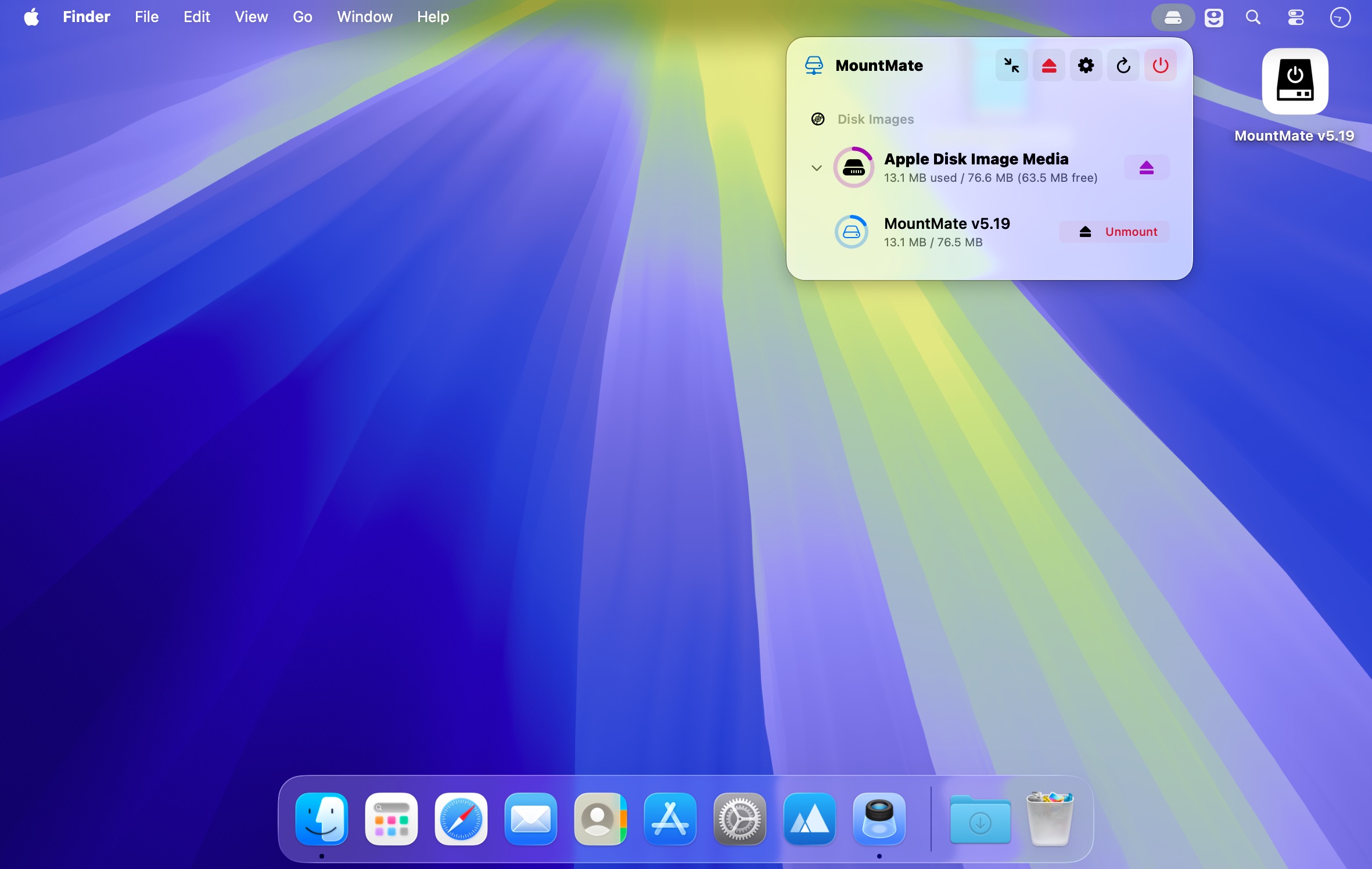
在 Mac 顶部菜单栏一键掌控所有外接硬盘与磁盘镜像,告别繁琐操作。
无需打开终端或磁盘工具,MountMate 就能让你以极简方式管理已连接的存储设备。单击即可安全弹出外置驱动器,需要时又能随时重新挂载——整个过程都在轻量级菜单栏应用中完成,零学习成本,即装即用。
核心能力
- 从菜单栏直接挂载/卸载各类外接存储设备
- 无需拔插硬件,即可快速恢复已弹出的驱动器挂载状态
- 全面支持 .dmg、.iso 等磁盘镜像:挂载、浏览、卸载、彻底移除一气呵成
- 可选关闭 USB 设备自动挂载,避免干扰工作流
- 一键批量弹出所有已连接的物理硬盘与虚拟镜像
- 接入新存储设备后,自动刷新菜单栏设备列表,实时同步
- 后台静默运行,资源占用极低,不抢 CPU、不耗内存
特别适合那些不常驻使用的移动硬盘、SSD 或 NAS 备份盘——让它们安静休眠,只在真正需要时才唤醒响应;既省电降噪,又延长硬件寿命,更免去反复插拔的麻烦。
What's New
Version 5.19:
Added:
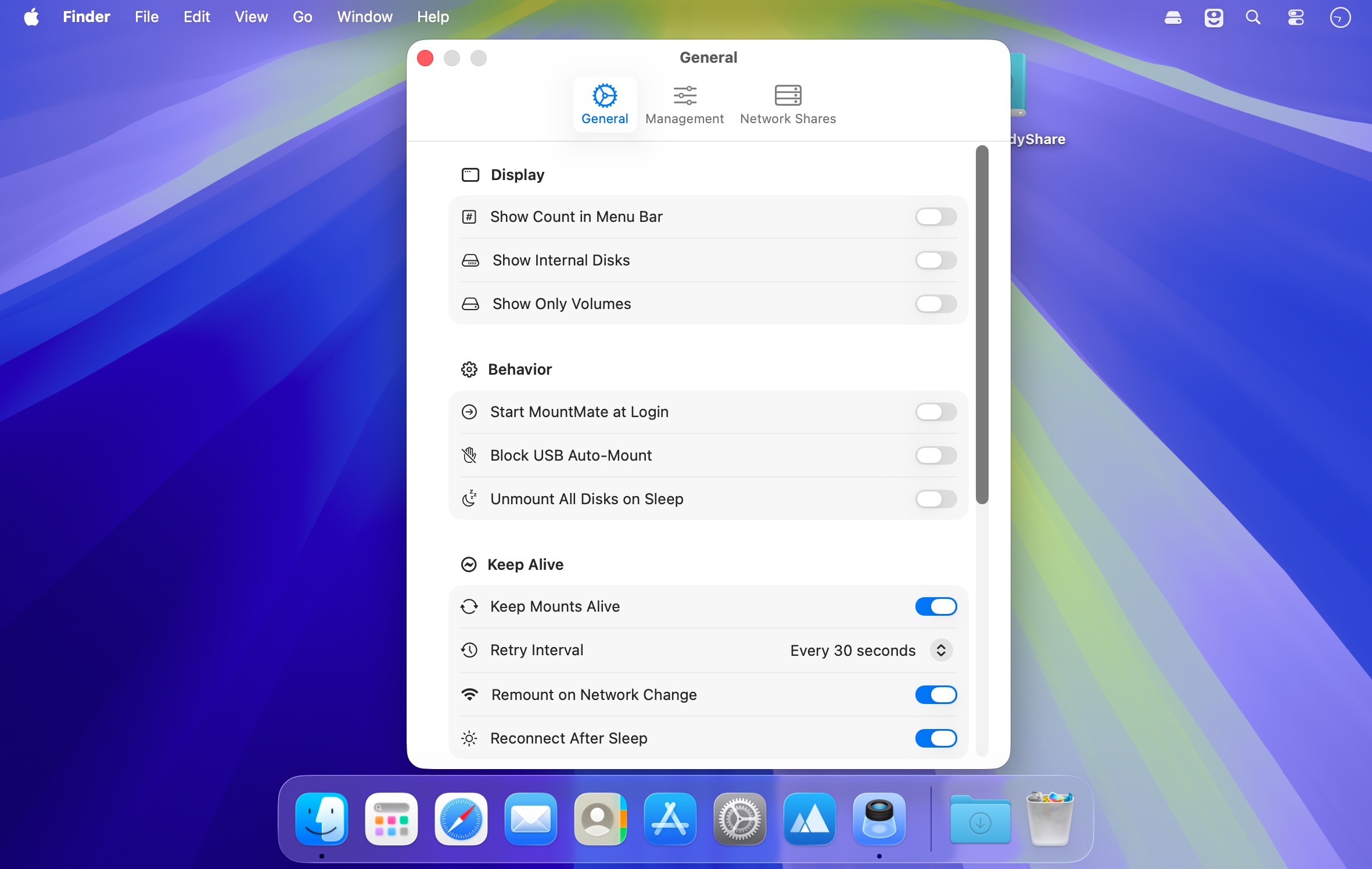
- Runtime Auto-Mount Blocking: Blocked volumes are persisted in MountMate and rejected by Disk Arbitration while the app is running. This avoids modifying /etc/fstab, which is protected on recent macOS versions.
- Startup Unmount Sweep: When MountMate launches and finds a blocked volume already mounted because it was mounted before the app started, it unmounts it automatically, retrying briefly if the volume is still busy.
- Keep Alive (Auto-Reconnect): MountMate can now keep mounts alive automatically. Network shares and volumes marked "Keep Mounted" are remounted when they drop unexpectedly, with retry attempts at a configurable interval and exponential backoff.
- Network Change Handling: MountMate watches the network path and remounts active shares through the new primary interface when Wi-Fi/Ethernet changes, then reconnects dropped shares as soon as connectivity recovers.
- Mount on Login & Wake: Keep-alive shares and volumes mount at login and reconnect promptly after the Mac wakes from sleep. Volumes unmounted by "Unmount All Disks on Sleep" come back on wake.
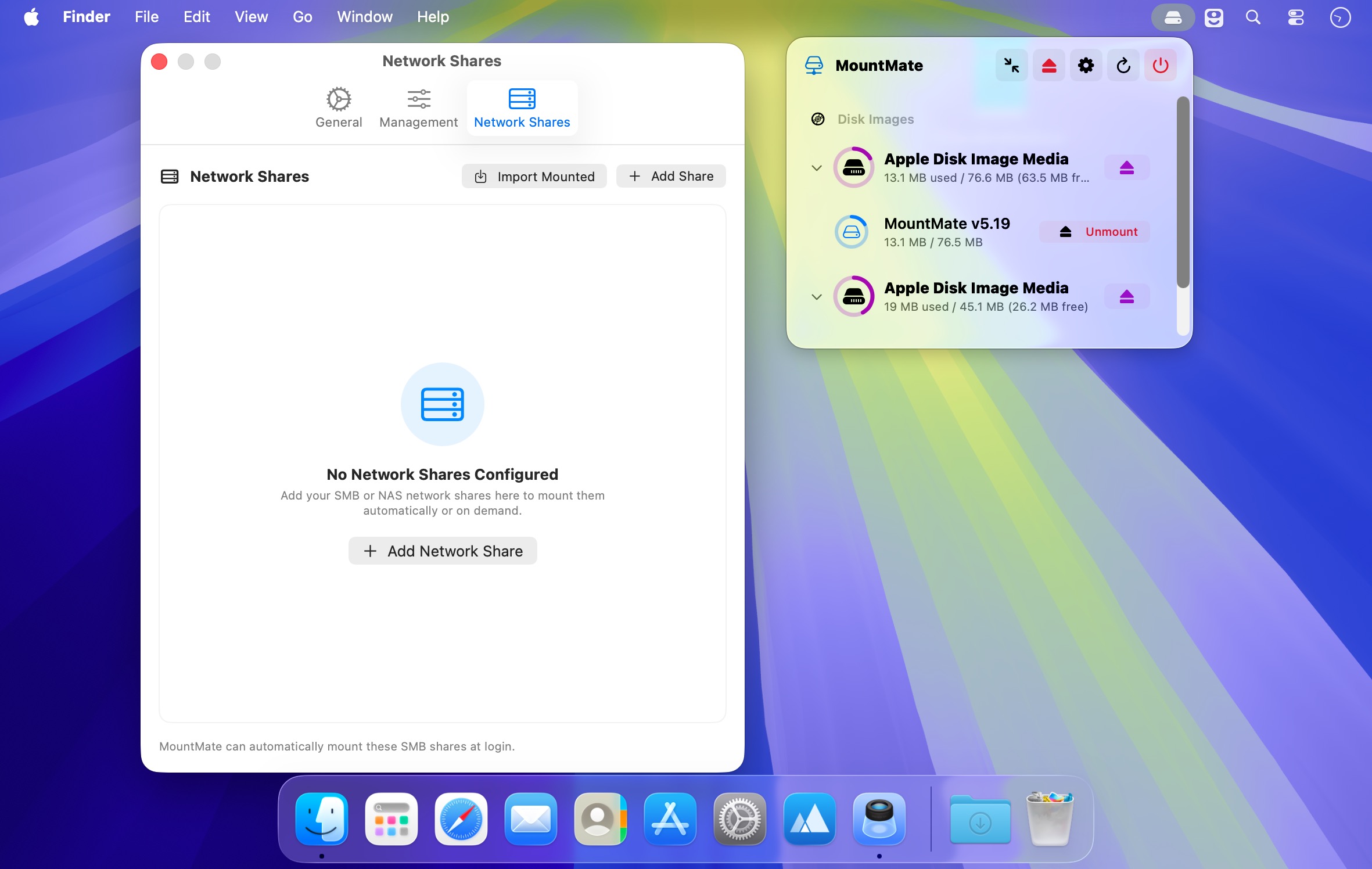
- NFS & AFP Shares: Network shares now support the NFS and AFP protocols in addition to SMB, including import of manually mounted NFS/AFP shares.
- Keep Mounted for Volumes: Right-click any local or external volume and choose "Keep Mounted (Auto-Reconnect)" to have MountMate remount it whenever it drops while the disk is connected.
Changed:
- Manual Mounts of Blocked Volumes: MountMate can still mount a blocked volume through its own controls. Automatic reconnects and mount requests not initiated by MountMate remain blocked while the app is running.
- Keyboard Shortcut Permission Flow: Keyboard shortcuts are disabled by default. Accessibility checks no longer prompt during launch; a warning appears only when shortcuts are enabled without Accessibility access.
- Custom Keyboard Shortcuts: Configure separate shortcuts for mounting and unmounting all volumes in Settings. The default unmount shortcut now includes Option to avoid Finder's ⌘⇧U conflict.
- Custom Mount Points and Blocked Volumes: A custom mount point can no longer be assigned to a volume that is blocked from auto-mounting, since the two settings contradict each other.
- Never Fights the User: Shares and volumes unmounted explicitly through MountMate are not auto-remounted until you mount them again; automatic reconnect failures no longer pop error dialogs.
- Fixed:
- Ghost "Disk Images" Entries: Bare OS-internal devices (e.g. cryptex RAM disks used for Siri/PKI assets on macOS 26) no longer appear as anonymous unmounted rows under "Disk Images".
- Duplicate Boot Volume Row: Sealed APFS system snapshot volumes (e.g. disk5s1s1 mirroring disk5s1) are no longer listed as a second row with the same name, and no longer double-count used space in the parent disk header.
- EFI in Bulk Actions: EFI partitions are now categorized as system volumes, so "Mount All Volumes" no longer fails with the "EFI cannot be mounted directly" error and "Unmount All" no longer counts them.
- Blocked Volume Startup Cleanup: Volumes that are already unmounted are no longer retried or reported as failed during MountMate's startup cleanup.
- Shell Process Diagnostics: Large but fast diskutil plist responses are no longer mislabeled as slow processes. Shell output handling now avoids pipe-draining races and consolidates timeout termination into a single diagnostic.





