
AltTab Pro 11.6.1 macOS 让 macOS 拥有媲美 Windows 的高效窗口切换体验

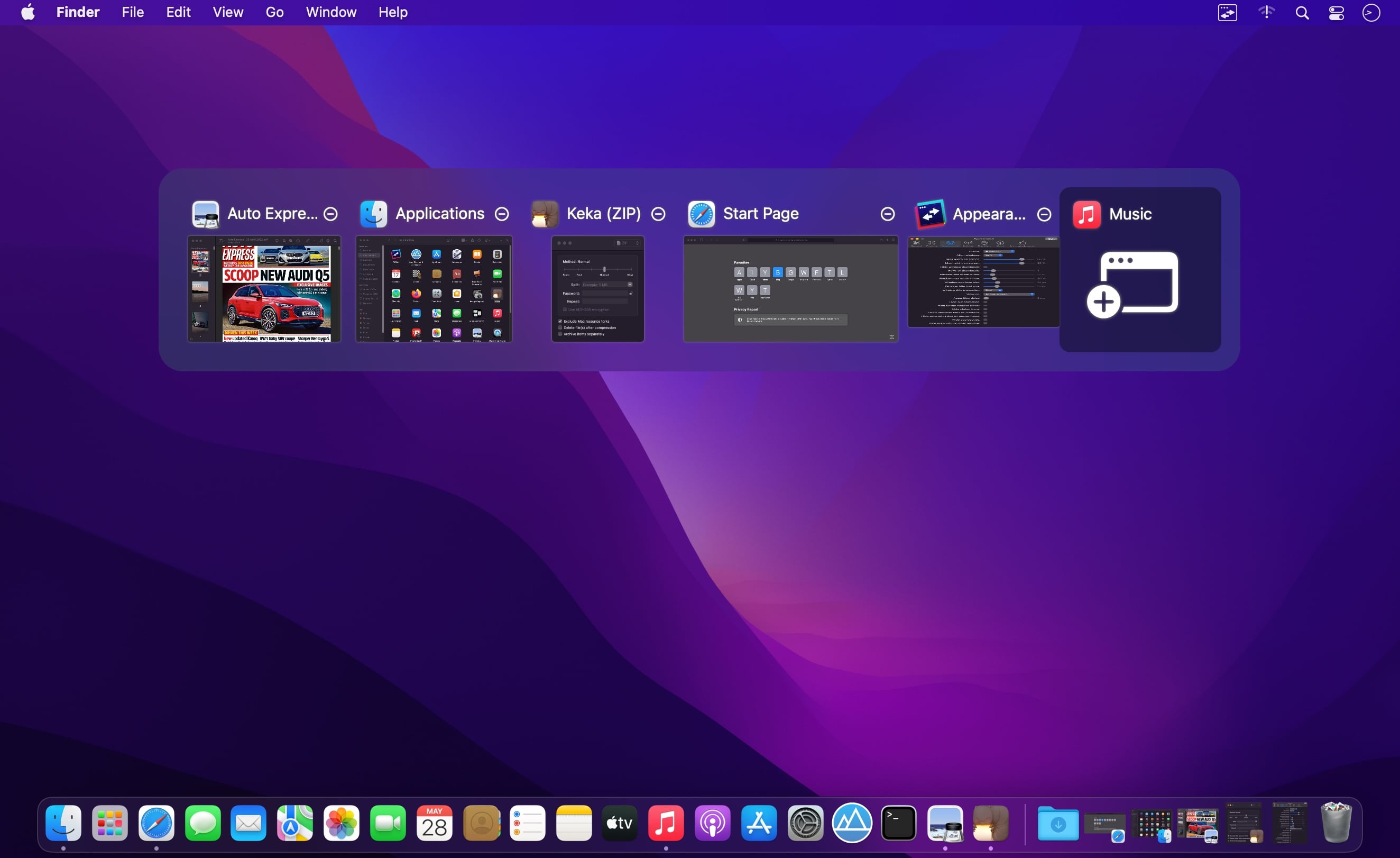
AltTab Pro 将 Windows 经典的 Alt+Tab 多任务切换逻辑完整移植到 macOS,为 Mac 用户带来更直观、更快速的全局窗口管理方式。
核心功能
- 一键聚焦任意打开的窗口,告别繁琐点击
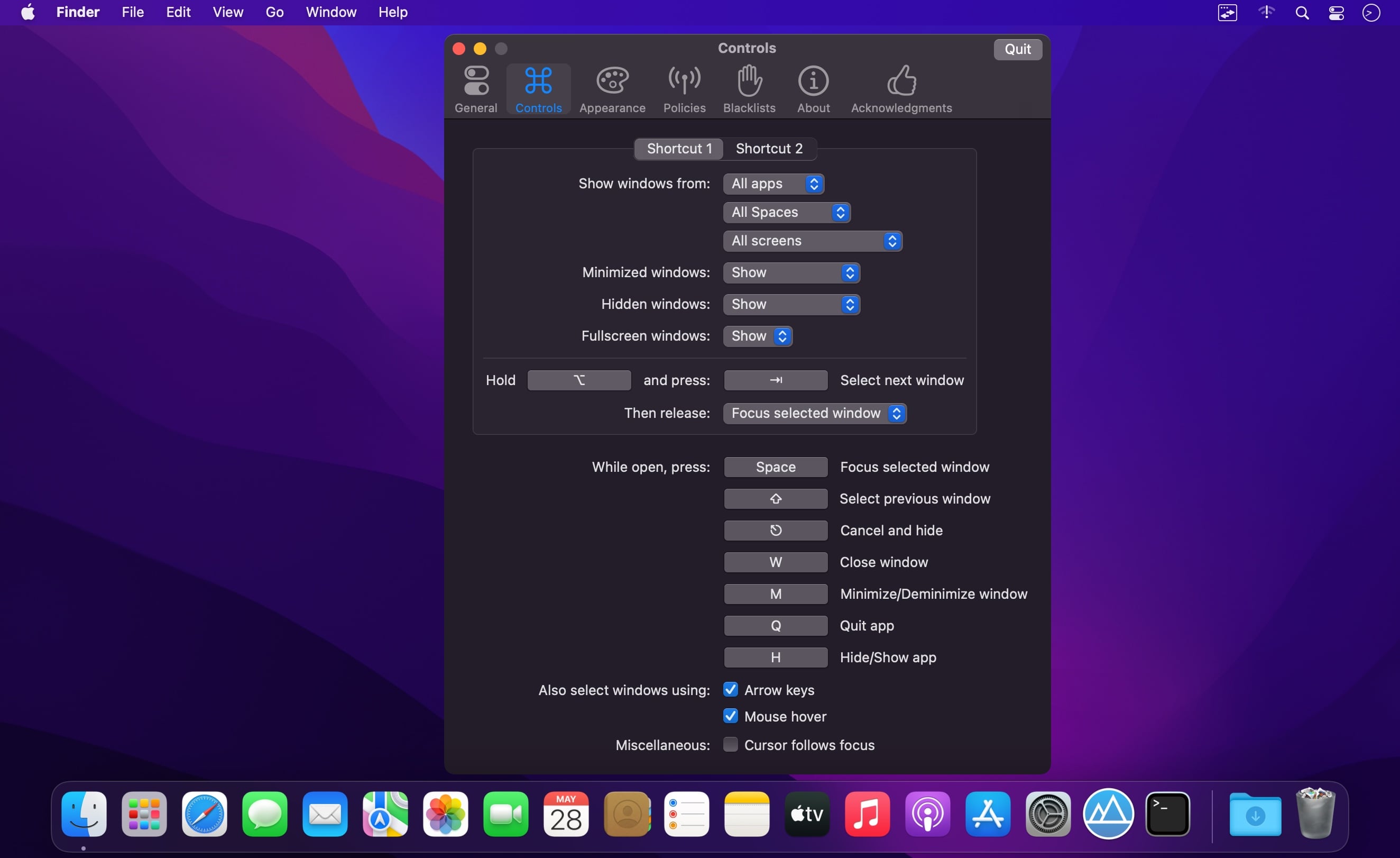
- 直接在切换界面中最小化、关闭或全屏当前选中窗口
- 快速隐藏指定应用,或彻底退出后台进程
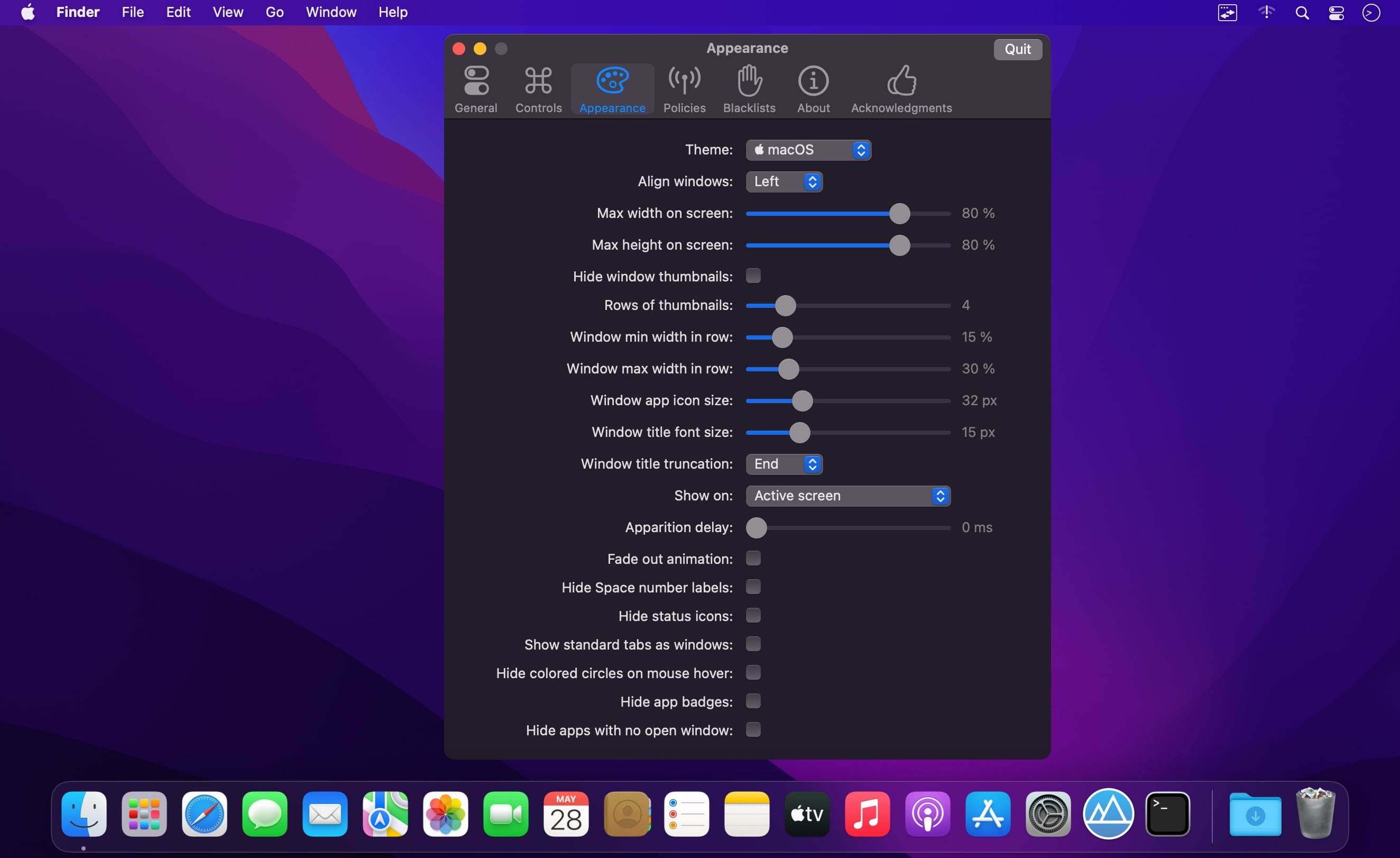
- 深度自定义界面样式:支持显示应用图标徽章、桌面空间编号,自由调节图标、缩略图与标题文字大小等
- 灵活设置唤醒快捷键——几乎可绑定任意按键组合,适配不同操作习惯
- 智能屏蔽列表:将不希望出现在切换面板中的应用(如系统工具或通知类软件)一键加入黑名单
- 原生支持深色模式,界面风格随系统自动同步
- 创新拖放交互:支持将文件、链接等内容直接拖拽至窗口缩略图上,实现快速投递
- 全面适配从右向左书写的语言环境(如阿拉伯语、希伯来语)及对应 UI 布局
- 无障碍友好设计:兼容 VoiceOver 读屏、粘滞键、降低透明度等系统辅助功能
What's New
AltTab 11.6.1:
Bug Fixes
- a multi-line window title may break the layout (closes #6010) (d0336cd)
- a window may be named after its app (closes #6011) (66eb484)
- a window may disappear after leaving fullscreen (closes #6017) (388fedd)
- delete after select-all in search only deleted one character (3e7ddfd), closes #6019
- rare crash when using trackpad gestures (ea9bf0b)
- switching quickly may leave the previous window in front (886f21a), closes #6016
- two windows of an app may be grouped as tabs and hidden (ae89aef)
- windows may be missing after waking up (closes #6021) (97ec5cb)





