
SoundSource 6.1.3 macOS 专业级系统音频控制中心

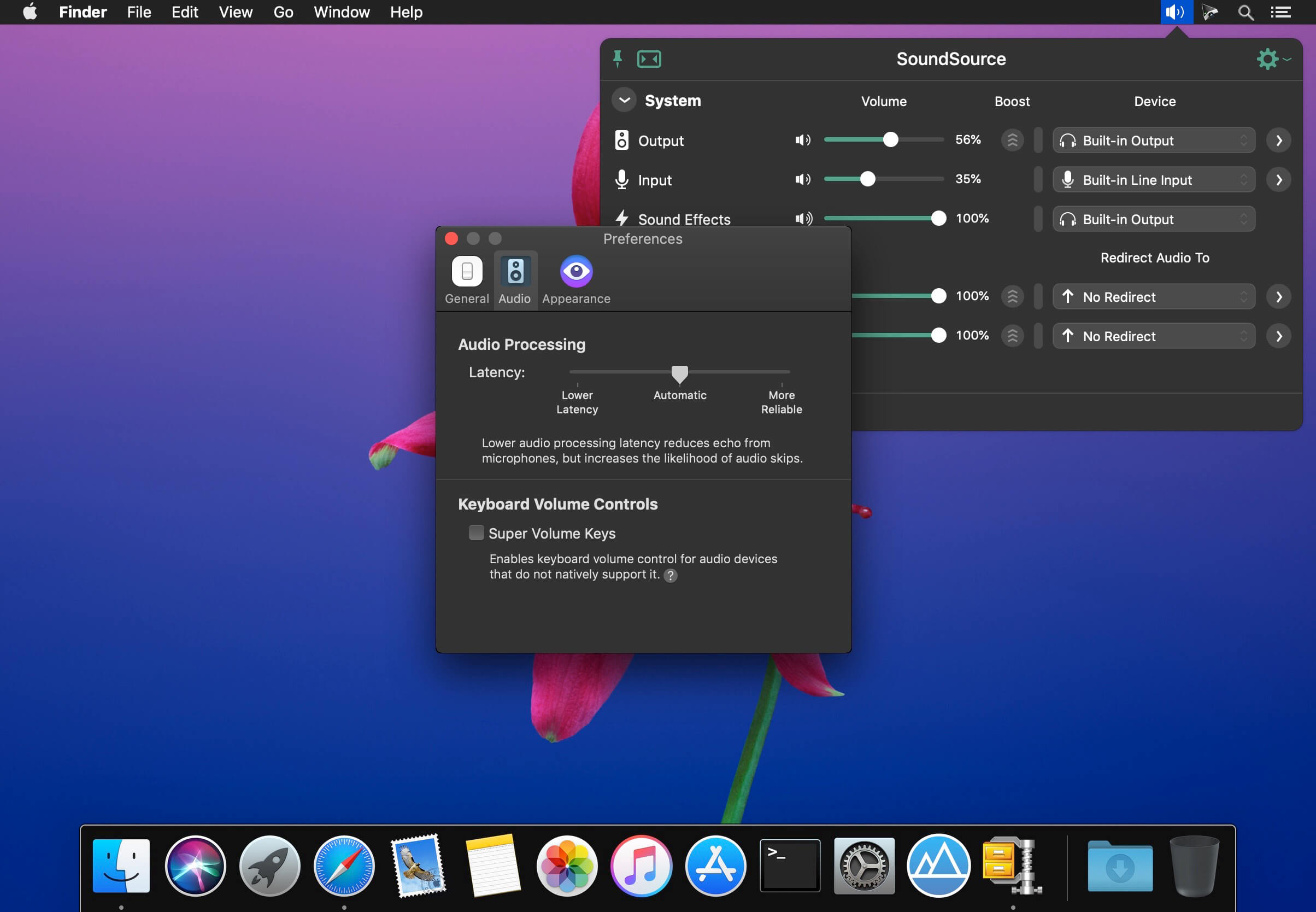
SoundSource 是一款专为 macOS 打造的高效音频管理工具,无需打开系统设置,仅通过菜单栏即可秒级调节输入、输出及音效设备的音量与参数。支持「软监听」功能——轻松将任意麦克风或其他输入源的声音实时路由至你指定的播放设备,边录边听毫无延迟。从此,Mac 上所有关键音频配置尽在指尖掌控。
系统设备一键直达
直接从菜单栏快速切换并调整 Mac 的输出设备、输入设备和系统音效设备,告别层层嵌套的系统偏好设置。
应用级独立音频调度
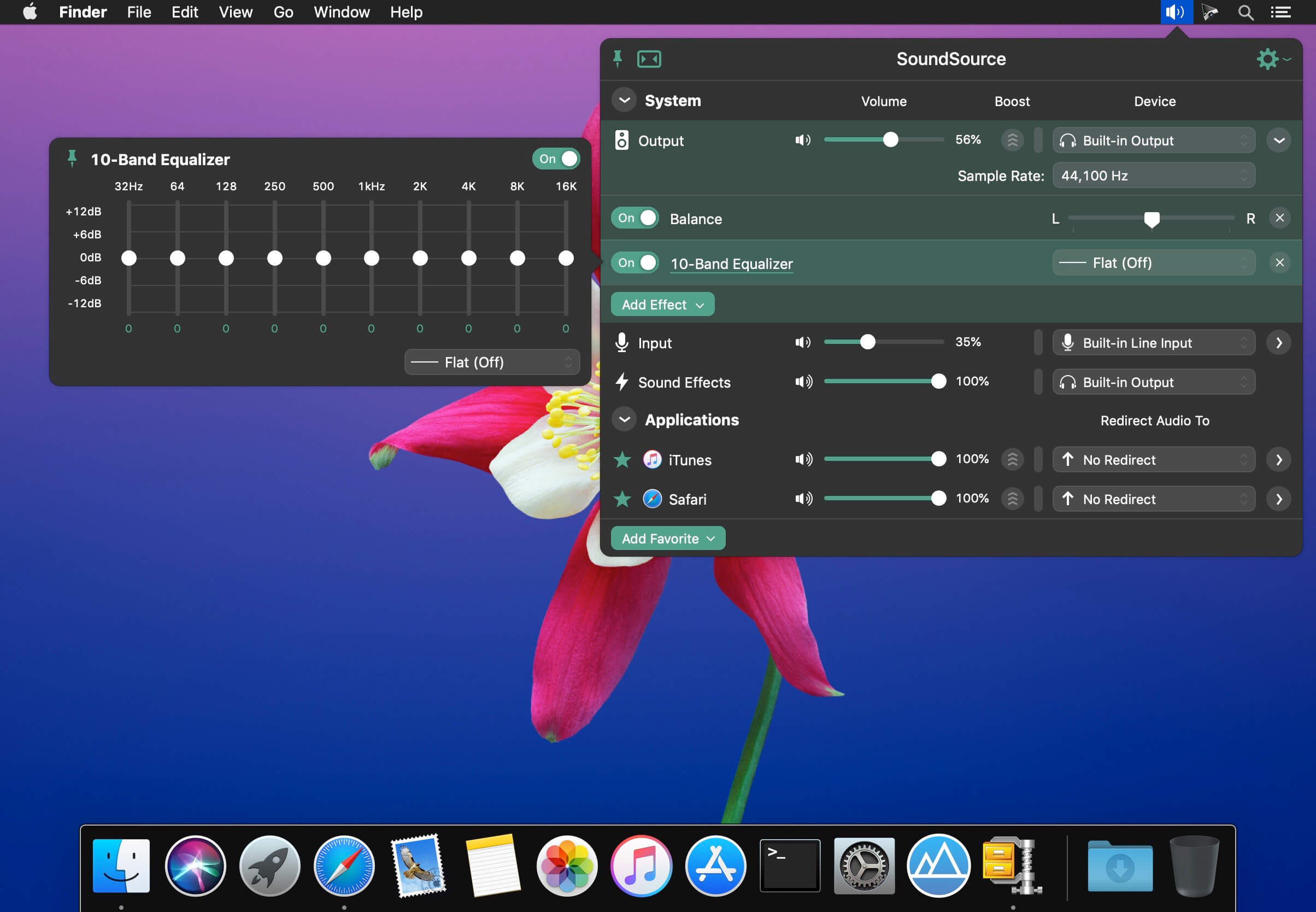
自由设定每个 App 的相对音量,更可为不同程序单独指定输出路径——比如让音乐软件走外接 Hi-Fi 音箱,而会议软件始终使用耳机,互不干扰。
深度音效增强能力
内置专业级音效引擎:涵盖细腻的 10 段均衡器、实时音频处理单元(Audio Unit)插件支持,以及针对各类场景优化的智能效果算法。
核心功能一览
- 按应用精细调音
统一界面集中管理所有运行中 App 的音量滑块——单独提亮某款工具的提示音,压低后台进程的干扰声,甚至一键静音特定程序,操作直观又精准。 - 按应用灵活分发音频
彻底打破“全系统共用一个输出”的限制。例如:将 Spotify 音频定向输出至客厅功放,Zoom 通话声音则只传入你的降噪耳机,各司其职,井然有序。 - 按应用定制音效
为不同 App 单独启用均衡器或加载 Audio Unit 插件——游戏加沉浸式低频,播客提人声清晰度,视频调宽声场,一 app 一方案。 - 全局音频硬件调控
快速调整系统级输出/输入音量、左右声道平衡、采样率等底层参数,连 HDMI 或 DisplayPort 音频设备的兼容性问题也能一并解决。 - 全系统音效统合优化
启用全局均衡器或高级 Audio Unit 插件,让网页视频、系统提示、语音通话等所有声音都获得一致且出色的听感表现。 - 全能音量快捷键复活
Mac 键盘上的音量键常对 HDMI、雷电显示器音频等新型输出设备失灵?SoundSource 让它们重新生效,适配你连接的每一台设备。 - 菜单栏即控中心
常驻菜单栏,单击即唤出完整控制面板;更支持自定义全局快捷键(如 ⌘+⌥+S),盲操也能秒响应。 - 悬浮式高频操作窗口
若需频繁微调音量或切换设备,可将主窗口设为“始终置顶”,它将轻盈浮于屏幕之上,不遮挡工作内容,触手可及。 - 千款耳机专属均衡
全新「耳机 EQ」模式,基于海量耳机型号的频响特性数据库自动匹配最优曲线,无论平价入门款还是旗舰旗舰,都能释放原厂潜力。 - Magic Boost 2 智能扩声
第二代智能增益技术,专为笔记本扬声器、Mini PC 或便携音箱优化——小体积也能迸发饱满低频与通透高频,听感显著升级。 - 极简紧凑视图
主界面本就清爽,开启「紧凑模式」后进一步收窄布局,仅保留核心控件,在有限桌面空间内实现最大操作效率。 - 菜单栏实时电平监测
可选在菜单栏常驻输出/输入/活跃 App 的动态电平表,音量变化、信号过载、静音状态一目了然,专业监听体验信手拈来。

What's New
Version 6.1.3:
The ARK plugin which powers SoundSource’s audio handling has been updated to version 13.5.3. This update contains several improvements, including reduced latency thanks to pipeline improvements and workarounds for dealing with both unreliable Bluetooth devices and devices with unstable clocks.
On MacOS 27 (Golden Gate), SoundSource’s window will once again move as expected and the Quick Config menu bar menu will now always respond to clicks as expected.
A problem which could occur due to AirPlay device scanning after waking the Mac has been fixed, preventing a rare crash.
Effects presets should now correctly match in all cases, fixing an issue with presets imported from SoundSource version 5.
Output groups now better handle underlying changes, with their buffer no longer being cleared for configuration changes that doen't require a significant latency compenstation re-calculation.
Several drawing issues have been corrected:
- Flawed focus rings will no longer draw when presenting an effects context menu.
- The preset manager sheet is now much faster at displaying a large list of presets.
- The text displayed when no sources are set as Favorites is now properly aligned within the main window.
- The preset editor sheet no longer errantly dismisses itself when mouse clicks don't fall inside a control.
VoiceOver corrections have been made to fix the order of elements in the “Software Update” section of the “Settings” window to read more logically and ensure checkboxes are correctly viewed as checkboxes.
The “Check for test releases” option has been excised from the “Debugging” window, as it’s now part of the main interface in the “Settings” window.





