
FilePane 2.0.11 macOS 轻量级菜单栏文件管理工具

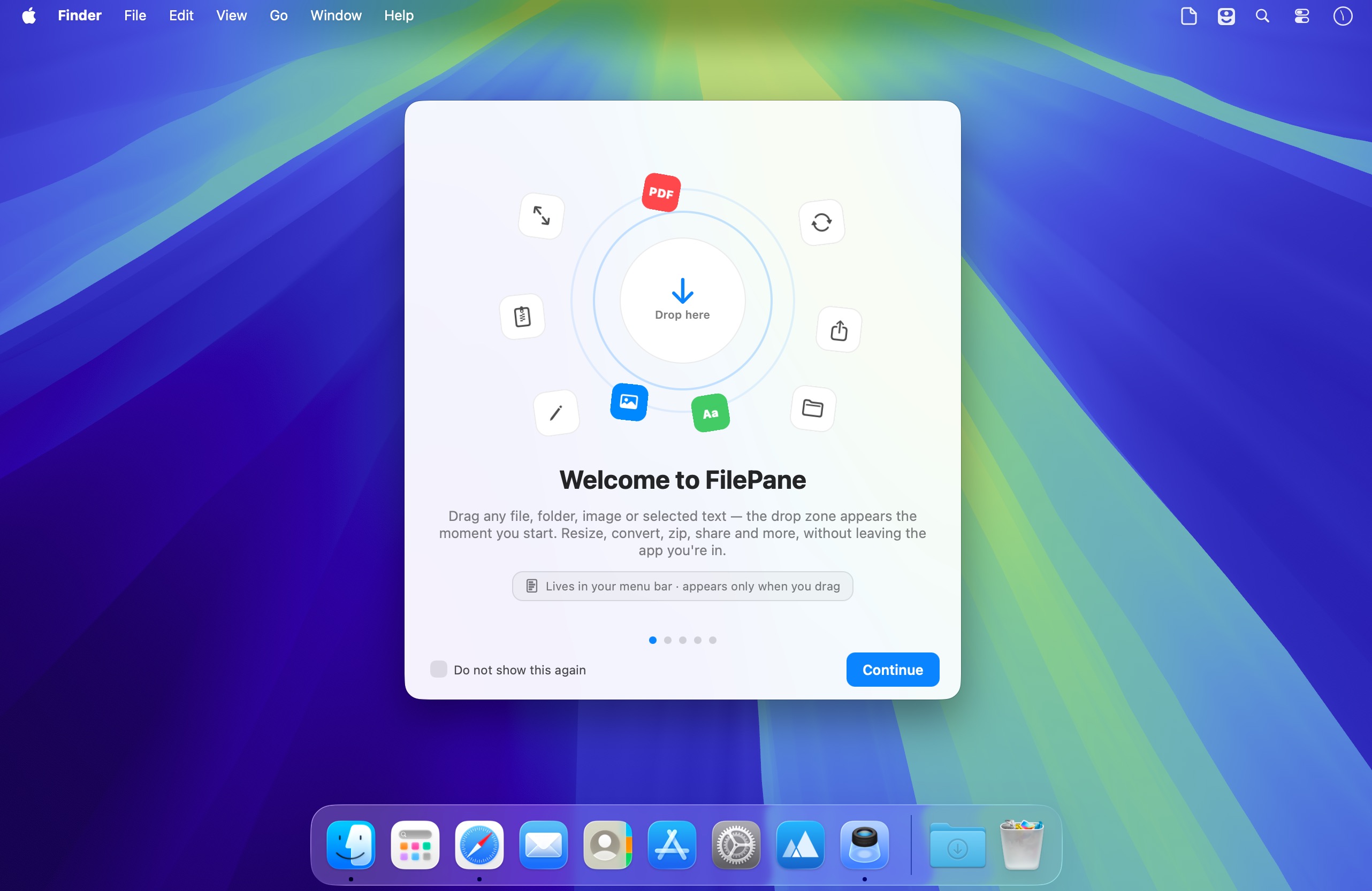
FilePane 是一款专为 macOS 打造的轻量级效率工具,无需打开独立窗口,只需点击菜单栏图标,即可秒级调用常用文件操作、图片处理与文本编辑功能。
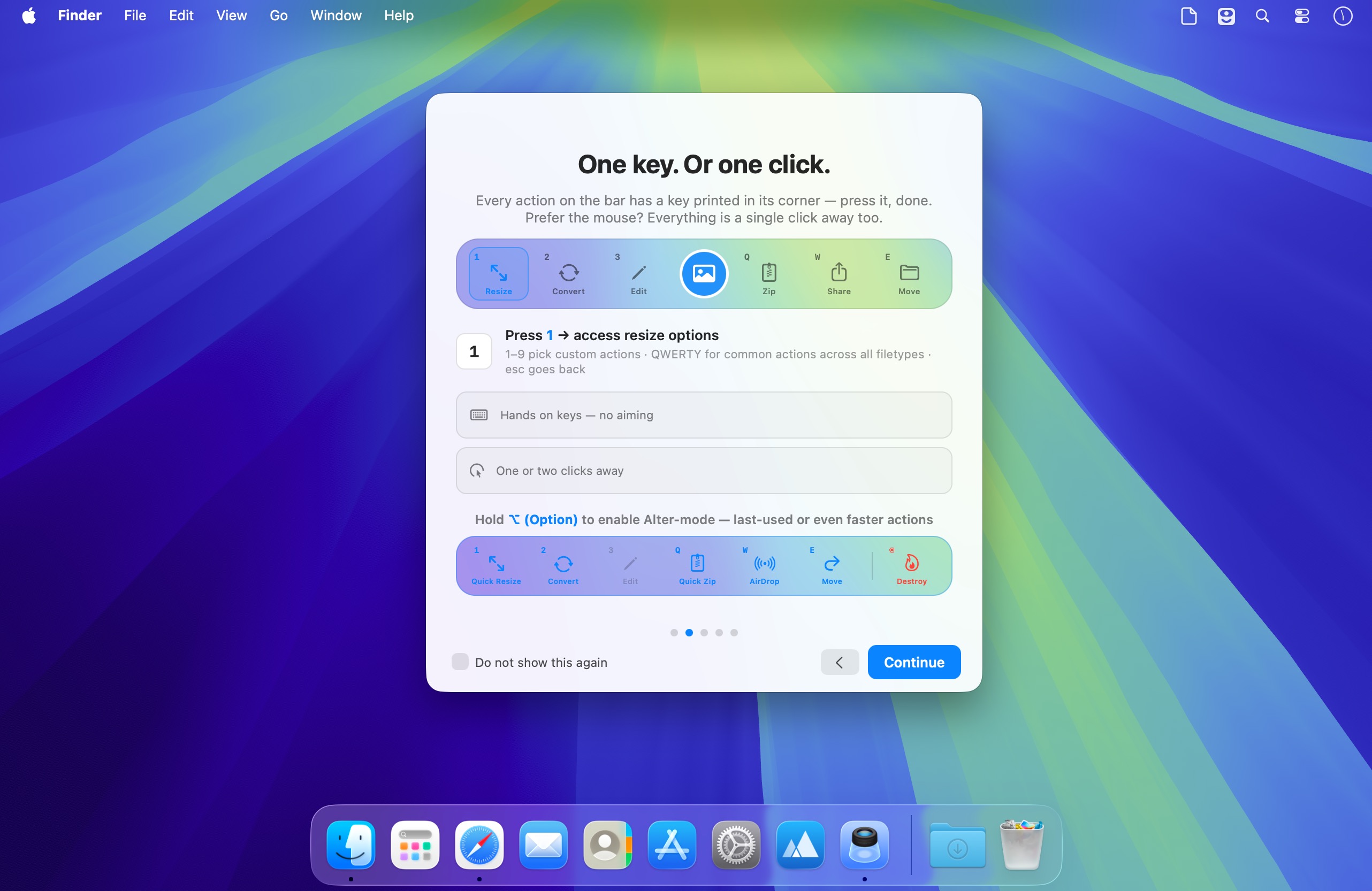
支持拖拽即用,也支持自定义快捷键唤醒——两种激活方式任你选择,无缝融入你的日常操作节奏。
一招搞定高频文件任务
借助 FilePane,你可以轻松实现:
- 一键将任意图片设为桌面壁纸。
- 实时查看文件大小,并快速复制完整路径到剪贴板。
- 自由调整图片分辨率,支持批量缩放与格式保持。
- 文本文件转 PDF 或 PDF 提取纯文本,转换过程零延迟。
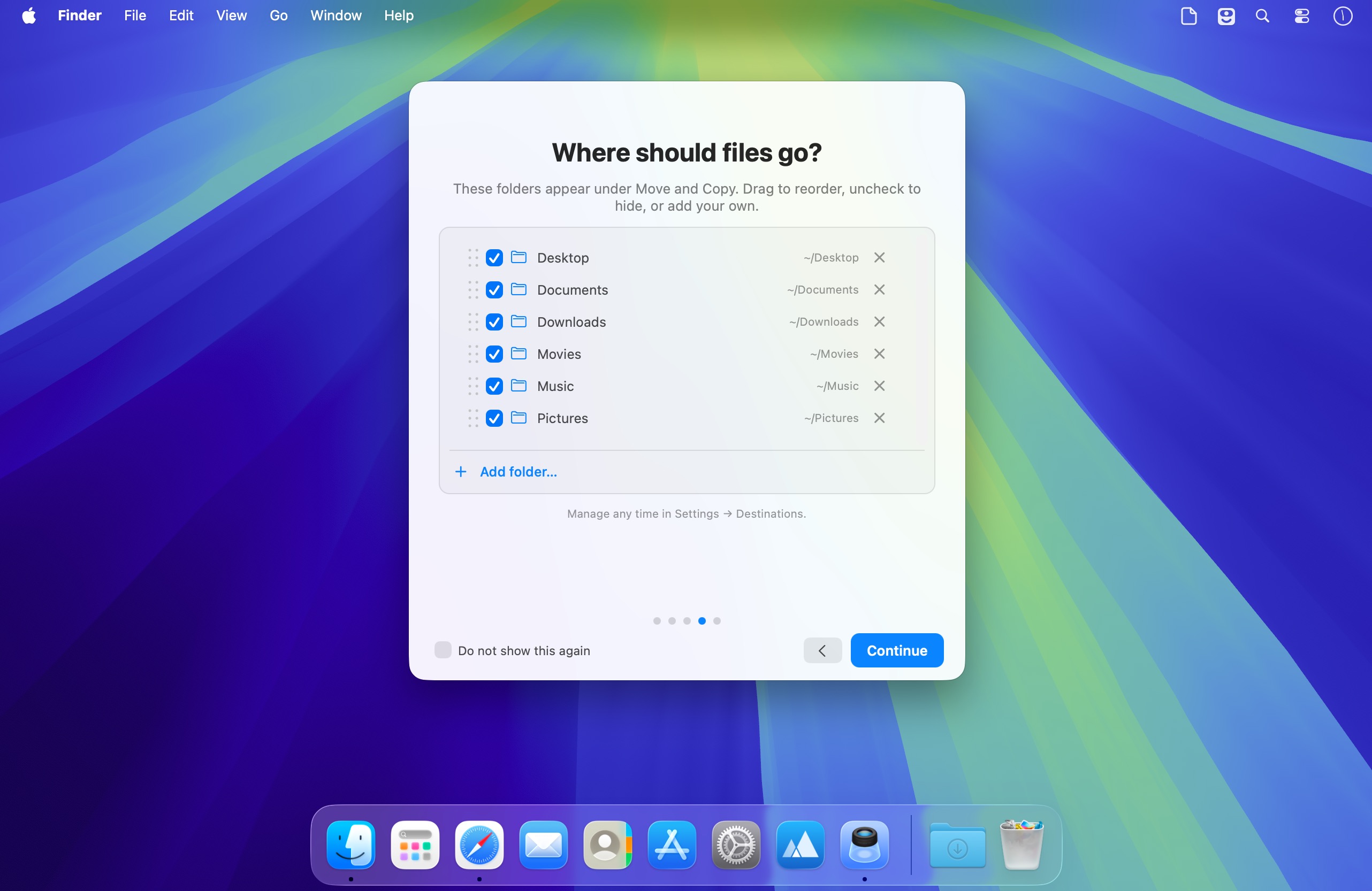
- 跨文件夹移动文件,告别 Finder 多层跳转。
- 即时打包压缩(ZIP),支持添加密码保护(后续版本规划中)。
- 直接打印选中文本内容,省去另存再打开的繁琐步骤。
- 将临时文字片段一键保存为 .txt 文件,随手记录不丢失。
- 高亮文本后秒级复制,剪贴板操作更顺手。
- 选中文字自动填充新邮件正文,快速发起沟通。
- 通过 AirDrop、邮件、Facebook 或 Twitter 一键分享当前文件或截图。
专注效率,不打扰专注力
FilePane 常驻 macOS 菜单栏右上角,体积小、功耗低、无后台进程干扰。你可随时启用/禁用它,设置开机自启,切换深色/浅色风格菜单栏图标,还能为唤醒功能分配专属快捷键——一切只为适配你的个性化工作流。
无论是修图排版、文档归档、协作分享,还是日常文字处理,FilePane 都能帮你把重复操作压到最少,把时间还给真正重要的事。
What's New
Version 2.0.10:
- NEW: Checksum — view file's SHA-256, SHA-512, SHA-1 and MD5 hashes to verify file's integrity. Drop file, then paste the expected hash to verificatio field. OR let FilePane pick it up from the clipboard or a SHA256SUMS/.sha256 file next to the download. Off by default — enable it in Settings → Actions Bar → Visible Actions
- New OCR action feature - turn scanned PDFs and images into searchable, copyable PDFs (or plain text) using on-device recognition. Private, no dependency — nothing leaves the Mac
- Fixed zip password setting in some locales
- Better handling for file names that are too long
- Smarter logic for "menu bar icon not visible" notice
- "Hide menu-bar icon" now survives a Mac restart. To bring the icon back, open FilePane again from Applications folder





