
Vibe Island 1.0.49 macOS 终端AI编码助手的智能控制中心
Vibe Island 是一款专为终端型AI编程助手用户打造的高效生产力工具,尤其适配Mac开发者日常开发场景。它巧妙复用MacBook屏幕顶部的“刘海”区域,将其升级为一个实时响应、触手可及的交互式操作台——你无需离开IDE、无需切换窗口,即可随时查看AI代理运行状态、快速审批关键操作,甚至直接参与代码决策全过程。无论你正在使用Claude Code、Cursor还是Gemini CLI,Vibe Island都能以优雅、轻量的悬浮界面,将终端中的AI活动自然“托举”至视觉焦点,助你稳稳沉浸于心流状态。
核心亮点
- 一站式AI代理看板:原生兼容Claude Code、Codex、Gemini CLI、Cursor、OpenCode、Copilot等10余款主流AI编程工具。所有活跃会话自动聚合,呈现为简洁统一的可视化面板,一目了然。
- 双向深度交互:不止于旁观——从刘海区即可实时响应权限请求、解答AI发起的“AskUser”提问,并完整渲染Markdown格式的代码执行计划,实现真正意义上的“边看边审、即点即答”。
- 精准终端定位:单击即可瞬移回AI代理实际运行的位置:无论是iTerm2/Ghostty/Warp中的特定Tab、分屏窗格,还是tmux会话内的任意Pane,统统秒级直达(原生支持Terminal.app)。
- 开箱即用,零配置启动:首次运行即自动注入CLI工具钩子,全程无需手动修改配置文件、也不用输入任何API密钥——真正的“下载即用,启动即连”。
- 数据不出设备,隐私由你掌控:所有通信均在本地Mac内闭环完成,Vibe Island与你的命令行工具之间不上传、不联网、不调用远程服务,敏感代码与上下文始终留在你自己的机器上。
- 纯Swift原生打造,性能极致轻盈:深度适配Apple Silicon芯片,启动迅捷、响应丝滑;空闲时内存占用低于50MB,CPU占用趋近于零,完全隐形于你的工作流中。
- 恰到好处的智能反馈:采用复古8-bit合成音效提示关键事件,配合克制而不干扰的视觉动效,让你始终掌握进度,又不会打断专注节奏。
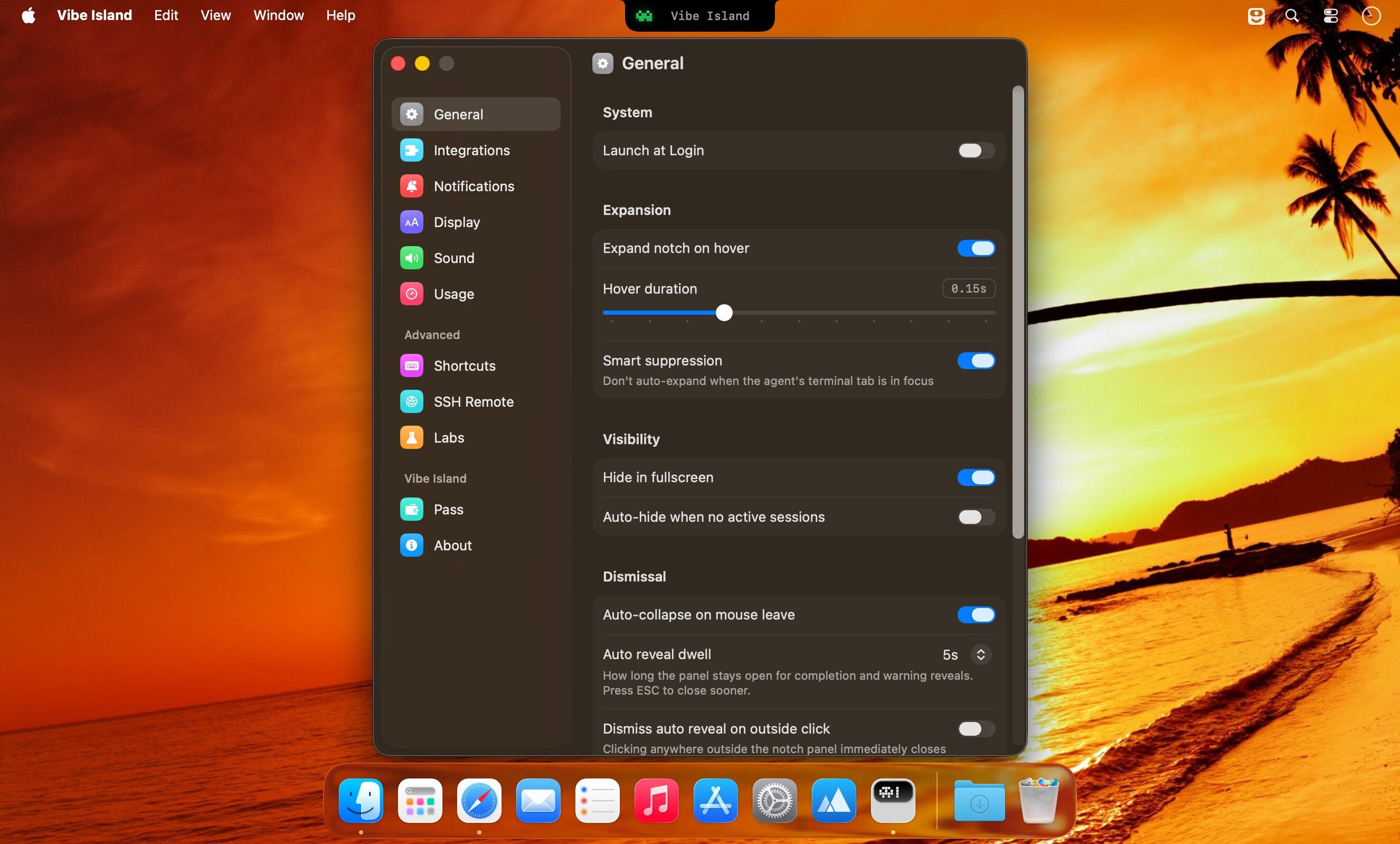
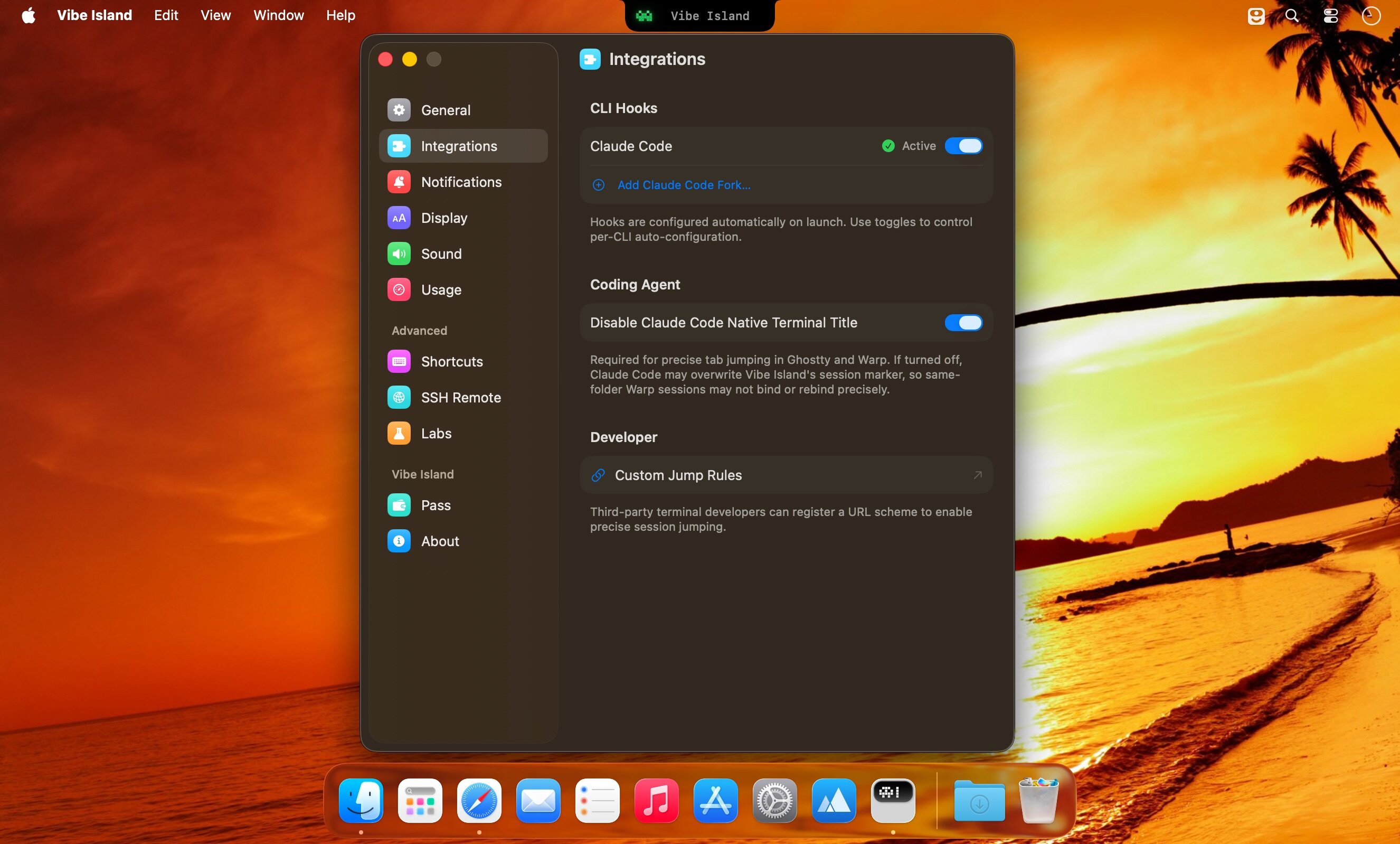
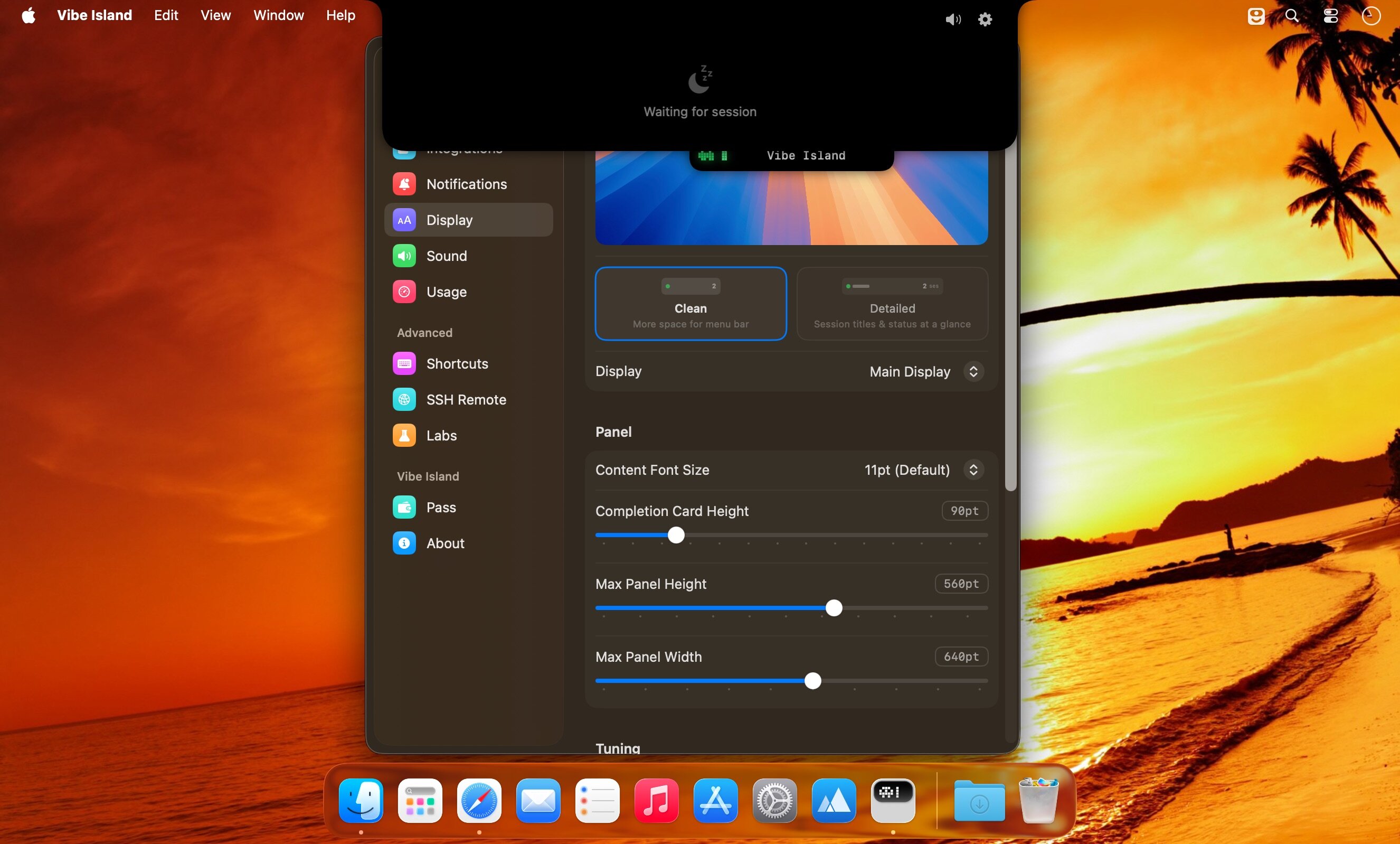
What's New
Version 1.0.49:
New Features
- OpenClaw sessions now appear on the island, with activity, completions, approvals, questions, and a jump back to the right conversation.
- OpenCode 2 now works on the island alongside OpenCode 1, including approvals and session status.
- Settings can register extra Claude Code, Codex, and Grok configuration folders, so forks and additional homes are tracked separately.
Improvements
- Completion cards render Markdown, including lists, tables, and fenced code.
- Claude computer-use app-access prompts can appear on the island.
- Follow-up reminders can fire after 1, 2, 3, or 5 minutes.
- Session jumps are more reliable in Ghostty (including multiple app instances) and in browsers after switching tabs.
- Jump to the exact ZCode App conversation.
- Approvals and questions are more reliable for OpenCode and Pi.
- DeepSeek Harness works with the latest version after a breaking upstream update, including approvals and questions.
- Claude Desktop Chat and Cowork sessions that recently stopped appearing are recognized again.
Fixes
- OpenCode 2 plugins no longer fail to load because they were generated for the OpenCode 1 API.
- Kimi approval prompts show up again, and Kimi accounts are identified more reliably.
- Codex usage no longer mixes quotas after switching accounts.
- Disabling the Cursor integration hides Cursor usage instead of leaving a leftover provider.
- SSH setup can write agent configuration files that are symlinks.
- Pi usage stays bound to the correct billing account.





