FotoMagico 6.10.0 macOS 专业级幻灯片制作工具,轻松打造电影级影像叙事

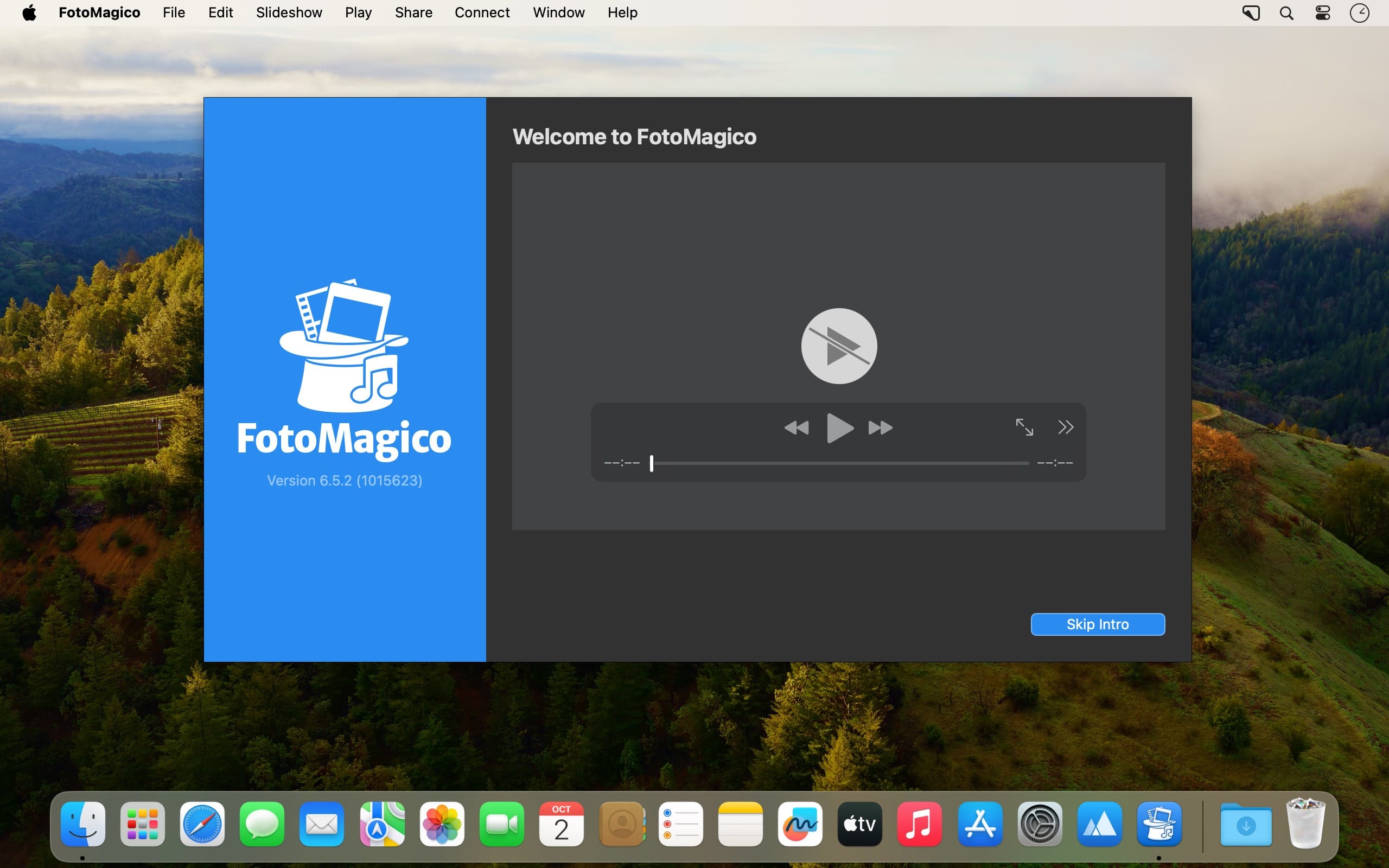
FotoMagico 是一款专为 macOS 打造的高端幻灯片创作应用——界面简洁、逻辑清晰、上手零门槛,助你将手机相册里的日常照片、随手拍的短视频,甚至珍藏的音乐片段,一键升华为富有情感张力与视觉节奏的专业级动态影像故事,无论是分享给亲友,还是交付客户提案,都游刃有余。
用 Mac 讲好你的影像故事:从构思到发布一气呵成
在 FotoMagico 中,你可以无缝接入 iPhoto、Aperture 或 Lightroom 图库,也能直接调取本地任意文件夹中的素材。JPEG 与主流 RAW 格式(如 CR2、NEF、ARW 等)均原生支持,且全程保持原始分辨率无损编辑;更支持自由设定画幅比例——从经典 4:3、影院宽屏 16:9,到超广角全景图,均可通过平滑运镜(pan)完整呈现画面细节,告别裁剪失真。
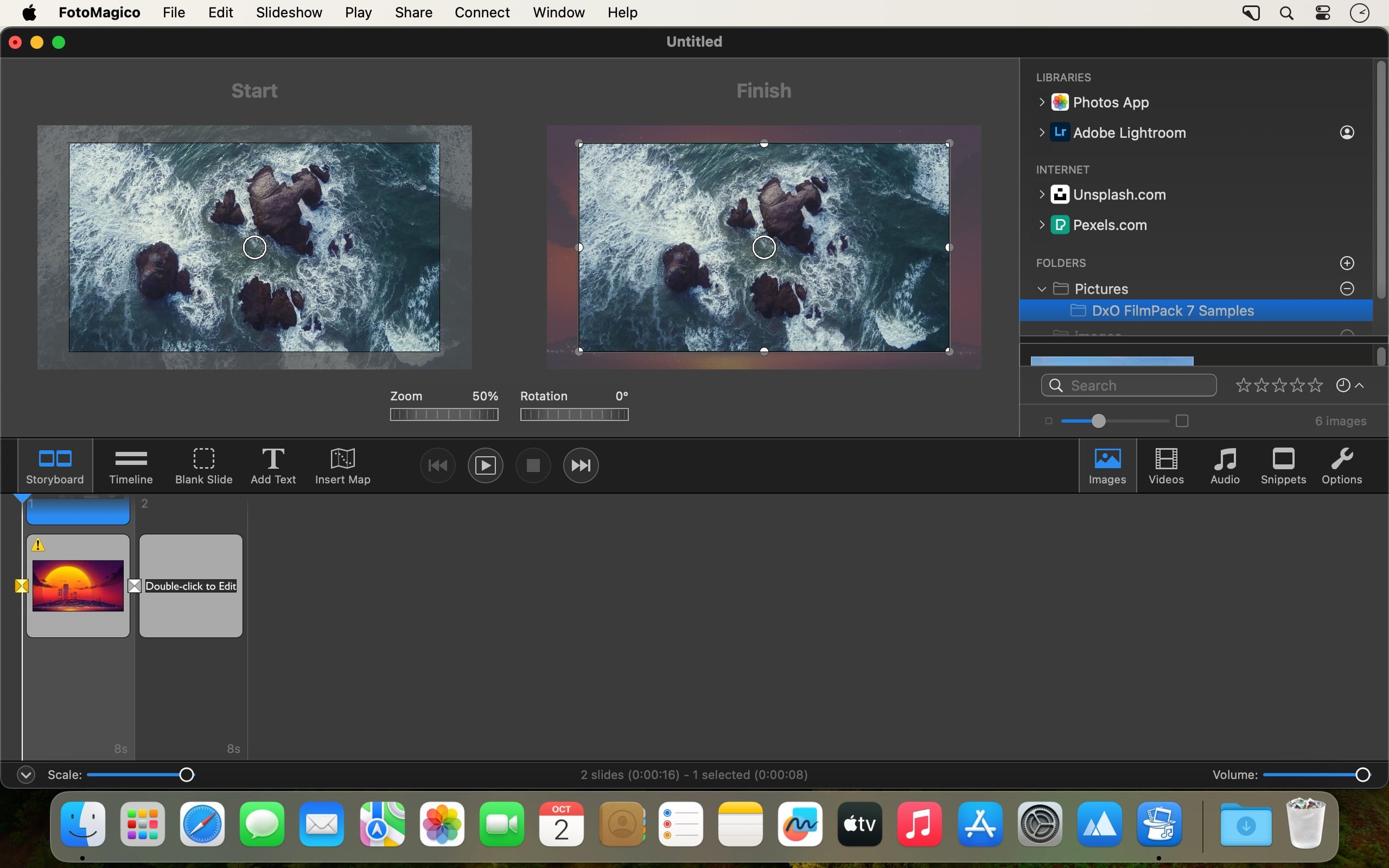
只需轻点鼠标,即可完成图片的缩放、平移与旋转;一键统一白平衡与色彩风格,让整套幻灯片色调和谐统一。浏览图库时,每个已选用的缩略图右下角都会自动点亮一枚柔和光标,帮你快速锁定已入稿素材,避免重复添加或遗漏。
内建轻量但实用的视频精修功能
视频处理同样享受“图片级”自由度:可像操作静态图像一样对视频逐帧进行缩放、推拉、旋转与构图调整。不同格式(MP4、MOV、AVCHD、HEVC 等)、不同帧率与分辨率的视频,都能在同一项目中混搭使用——FotoMagico 会智能统一输出参数,自动适配项目设置,无需手动转码。
支持精准裁切视频起止点,实时预览;提供基础调色面板,快速校正曝光与色温;内置数十种电影感过渡效果(溶解、划变、缩放推进等),全部经过高清优化,转场丝滑自然。
为影像注入声音的灵魂
不止于画面——你还能为幻灯片赋予专属声景。直接导入 iTunes 音乐库中的歌曲,并精确设定播放起始时间点,让旋律与镜头情绪严丝合缝。
更可叠加环境音效、旁白解说,或直接使用内置录音功能录制配音。软件提供三条独立音频轨道,每条轨道均实时显示波形图,拖动对齐画面关键帧变得直观又高效,轻松实现音画同步的专业级输出。
支持图层与蒙版的可视化幻灯片设计系统
最多可叠加六层内容:照片、视频、文字标题、图形元素等均可按需分层编排,顺序自由调整。完成满意方案后,一键保存为可复用模板,大幅缩短后续同类项目的制作周期。借助蒙版功能,你能精细控制某一层的透明度、局部遮罩、形状裁切,甚至实现渐隐、聚焦、画中画等高级视觉效果。
总体而言,Boinx Software 推出的 FotoMagico 是一款「强大却不复杂」的 macOS 原生应用——它把专业级幻灯片制作能力,浓缩进直观的操作流程里。无论你是摄影爱好者、婚礼影像师,还是市场策划人员,都能在几分钟内,用自己熟悉的图片、视频和音乐,产出媲美商业短片的沉浸式视觉作品。
What's New
Version 6.10.0:
New:
- FotoMagico is compatible with macOS 27 Golden Gate.
Change:
- Support for the following older versions of macOS has been dropped: macOS 10.15 Catalina, macOS 11 Big Sur, macOS 12 Monterey, macOS 13 Ventura.
Fixed:
- Fixed a crashing bug when quitting the app.
- Sharing a slideshow now produces exactly the same audio volume as during live playback.
- Sharing a slideshow variant (A,B,C) no longer loses text layers in the exported video file.
- Estimating file size in the Sharing Assistant is now more accurate.
- Using NTSC framerates in the Sharing Assistant is now more reliable.
- Copy/pasting a layer on the Stage and then applying an effect (e.g. Blur) to one layer now works correctly. The other layer no longer gets the same effect applied.
- When using the Custom Sharing option, unsupported settings combinations (e.g. mono audio, mov files with MP3 audio codec) no longer cause a crash.
- When Sharing fails, the error now provides a clear description with advice about avoiding the issue.
- Full Save no longer freezes up while the media browser is visible.
- FotoMagico no longer crashes when using the Remote App, if the Mac host name contains unusual characters.
- Using the Animation Assistant is now more reliable.
- Using snippets with chapters is now more robust.
- Styling text layers with the controls in Text Options is now more reliable.
- Picking the correct translation for the LOCALIZED text token is now more robust.
- Image metadata readout is now more robust when using text layer tokens.
- Image and audio credits are now more consistent and reliable.
- Timecode formatting and entry is now more reliable.
- Photos with a vertically mirrored image orientation are no longer displayed upside down.
- Transitions with a duration of 0 seconds no longer cause visual glitches.
- Playback is now more robust with unusual or damaged audio files.
- If downloading a LUT file for the LUT effect fails, a clear error message is now displayed.
- Snippets now match the stage aspect ratio more reliably for unusual stage sizes (e.g. 854x480).
- Some controls in the Map Assistant are now properly localized.
- Various stability improvements.