
Dropover 5.3.0 macOS 文件暂存与跨应用流转工具

macOS 自带的 Finder 在文件中转操作上略显笨拙——你常常得同时打开七八个窗口,只为把不同文件夹里的素材临时“摆”在一起,效率低、易混乱。
Dropover 正是为此而生,而且远不止于此。它是一款轻量却极富巧思的工具,让你快速搭建多个可自由定制的“临时工作台”(即“货架”),随手拖入文件、文件夹、网页图片,甚至任意复制的文本片段。之后,无论是拖拽到目标位置,还是直接上传分享,都一气呵成。
鼠标轻晃,货架即现
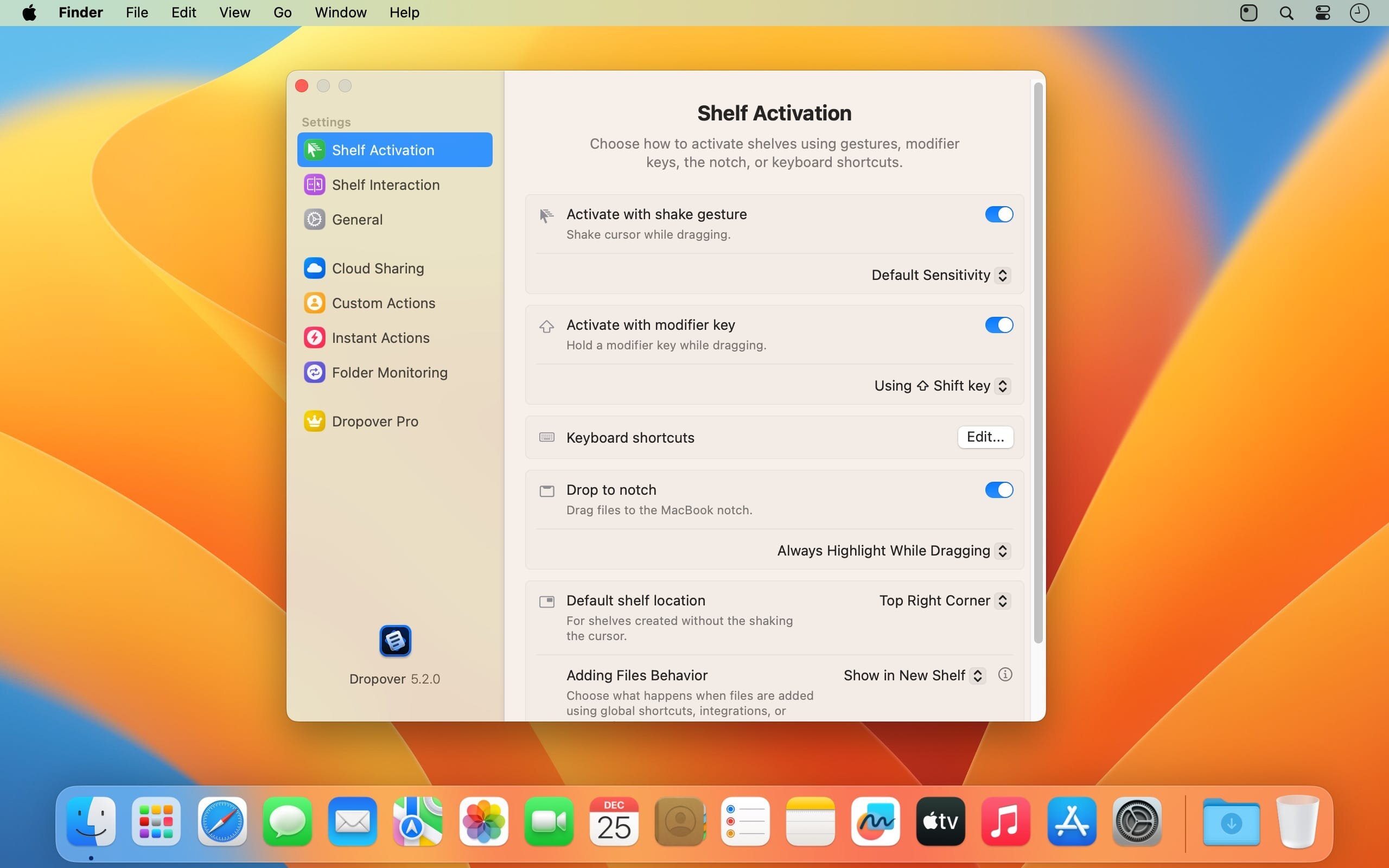
想暂存内容?只需在拖拽过程中轻轻左右晃动鼠标指针,一个半透明货架便会自动浮出;松手即可完成投放。支持所有常见文件类型、网页图片及纯文本片段,支持批量拖入,也支持后续随时追加新内容。
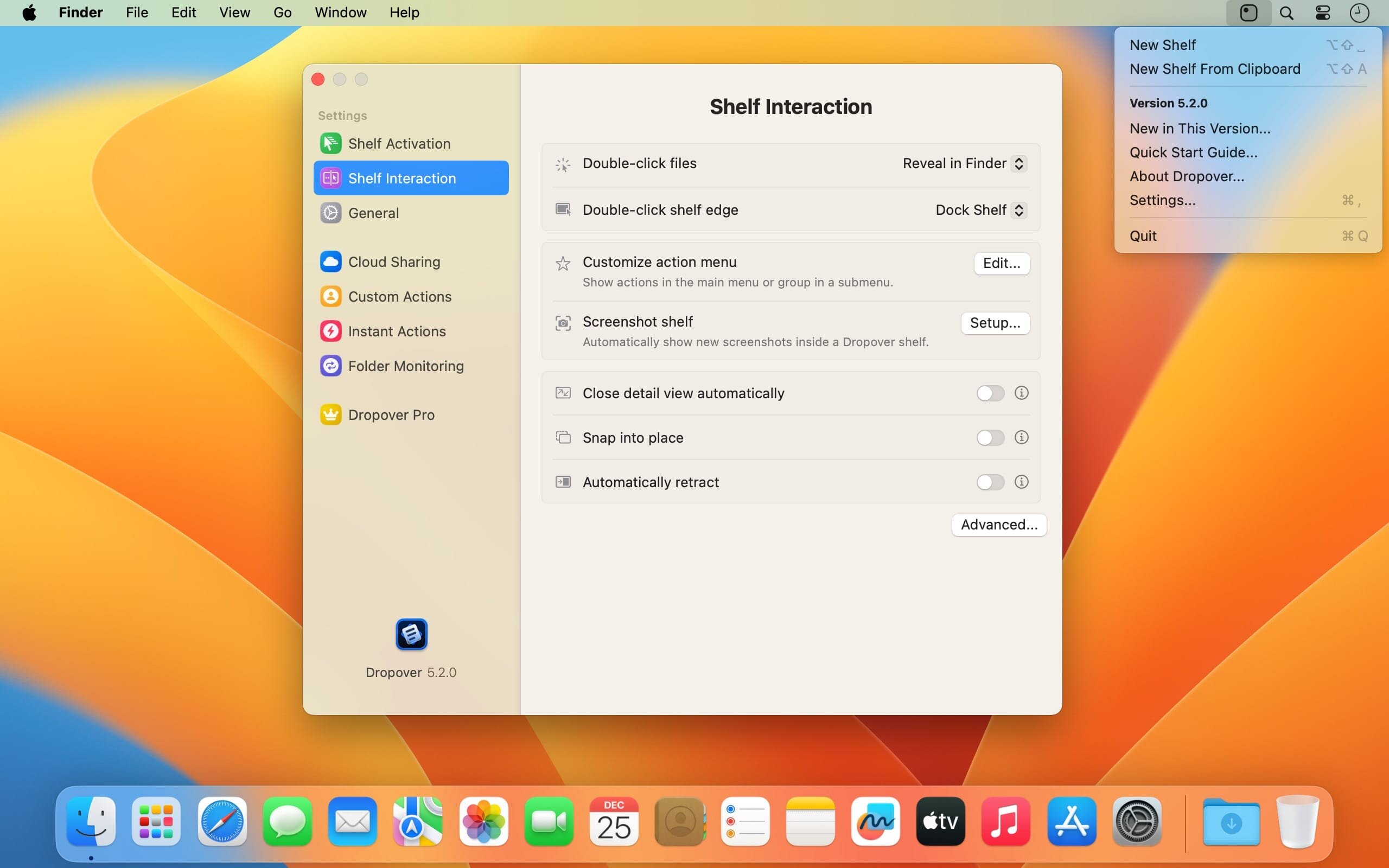
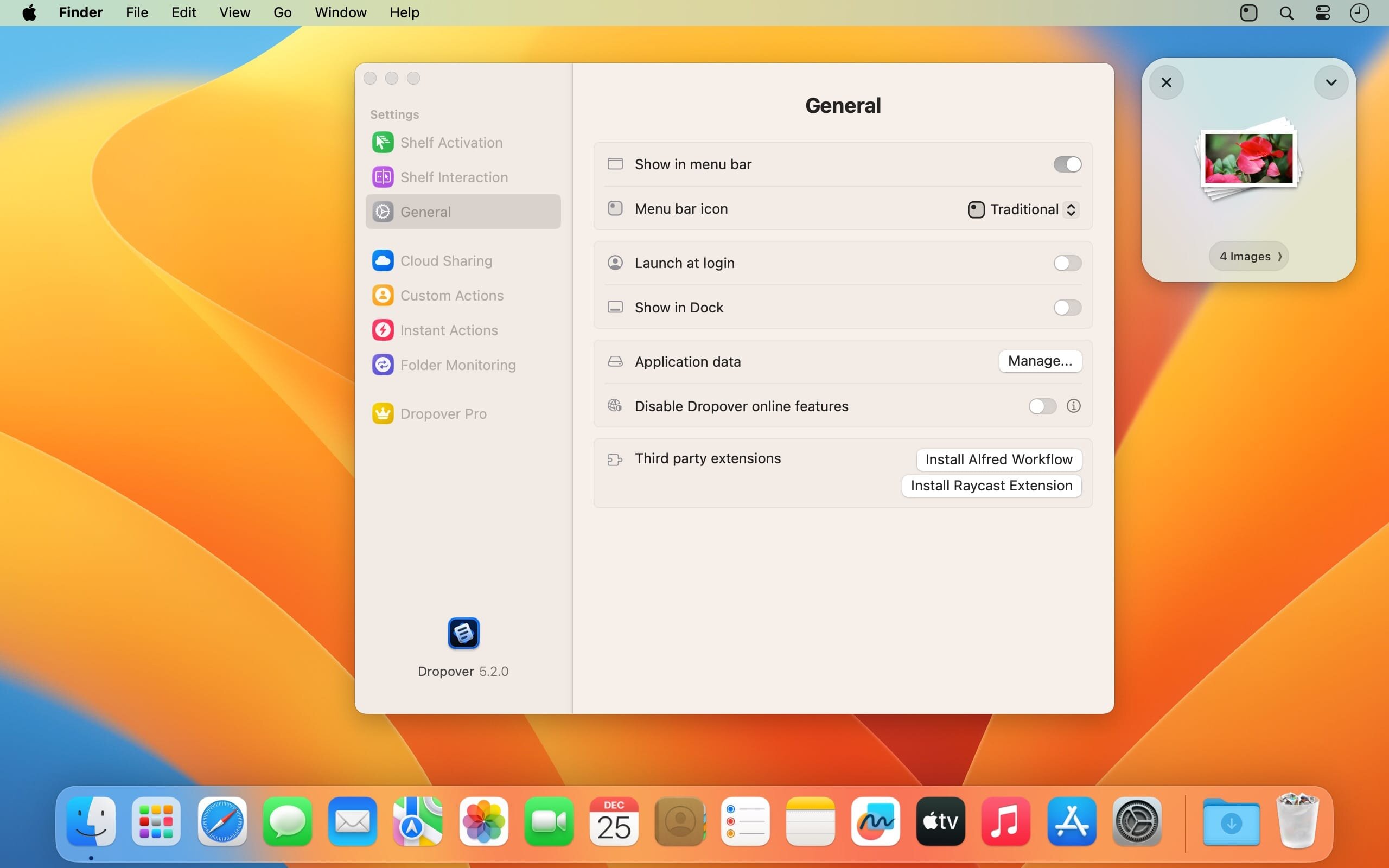
你可以创建多个独立货架,它们始终悬浮于所有窗口之上,触手可及。新增货架既可通过快捷键一键唤出,也能从菜单栏图标快速调用。要取用其中内容?直接拖拽货架中的条目到桌面、Finder、App 窗口,甚至其他货架即可。
一键上传 & 智能共享
在全新升级的工作区界面中,支持直接通过邮件(Mail)或信息(Messages)发送文件,也可将图片一键导入“照片”App。若已启用 iCloud Drive 或已登录 Dropbox 账户,Dropover 还能为货架内任意内容自动生成可公开访问的分享链接,省去手动上传步骤。
专注内容流转的可视化中转站
它不替代文件管理器,而是成为你处理多源内容时的“缓冲中枢”:剪辑中途的素材片段、临时收集的网页图/文案、待分发的协作文件……统统归拢到货架中,随取随用。操作零学习成本,逻辑直觉自然,适用场景远超想象——设计师、写作者、开发者、教师等高频跨应用操作用户尤其受益。
What's New
Version 5.3.0:
New:
- Adds support for macOS Golden Gate, including an updated appearance for shelves and controls.
- Adds Action Suggestions. Hold Option while a shelf is active to see and repeat recently used actions.
- Adds Intelligent Shelf Names, which use on-device intelligence to name shelves based on their contents. The feature is available on supported Macs and can be turned off in Settings > Shelf Interaction.
- Adds support for dragging messages directly from Mail.
- Adds support for Italian and Spanish.
Improvements:
- Moves action and sharing settings into panels attached to the shelf. Panels stay open when you switch apps, resize to fit their content, and offer improved keyboard navigation.
- Shows completion messages below the shelf so you can keep working without dismissing them. Adds haptic feedback on supported Macs.
- Makes pinned and recent shelves directly accessible from the menu bar, without opening a submenu.
- Adds a processing delay option to Folder Monitoring to collect files that arrive together and give other apps time to finish writing them.
- Improves reliability when accessing previously selected files and folders.
- Improves action handling, shelf visibility, and overall reliability.
- Improves app detection and management in Ignored Applications.
Fixes:
- Fixes an issue that prevented PNG files from being compressed on Intel-based Macs.
- Fixes a crash and reduces memory usage when opening the detail view.
- Fixes an issue where apps in Ignored Applications might not be recognized when their process name differed from their app name.
- Fixes blurry text in the button below a shelf's contents.
- Fixes an issue that could cause Dropover to quit unexpectedly when opening S3 settings.
- Fixes an issue where actions could not be canceled while being prepared.
- Fixes an issue where opening files with Dropover could ignore the Adding Files Behavior setting.
- Fixes an issue where Snap into place could move a shelf downward unexpectedly.
- Fixes an issue where a shelf could appear too close to the notch.
- Fixes an issue where batch renaming did not correctly include the counter in previews or renamed file names.
- Fixes several shelf layout issues, including overflowing titles and incorrect spacing.





