
Zipic 1.10.1 macOS 高效本地图片压缩工具

Zipic 是一款专为 macOS 打造的原生图像压缩应用,聚焦于「高效」与「高保真」的双重体验。所有压缩操作均在本地完成——无需上传、不依赖云端,真正实现零数据外泄;你的图片始终留在设备中,隐私安全与处理速度一举兼得。
核心优势一览:
- 高压缩比,视觉无损: 依托先进的压缩引擎,Zipic 在大幅减小文件体积的同时,几乎完全保留原始画质;肉眼难以分辨压缩前后差异,兼顾轻量化与专业表现力。
- 极速响应,全程离线: 作为纯本地运行的 macOS 原生应用,所有计算均由你的 Mac 实时完成——批量处理成百上千张图也游刃有余,告别网络延迟与云服务绑定。
全格式兼容: 不仅覆盖 JPEG、PNG、WebP、HEIC、GIF 等主流格式,更深度支持 AVIF、JXL、TIFF、ICNS 等专业级图像标准。 - 极简操作,即拖即压: 支持多种直觉式交互方式——直接拖拽图片或文件夹到界面、后台自动监控指定目录、一键右键调用 Finder 快捷菜单,轻松融入日常创作流。
- 精细调控,按需定制: 可自由创建多组预设方案,针对不同用途(如网页发布、邮件附件、存档备份)设定专属质量参数,让每一次压缩都精准匹配实际需求。
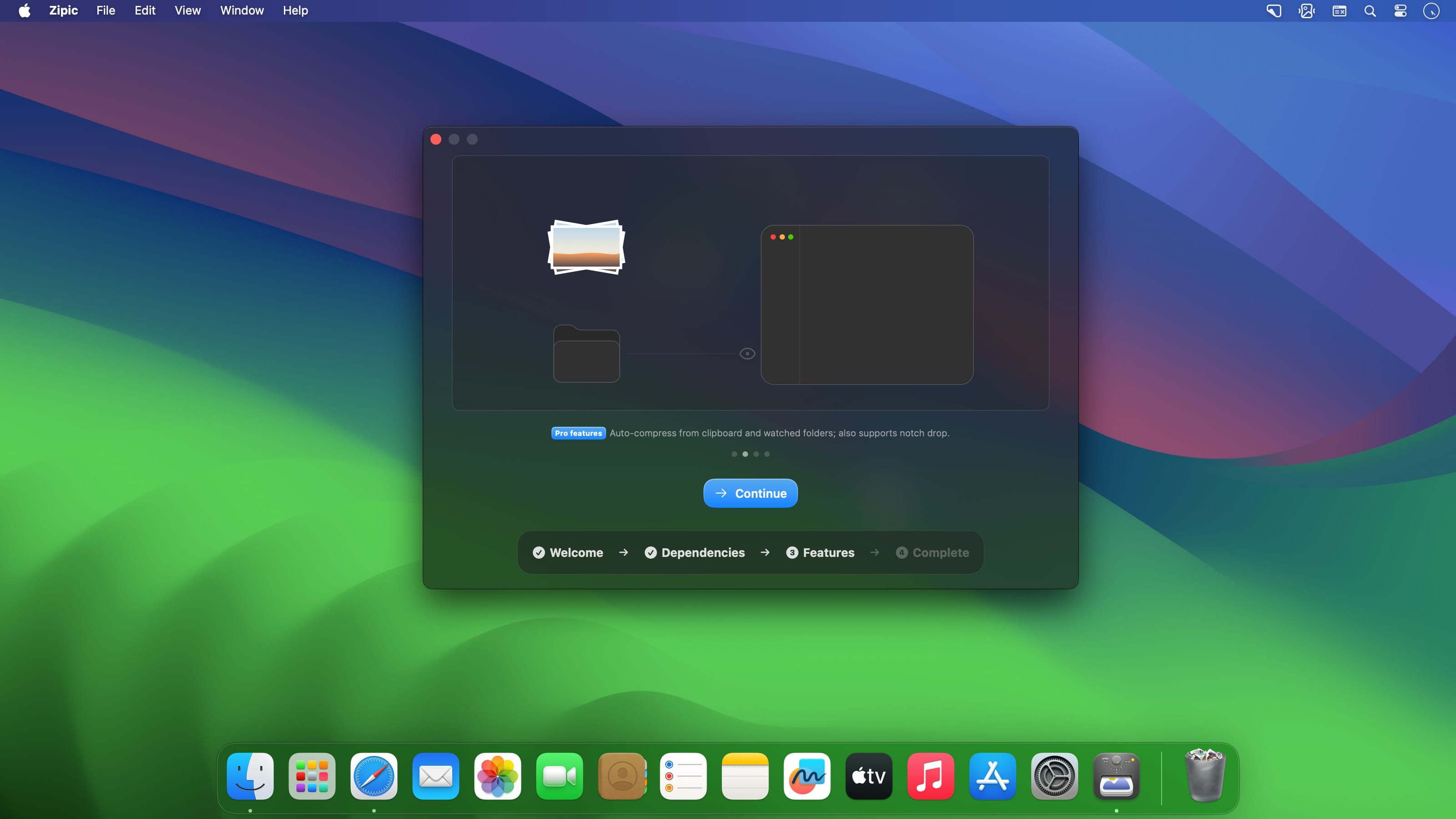
- 智能自动化,释放双手: Pro 功能加持下,支持剪贴板内容自动压缩、指定文件夹实时监听、Raycast 插件扩展,以及 Apple Shortcuts 深度集成,让重复性任务悄然完成。
无论你是写博客的技术作者、交付稿期的 UI 设计师、高频发图的摄影师,还是追求极致效率的开发者,Zipic 都致力于成为你图像优化工作流中那个“无需思考、始终可靠”的隐形助手。
What's New
Zipic v1.10.1
New Features
- App language: Settings now lets you pin the interface language instead of following the system — choose system default, English, Simplified Chinese, or Traditional Chinese. The change takes effect after you restart Zipic.
- Suffix template variables: filename suffixes accept {width}, {height}, {format}, {date}, and {quality}, resolved against the actual output file — in the main output and in every multiple output alike. Variables are case-insensitive, unknown ones are left as-is, and a {} button next to the suffix field inserts them. The CLI, Shortcuts, and URL Scheme accept them too.
- Longest-side resizing: a new “Longest side” mode constrains the output by its longer edge, so portrait and landscape shots can share one preset. Available in the pixel panel, and in the CLI (--longest-side), Shortcuts, and URL Scheme.
Bug Fixes
- Activation no longer lost: fixed a startup validation path that could delete your license from the Keychain when a read failed — for example after you declined the Keychain prompt or while the keychain was locked. Your activation now stays put.
- Accurate trial state: an exhausted or expired trial no longer shows the trial entry point again, and trial-device binding stays consistent with what offline validation reports, so an expired trial can’t look eligible a second time.
- Visible failure reasons: when compression fails, the red cross in the main list and detail view now reveals the reason on hover or click, and CLI results carry the error text too.
- PDF compatibility: fixed “Invalid file trailer” failures when compressing linearized and incrementally updated PDFs.
- Clipboard JPEG write-back: fixed pasting a compressed JPEG into apps like OneNote saving a PNG several times larger, because those targets prefer to read public.png from the clipboard.





