
PDF Squeezer 4.9.0 macOS 专业级PDF智能压缩工具
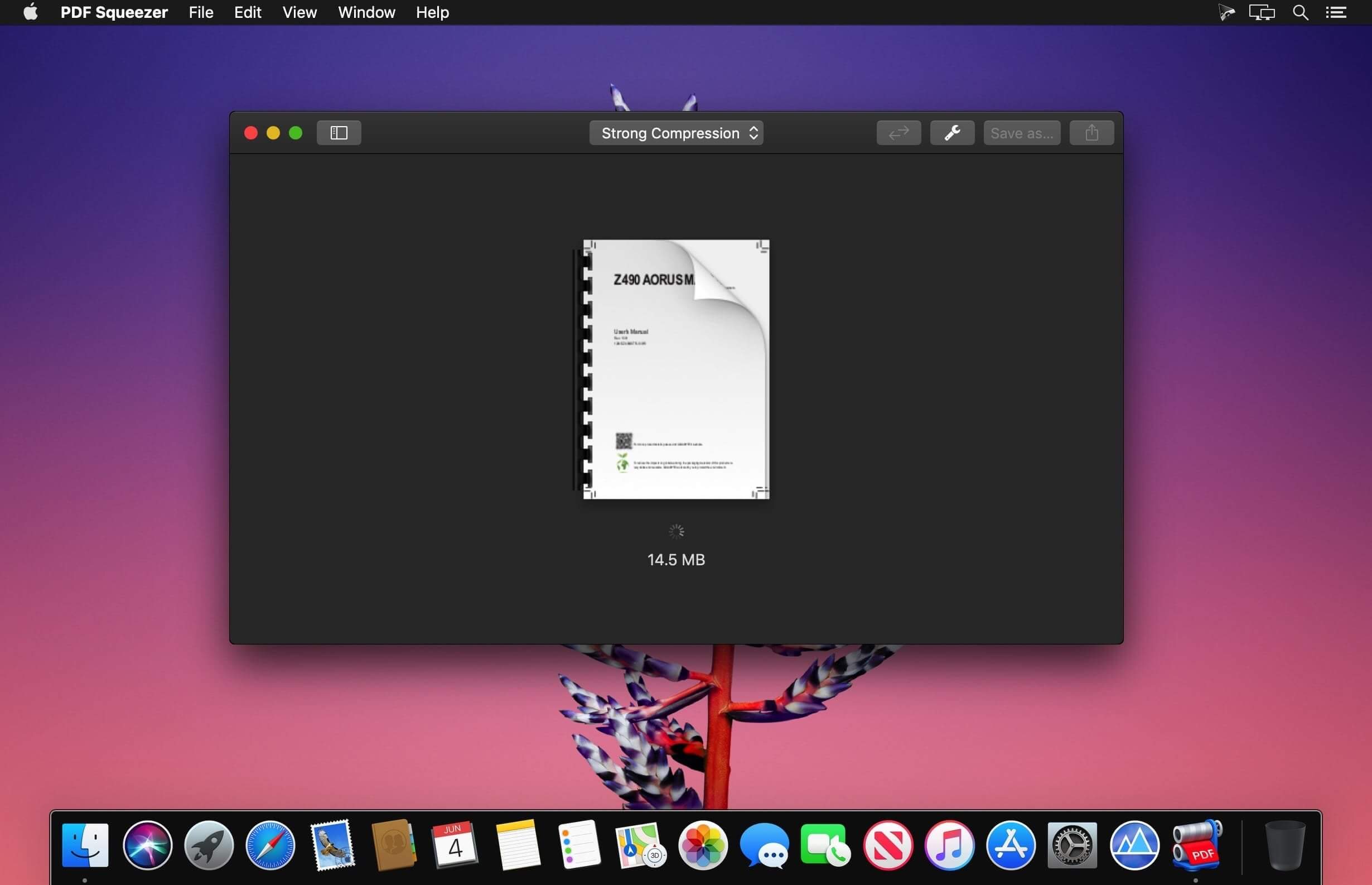
PDF Squeezer 是专为 macOS 打造的高效 PDF 压缩应用——无需复杂操作,拖拽文件即可完成轻量级瘦身。它在显著减小体积的同时,智能保留文字清晰度、图像细节与排版完整性;更会自动剥离冗余对象(如隐藏图层、重复字体嵌入、无用元数据等),只留下真正需要的内容。
多年来深受 Mac 用户信赖,PDF Squeezer 不仅帮你腾出宝贵磁盘空间,也让大文件分享变得更轻松快捷。所有压缩后的 PDF 均严格遵循 Adobe 标准,可无缝兼容 Acrobat、预览、Foxit 等主流阅读器,发送前无需二次验证。
核心亮点
- 原生 macOS 应用:深度适配 macOS 系统架构,非简单移植
- 极简交互:直接将 PDF 拖入窗口或 Dock 图标,秒启压缩
- 批量处理:一次导入数十个文件,统一执行压缩任务
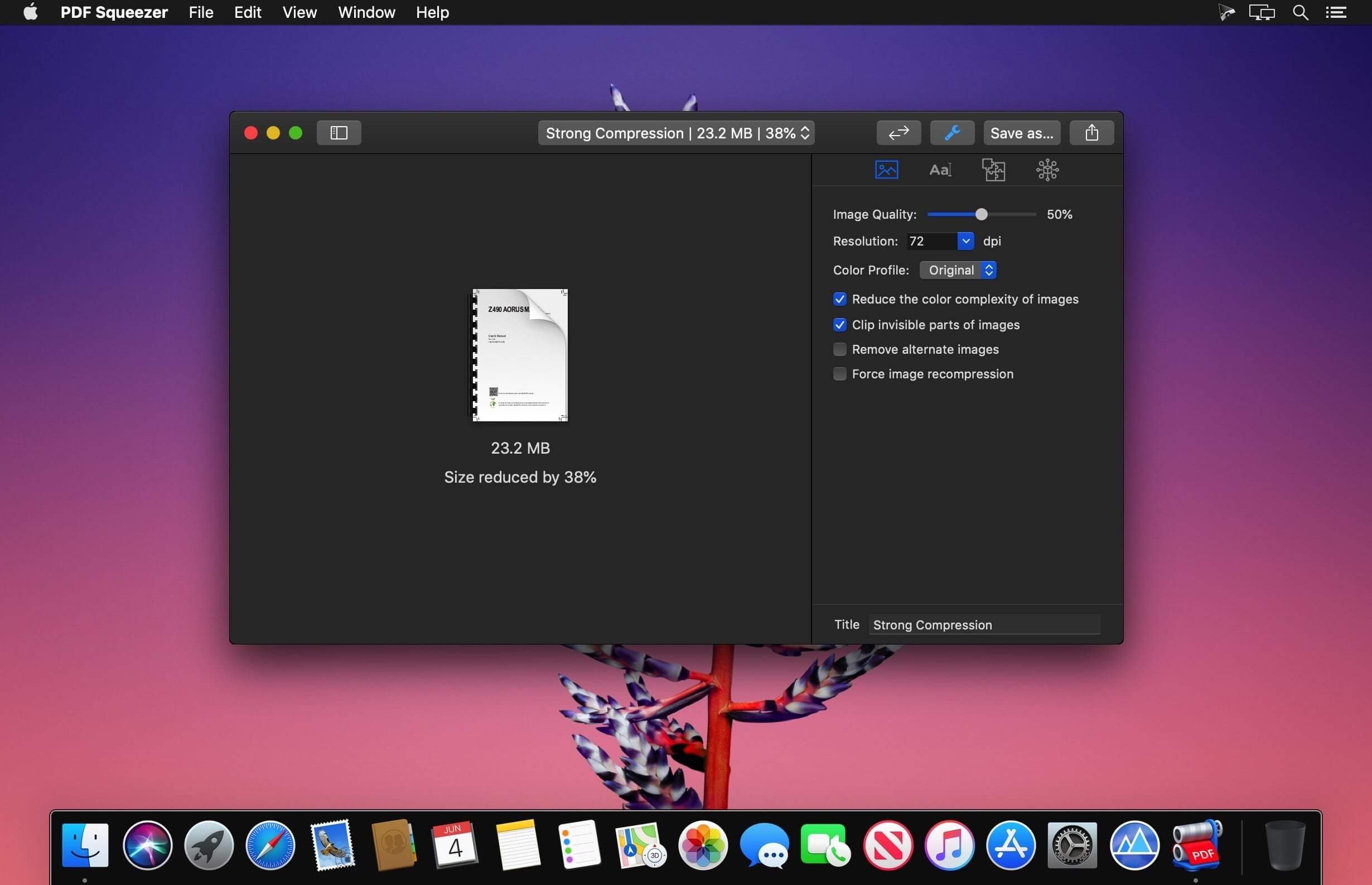
- 自适应压缩引擎:融合多策略算法(如图像重采样、字体子集化、流对象优化),按需平衡体积与画质
- 自动化友好:全面支持快捷指令(Shortcuts)、Automator 工作流及终端命令行调用
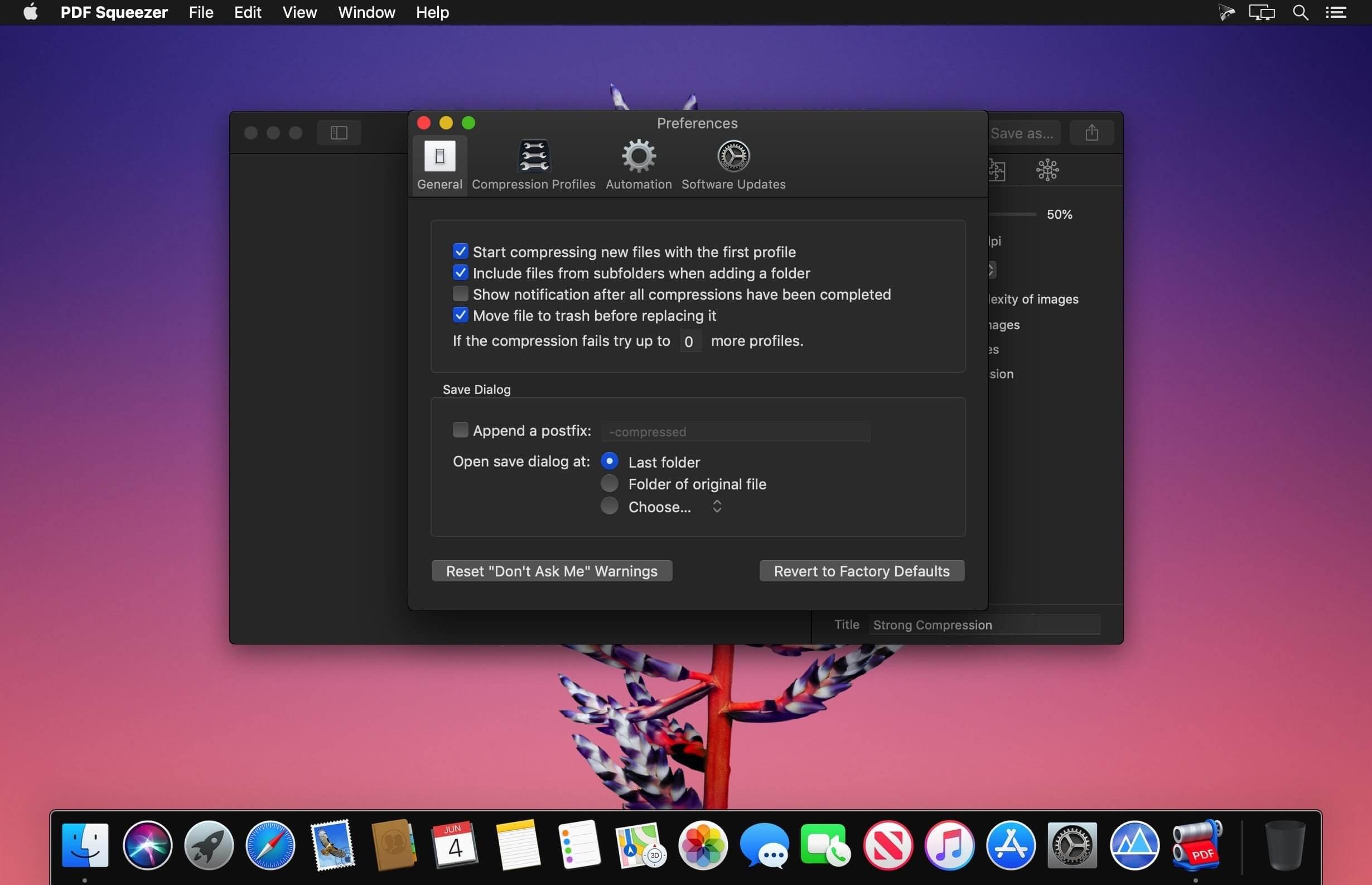
- 灵活配置:内置“网页优化”“打印精简”“存档高清”等预设方案,亦可自定义参数并保存为专属压缩模板
- 递归文件夹压缩:一键压缩指定目录及其全部子文件夹中的 PDF 文件
- 受保护文档支持:借助 Watchdog 模块,安全处理带密码的 PDF(支持解密后压缩)
- 深度文件洞察:实时查看文档标题、作者、关键词、创建时间、嵌入图像数量、页面总数等关键信息
- 实用附加功能:一键导出 PDF 中所有图片(支持 PNG/JPEG/TIFF 格式)、提取文本、清理注释等
- 可视化对比模式:左右分屏并列显示原始文件与压缩结果,直观评估差异
- 模板共享机制:导出个人配置为 .squeezerprofile 文件,方便团队协作或跨设备复用
- 全屏专注视图:开启全屏后自动启用对比布局,提升结果判读效率
- 全版本兼容:完美支持 PDF 1.0 至 2.0 规范,包括最新 ISO 32000-2 标准
- 空间节省统计:自动汇总累计释放的存储容量,量化你的优化成果
PDF Squeezer 4 全面兼容 Intel 处理器及 Apple Silicon 芯片(含 M1、M2、M3 与 M4),是 Mac 用户兼顾速度、质量与易用性的 PDF 压缩首选方案。
What's New
Version 4.9
- NEW: Added a new profile setting that ensures PDF/A-4 support for long-term document archiving. Incompatible compression options are automatically turned off and disabled.
- NEW: Added an "Optimize images" option to compression profiles. Turn it off to leave images unchanged while optimizing other PDF content.
- NEW: Improved importing speed and responsiveness for folders containing thousands of PDFs.
- NEW: The status bar now appears automatically when more than 10 PDFs are loaded.
- NEW: Improved the reliability of compression statistics recorded by automation tools such as Automator.
- NEW: Renamed "Remove document structure tree" to "Remove document tags" and added a tooltip explaining how to preserve accessibility information, including image descriptions.
- NEW: Improved the reliability of comparison zoom controls when switching views.
- NEW: Added overall compression progress and an active file count to the status bar.
- NEW: Added progress rings for individual files in the sidebar when using the new compression engine.
- NEW: Added sidebar sorting by name, original size, compression ratio, date added, or status, with reversible order.
- NEW: Added a live status summary below the selected-file count.
- NEW: Added a translucent, fading background behind sidebar controls and extra scrolling space to keep the last file accessible.
- NEW: Enabled Save As for multiple selected files, allowing compressed copies to be saved to a chosen folder.
- NEW: Improved responsiveness when importing many files with Finder tags.
- NEW: Improved image-quality preservation by avoiding JPEG recompression for tiny file-size savings, making repeated compression more predictable.
- FIX: Fixed a potential cause of Finder Quick Action failures when compression statistics could not be accessed.
- FIX: Fixed the app becoming unresponsive when saving very large batches of PDFs.
- FIX: Fixed file permissions being released before background saves finished.
- FIX: The app now waits for pending saves to finish before quitting.
- FIX: Fixed image cropping compatibility that could cause other apps to report incorrect image dimensions and resolution.
- FIX: Fixed comparison profile pickers sometimes appearing incorrectly when entering comparison mode for the first time.
FIX: Fixed importing folders dragged from the folder icon in a Finder window's title bar.





