
Default Folder X 6.3.1 macOS 文件管理增强工具
Default Folder X 为 macOS 系统的「打开」与「存储」对话框注入强大生产力——快速跳转高频使用文件夹、保存时一键添加标签与备注、在真正打开前预览文档内容,让文件操作更直观、更高效。
常用文件夹,一点即达
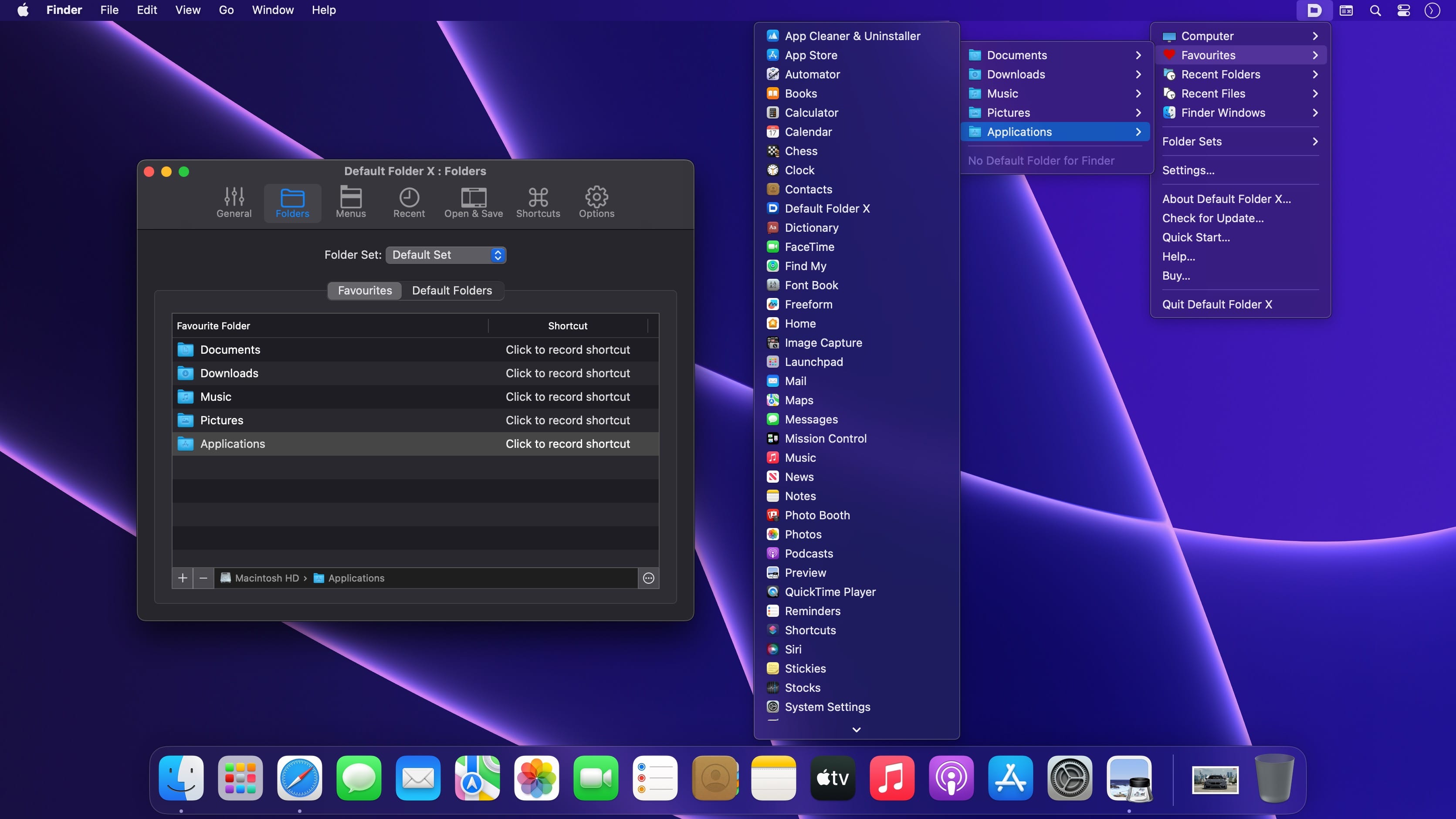
- 从菜单栏直接唤出默认文件夹、收藏夹及最近访问目录,无需层层导航
- 实时显示所有已开启的 Finder 窗口,点击即可将其置顶聚焦
- 自由创建个性化收藏夹列表,按项目、团队或工作流分类管理
- 为每款应用单独指定默认保存路径,从此告别误存乱放
智能对话框工具栏,操作触手可及
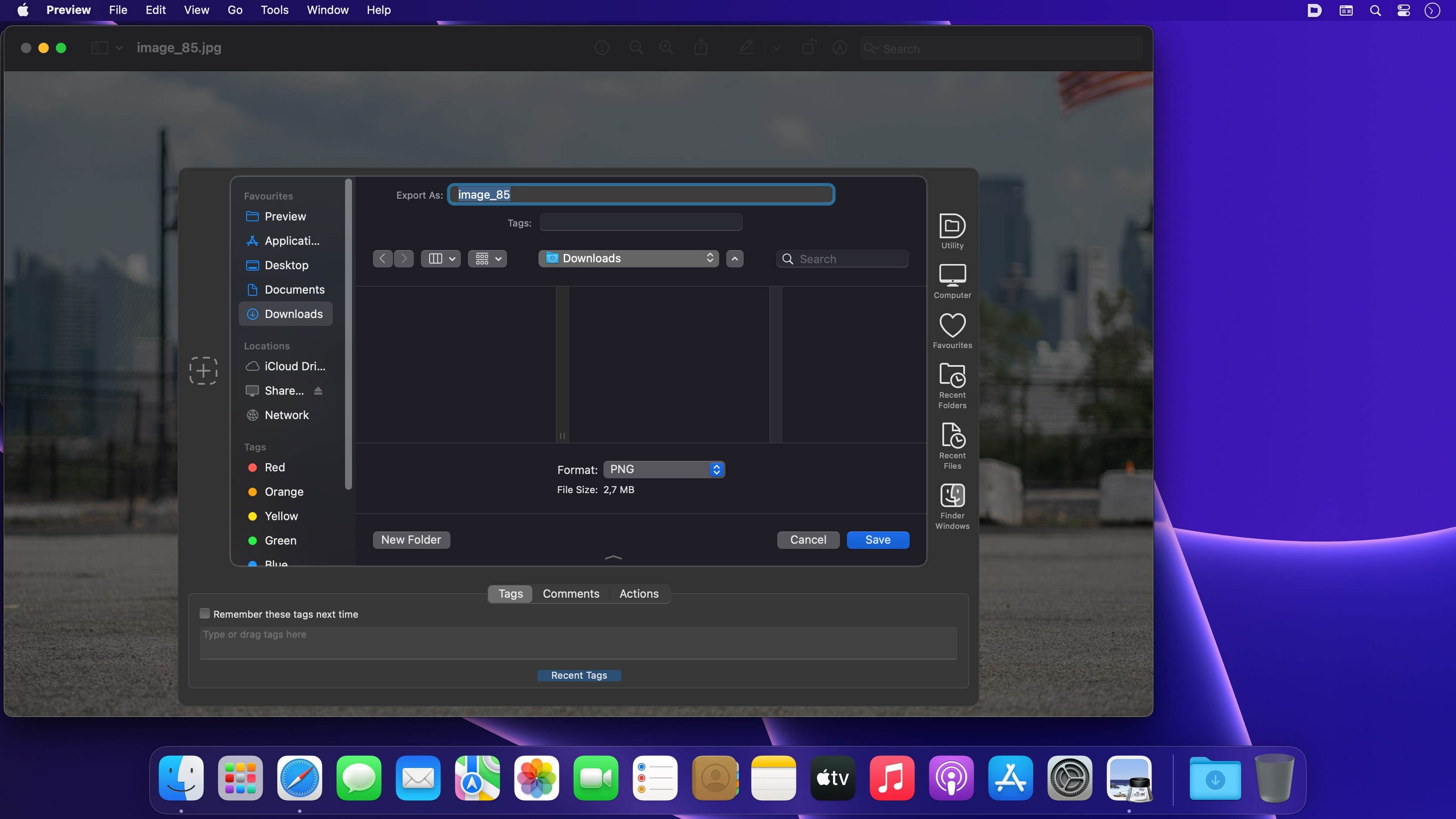
每次触发打开或保存操作时,Default Folder X 自动在对话框顶部叠加专属工具栏,集中呈现你的全部快捷入口与常用功能。悬停菜单即可逐级浏览文件结构,亦可启用内置快捷键,高频操作秒级响应。
边存边标,搜索快人一步
在保存文件的同时,直接在对话框内添加 Spotlight 关键词、系统标签、自定义备注与颜色标签——后续借助 Spotlight 一搜即得,知识资产不再沉没。
所见即所得,开前先确认
在「打开」对话框中以缩略图形式浏览文档,支持双击/滚轮放大至全尺寸预览,细节清晰可见,确保选中目标文件零误差。
Default Folder X:减少无效点击,专注真正重要的事。
What's New
Version 6.3.0:
New features:
- Supports macOS 27 Golden Gate.
- Recent files and folders can be "pinned" in the menu to keep them there. Press the Shift key when a recent file or folder is highlighted in its menu to pin it. Repeat to unpin it.
- Clicking on the path shown in the Info pane below Open dialogs copies the path of the selected item and displays a popover to indicate that it was copied.
- When a file has a "Where from" attribute, that information is shown in the Info pane below Open dialogs.
- Existing Finder tags can be sorted by name or by date in the Tags pane below Open and Save dialogs.
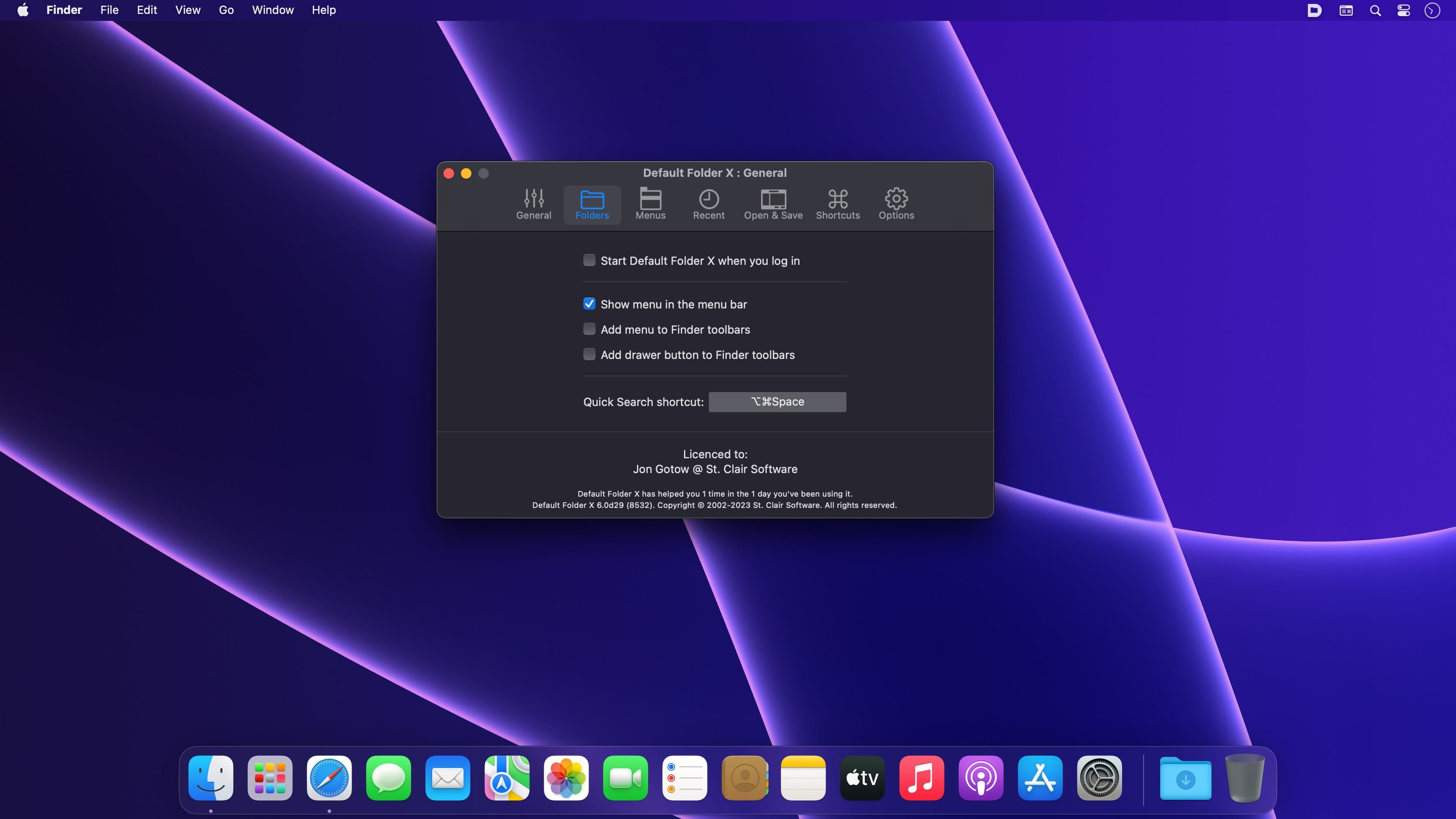
- After dragging an item to Default Folder X's icon in the menu bar or using its "Default Folder X: Move / Copy / Alias" services in the Finder's contextual menu, you can switch folder sets while choosing a destination folder. To do so, the Folder Sets menu must be added to your menu configuration in Settings > General > Customize Menu.
- The Finder-click feature will no longer obscure windows floating over Open and Save dialogs, allowing you to use drag-and-drop utilities like Dropzone, Dropover, Unclutter, etc.
- Added a "menu type" argument to the CopyUsingMenu and MoveUsingMenu AppleScript commands so you can invoke it with just the Favorites menu, for instance.
- If the "Say No to Notch" app is running, Default Folder X will not warn about its icon being behind the screen notch.
- Finder toolbar icons use the same style as the icon selected for the menu bar.
Bug fixes:
- Fixed a problem with Default Folder X hanging when adding folders in Settings > Folders.
- Clicking on grayed-out filenames works correctly in Save dialogs when using column view.
- Fixed problems with recent settings changes not getting saved before restart and shutdown.
- Corrected a bug that resulted in more iCloud traffic than necessary when syncing settings via iCloud.
- Fixed an inability to determine the location of an empty folder on a volume mounted at a non-standard mount point.
- Removed the option to automatically download and install updates. It can't be done reliably without displaying a prompt to relaunch, which makes it just as intrusive as normal updates.
- Added LanguageTool to Default Folder X's exclusion list because it causes Default Folder X to run very very slowly.
- Corrected problems when the DFX and DFX Drawer helper apps are used in Bloom's toolbar.
- Fixed text color in the menu configuration editing window when running on High Sierra.
- Eliminated oversized menu item icons in High Sierra.
- Fixed a crash in the Focus filter.





