
VueScan Professional 9.8.59 macOS 专业级扫描工具,精准还原胶片与文档色彩

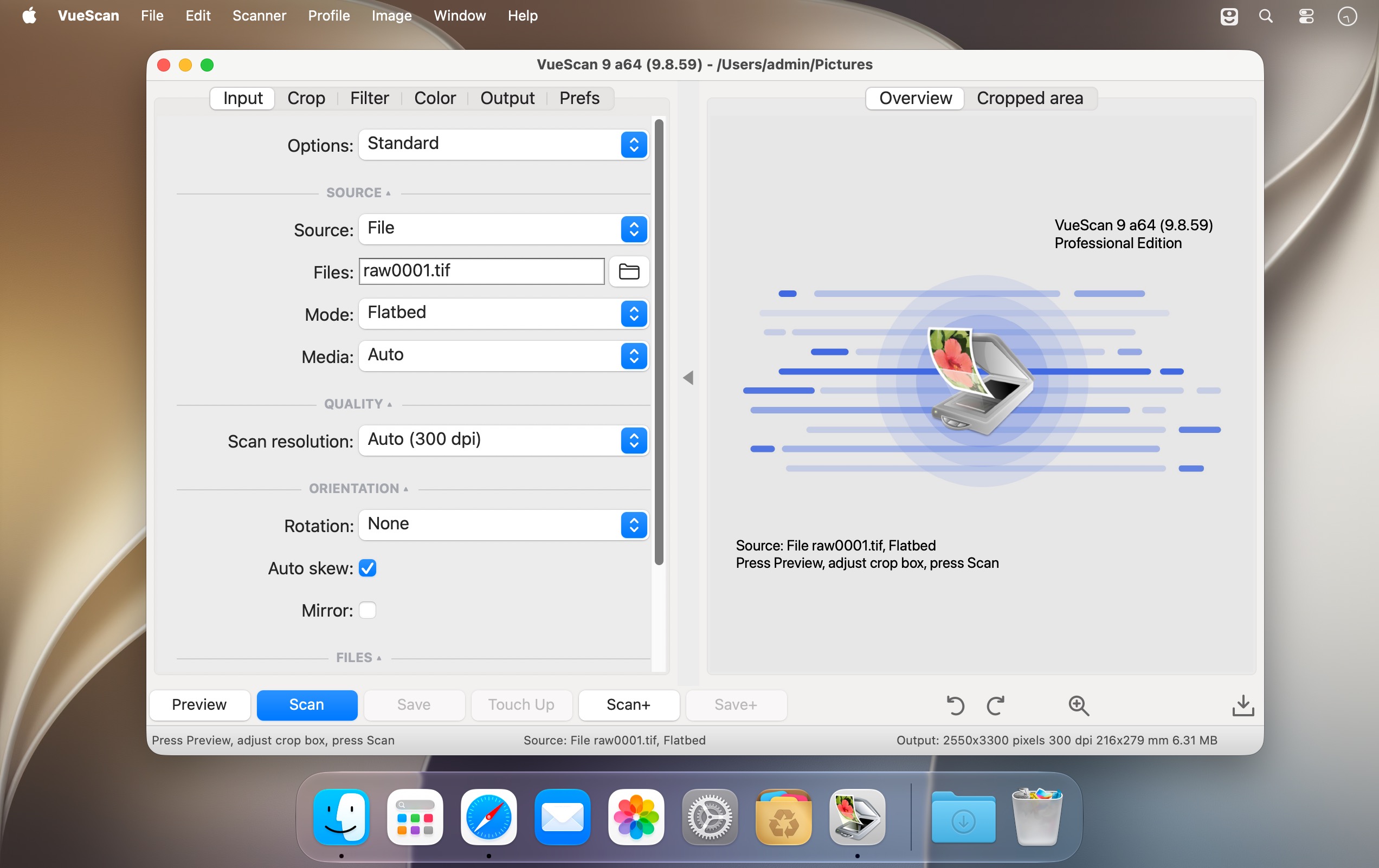
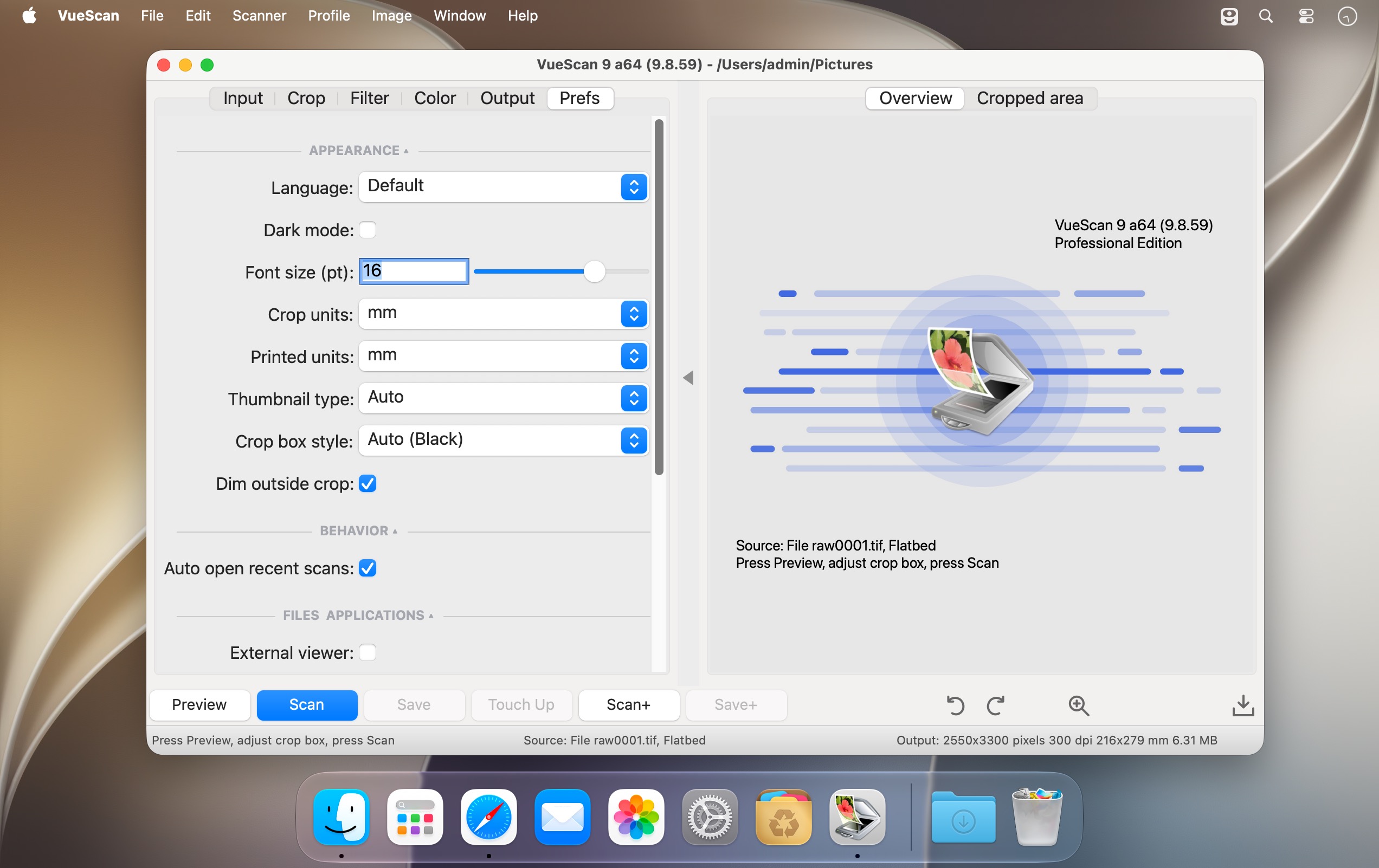
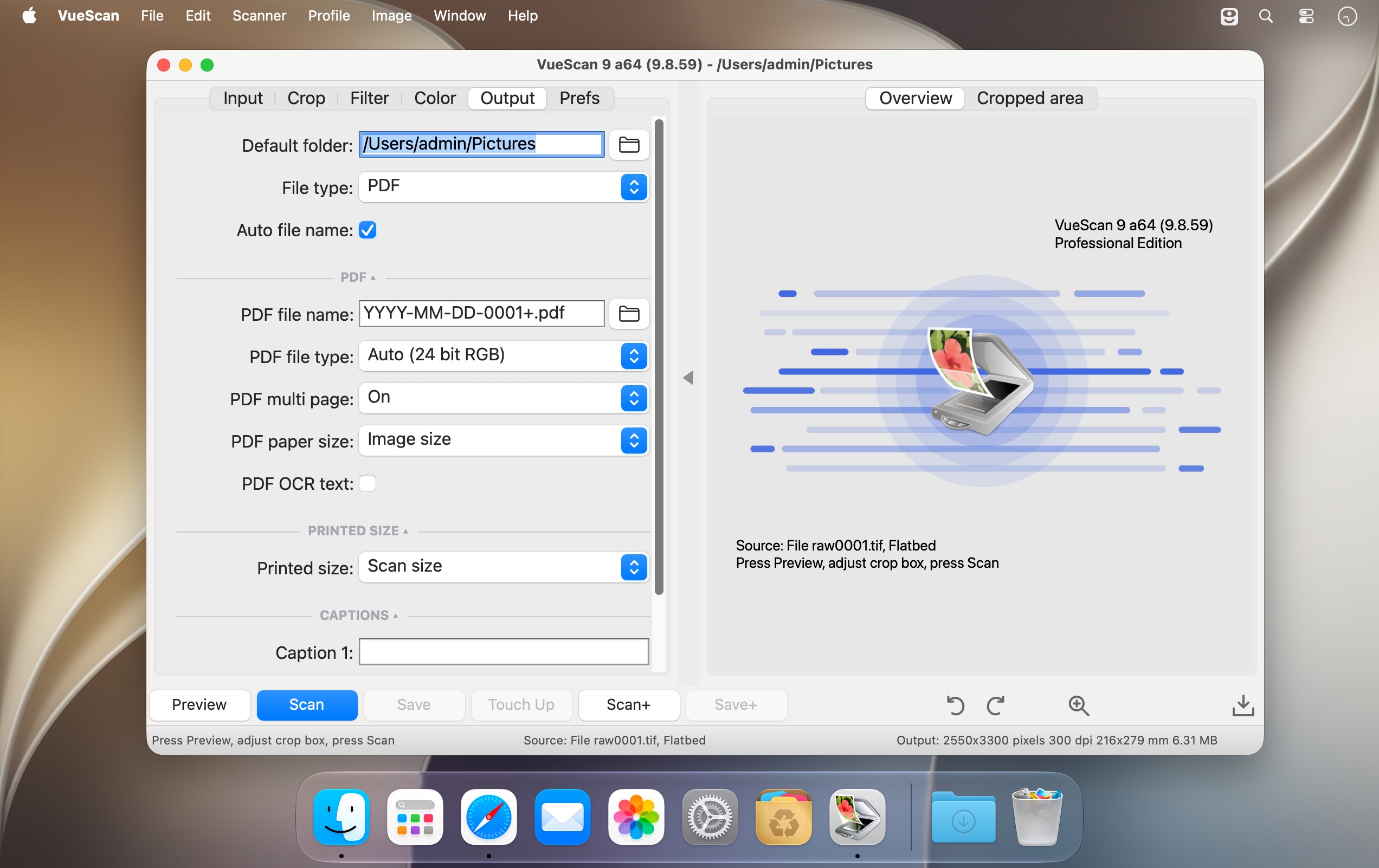
VueScan 是一款兼容性强、输出品质卓越的扫描软件,全面支持市面上主流的高端平板式扫描仪及胶片扫描设备,能精准还原原始色彩层次与灰阶过渡,让扫描结果真正“所见即所得”。界面简洁直观,同时内置面向专业摄影师的进阶功能——如褪色影像智能修复、多页/多张批量扫描、自定义色彩映射等,兼顾新手友好性与创作自由度。
为什么 VueScan 值得你选择?
- 上手零门槛 —— 启动即用:点击“预览”→ 拖拽调整选区 → 一键开始扫描,三步完成高质量输出。
- 色彩高度精准 —— 深度集成 ICC 色彩配置文件,并支持 IT8 标准色卡校准,确保跨设备色彩一致性。
- 功能深度可挖 —— 提供数十项专业级参数调节选项,从去网纹、红外除尘到多帧叠加降噪,满足严苛图像处理需求。
- 效率大幅提升 —— 独创异步工作流:当前图片正在扫描时,即可同步对前一张图进行裁剪、调色或保存操作(多数原厂扫描软件在此阶段会完全锁定界面)。
- 安装干净无侵扰 —— 纯绿色部署:不修改系统设置、不写入系统驱动、不干扰其他扫描软件运行,卸载亦不留痕迹。
- 业界权威认可 —— 曾获《Mac Addict》杂志 2002 年度“最佳实用工具奖”。
What's New
Version 9.8.59:
- Added support for scans larger than 2 GBytes
- Added support for scans up to 65535 x 65535 pixels
- Added option to enable/disable Recent Scans tray
- Added editable OCR text window
- Added OCR button next to Recent Scans
- Added ‘Filter | Restore fading’ for multi-slide scans
- Added collapsible sections for options in the same category
- Fixed problem with maximum scan resolution for some Brother scanners
- Fixed problem with ADF support for some Brother scanners
- Fixed problem with paper size of Brother MFC-9460CDN
- Fixed problem with alignment grid repainting during crop rotation
- Fixed problem with mirrored and skewed thumbnails
- Fixed problem with zoomed Overview when switching frames
- Fixed problem with bad color correction outside active frame





