
PowerPhotos 3.4.8 macOS 专业级照片库管理工具

PowerPhotos —— 专为 macOS 原生「照片」App 打造的全能型管理套件。它深度集成系统自带的照片应用,无需替换或迁移数据,即可帮你高效梳理、归档与优化日益庞大的影像资产。
灵活创建与切换多个照片库
告别只能依赖单一照片库的束缚!PowerPhotos 支持同时管理多个独立的照片库,让你按时间、项目、设备或用途自由划分图库结构,真正实现个性化组织。
将照片分散存于不同库中,不仅能显著提升「照片」App 的启动与浏览响应速度,还能轻松归档旧年份影像、将部分图库移至外置硬盘长期保存,并有效缓解 iCloud 照片图库的云端空间压力。
智能复制——照片+元数据一键同步
只需拖拽相册或单张照片,即可完成跨库复制。PowerPhotos 会自动保留全部关键元数据:包括关键词标签、说明文字、自定义标题、拍摄时间、星级评分及“最爱”标记等,确保信息零丢失。
安全合并多库——自动去重+预览确认
手头有多个零散照片库?PowerPhotos 提供智能合并功能,在整合过程中自动识别并过滤重复图片。更重要的是,操作前会生成完整预览视图,让你清晰掌握合并后的最终结构,确认无误后再执行,全程可控、安心无忧。
精准识别重复影像
日常导入、备份或跨设备同步中,极易产生大量重复照片。PowerPhotos 可快速扫描一个或多个图库,高亮显示疑似重复项,并支持左右并排比对;还可一键归类至专属相册,方便你集中审核、批量清理。
高效浏览与全局搜索
无需打开「照片」App,直接通过 PowerPhotos 内置图像浏览器即时预览所有图库中的照片。列表模式下可查看详细属性(如分辨率、文件大小、修改日期等),更支持跨库统一检索——输入关键词,瞬间定位目标影像。
无缝迁移 iPhoto / Aperture 老图库
如果你仍保有大量 iPhoto 或 Aperture 时代的经典图库,PowerPhotos 可自动化完成向现代「照片」App 的迁移工作。整个过程后台静默运行,无需人工干预,省时省力,让历史资产焕发新生。


What's New
Version 3.4.8:
- Undoing a library deletion now also moves the library back out of the trash.
- When dragging multiple libraries from the Finder to the library list, if some of the libraries are already in PowerPhotos, they will now be moved to the drop location along with any newly added libraries.
- Pressing option + up/down arrow in the photo browser no longer causes a crash.
- Fixed the help link in an alert shown when copying into your iCloud library.
- You can now cancel an in progress submission from the Contact Support window.
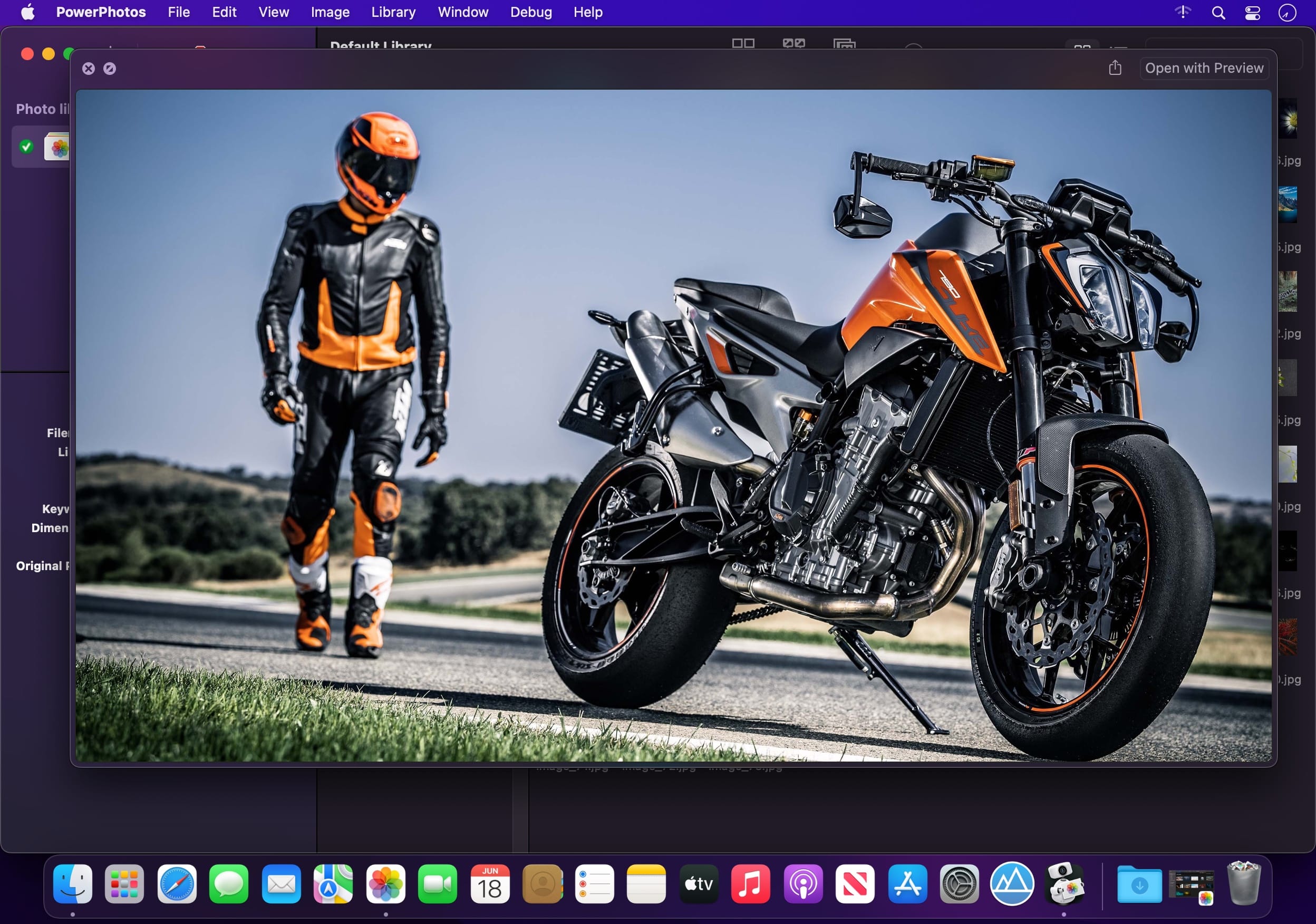
- Clicking the “X” button to dismiss viewing a full size photo now works properly on macOS 27.
- The duplicate browser now remembers its zoom setting between sessions.
- Fixed a crash that could occur with certain libraries that contained an invalid file size for a photo.
- Improved duplicate analysis to avoid Photos returning errors when trying to retrieve image data from an optimized iCloud library.
- Fixed a problem where copying certain photos/videos edited by a third party plugin would fail in combination with disabling the “Copy Live
- Photo videos” option or the option to only copy the original or edited version of a photo.





