
Vibe Island 1.0.49 macOS 终端AI编码助手的智能状态中枢
Vibe Island 是一款专为终端型AI编程助手用户打造的效率增强工具,尤其面向深度依赖命令行AI开发环境的Mac开发者。它巧妙复用MacBook顶部的刘海区域,构建出一个轻量、实时、可交互的操作看板——你无需切换窗口、离开当前IDE,也无需中断专注状态,即可随时查看AI代理运行状态、快速审批关键操作、甚至直接回应交互请求。无论你正在使用Claude Code、Cursor还是Gemini CLI,Vibe Island都能以优雅不扰人的悬浮界面,把终端中的AI动态“提”到屏幕最前沿,真正守护你的编程心流。
核心亮点
- 全平台AI代理统一视图:原生兼容Claude Code、Codex、Gemini CLI、Cursor、OpenCode、Copilot等10余款主流AI编程工具;所有活跃会话自动聚合至一个极简、高响应的控制面板中,一目了然。
- 双向实时交互能力:不止于被动监控——从刘海区即可一键批准/拒绝权限申请、即时作答“AskUser”类交互提问,并支持完整Markdown渲染的方案预览与人工校验。
- 精准终端定位跳转:单击即达!自动识别并跳转至AI代理实际运行的位置:无论是iTerm2/Ghostty/Warp中的特定标签页、分屏窗格,还是tmux会话内的某一分窗,毫秒级直达。
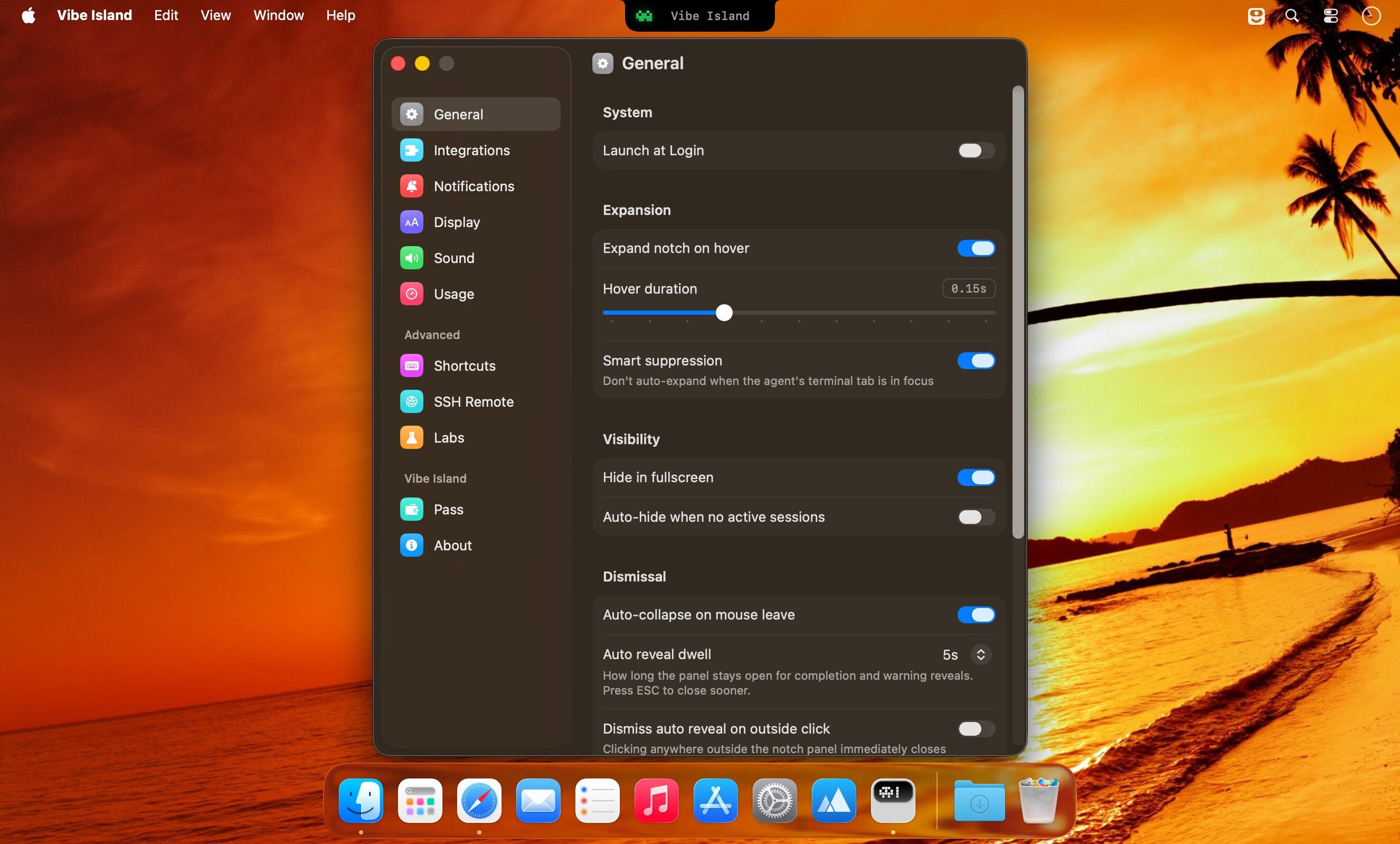
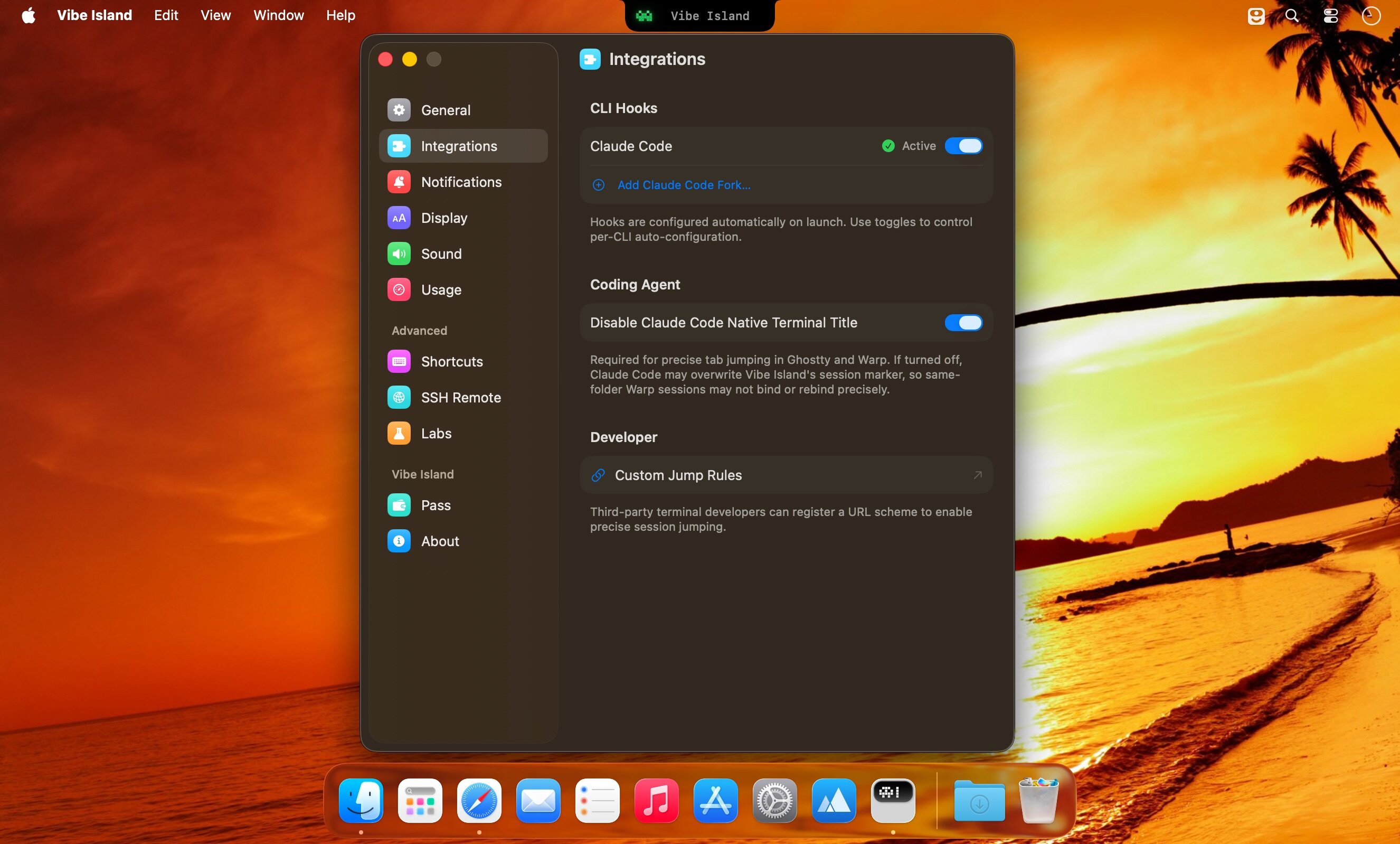
- 开箱即用,零配置启动:首次运行即自动注入CLI工具钩子,无需手动修改.bashrc/.zshrc、无需粘贴API密钥、更不需重启终端——真正的“装完就跑”体验。
- 数据完全本地化,隐私默认开启:所有通信均在本机闭环完成,Vibe Island与你的CLI工具之间无任何网络外联,敏感代码、对话记录、执行日志永不离开你的Mac。
- 纯Swift原生开发,极致轻盈:深度适配Apple Silicon架构,内存常驻仅需约50MB,空闲时CPU占用趋近于零,丝滑流畅无负担。
- 沉浸式智能反馈系统:配备复古8-bit合成音效提示关键事件,搭配柔和但清晰的视觉动效,信息触达及时,干扰感归零。
What's New
Version 1.0.51:
License Fix
- Fixed an issue introduced in 1.0.50 that prevented license recognition and activation.
Improvements
- Added Latin American Spanish as an app language.
- OpenCode 2 conversations now show assistant responses and questions more completely. Clicking a session returns to its OpenCode viewer when one is available.
- Sessions that share a backend with another app now return to the viewer where you were working, rather than always opening the backend app.
- Codex sessions launched through CodexHost can return to the corresponding thread.
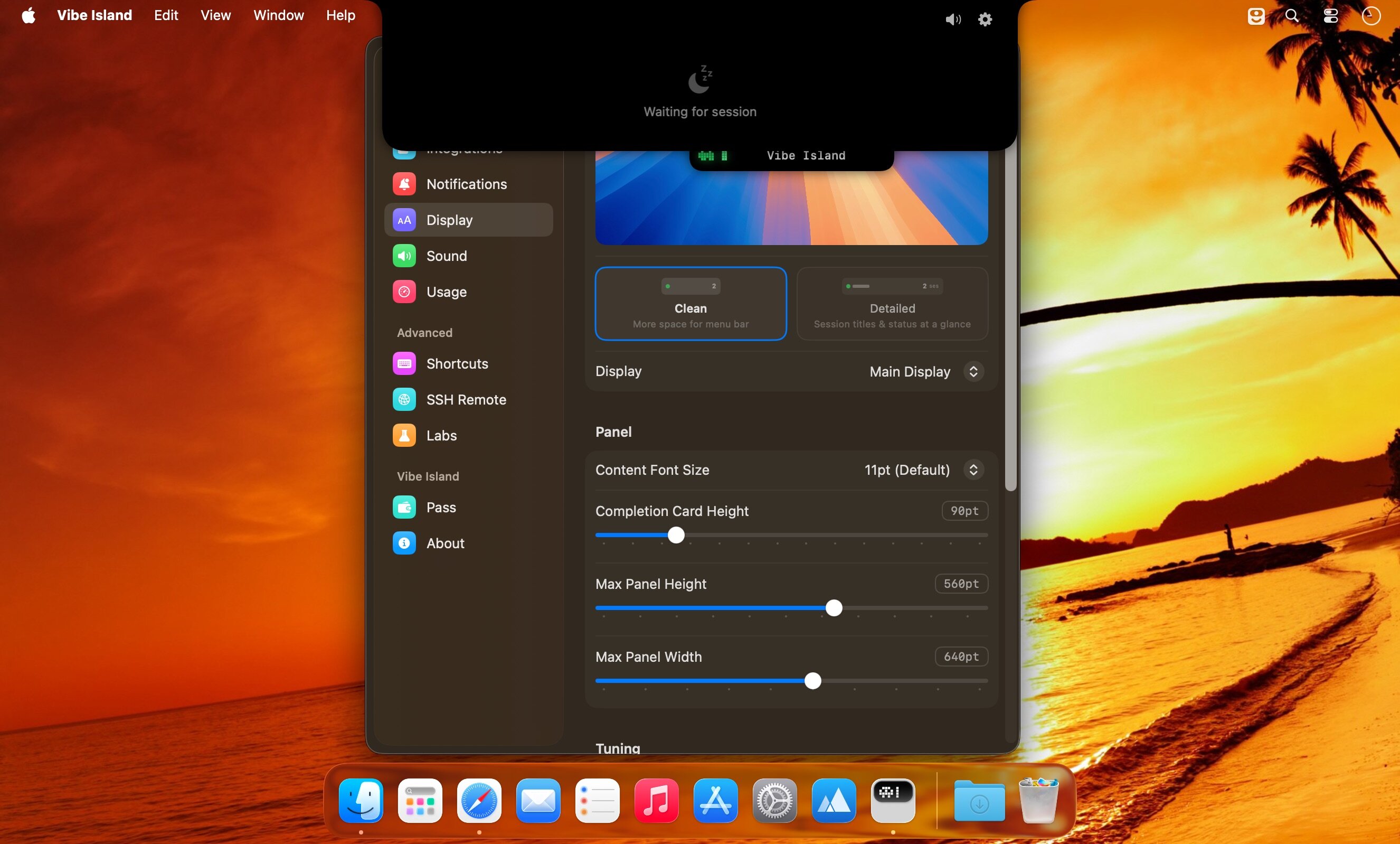
- On macOS 27, the island moves aside while the menu bar's overflow icons are expanded, so it does not cover the icons beside the notch. The expanded panel also fits its content more reliably.
- Improved overall performance and responsiveness.
Fixes
- Zed sessions started in a project subfolder now return to the existing project workspace instead of opening that subfolder as a new workspace.
- Fixed a tmux jump that could select the right pane number in the wrong tmux window.
- Native terminal sessions opened from Orca now return to their terminal instead of the Orca pane they were launched from.
- Codex approvals and delegated sessions now keep the right request context, execution owner, and working status more reliably.
- Claude Desktop Chat and Cowork work again with recent Claude Desktop updates. Code conversations also recover after restarting Vibe Island, and rewinding a conversation no longer leaves a duplicate card until the next response finishes.
- Bypass stays active for Claude Code sessions using an additional configuration folder, instead of asking again on every tool call.
- Long-running Claude and Codex work no longer changes to Ready just because an old transcript or previous-turn timestamp went stale. Long conversation compaction also keeps its progress state until it finishes.
- Fixed OpenClaw plugin upgrades being blocked when the installed plugin came from an earlier Vibe Island release, while preserving files you have edited. Manual Gateway restart now uses the Gateway's own launch command. Background heartbeat and Gateway-internal runs no longer create extra session cards.
- Pi sessions keep their cards and context when you use `/reload`.
- SSH Remote setup can recover when uploading the remote helper through the SSH fallback path. Remote Codex approvals also read their request context more reliably.
- Usage no longer shows expired windows or lets stale Codex data replace a fresher reading. Codex reset-credit counts stay with the right account after switching accounts. Claude usage now favors the current quota window over older Desktop readings, and Zhipu Max quotas display correctly after switching keys.
- Fixed panel hover, sizing, and accidental text selection issues.





