
Vibe Island 1.0.53 macOS 终端AI编码助手智能控制中心
Vibe Island 是一款专为终端型AI编程助手用户打造的高效生产力工具,特别适配MacBook开发者工作流。它巧妙复用MacBook屏幕顶部的“刘海”区域,将其升级为实时响应的交互式操作台——你无需切换窗口、离开IDE,甚至不必中断当前编码思路,就能随时查看AI代理运行状态、快速授权关键操作、或直接与它们对话。无论你正在使用Claude Code、Cursor还是Gemini CLI,Vibe Island都能以优雅、低干扰的悬浮界面,将终端中的AI活动“提至眼前”,真正守护你的专注力与开发节奏。
核心亮点
- 全平台AI代理统一看板:原生兼容Claude Code、Codex、Gemini CLI、Cursor、OpenCode、Copilot等10余款主流AI编程工具。所有活跃会话自动聚合于一个极简、现代的可视化面板中,一目了然。
- 双向深度交互能力:不止于被动观察——从“刘海”区域即可实时审批权限请求、回应“AskUser”类交互提问,并完整渲染Markdown格式的AI执行计划,实现指尖级闭环协作。
- 毫秒级终端精准定位:单击即跳转!自动识别并直达AI代理所在的终端标签页、分屏区域或tmux会话,全面支持iTerm2、Ghostty、Warp及系统原生Terminal.app。
- 开箱即用,零配置启动:首次运行即自动完成CLI工具钩子注入,无需手动修改配置文件、也不用填写API密钥,真正“安装即生效”。
- 数据不出设备,隐私默认开启:所有通信全程本地运行,Vibe Island与你的命令行工具之间不经过任何网络传输,敏感代码与上下文始终留在你的Mac上。
- 原生Swift打造,轻盈如风:专为Apple Silicon深度优化,启动迅捷、响应丝滑;空闲时内存占用低于50MB,CPU占用趋近于零,后台运行毫无负担。
- 智能反馈系统,静而不扰:采用复古8-bit合成音效提示关键事件,搭配柔和视觉动效,信息传达清晰,却绝不打断你的思考流。
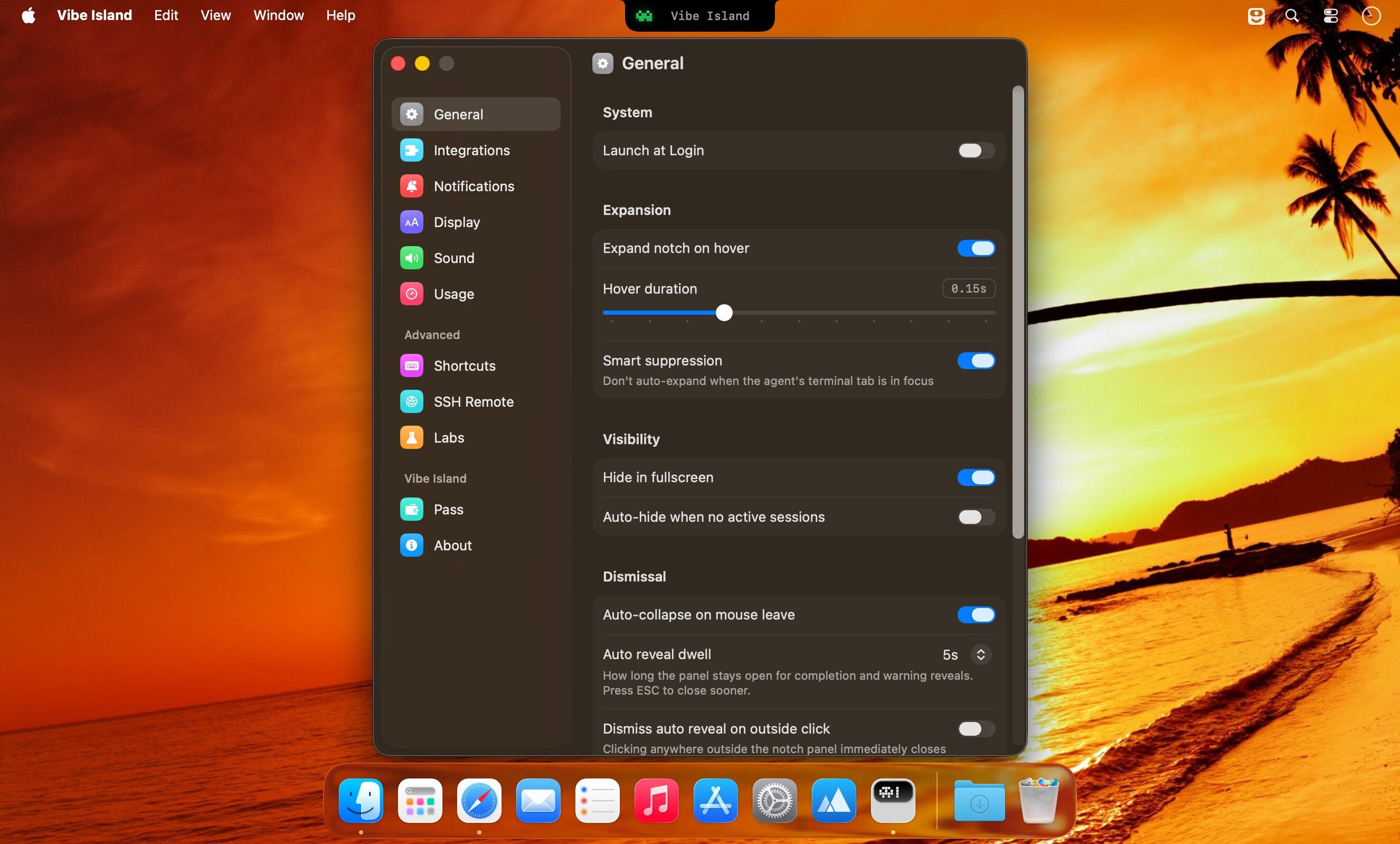
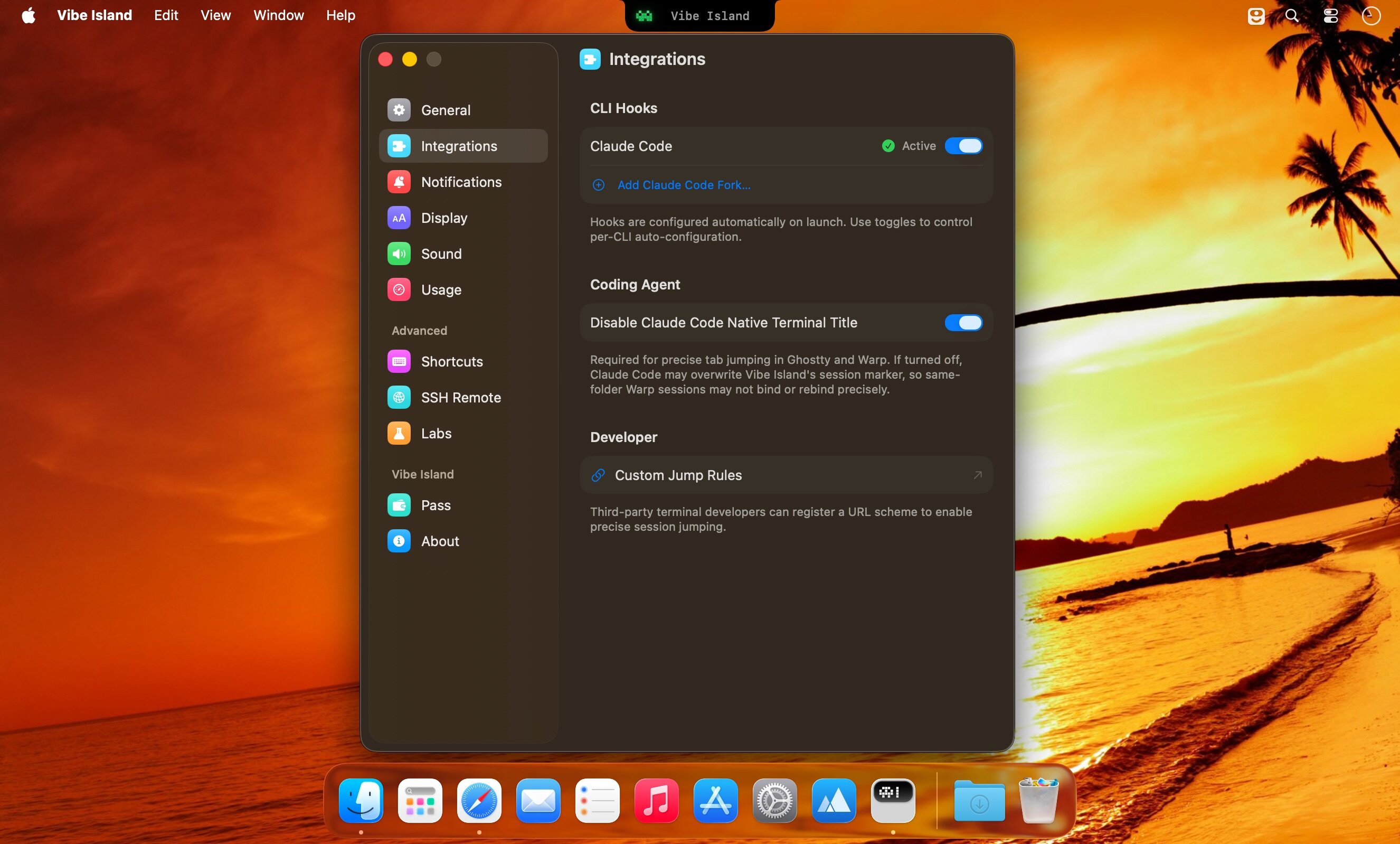
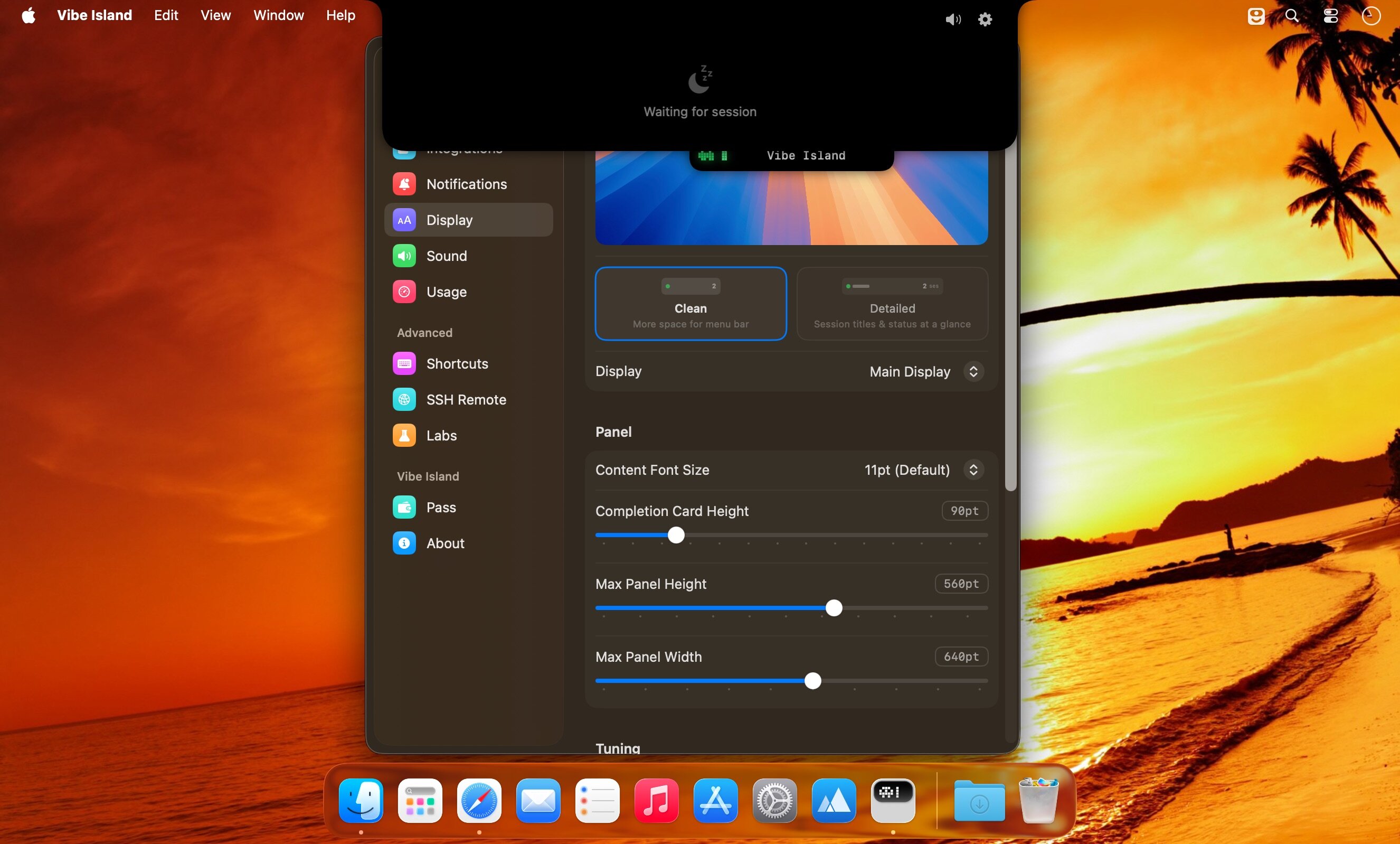
What's New
Version 1.0.51:
New Features
- Antigravity 2.0 support: questions and approvals from the Antigravity app and IDE now show correctly, and you can answer them right from the island. Clicking a card opens the exact conversation, and cards keep their project name and title and come back after Vibe Island restarts.
- DeepSeek Harness Desktop support: official DeepSeek Harness Desktop installs set up cleanly, and clicking a card opens the exact conversation in both the desktop app and the web, including a web page opened as localhost.
- OpenCode over SSH Remote: OpenCode 2, OpenCode and MiMoCode sessions on remote hosts now appear on the island.
- Antigravity usage now shows when you use only the Antigravity IDE, or only the agy command-line tool (version 1.1.11 or later), without the Antigravity app running.
- Custom agents (beta): connect your own agent to Vibe Island by running one command per event. It shows status and completion alerts on the island with its own neutral look, and clicking the card jumps back to your tool. Setup guide: https://vibeisland.app/docs/custom-agents/ (also linked from Settings → Integrations → Developer).
Improvements
- Updated for Claude Desktop 2.x, which merges Chat and Cowork: chats finish correctly instead of staying on "working", and cards show when Claude is waiting for your answer or approval, along with the model and project folder.
- When you quit an agent app such as Zed, T3 Code, WorkBuddy or Paseo, its cards are now cleaned up shortly afterwards instead of lingering, and cards no longer disappear while an app restarts to update.
- SSH Remote: remote components now update automatically after each Vibe Island update.
- Smart suppression now works inside zellij: when only one terminal is attached and you are looking at the agent's pane, the island no longer pops up.
- The archive button on each card is now labeled "Archive".
- Settings now describe what the Antigravity and IDE rows do.
- About now links to the Privacy Policy and Terms of Use.
- Improved overall stability and reliability.
Fixes
- Claude Desktop: background runs started by plugins inside a Code session no longer fill the panel with cards and sounds.
- Claude Desktop: Code session cards no longer linger after Claude Desktop puts the conversation to sleep. A card is removed once you have read the reply; unread ones follow your Idle cleanup setting.
- Claude Desktop with third-party inference (a gateway, Amazon Bedrock, Google Vertex AI or Microsoft Foundry): clicking a Code session card now opens the exact conversation instead of only bringing Claude Desktop to the front.
- Claude Desktop: the 5-hour usage limit no longer shows "–" or stale numbers.
- Antigravity: a conversation that ends with an error no longer stays on "working".
- Codex 0.157 and later: sessions in different terminal tabs no longer jump to the wrong tab, remove each other's cards, or lose their completion sound.
- OpenCode 2: declining a permission or cancelling a question now marks the turn as interrupted without affecting other pending cards.
- OpenCode 2: restarting OpenCode or resuming a conversation no longer leaves stuck or duplicate cards.
- OpenCode 2: clicking a card switches to that session in Ghostty and tmux when a single OpenCode window is open.
- OpenCode: cards keep their model label after Vibe Island restarts.
- Ghostty: jumping to a session now puts keyboard focus in the right window, including on multiple displays.
- Otty: jumping from a background pane now lands on the right pane.
- zellij and herdr: OpenCode and MiMoCode sessions now jump to the correct pane.





