
Maccy 2.7.1 macOS 剪贴板历史管理工具
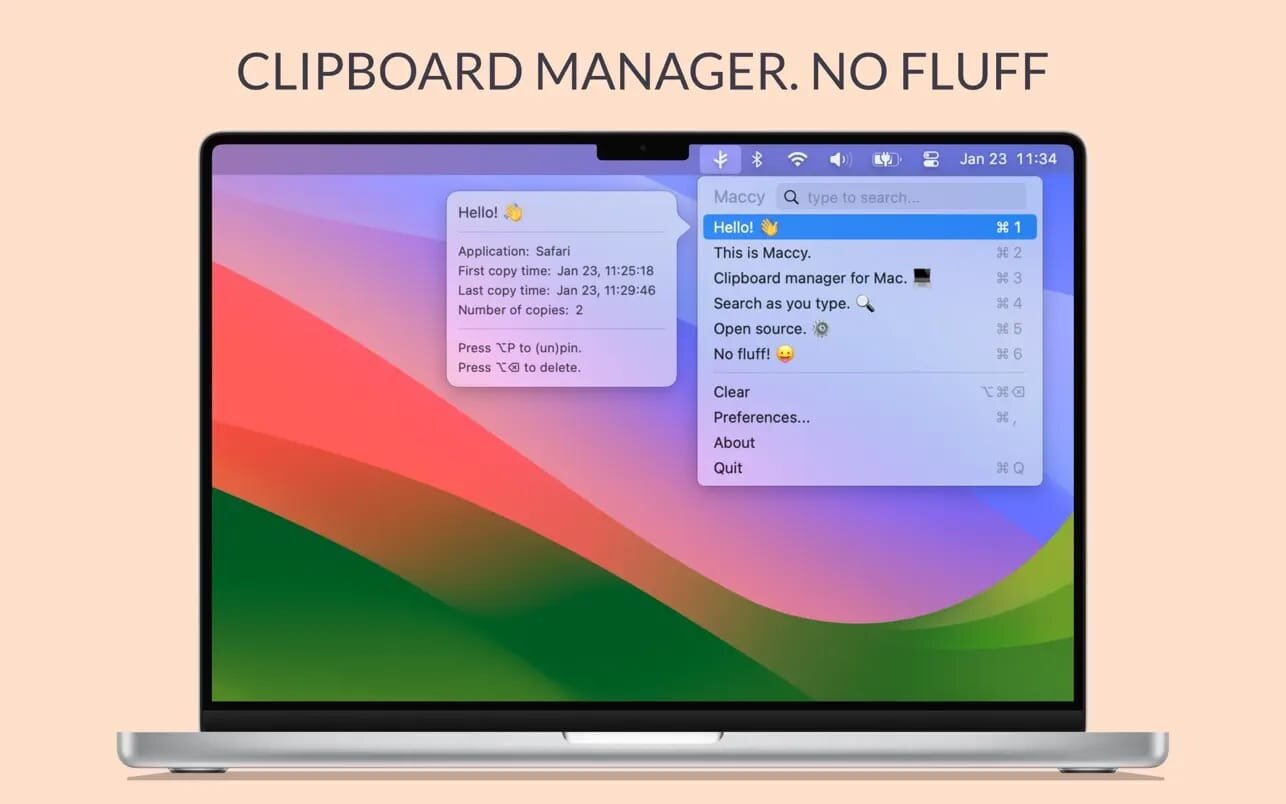
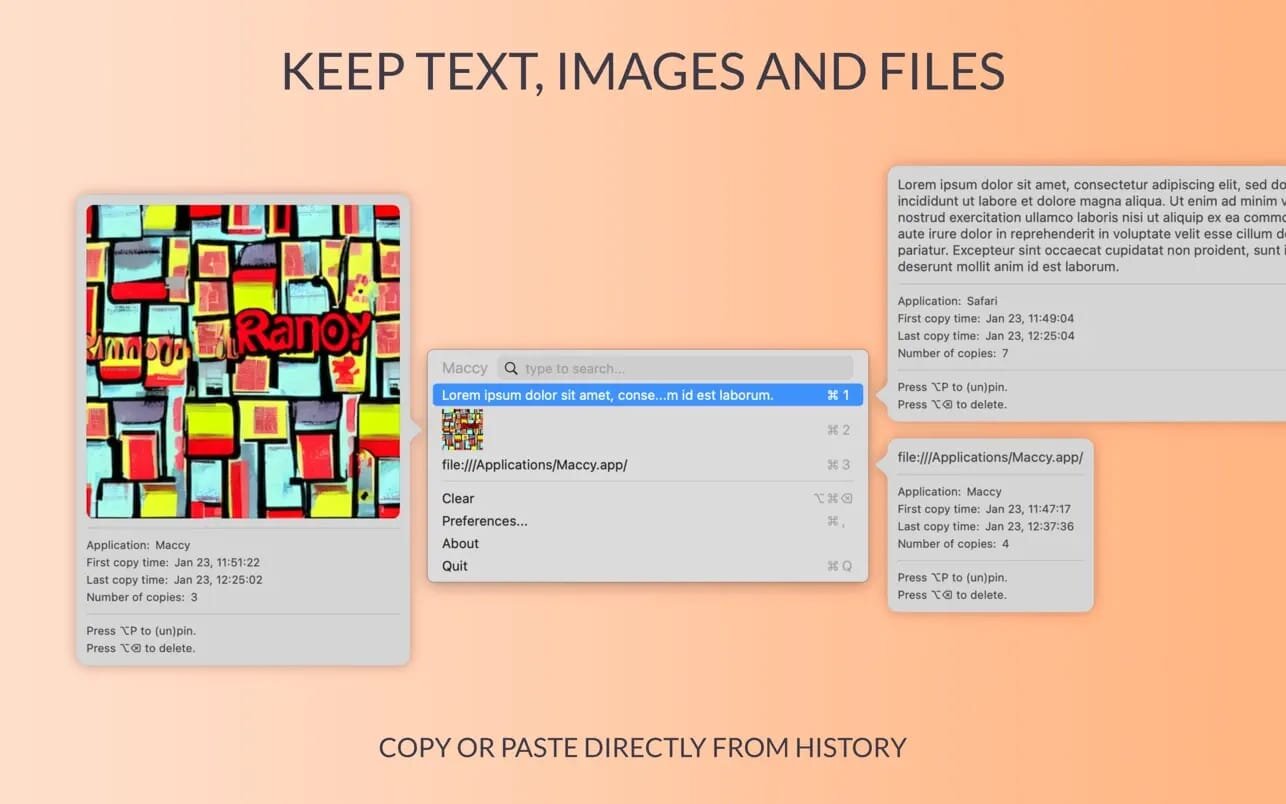
Maccy 会自动记录你在 Mac 上复制过的所有文字内容,即使你后续又复制了新文本,之前的历史记录依然完整保留,随时可找回并重复使用。
想用时,秒级调取已复制的文字
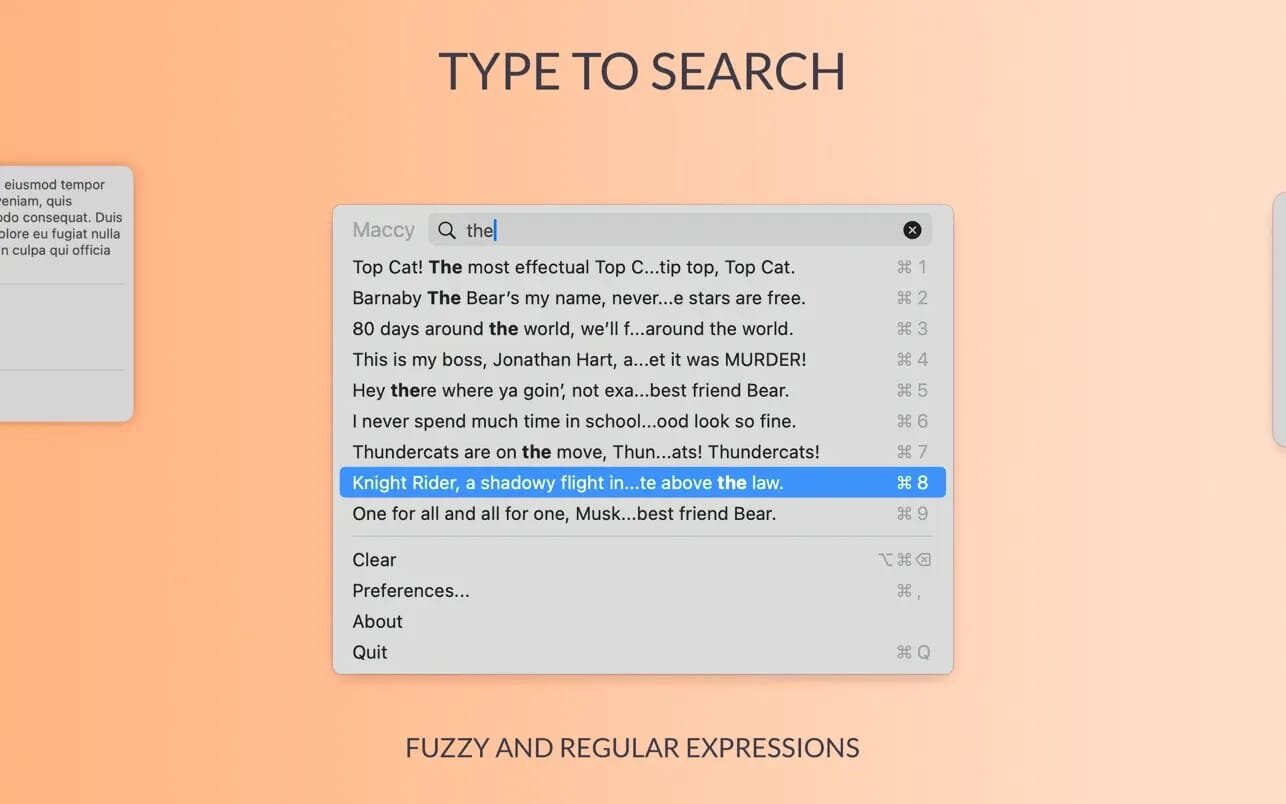
点击菜单栏图标,或直接按下 ⌘⇧C 快捷键,即可在鼠标当前位置快速唤出剪贴板历史面板。输入关键词搜索目标片段,选中后既可一键复制,也能直接粘贴到当前光标处。
- 文字剪贴板时光机:持续保存你复制过的每一段文字,形成可回溯、可复用的个人文本库。
- 智能模糊搜索:边打字边实时筛选,支持中英文混合检索,轻松定位目标内容。
- 十键极速选取:前十个常用条目支持 ⌘1 至 ⌘10 快速复制;其余条目则可通过方向键导航+Enter 确认选取。
- 免切换直粘模式:选中条目后,按住 ⌥ 键再按 Enter,即可跳过复制步骤,直接将内容粘贴至当前应用。
- 完全免费 & 开源透明:Maccy 是一款零收费、全开源的 macOS 工具,代码公开,安全可信。
让每一次复制都不再“转瞬即逝”,Maccy 助你在 Mac 上高效管理、精准复用剪贴板文字。
What's New
Version 2.7.1
- Updated the app icon for Liquid Glass.
- Increased the minimum popup height to show three history items.
- Added Portuguese and Khmer translations.
- Fixed paste without formatting.
- Fixed a freeze caused by a closed preview still receiving mouse events.
- Fixed selection jumping to the previous item when deleting the first unpinned item.
- Fixed a crash when copying the bottom-most pinned item at full capacity.
- Fixed the preview shortcut being registered as a global hotkey.
- Fixed the popup growing taller than necessary when opening a preview.
- Fixed a duplicate separator appearing when the history contains only pinned items.
- Fixed preview text not using the full available width.