
FilePane 2.0.13 macOS 轻量级菜单栏文件管理工具

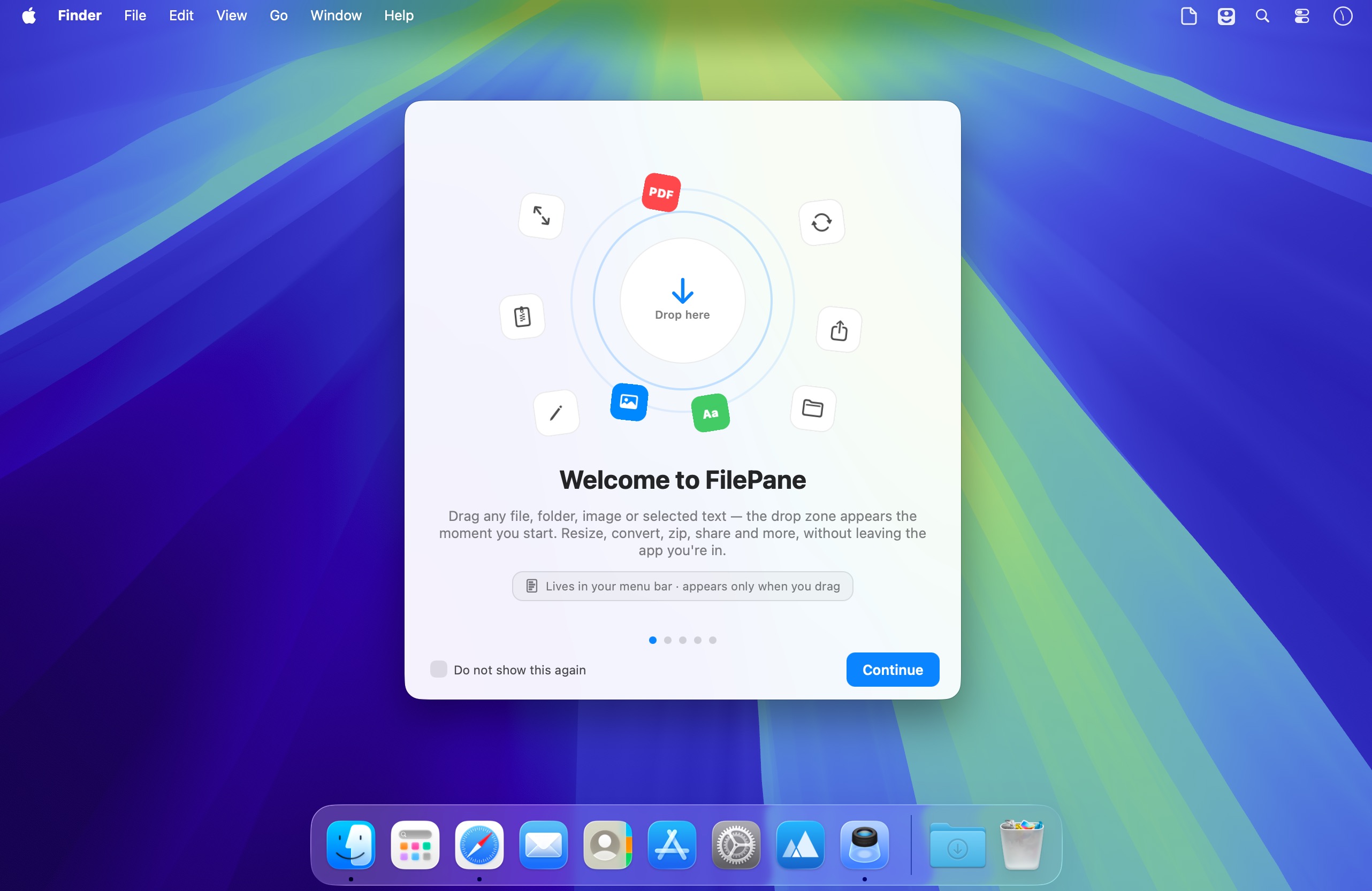
FilePane 是一款专为 macOS 打造的轻量级效率工具,无需打开完整窗口,仅通过菜单栏即可一键调用常用文件操作、图片处理与文本编辑功能。
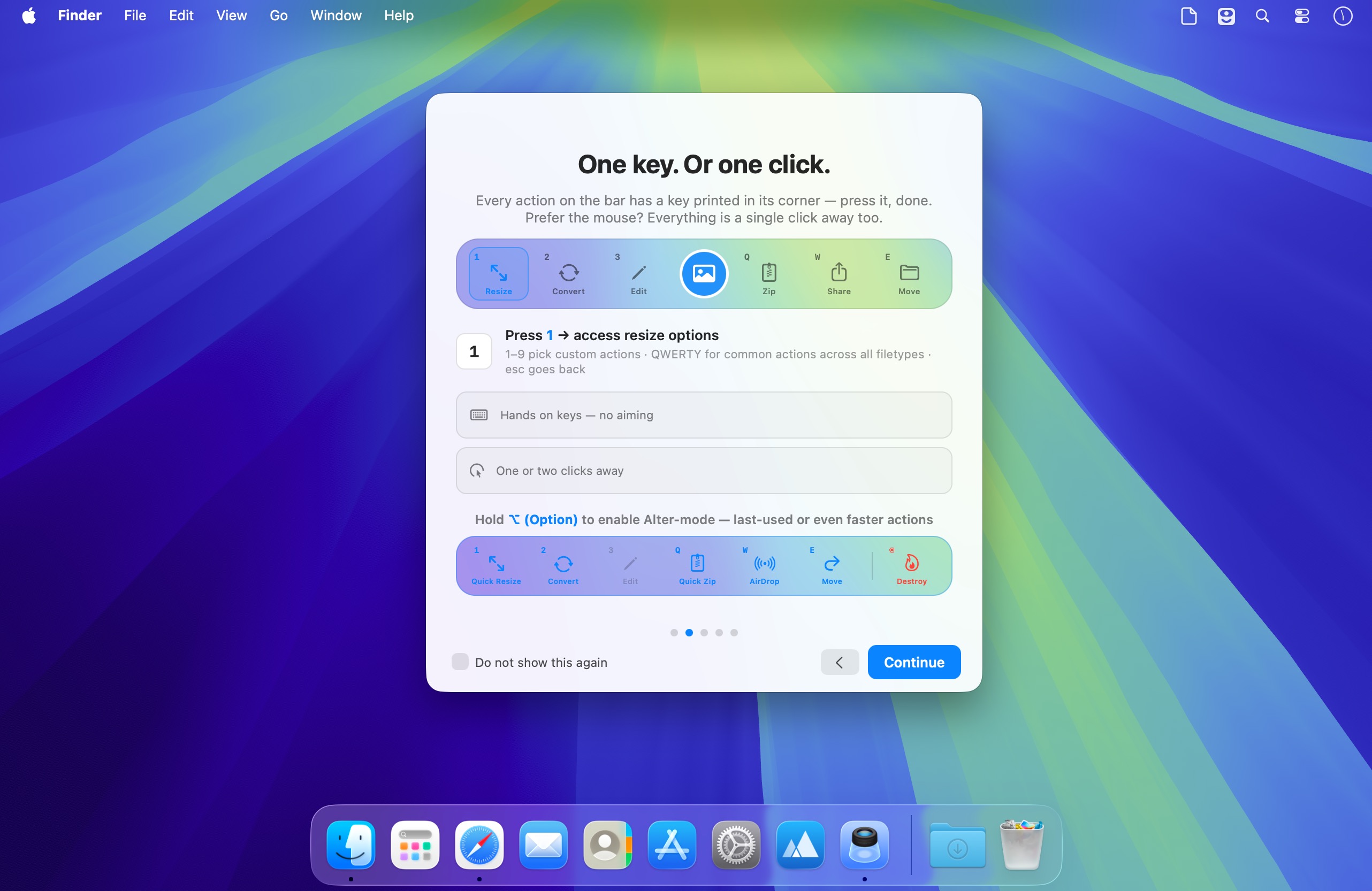
支持拖拽即用,也可自定义快捷键唤醒——两种激活方式随心切换,无缝融入你的日常操作节奏。
一触即达的高效文件管理
借助 FilePane,你可以轻松实现:
- 一键将任意图片设为桌面壁纸。
- 实时查看文件大小,并快速复制其完整路径到剪贴板。
- 自由调整图片分辨率,支持批量缩放与格式适配。
- 文本文件秒转 PDF,PDF 文档智能提取纯文本内容。
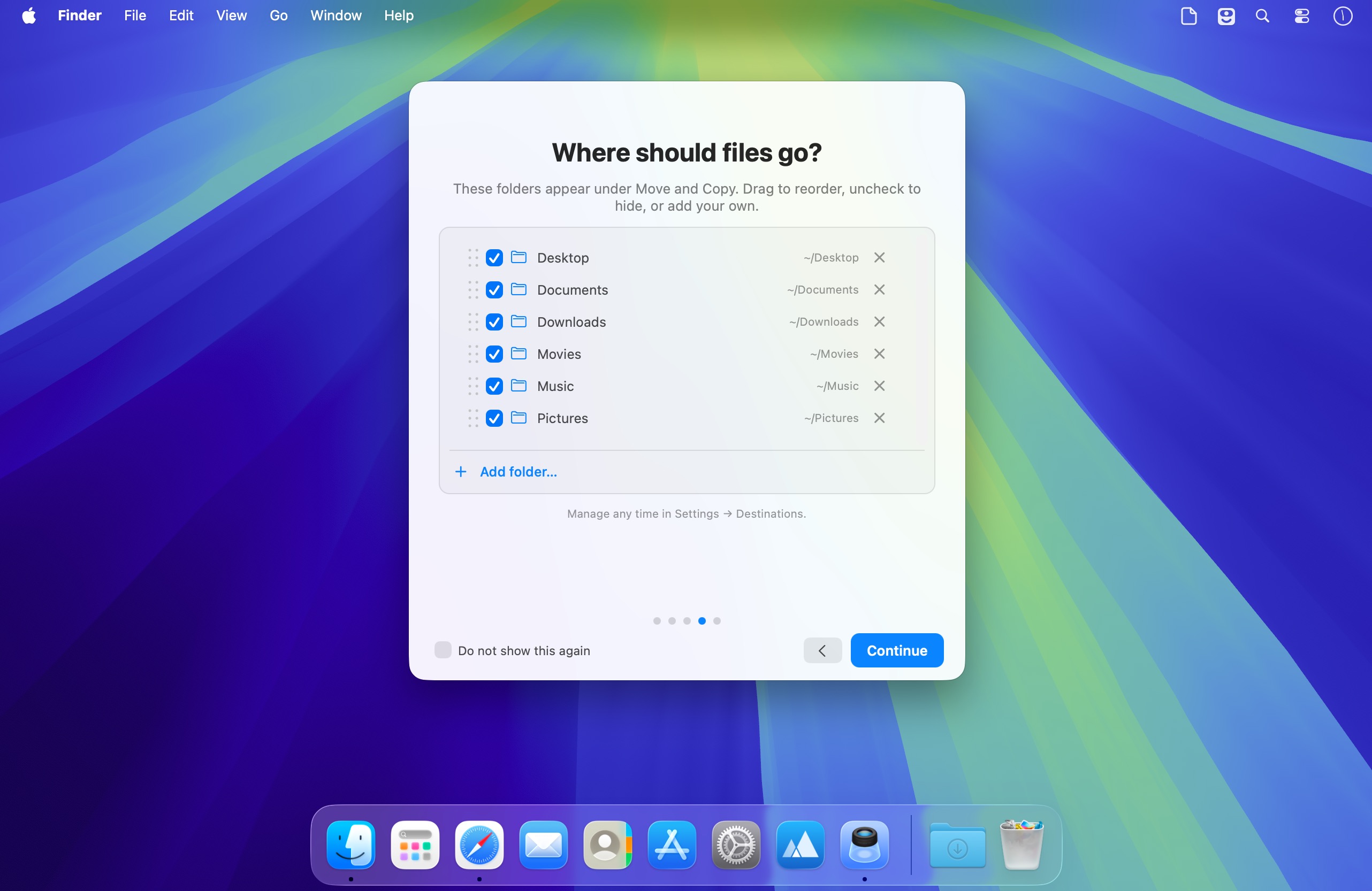
- 跨文件夹移动文件,告别 Finder 多层跳转。
- 一键打包压缩成 ZIP 或 TAR 归档。
- 直接打印选中文本内容,省去另存再打开的繁琐步骤。
- 将临时文字片段保存为标准 TXT 文件,随时调用。
- 高亮文本后一键复制,响应迅捷不卡顿。
- 基于当前选中文本自动生成新邮件草稿,提升沟通效率。
- 通过 AirDrop、邮件、Facebook 或 Twitter 快速分享文件或链接。
为专注工作而生的设计哲学
FilePane 始终安静驻留在 macOS 菜单栏右上角,零干扰、零弹窗。你可随时启用/停用它,设置开机自动启动,切换黑白风格菜单栏图标,甚至为唤醒功能分配专属快捷键——一切只为更顺手的工作流。
无论是批量处理图片、整理散乱文档、即时分享素材,还是高频处理文本内容,FilePane 都能帮你把重复操作压缩成一步,让日常任务真正“快人一步”。
What's New
Version 2.0.12:
- NEW: Chains (beta) — save multi-step recipes ("Resize 1600 › Convert WebP › Move") and run one on a drop with a single keypress. The new = cell appears in the bar as soon as a matching chain is enabled; press = then a number. Build and reorder chains in Settings - Chains. Chained actions are per file type, choose where the result lands — next to the source, on the Shelf or a fixed folder. Share chains as .filepane files: export/import from the same tab
- mini-shelf drop area now shows near "drop here" area, if shelf for files is not visible yet. You can change this behaviour in Settings - General tab - Shelf section
- enable Rename action for individual files in Settings - Actions bar tab (or right-click the bar > Visible Actions). Since rename is a common action regardless of filetype, it moved to the right side of the bar and now responds to letter Y on keyboard
- PDF Compress: new fine-tuning slider under Light/Medium/Strong adds in-between strengths, and Light itself is now gentler — it compressed harder than the name promised
- the "file already exists" alert is now optional: choose what move/copy should do in Settings - General - "When a file with the same name exists" — Ask each time, Keep Both (auto-numbers the new file, as before 2.0.11) or Replace. The alert itself also has a "Remember my choice and don't ask again" checkbox, so you can set it right from there





