
VirtualBuddy 2.2 macOS 苹果芯片原生macOS虚拟化测试工具
放心试跑各版本macOS
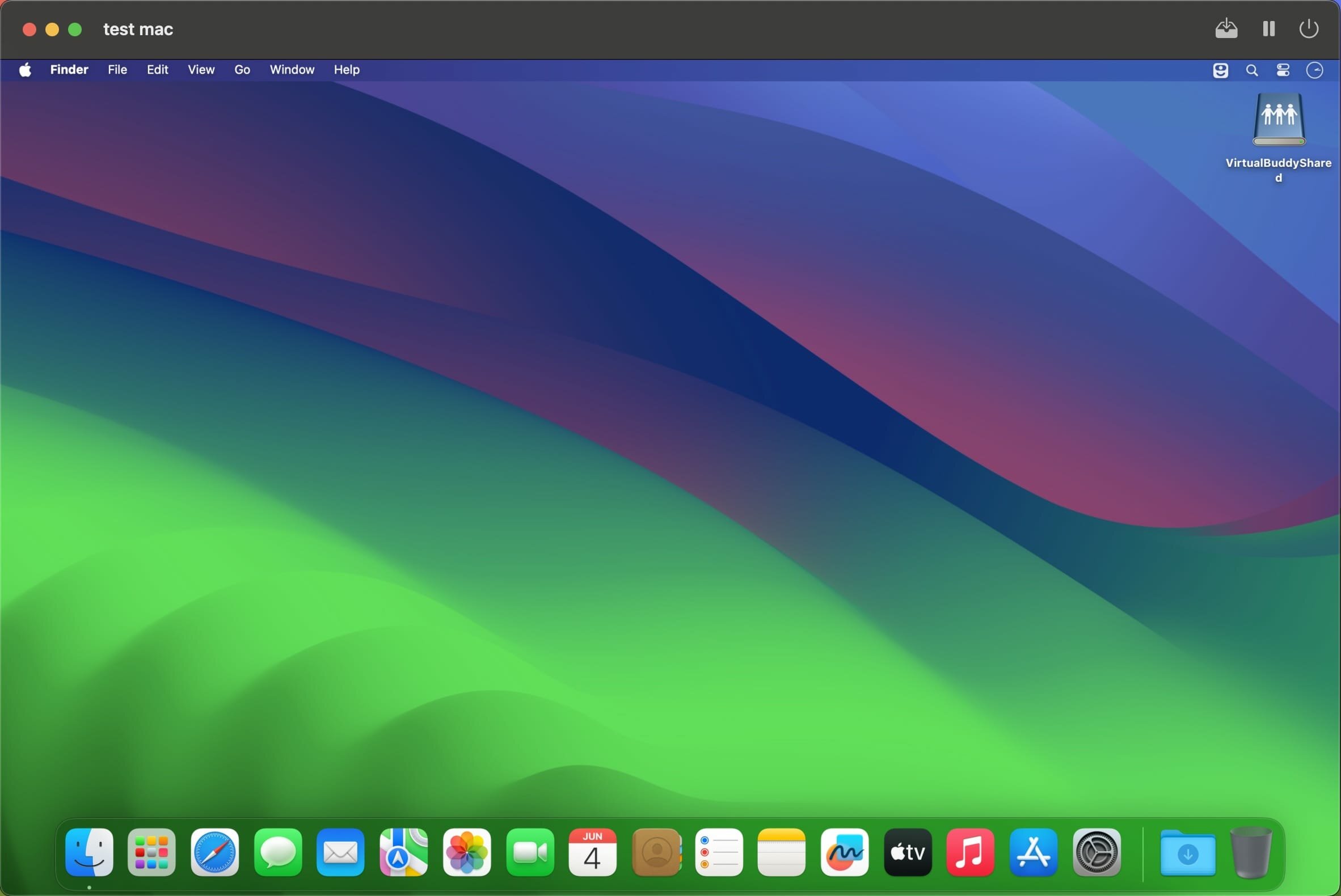
VirtualBuddy 让你在 Apple Silicon Mac 上轻松运行 macOS 12 及更高版本的虚拟机。快速搭建灵活多变的测试环境,无缝体验 macOS 公测版,还能随时保留一台“出厂设置”级的纯净系统,随取随用。
专为真实开发场景而生
无需重装系统、不干扰日常工作——开发者可通过 VirtualBuddy 同时管理多个 macOS 版本的虚拟环境。验证应用兼容性、预览新系统特性、在完全隔离的空间里大胆尝试,安全无忧。
- 原生 macOS 虚拟化:专为 Apple Silicon 优化,稳定运行 macOS 12 及后续版本虚拟机。
- 公测版深度体验:第一时间部署 macOS Beta 系统,全面评估你的应用在不同系统迭代中的表现。
- 智能剪贴板互通:安装 VirtualBuddyGuest 后,Mac 主机与虚拟机间可实时同步复制粘贴内容。
- 即插即用共享文件夹:预设路径自动挂载,主机与虚拟机之间文件流转如本地操作般自然流畅。
- APFS 快速克隆:在 Finder 中选中虚拟机磁盘,按 Command + D 即可秒级生成副本,几乎零额外空间占用。
- 一键回归纯净状态:始终保留一份“黄金镜像”,所有实验均基于克隆体开展,失败后几秒即可还原初始环境。
- 原生级文件共享:直接复用 macOS 内置文件共享机制,无需额外配置,跨系统访问更直观可靠。
想改就改,想回就回
安装 VirtualBuddyGuest 插件后,自动启用剪贴板同步与共享文件夹挂载功能;结合 APFS 克隆技术,你既能长期守护一台干净的基准系统,又能无限次创建轻量测试副本——彻底告别反复重装系统的繁琐流程。
今天就开始你的 macOS 测试之旅
用 VirtualBuddy 搭建稳定、高效、可复现的 macOS 虚拟测试平台,覆盖 App 开发调试、多版本兼容验证、Beta 系统尝鲜等全场景需求。

What's New
Version 2.2:
VirtualBuddy 2.2 requires macOS 14 or later on your Mac. You can still run virtual machines with older versions of macOS.
New Features
Save and Resume
- You can now save a macOS virtual machine's running state when closing its window or quitting VirtualBuddy, then resume where you left off.
- A new setting lets you choose what happens when you close a running virtual machine: save its state, shut it down, or ask every time.
- Saved state information now appears in the library and the virtual machine window.
Saving state is available for supported macOS virtual machines after installation is complete. Disk images must be stored inside the virtual machine bundle on a volume that supports file cloning, and USB devices must be detached. VirtualBuddy explains when the current configuration doesn't support saving state.
macOS Golden Gate Features
- You can now skip Setup Assistant by configuring a macOS account before starting a new virtual machine for the first time.
- USB passthrough lets you connect USB devices from your Mac to a macOS virtual machine.
Skipping Setup Assistant and USB passthrough require macOS 27 or later on both your Mac and the macOS virtual machine. Configure the account before the virtual machine's first startup to skip Setup Assistant.
More Control Over Your Virtual Machines
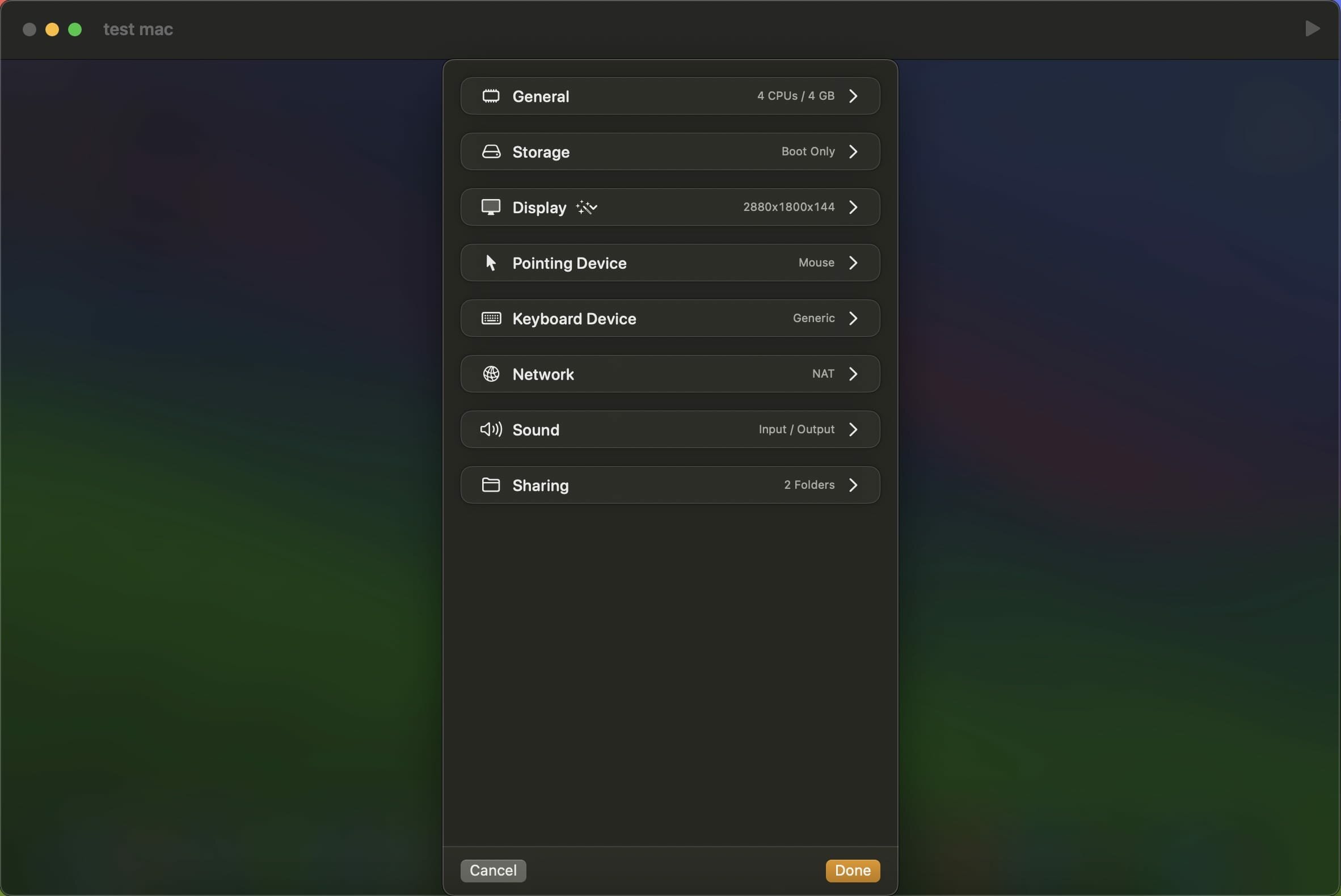
- You can now copy settings from an existing virtual machine using the configuration window.
- The new Guest menu brings together controls for starting, stopping, and pausing a virtual machine, along with options to reconnect or change its network interface for the current session.
- New toolbar controls let you turn keyboard and mouse or trackpad input on or off for a virtual machine. To toggle keyboard input, press and hold Command+Option+Control for a few seconds. To toggle mouse or trackpad input, press and hold Option+Control+Shift for a few seconds.
- You can now open a virtual machine's configuration directly from its contextual menu in the library.
- Administrators can now restrict shared folders, USB passthrough, bridged networking, VirtualBuddyGuest, and microphone input through managed preferences or configuration profiles. Documentation and a preference manifest can be exported from Settings > Virtualization.
Enhancements & Bug Fixes
- Adopts Liquid Glass in setup, configuration, and virtual machine windows on macOS 26 or later.
- VirtualBuddy now detects conflicting MAC addresses when starting a virtual machine and offers to generate a new address to avoid networking problems.
- Bridged networking now reconnects automatically when the selected network interface becomes available again.
- A completely new implementation improves communication with VirtualBuddyGuest, including faster and more reliable clipboard sharing.
- The virtual machine toolbar now shows the VirtualBuddyGuest connection status and instructions for connecting it. Shared folder settings also provide clearer guidance when the guest app is disabled or not available.
- Improves VirtualBuddyGuest installation, updates, and automatic launch at login.
- VirtualBuddy now checks which features are supported when you use a custom macOS restore image and reflects that support in the configuration window.
- Fixes installation from local restore image files and improves error reporting when required device support software can't be installed.
- Improves the error message when you've reached the limit on running virtual machines.
- Addresses an issue that could cause APFS disk corruption in macOS virtual machines.
- Fixes an issue where creating a virtual machine with an existing name could overwrite another virtual machine.
- Fixes an issue that could prevent the Linux software catalog from loading.
- Fixes boot deep links failing to start a shut-down virtual machine when its window was already open.
- Improves configuration window performance and fixes the Configure command not always updating its availability.
- Addresses issues with virtual machine windows in full screen.





