
Drive Scope 2.0.4 macOS 硬盘健康实时监护工具
Drive Scope 2 能持续追踪您 Mac 上已连接的兼容硬盘(包括内置与外接设备)的 SMART 健康指标,一旦检测到潜在故障征兆,立即向您发出提醒——为您争取宝贵的抢救时间,及时备份关键数据与重要文件。
一目了然掌握硬盘状态
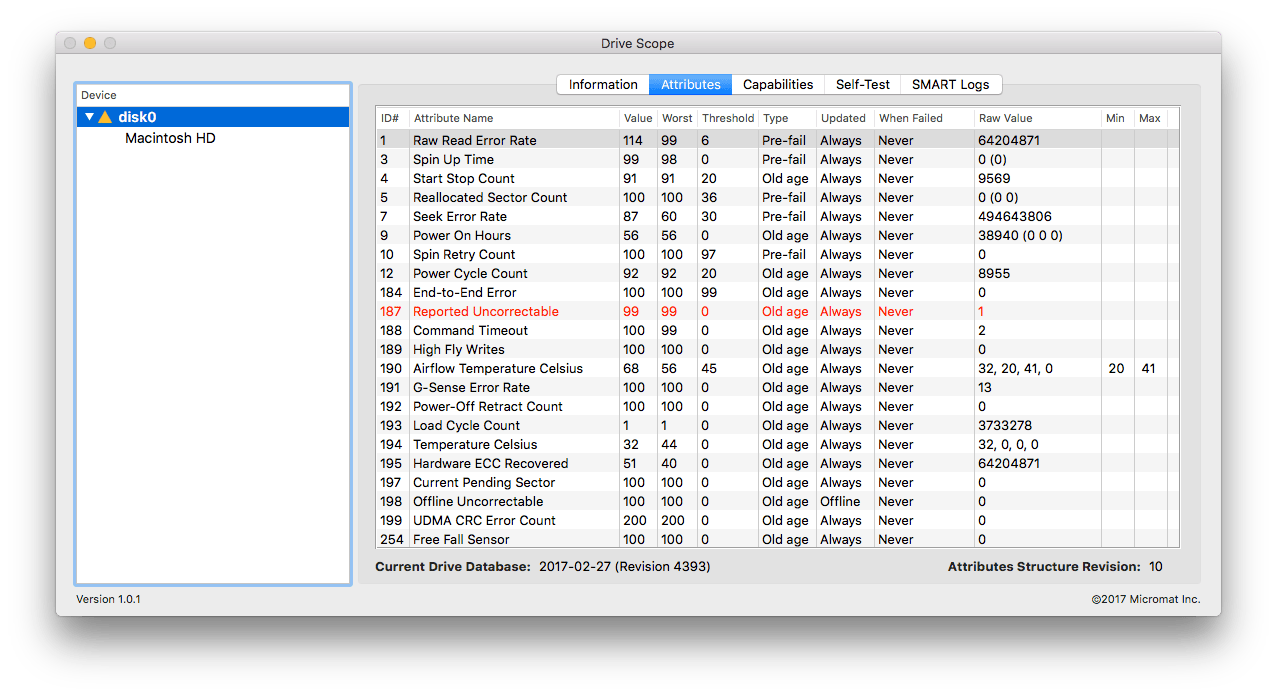
通过菜单栏图标即可快速查看所有兼容硬盘的 SMART 健康概况;您还可添加 Drive Scope 小组件,实现更直观的状态监控。在 macOS Sonoma 系统中,该小组件支持直接置于桌面,随时可见、即点即查。此外,Drive Scope 2 不仅显示错误记录,还能标注具体发生时间,并智能判断:该错误是偶发性瞬时异常,还是预示着硬盘整体性能衰退或即将失效。
- 全天候 SMART 监测:后台自动轮询兼容硬盘,一旦发现健康度异常下滑,即时推送通知,防患于未然。
- 菜单栏快捷看板:无需打开主界面,在菜单栏点击即可秒查当前所有已连硬盘的 SMART 健康评级。
- 桌面级健康小组件:拖拽添加至桌面或通知中心,让硬盘状态始终处于您的视线焦点;macOS Sonoma 用户可享原生桌面小组件支持。
- 深度错误诊断视图:逐条呈现 SMART 错误日志,含精确时间戳与智能归因分析——区分临时干扰与结构性隐患。
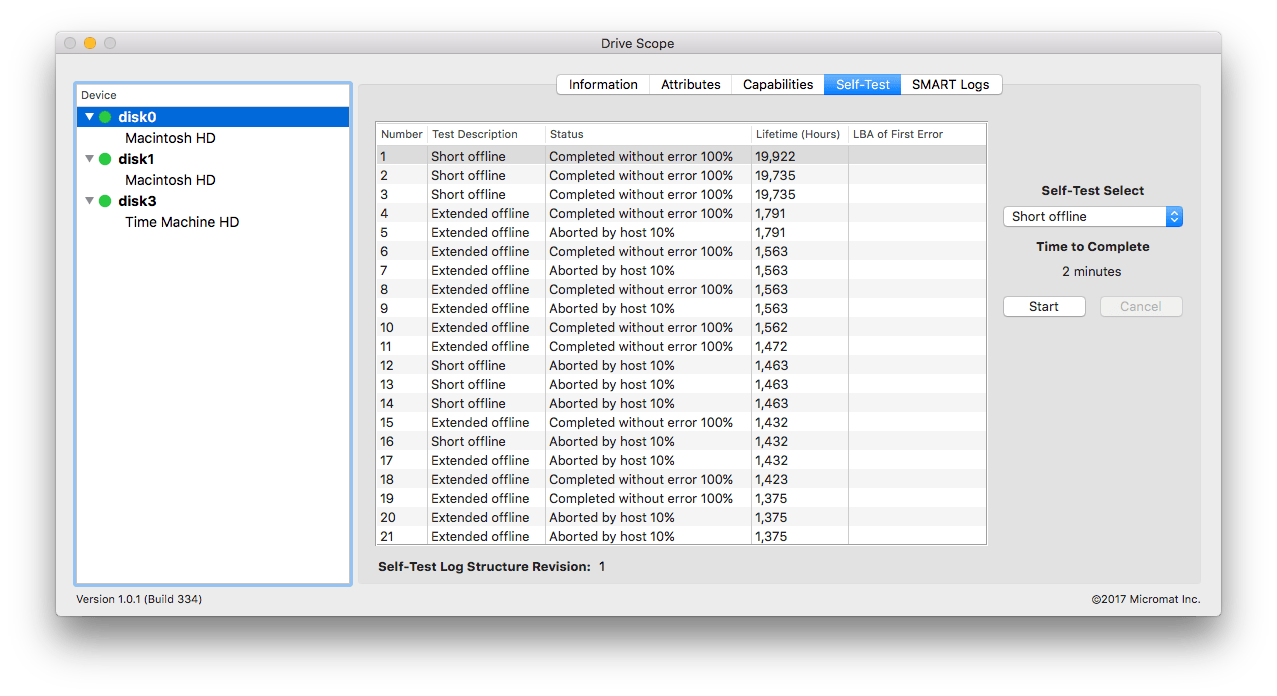
- 手动触发自检:一键启动硬盘内置诊断测试,获取最新、最权威的底层健康快照。
- 全平台 USB SSD 支持:新版 SAT SMART 驱动全面适配 Apple Silicon 与 Intel 架构 Mac,稳定读取主流 USB 接口固态硬盘的 SMART 数据。
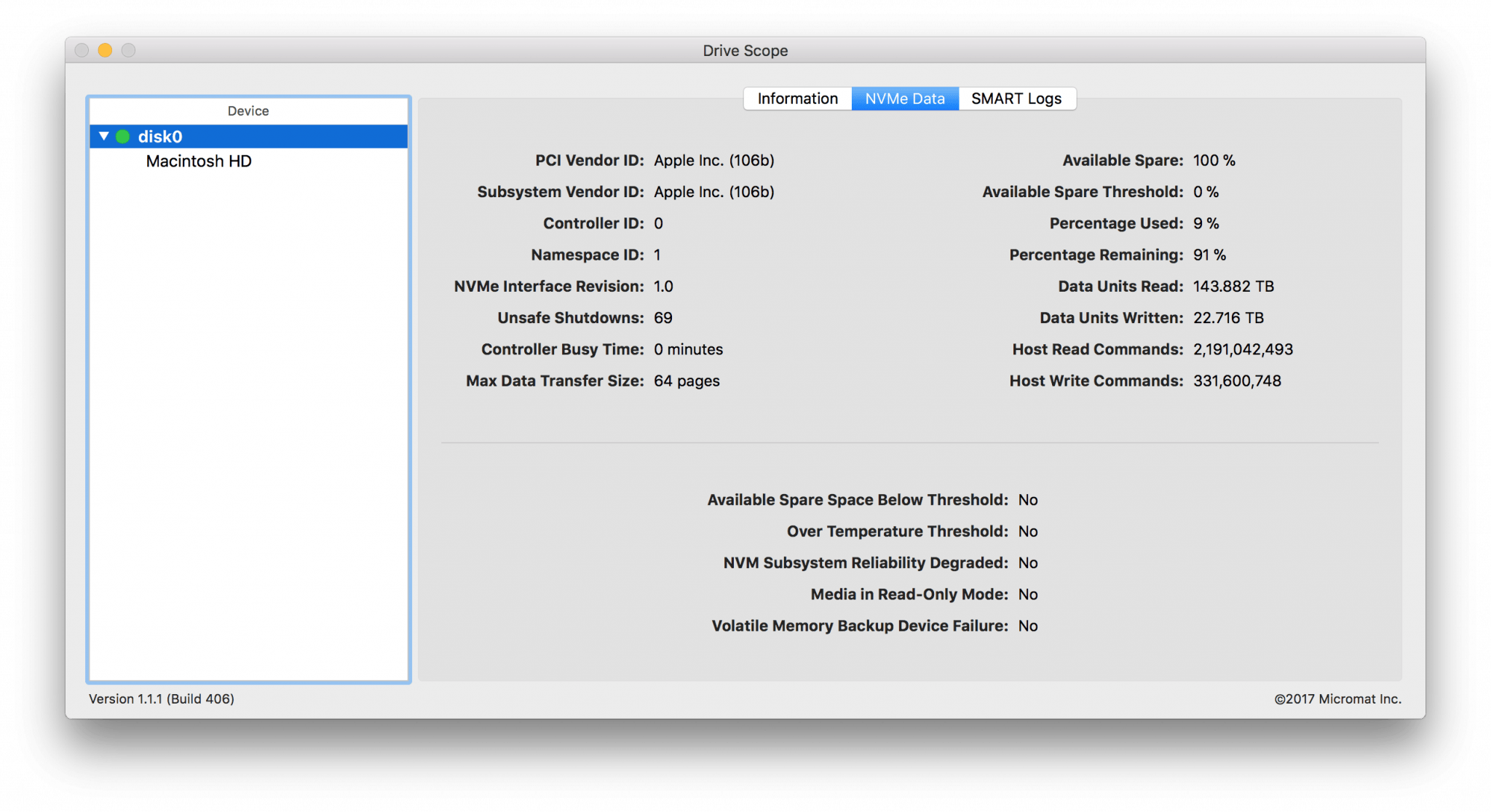
- NVMe 健康直读:专为搭载 NVMe 协议固态硬盘的新款 Mac 优化,直接解析原生 SMART 属性,不依赖中间层转换。
开启持续监测模式,让每一台兼容硬盘都在您的主动守护之下运行。
What's New
New in Drive Scope 2!
- Continuous Health Monitoring
Drive Scope 2 introduces continuous SMART health monitoring for all supported disks. Enabling monitoring starts a background process which keeps tabs on the health of your drives, and will notify you if a drive starts to fail. - Drive health at your fingertips
Along with continuous monitoring, you can check in on your drives from Drive Scope’s new menu bar item at any time. The menu provides at-a-glance access to the SMART health of all supported drives connected to your Mac. - Apple Silicon Support
Leave Rosetta behind. Drive Scope 2 now includes full Apple Silicon support. This includes an updated SAT SMART driver so that your Apple Silicon (and Intel) Mac can see SMART health data for supported USB connected SSDs*. - Glance for peace of mind
Even easier, add a Drive Scope widget to keep your Drives’ health status front-and-center. Sonoma users can add the widget to the Mac desktop to keep a constant eye on drive health.





