
DropDMG 3.7.2 macOS 一键制作专业磁盘镜像与跨平台归档工具
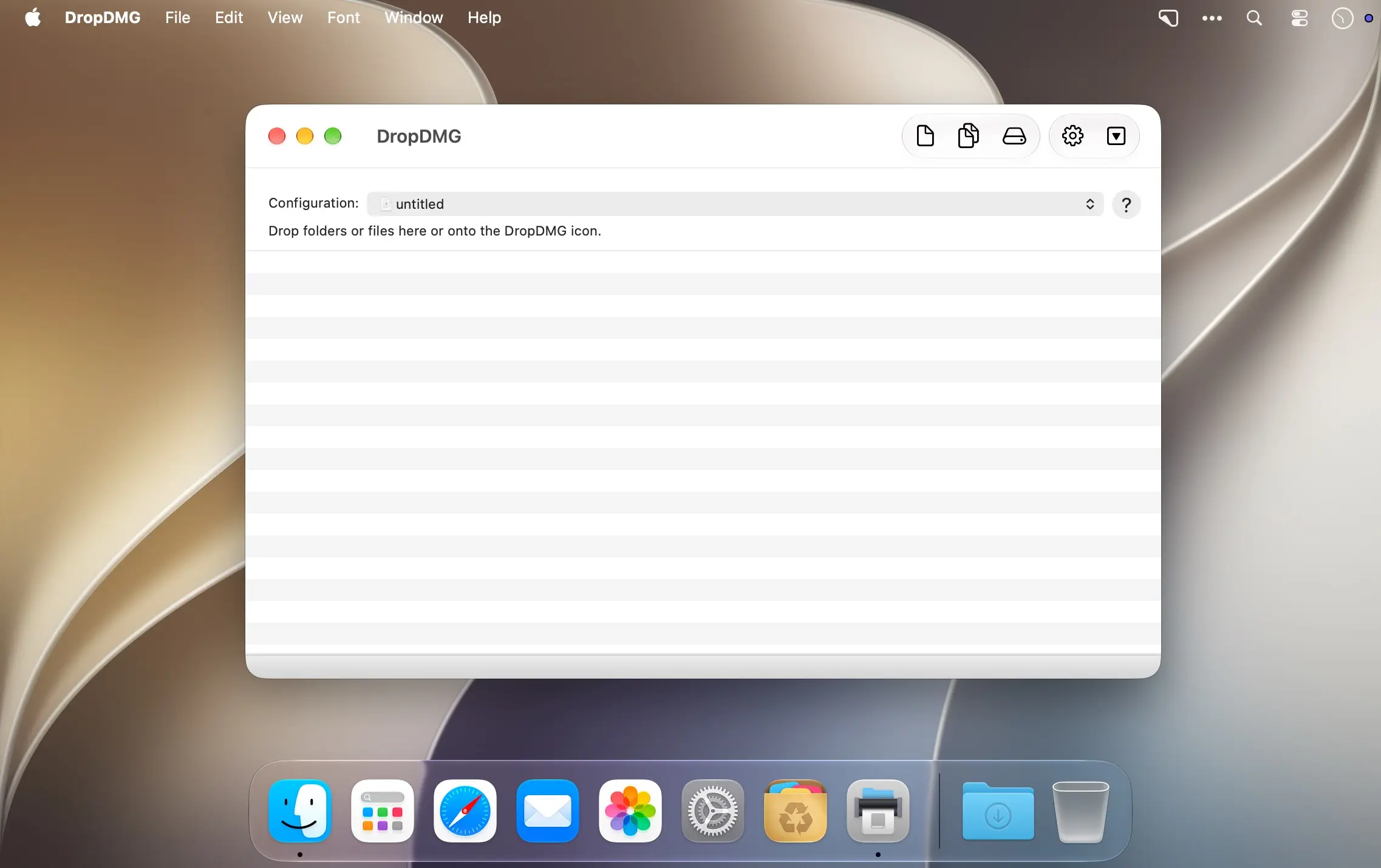
只需将任意文件或文件夹拖拽到 DropDMG 图标上,几秒钟内即可快速生成 macOS 原生磁盘镜像(.dmg)或通用跨平台压缩包——无需繁琐配置,全程零学习成本,真正实现“一拖即成”。
为什么首选磁盘镜像?
磁盘镜像是 macOS 上最成熟、最安全的打包方案:它能把整个文件夹甚至整块磁盘封装为单个压缩文件,既便于网络分发,也适合长期归档备份。苹果官方推荐将其作为 Mac 软件发布的标准格式;更独特的是,只有 .dmg 文件能在 Finder 中直接挂载、浏览内容,无需解压即可预览与操作。
- 拖放即建:把本地文件或文件夹拖到 DropDMG 窗口,瞬间生成高兼容性磁盘镜像。
- 智能格式转换:支持将已有的 .dmg、.zip、.tar.gz 等归档文件拖入应用,一键转为目标格式(如从 ZIP 转为加密 DMG)。
- 光盘刻录直连:无需中转,直接将镜像或压缩包烧录至 CD/DVD 光盘,满足实体分发需求。
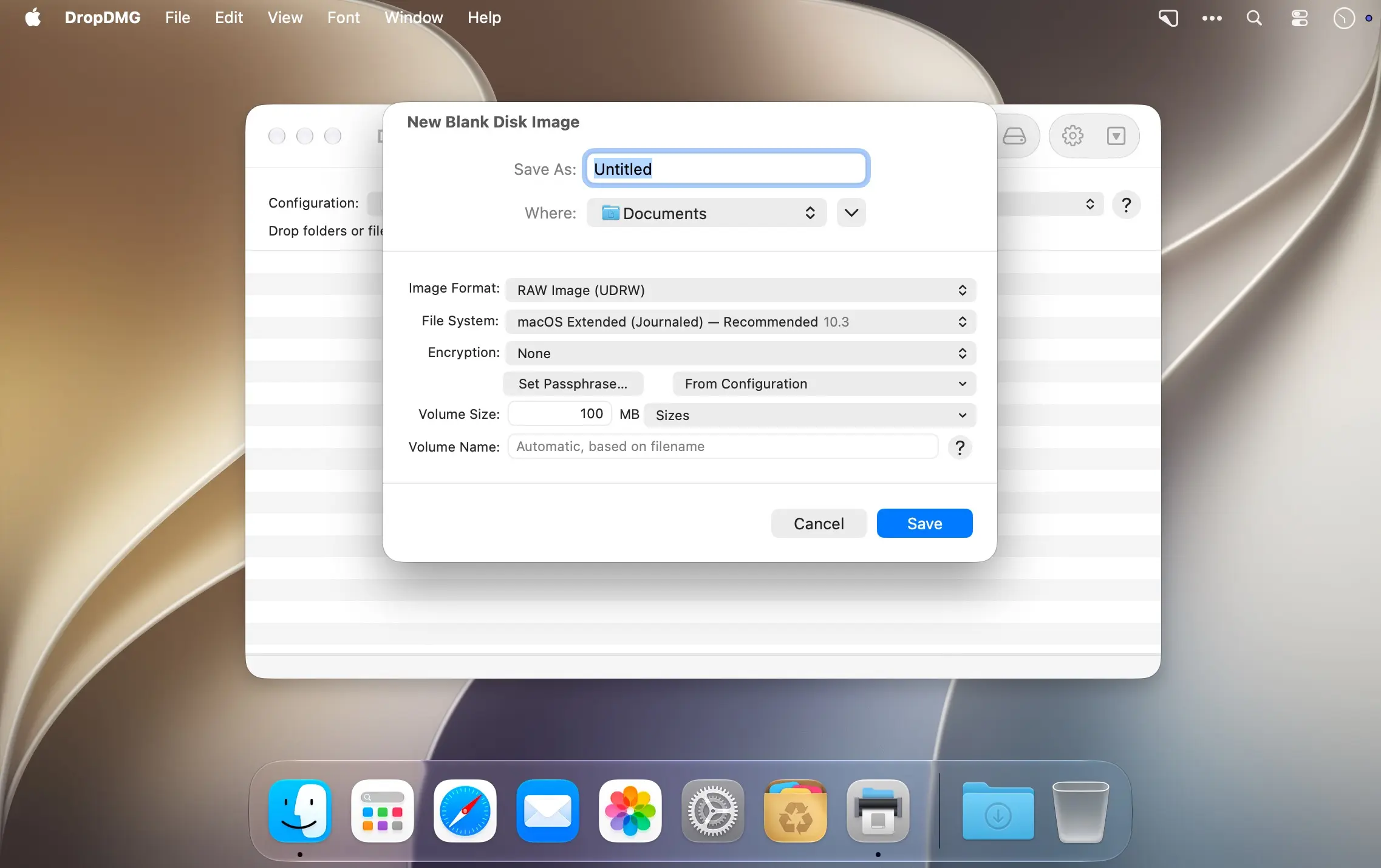
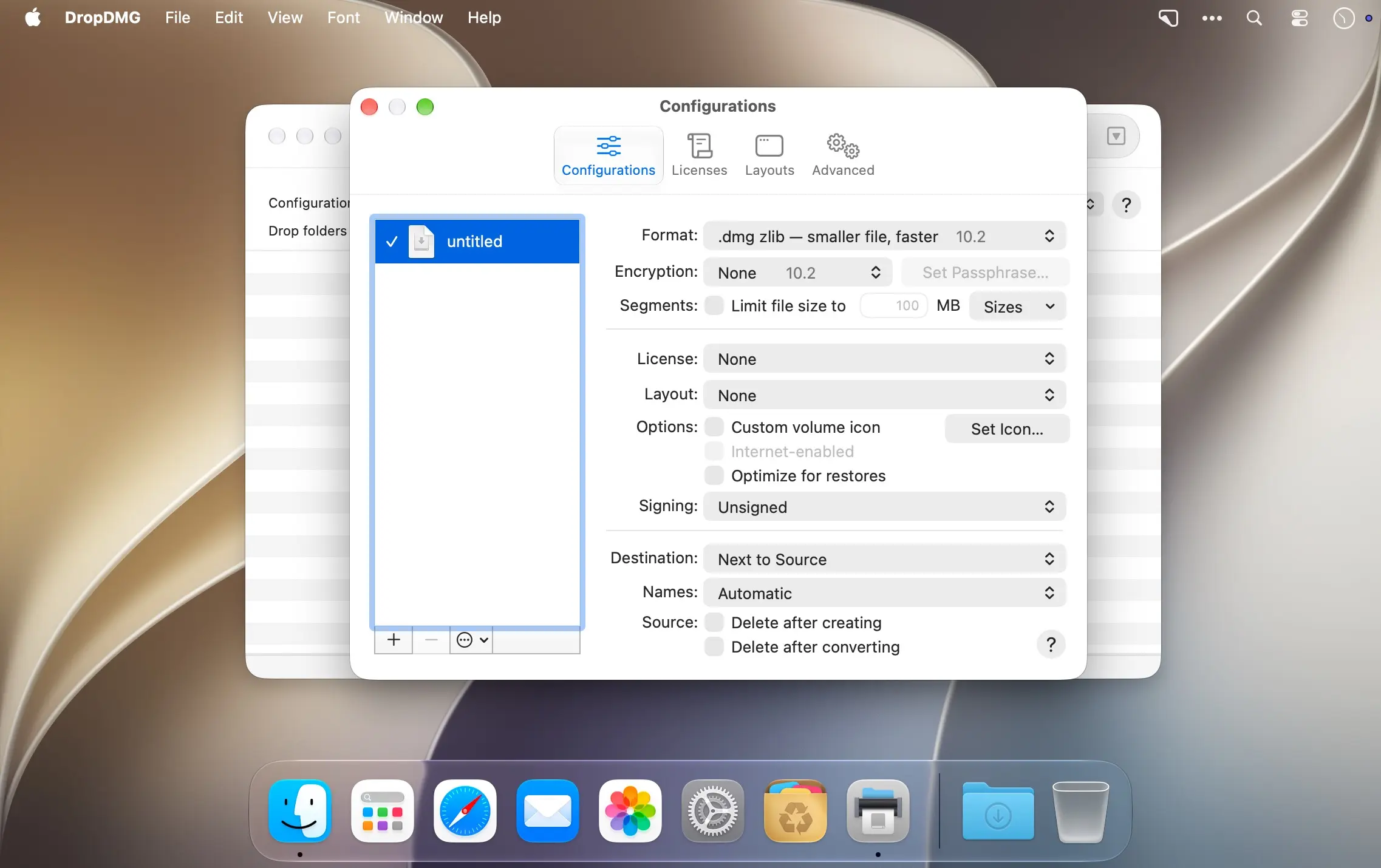
- 安全分片双保障:可启用 AES-256 加密保护敏感数据,并自动将超大镜像拆分为多个指定大小的分卷(.partXX.dmg),方便传输与存储。
- 所见即所得界面设计:自由设置镜像挂载后的窗口布局——添加高清背景图、自定义卷标图标、调整图标排列方式,打造品牌化安装体验。
- 多语言许可协议嵌入:支持在镜像中嵌入富文本格式的软件许可协议,可按语言版本分别配置,安装时自动匹配系统语言显示。
- 深度自动化集成:通过 AppleScript、Shell 命令行或 Automator 工作流批量处理重复任务,轻松融入开发与发布流水线。
立即下载 DropDMG,用几次点击,完成专业级 macOS 磁盘镜像制作。
What's New
Version 3.7.2
- The Finder window size for disk images is now optimized for the version of macOS running DropDMG. On modern versions of macOS, this allows the entire background picture to be displayed without the bottom being scrolled out of view.
- To create a disk image optimized for an older or newer version of macOS, specify the desired title bar height using the esoteric preference
LayoutTitleBarHeight. - Made various updates for Xcode 27 and macOS 27.
- Improved the following manual sections:
- Format
- Troubleshooting Privacy Access
- Help links once again open in the system Help Viewer on recent versions of macOS.
- Help menu commands and the Quit command are now available after the trial period ends, rather than only as buttons in the modal window.
- Worked around a macOS bug that could truncate license agreement names in the outline view.
- Worked around a macOS 27 bug that could cause a crash when editing an Arabic license agreement.
- Worked around a macOS 27 bug that could cause text to be deleted when building a disk image with an Arabic license agreement.
- Updated the crash reporter layout.
- Fixed a bug that could cause DropDMG to report that the window size did not match the layout when it was off by only a fraction of a pixel.
- Fixed a bug that could cause disk image creation with a layout to fail on macOS 10.13 or 10.14.
- Fixed a bug that prevented replacing an old diagnostic report with a new one.





