
Motion Desktop 1.5.2 macOS 让桌面“动”起来的沉浸式动态壁纸工具
把你的视频与照片变成 Mac 桌面的灵动背景——无需遮挡图标与窗口,也无需碍眼的播放控件。Motion Desktop 在后台静默运行,让视觉体验始终清爽自然。
打造专属于你的桌面美学
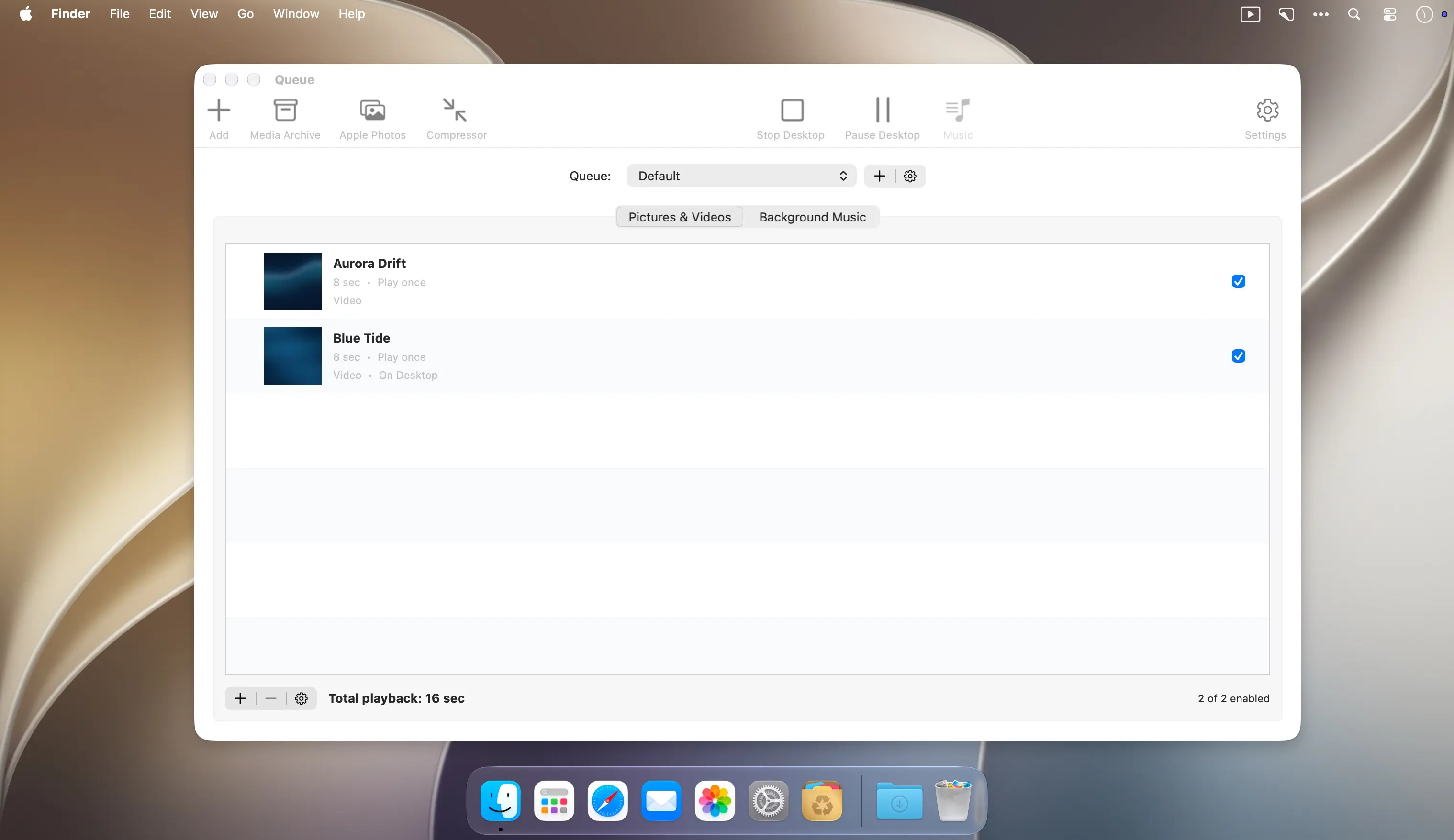
用自有的影像素材创建专属播放列表,或直接探索 Koingo 精选媒体库。工作时切换一段舒缓风景,午休时重温旅行记忆,甚至开启随机模式,让下一帧惊喜不期而至。
- 图片+视频混排:支持将各类兼容格式的视频与静态图片自由穿插进同一播放队列。
- 智能缩放平移:为静态照片自动添加细腻的运镜效果,告别呆板定格。
- 播放策略随心配:单次播放、无限循环、指定循环次数,或按总时长自动截断——每项内容均可独立设置。
- 场景无缝衔接:通过可调时长的交叉淡入淡出,让前后画面自然过渡,观感更连贯。
- 专属背景音轨:为每个场景集单独配置音乐队列,音量独立调节,曲目间支持渐入渐出,氛围感拉满。
- 多主题队列集:按心情/场景/用途分类保存不同组合——含图片、视频、BGM 及文件夹,一键切换即刻换装桌面。
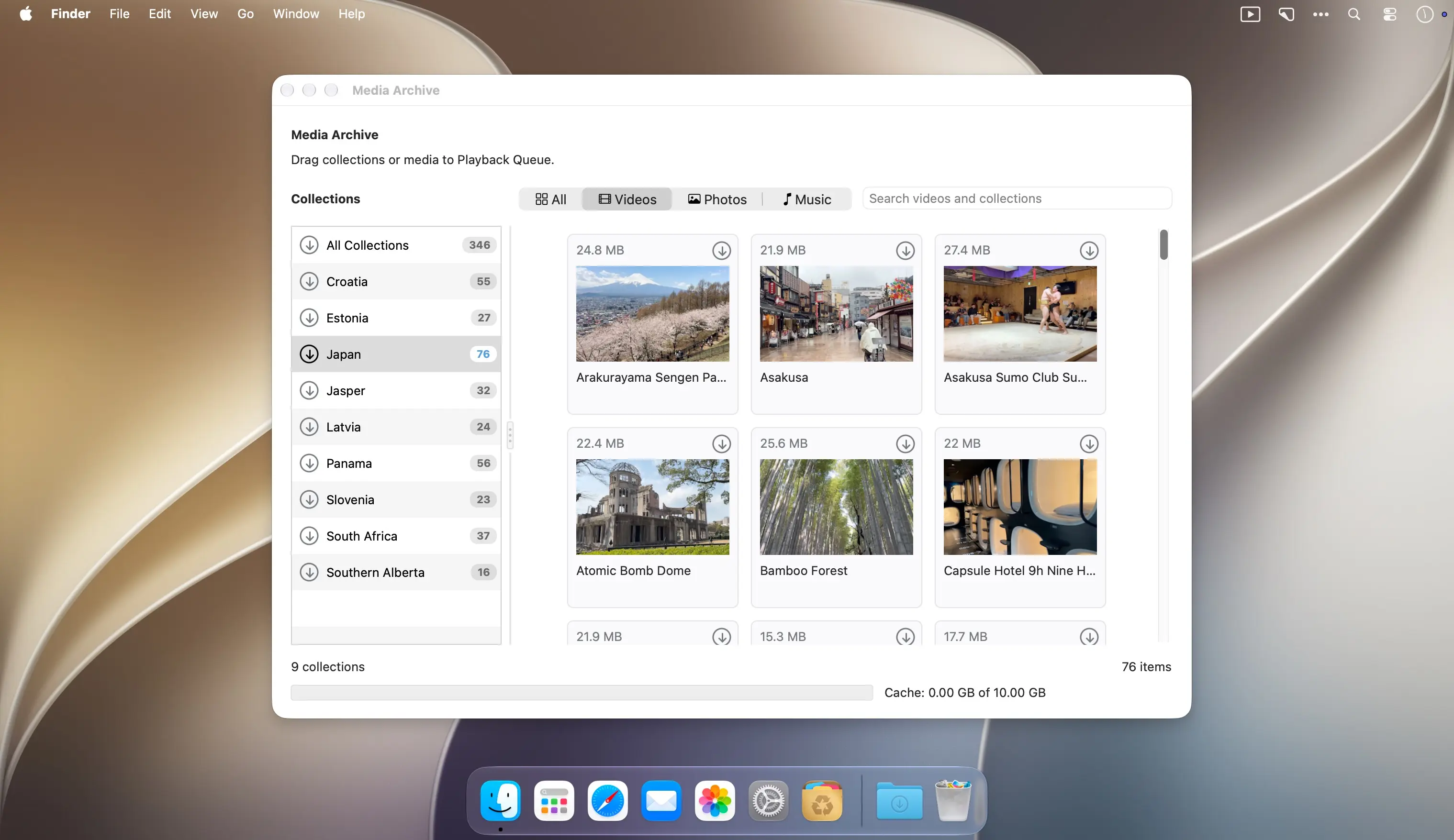
- 媒体资源库直达:浏览 Koingo 官方精选合集,支持单张/整套批量导入当前播放队列。
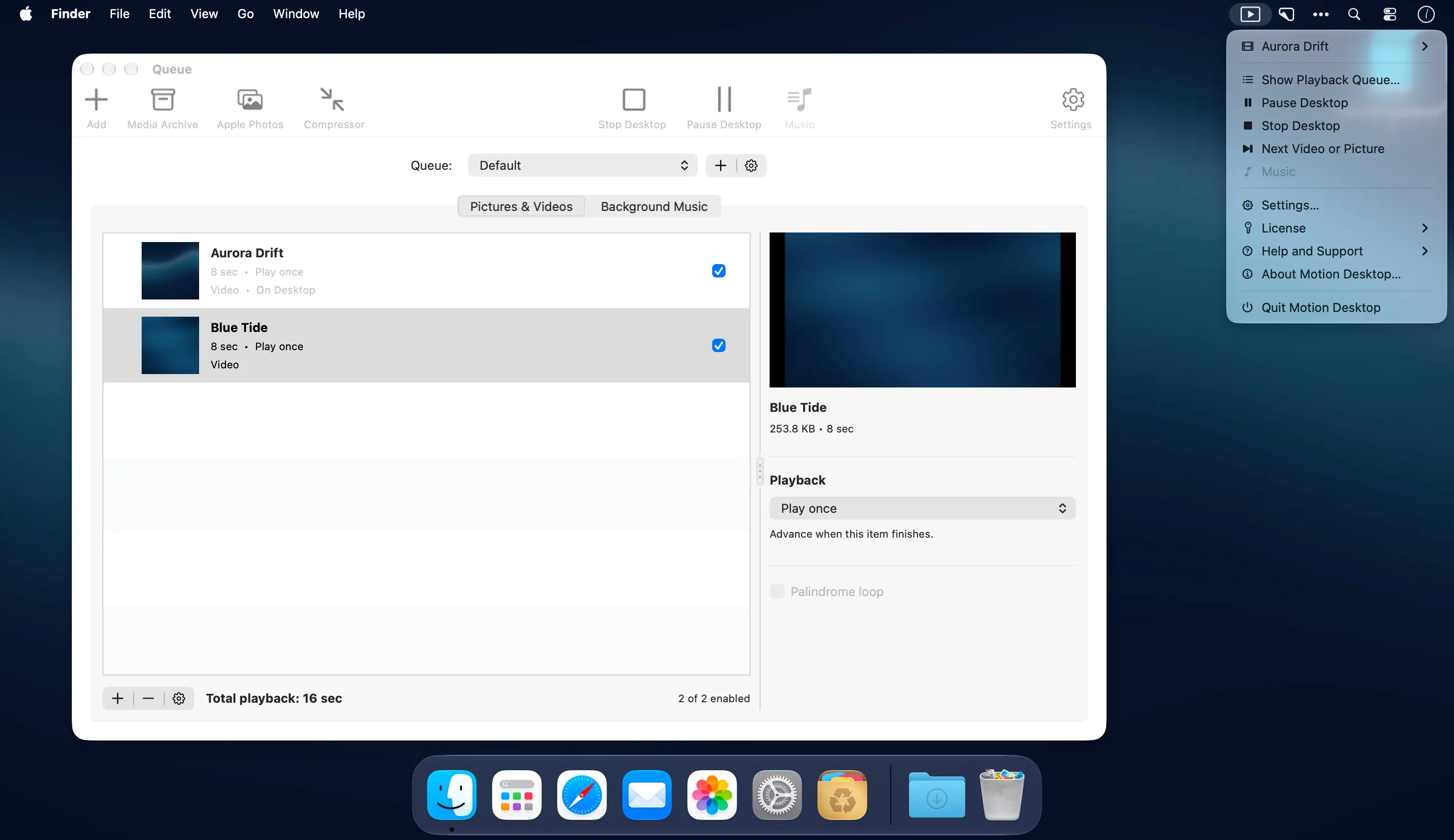
- 菜单栏快捷掌控:从状态栏即可启停播放、暂定/继续,还能快速跳转至队列中当前正在显示的画面。
- 离线无忧播放:完全依赖本地文件与已缓存媒体,断网状态下照样流畅运行。
- 个性化播放偏好:自由设定画面填充模式、是否启用随机播放、单张照片停留时长、是否显示字幕,以及低电量时是否暂停动画等细节。
挑选心动场景,为你的 Mac 桌面注入呼吸感与故事感。
What's New
Version 1.5:
New Features
- Continue a saved queue after stopping, switching queues, or relaunching the app, including supported video position, picture time remaining, and shuffle history.
- Choose Black, Match Media, or a custom border colour, with separate overrides for individual pictures and videos.
- Customize desktop captions with the macOS Fonts panel, text and background colours, and background opacity.
- Show the media name, creation date, or both in desktop captions, using original file or Apple Photos dates when available.
- Use Next Item in the toolbar or menu to advance while desktop playback is running and unpaused.
- Optionally remove an online album’s linked music with the album, while protecting music shared with retained media.
Enhancements
- New installations begin with an empty queue. The bundled sample playlist and its reset command have been removed.
- Reorganized Settings into clearer categories, tightened control widths, and placed Restart Queue Cycle below the saved-progress explanation.
- Both Add buttons offer the same media and source choices for the current tab, including ordinary folders and Smart Folders.
- Music uses compact striped rows with larger icons. Local files show their Finder icons; online media uses standard music icons.
- Improved Photos browsing with an adjustable sidebar, media filters, separate album and media counts, and consistent drag instructions.
- Colour menus show round previews, a Match Media eyedropper, friendly colour names, and the ten most recent choices.
- Organized the queue inspector into state-specific panels for easier maintenance while preserving its familiar runtime layout.
- Clearing downloads now inventories cache folders and catalogue entries once instead of rescanning them for every item.
Bug Fixes
- Custom Color stays selected while its picker is open. Closing without choosing a colour restores the previous setting.
- Cleared completed or cancelled Photos preparation messages while retaining useful library and permission errors.
- Kept distinct Photos identities separate during imports and library refreshes, including identifiers that differ only in letter case.
- Prevented media details from overlapping Border controls and kept picture motion controls visible as timing options change.
- Kept original media and music when a replacement file or its saved access could not be validated; refreshed details after successful replacement.
- Prevented open menus and file choosers from acting on a different queue, changed selection, or managed source.
- Disabled queue action buttons when no commands apply and removed invalid music move destinations and duplicate Add commands.
- Validated explicit Play requests before changing playback state, including missing items and invalid folder ancestry.
- Updated Smart Folder access guidance and explained imports that contain only skipped aliases, symbolic links, or packages.
- Preserved creation dates when preparing uncached Apple Photos media and kept imported album titles tied to the selected album.
- Retained unsaved queue and settings changes after a write failure, with automatic retries when storage becomes available again.
- Rejected unavailable local files and failed saved access during imports while keeping successfully added files.
- Kept active playback editors and colour menus visible during background media updates.
- Prevented music waiting for a download slot from being treated as stalled, and prioritized the incoming music track.
- Showed useful music failure details in row help and retained corrective playback advice for Media Archive items.
- Explained individual and collection download failures, including cache limits and insufficient free space.
- Paused desktop playback and music consistently during album-removal and download-deletion confirmations.





