
Maccy 2.8.0 macOS 剪贴板历史管理工具
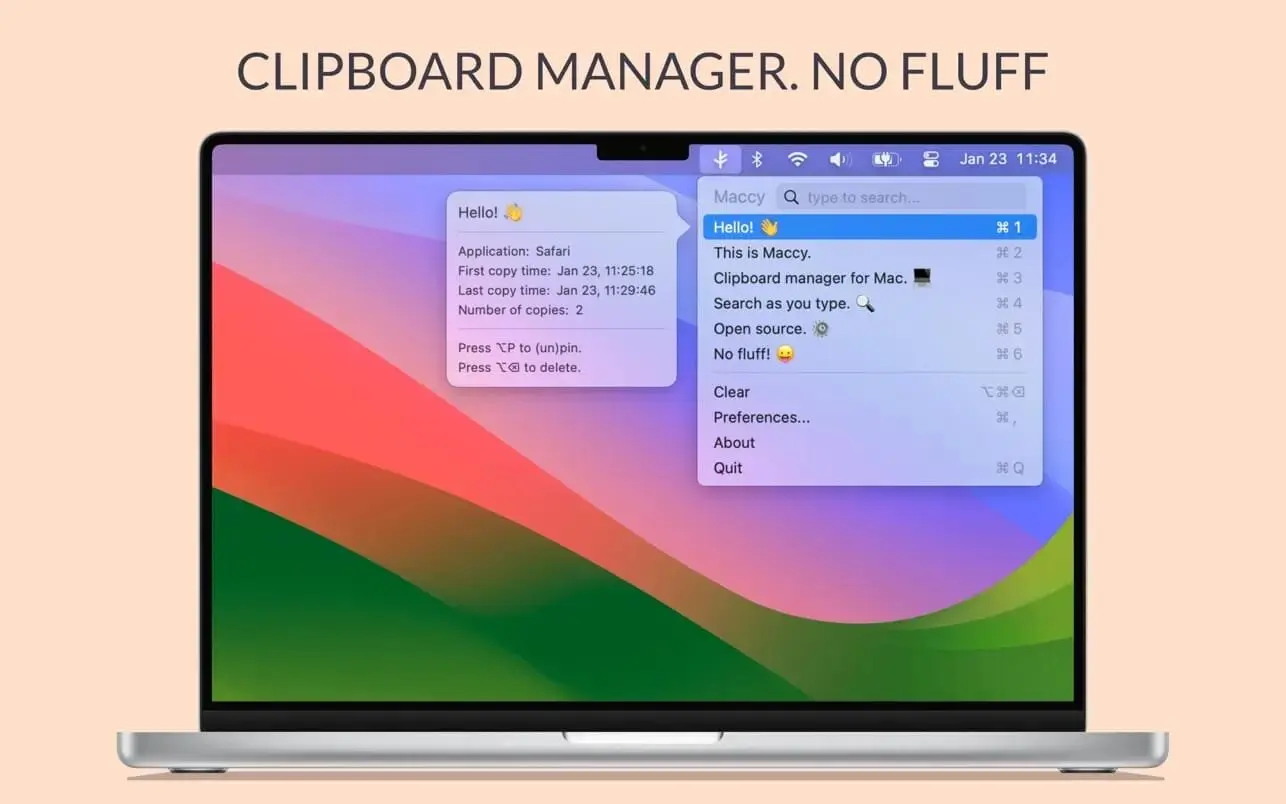
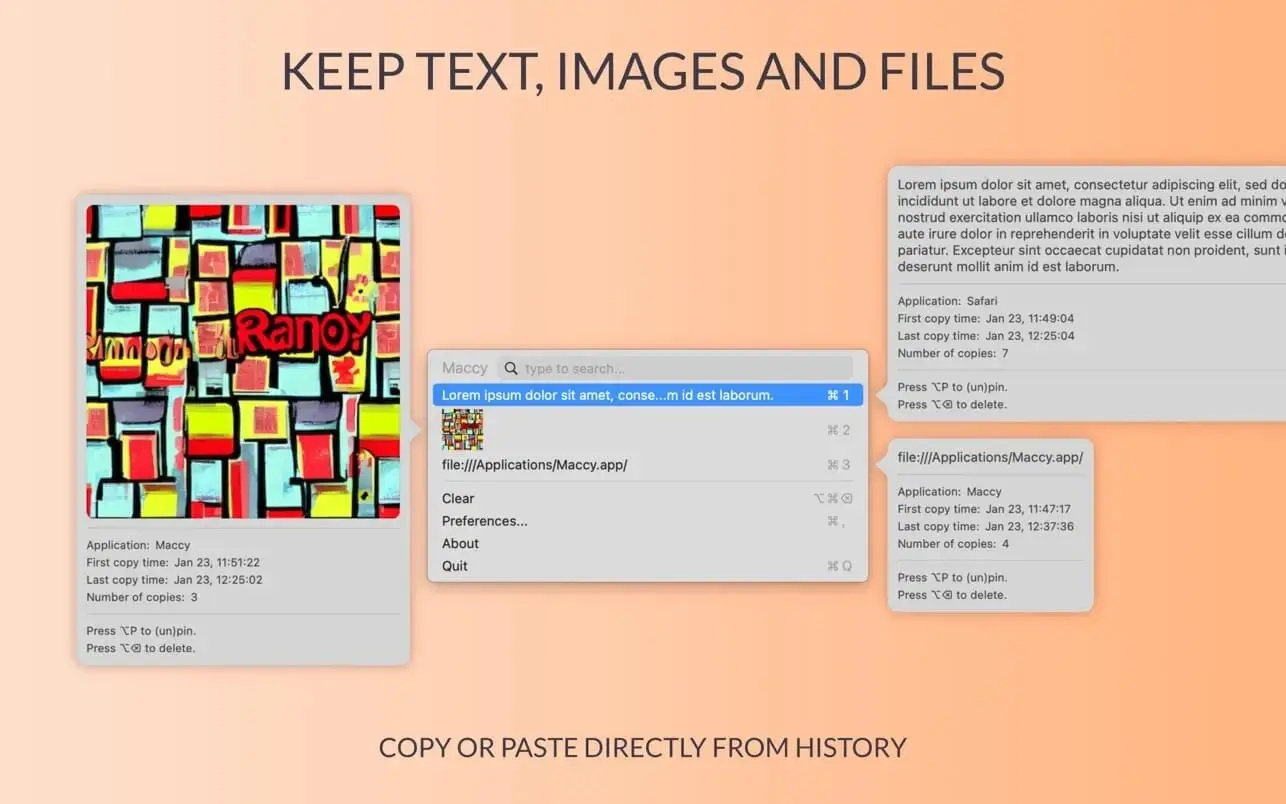
Maccy 会自动记录你在 Mac 上复制过的所有文字内容,即使你后续又复制了新文本,之前的记录依然完整保留,随时可找回并重复使用。
需要时秒速定位已复制内容
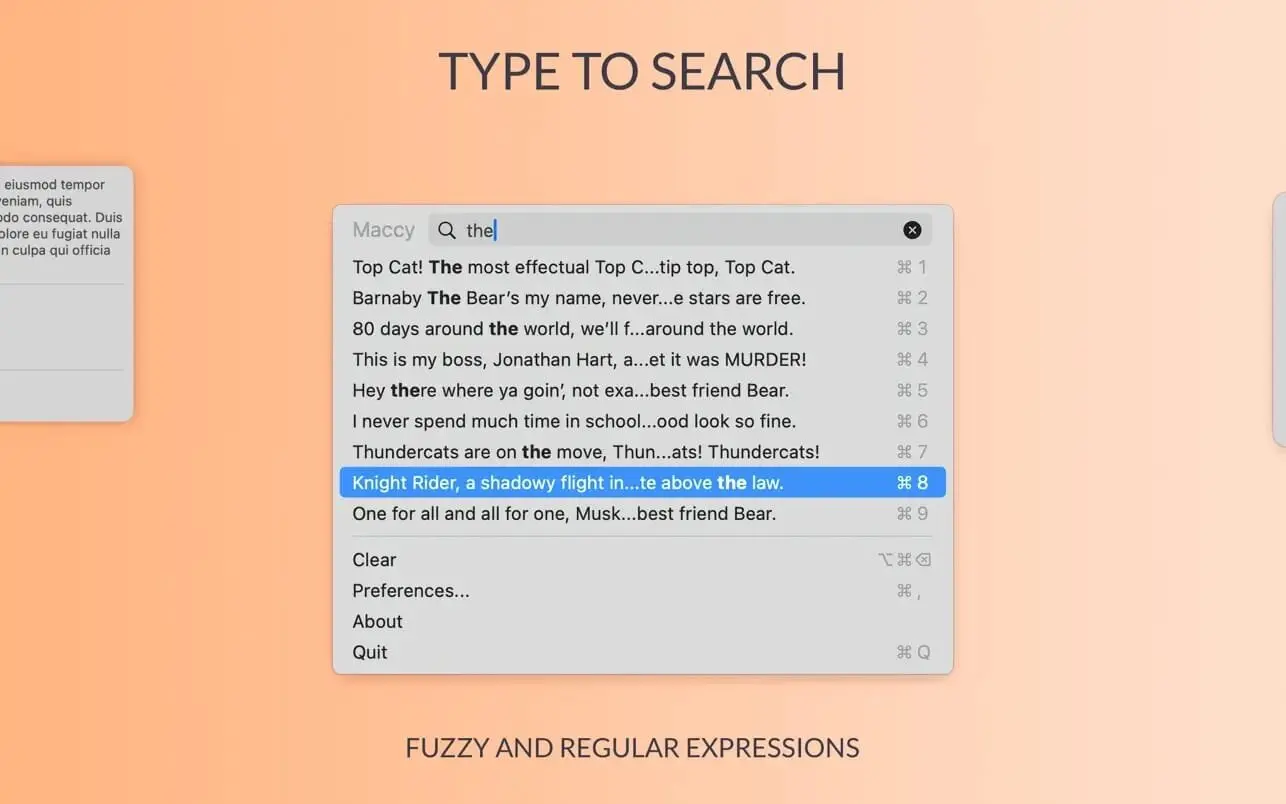
点击菜单栏图标唤出 Maccy,或直接按下 ⌘⇧C 快捷键——历史列表将立即出现在鼠标光标位置。输入关键词快速筛选,选中目标条目后,既可一键重新复制,也能直接粘贴。
- 文字剪贴板时光机:持续保存你的复制记录,打造专属文字素材库。
- 智能搜索:边打字边实时过滤,瞬间锁定所需片段。
- 十键极速调用:前十个常用条目支持 ⌘1 至 ⌘10 一键复制;其他条目则可通过方向键选择后按 Enter 确认。
- 免切换直粘模式:选中条目后,按住 ⌥ 键再按 Enter,即可跳过复制步骤,直接粘贴到当前光标处。
- 完全免费 & 开源透明:零费用、无广告,源代码公开可查,安全可信。
让 Maccy 成为你 Mac 上高效复用文字的得力助手。
What's New
Version 2.8.0
- Added VoiceOver accessibility.
- Added drag and drop reordering of pinned items.
- Added editing of pinned items inside the preview. The Pins settings pane is removed.
- Added support for special symbols as pin keys ([];'./-=).
- Added image size to the image preview.
- Added support for ignoring apps outside /Applications.
- Improved OCR accuracy with automatic language detection.
- Removed Safari WebArchives and other unselected pasteboard types storage.
- Fixed memory leak of every history item.
- Fixed slow menu bar title rendering with large history.
- Fixed orphaned history item content not being cleaned up.
- Fixed hang on macOS 26 caused by U+FFFC in titles.
- Fixed hidden footer warning not wrapping in long translations.
- Fixed settings window being too narrow.
- Migrated to Swift 6.





