
BetterZip 6.1.0 macOS 专业级多格式压缩解压工具

BetterZip 是一款面向 macOS 用户打造的全能型归档管理利器,助你像资深文件工程师一样高效处理各类压缩包。无需切换应用,即可一键创建、解压、浏览、编辑及管理超过 30 种主流与小众压缩格式——涵盖 ZIP、RAR、7z、ISO、TAR、GZIP、XZ、DMG,甚至老旧的 SIT/SITX 和 Outlook 专用 winmail.dat 等,全部原生支持。
为什么专业人士都在用 BetterZip?
所见即所得的归档操作体验
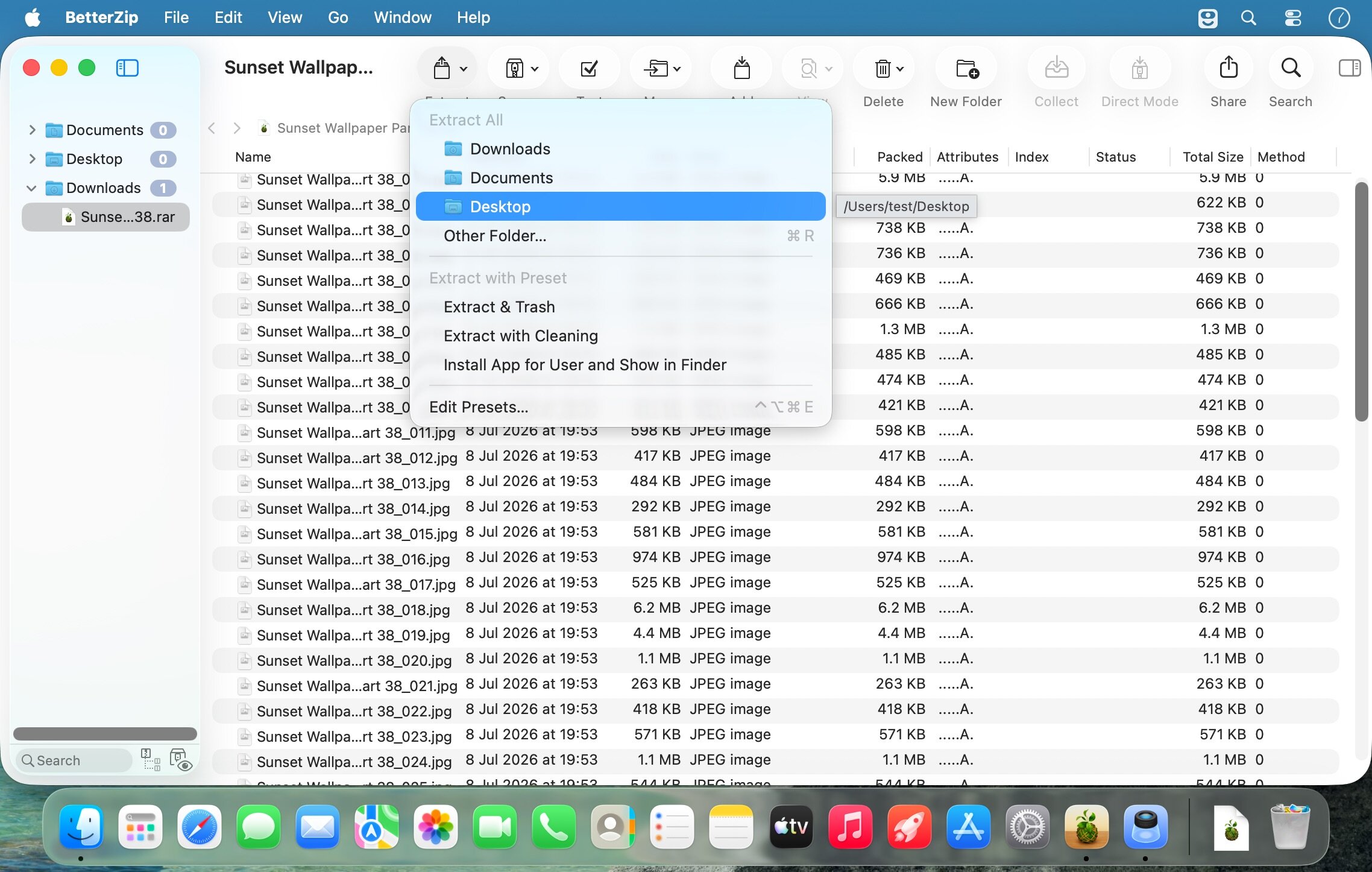
告别反复解压再打包的繁琐流程。在清晰直观的双栏界面中直接预览、筛选、重命名、拖拽移动、批量删除归档内文件;借助系统级 Quick Look 快速查看内容,所有修改实时生效,全程无需临时解包——省时、省空间、更省心。
行业领先的格式兼容性
深度适配超 30 种压缩与镜像格式,无论是日常办公常用的 ZIP/RAR,还是开发场景中的 TAR.GZ、系统部署所需的 ISO/DISK IMAGE,亦或是冷门但关键的归档类型(如 Mac 早期的 SIT、邮件附件中的 winmail.dat),BetterZip 均能稳定识别、精准解压、完整保留元数据。
端到端加密保护,安全不妥协
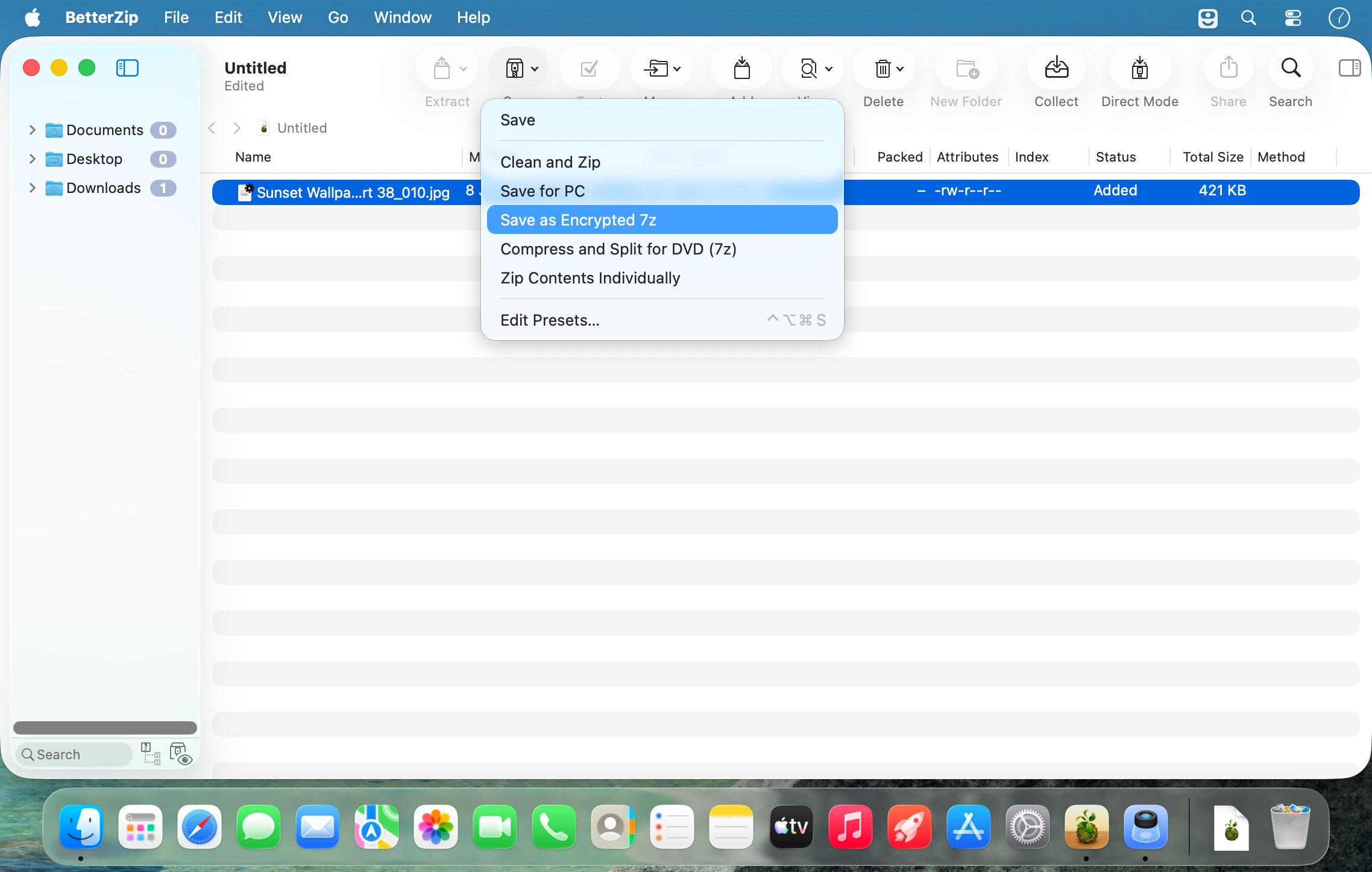
采用军用级 AES-256 加密算法,新建归档时可自动启用密码保护;内置智能密码生成器,一键生成高强度、防暴力破解的随机密码。无论本地存档还是跨平台分享,敏感数据始终处于严密防护之下。
智能归档增强功能
支持为 ZIP/RAR 等格式直接添加备注与说明文字,让团队协作或长期归档时“一眼看懂内容”;深度集成 macOS 生态:通过 Finder 右键菜单快速调用,配合 AppleScript 实现自动化批处理,真正成为你工作流中无缝衔接的一环。
设计师、程序员、视频剪辑师、科研人员,以及任何每天与大量文件打交道的 macOS 用户——BetterZip 不只是解压工具,更是你数字资产的智能管家,把枯燥的归档任务,变成高效、可靠、甚至有点享受的日常操作。
What's New
BetterZip 6.0 — Key New Features Main Capabilities
New Interface:
- Browse archives in icon and column views (like Finder)
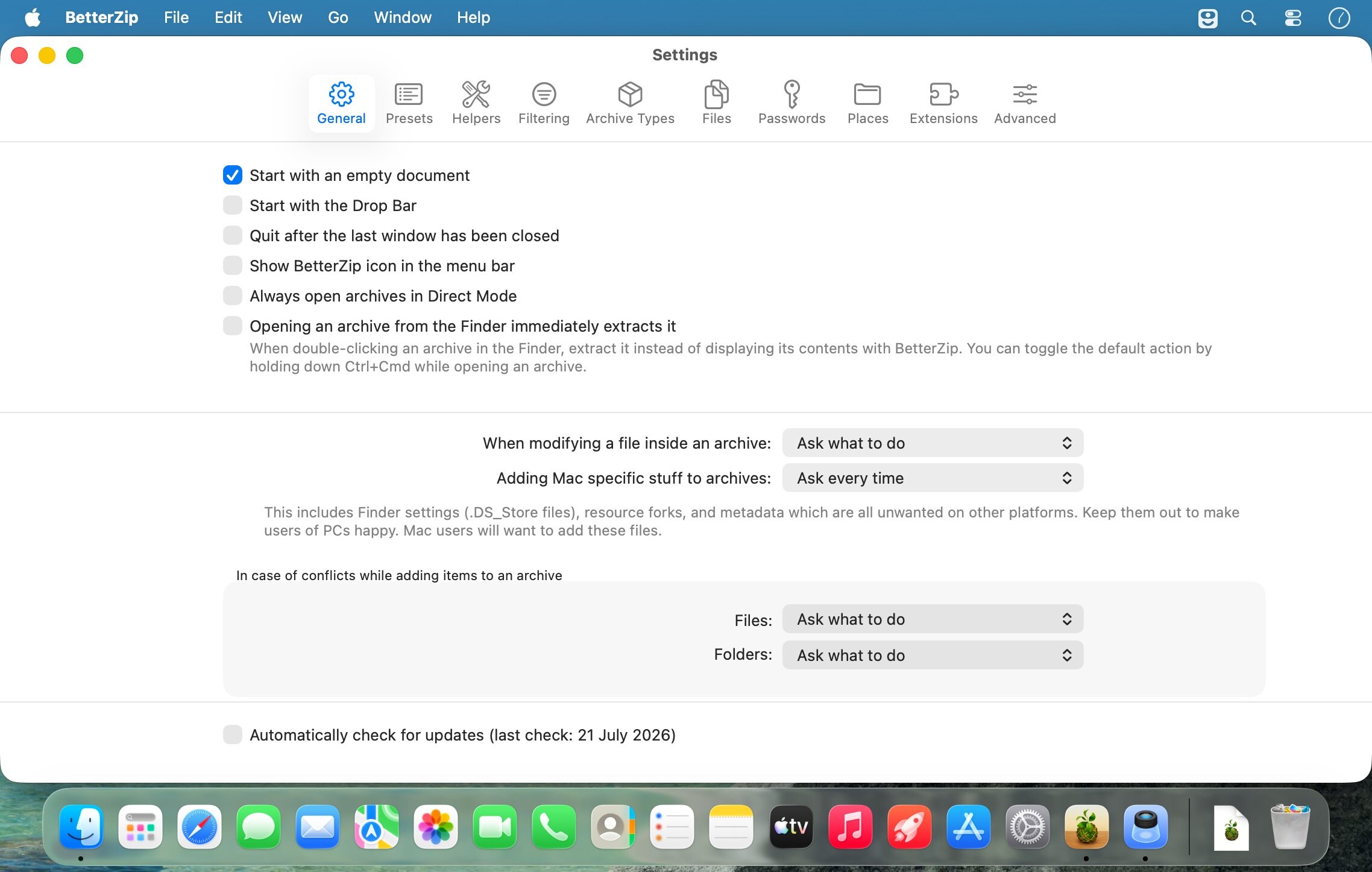
- Modern design and reorganized settings
- Full-screen image viewer
Archive Management:
- Collect Mode — gather files into an archive directly from Finder via clipboard
- Standard copy/paste functionality (Cmd+C in Finder, Cmd+V in BetterZip)
- Powerful filters by size, age, name, and file path
- Improved conflict resolution when adding/extracting
Automation:
- Support for macOS Shortcuts and App Intents
- Run scripts after successful archive creation/extraction
- BetterTouchTool Launcher plugin
- Command-line helper tool
Security & Indexing:
- Spotlight indexing of filenames within archives
- Create and compare archive hashes
- Support for RAR recovery volumes
Enhancements
- Estimated remaining time for operations
- File renaming options during extraction (Windows compatibility)
- Flat extraction option without folder structure
- Export/import presets
- Rename archives from window title bar
- Full preview support for HTML and web archives
- Better logging system with clickable file links
- Performance/energy consumption settings
- Improved keyboard navigation and drag-and-drop for file paths





