
EazyDraw 12.11.2 macOS 专业矢量绘图与技术制图一体化工具
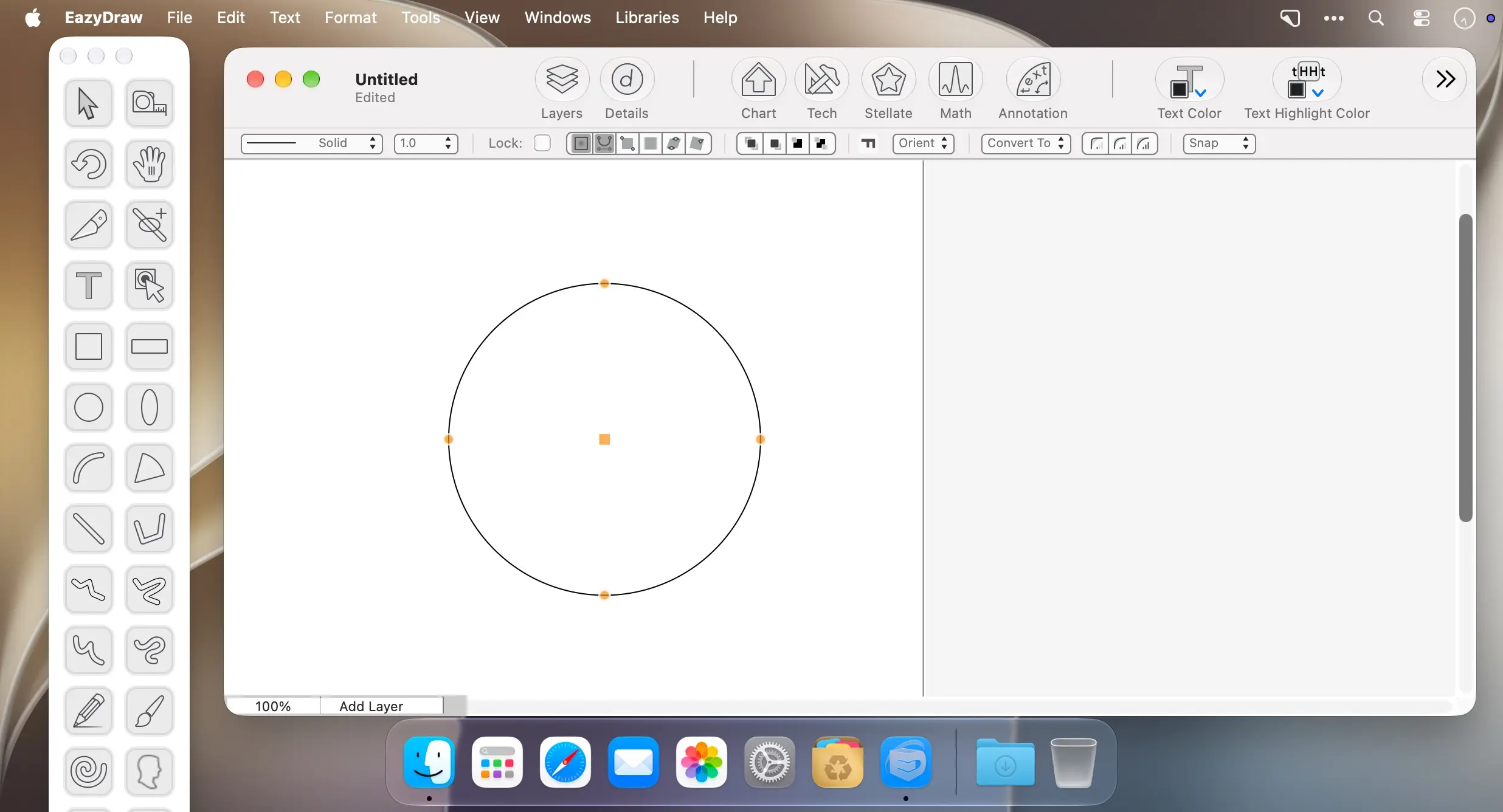
EazyDraw 是一款专为 macOS 打造的专业级矢量图形软件,将自由插画创作与严谨工程制图能力融于一身,界面简洁高效,操作逻辑清晰直观。
无论是流程图、机械结构图、电路原理图、品牌标识还是创意插画,都能以毫米级精度轻松完成;内置智能尺寸标注、多级缩放、可定制网格系统及高灵敏吸附机制,助你快速生成符合工业标准的技术文档——无需承担传统 CAD 软件高昂的授权费用与陡峭的学习曲线。支持贝塞尔路径精细编辑、图层非破坏性管理、布尔运算组合变形,以及可反复调用的符号资源库,让设计过程既灵活又高效。
EazyDraw 兼容主流文件格式,包括 SVG、PDF、EPS、DXF、PNG、TIFF 和 JPEG;更贴心支持读取 MacDraw、ClarisDraw 及 AppleWorks 等经典老版本格式,让你尘封多年的旧项目在新款 Mac 上一键唤醒、无缝复用。
EazyDraw 不追求繁复炫目的界面,而是专注为务实型专业人士提供精准、稳定、即开即用的绘图体验——成果至上,效率为先。
What's New
Version 12.11.2:
- Drawings containing copy-and-pasted text from the pre-2000 era would fail to open on Golden Gate. Golden Gate operating security is always tightening; GoldenGate internal changes can cause older drawings not to open. We have this fixed now; there should be no problem opening any EazyDraw dating from 2001 to present.
- Several improvements to the EazyDraw Automation API. These generally help AI agents using EazyDraw automatically fill out standard (non-form) PDF forms. EazyDraw only needs a simple PDF form to provide a platform for adding text and content to the PDF document. The API improvements make it easier for the AI agent to place text in the desired rectangle on the PDF accurately.
- Improved the Orient menu commands found on the Format main menu. Fixed several commands that were not working properly; their undo menu entries and actions are now correct. Also improved the automatic orient tangent and tangent snap feature.
- Improved the Match panel for attribute search and matching. Fixed several logic and comparison issues, and overall improved match performance.
- Improved the Text Stamp format panel. Fixed several small quirks and bugs in the full Text Stamp feature, including the format setup dialog.
- Other improvements to the API and MCP interface. Added a first-session calibration, centered labels, more precise move tools, improved graphic reference by name or UUID, and other fixes and tweaks. These improvements require the PyPI eazydraw 1.3.0 update.
- Fixed issues with raster outputs such as PNG and JPEG on Golden Gate. Backgrounds and transparency now work properly on Golden Gate.
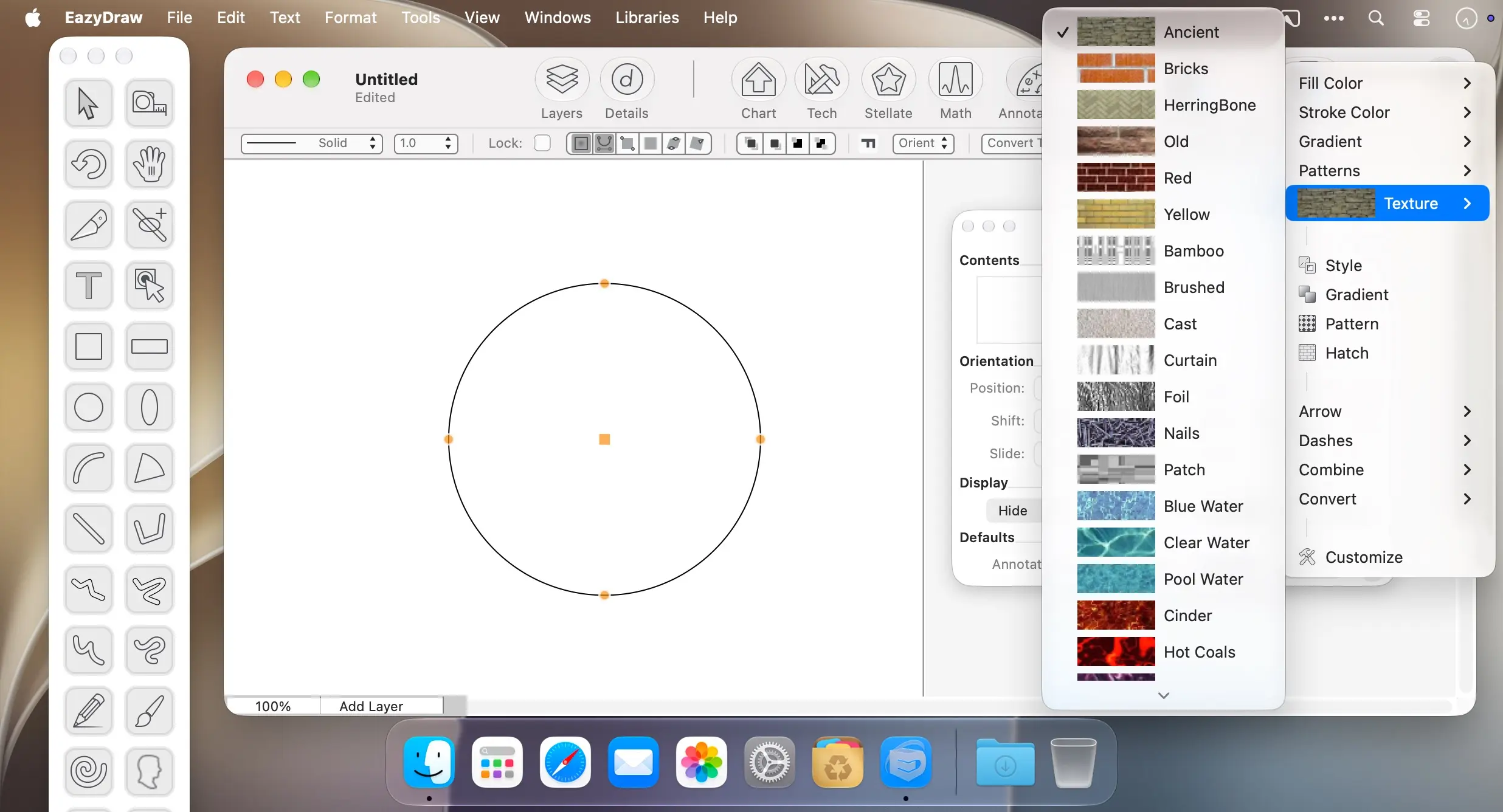
- Fixed issues with vector gradients on Golden Gate. Apple introduced new drawing engine optimizations on Golden Gate. These made some vector gradients look terrible. This version has robust workarounds to ensure high-quality vector gradients on all displays and MacBooks on Golden Gate.
- New expanded tools for the API and MCP interface. Several new tools help AI agents learn and do more with EazyDraw. These include deterministic rendering, direct export tools, and interaction with EazyDraw user libraries, including applying attribute packages. These require updating the EazyDraw Python module to version 1.3.0.





