
ForkLift 4.7.7 macOS 专业级双栏文件管理与跨平台传输工具
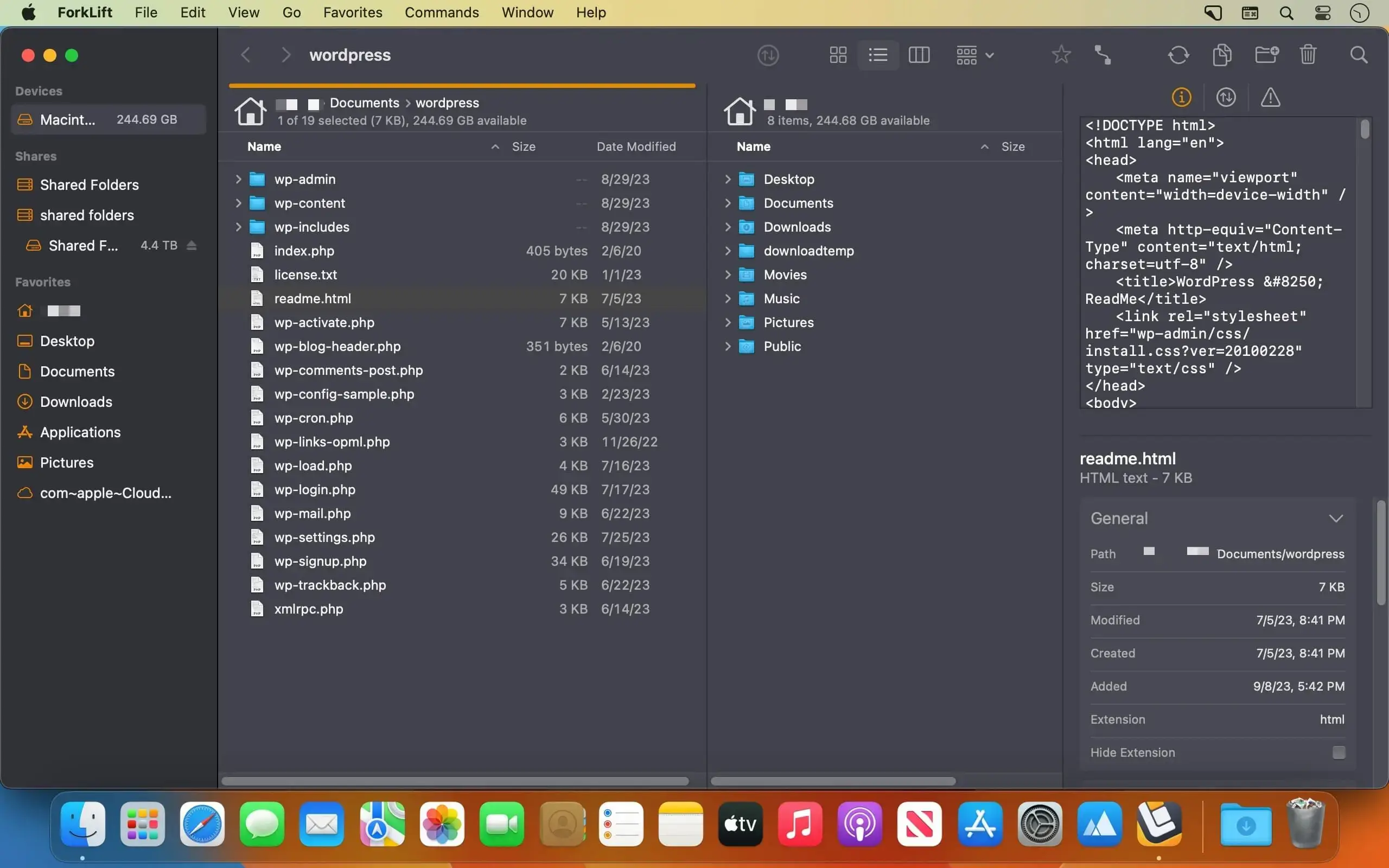
ForkLift 是 macOS 平台上功能最全面的双栏式文件管理器兼智能传输客户端。它集本地磁盘浏览、远程服务器同步、云存储接入与文件智能整理于一体,所有操作都在一个响应迅捷、深度适配键盘操作的应用中完成。
无缝对接各类存储服务
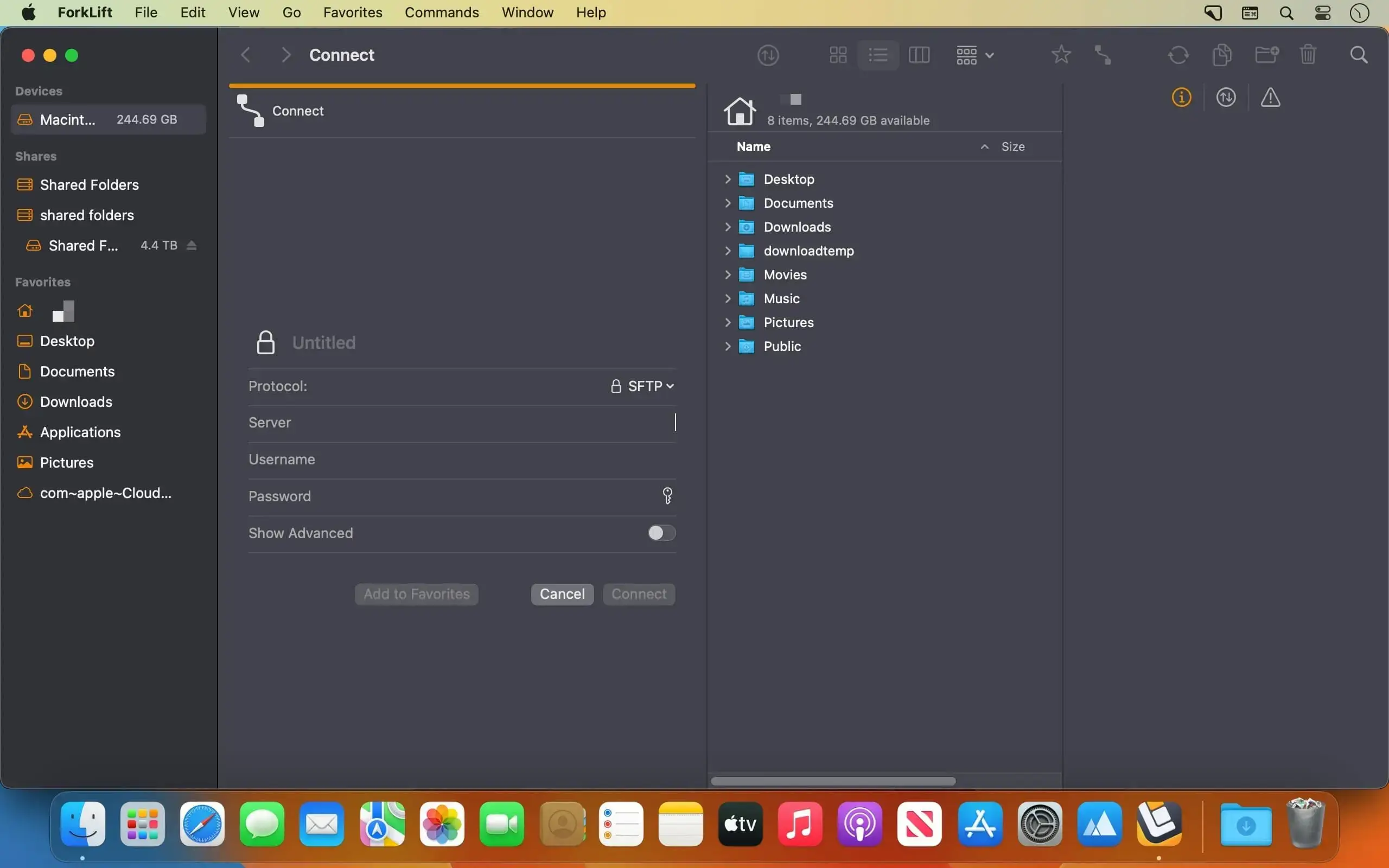
- 原生支持 SFTP、FTP、WebDAV、SMB、AFP 和 NFS 协议
- 直连主流对象存储:Amazon S3、Backblaze B2、Rackspace Cloud Files
- 深度整合主流云盘:Google Drive、OneDrive、Dropbox、iCloud
- 可同时连接多个远程服务器,并通过拖拽实现跨服务器文件直传
- 在你惯用的代码编辑器中直接编辑远程文件——每次保存,ForkLift 自动同步更新
极速智能同步引擎
- 一键比对本地/远程文件夹,精准识别相同、已修改、新增及已删除文件
- 单击切换单向同步或双向同步模式,操作极简,结果可控
- 常用同步配置可保存为“同步方案”,随时调用,省去重复设置
- 同步分析速度最高提升至 ForkLift 3 的 20 倍
全程掌控传输过程
- 自由调整待传输任务队列顺序,优先处理关键文件
- 自定义冲突与错误处理策略(覆盖、跳过、重命名等)
- 精细控制上传/下载带宽,避免挤占网络资源
- 通过「活动视图」实时监控复制、重命名、删除、压缩等全部后台任务进度
- 在「日志视图」中回溯历史操作记录与执行结果,便于排查与复盘
效率跃升工作流
- 快速打开(Quick Open):直达收藏项、设备列表、菜单命令,或一键应用预设的批量重命名模板
- 智能选择(Quick Select):按文件名、扩展名或标签批量筛选目标文件
- 全场景搜索过滤:支持按名称、类型、扩展名、标签甚至文件内容检索——本地与远程均适用
- 联动浏览(Sync Browsing):任一窗格中切换路径,另一窗格自动同步定位,双栏协作更高效
- 常用路径收藏:高频访问的远程地址一键直达,告别反复输入
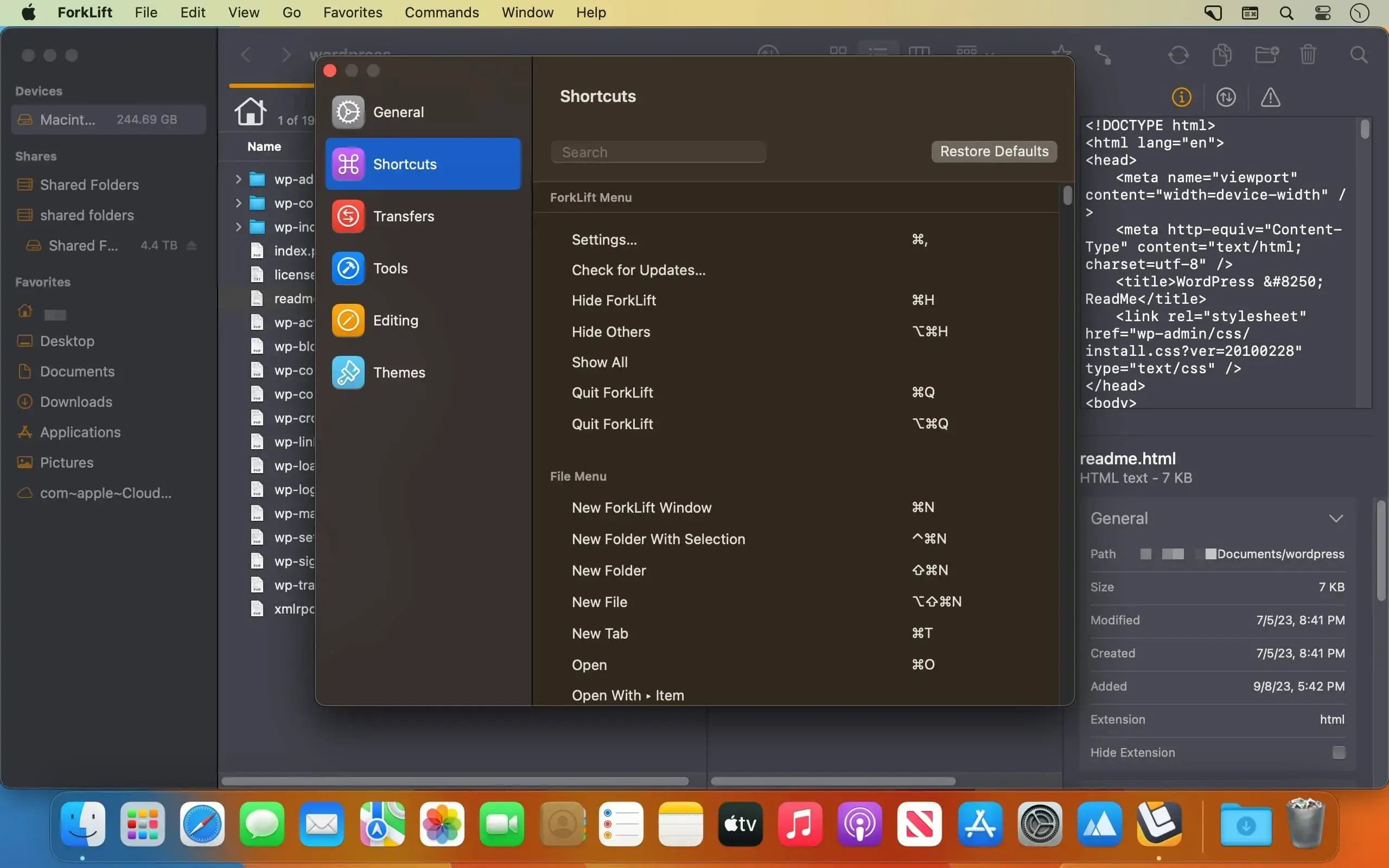
- 全键盘驱动:支持高度自定义快捷键,彻底摆脱鼠标依赖
所见即所得的预览与组织能力
- 预览面板内直接播放音视频、查看图片、PDF 及常见文档格式(无需额外打开应用)
- 支持就地快速编辑文本文件——无论本地还是远程服务器上的文件均可即时修改保存
- 全面兼容 Finder 标签系统:轻松添加、修改、搜索和按标签过滤文件
- 像访问普通文件夹一样浏览本地/远程压缩包(ZIP/TAR/GZ 等),支持 Quick Look 预览、关键词搜索与标签筛选
为进阶用户深度定制
- 内置 Git 支持:直观显示文件状态,支持 add / commit / push / pull 全流程操作
- 一键在当前路径下启动 Terminal、iTerm2、Hyper、Kitty、Warp 或 Ghostty 终端
- 绑定常用命令行工具,通过快捷键秒级调用
- 集成主流差异对比工具:FileMerge、Kaleidoscope、Beyond Compare、Araxis Merge,支持文本与图像逐像素比对
- 隐藏文件开关仅需一次快捷键,开发调试更从容
完全属于你的个性化体验
- 标签页与工作区:保存包含多标签、多路径、多布局的完整会话,下次打开即还原
- 主题自由切换:提供多套内置视觉方案,亦可创建专属深色/浅色主题
- iCloud 同步偏好:收藏夹、快捷键、主题等设置自动跨 Mac 设备同步
- 设为系统默认文件管理器:替代 Finder 成为你的主文件操作入口
更多贴心细节
- 附赠 App Deleter 工具:卸载应用时自动清理残留文件、缓存与偏好设置
- 右键一键生成 Dropbox 分享链接,协作分享零等待
- 拖拽即分享:选中文件后拖入任意聊天窗口,自动触发快速分享流程
- 多语言支持:英文、德文、匈牙利文、法文、西班牙文、葡萄牙文、波兰文、乌克兰文、意大利文、捷克文、日文、中文
What's New
Vesion 4.7.7:
New
- 4th and 5th mouse buttons control the Back and Forward buttons
- Displays the number of items inside a local folder in the Info Window when the size is shown
- Displays remote locations alongside volumes and shares when the icon in the path bar is clicked
Improvements
- Changes the color of the buttons at the bottom of the Sync Window when hovered over in dark mode to better indicate that they are clickable
Fixes
- Fixes a rare issue where the background inside inactive tabs in Column View could remain white after the macOS theme switched to Dark
- Fixes a possible crash after QuickLook and quitting ForkLift
- Fixes a possible crash on macOS Golden Gate when the Search field was visible while editing the Toolbar
- Fixes an issue where the share was not displayed when the icon in the path bar was clicked and only one shared volume was connected
- Fixes an issue where no application icons were displayed in the Open With submenu
- Fixes an issue where no icons were displayed in the menu of saved favorites
- Fixes a minor display issue with themes in the Welcome Window
- Fixes an issue on macOS Golden Gate where selecting Reveal in Favorite Manager from the sidebar did not select the favorite if the
- Favorite Manager window was not already open
- Fixes an issue on macOS Golden Gate where the X button did not work while editing custom keyboard shortcuts in Settings





