
Tagr 5.15.0 macOS 专业级音乐标签批量编辑工具
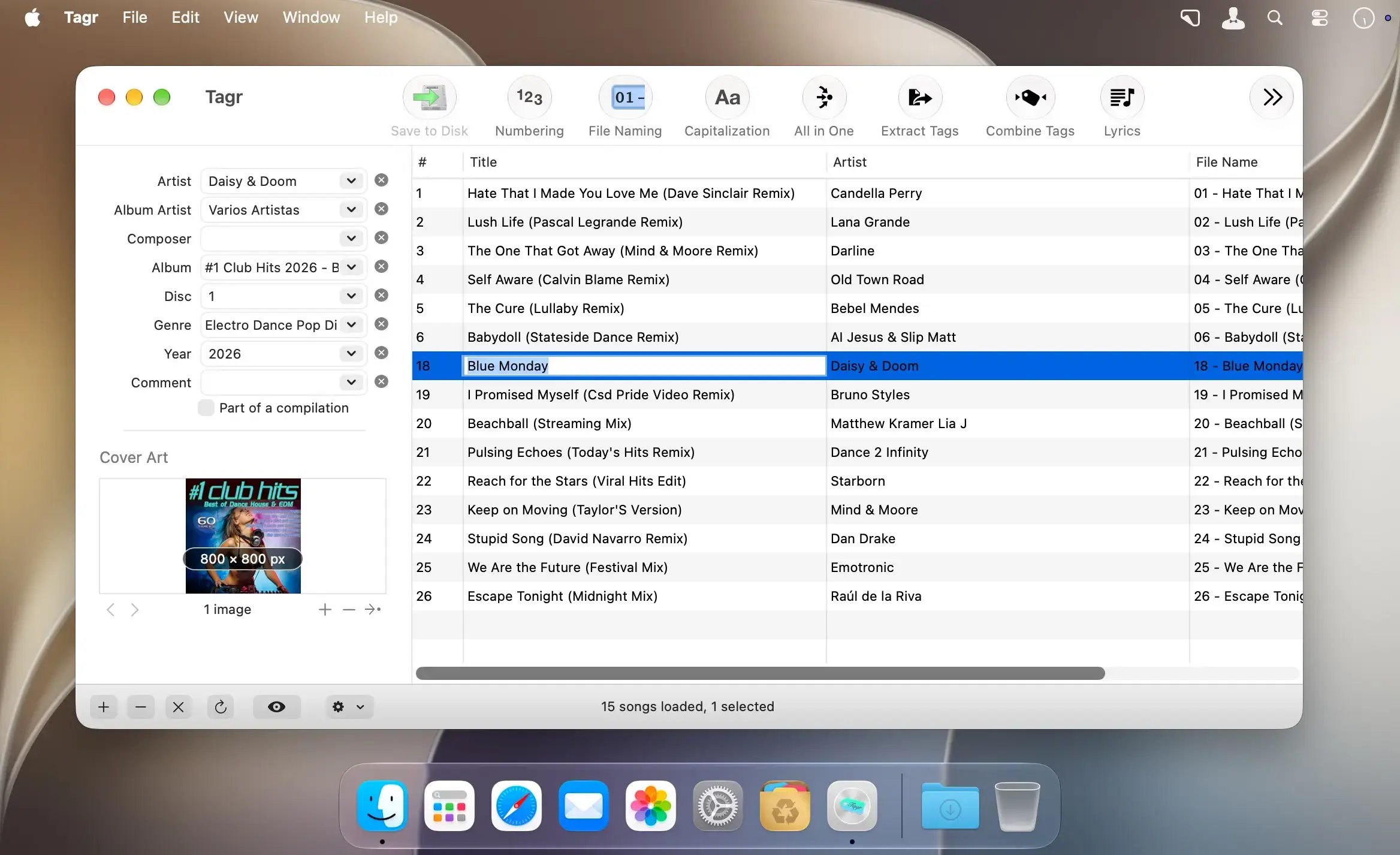
Tagr 是一款专为 macOS 设计的智能音乐标签管理工具,助你轻松梳理本地音乐库。无论是单曲信息(如歌手、歌名、专辑封面)的精细化调整,还是文件命名规则、序号编排与大小写格式的统一管控,全部由你自主定义——拒绝被第三方工具“越俎代庖”。
单文件精修 or 批量高效处理
支持对 MP3、M4A/M4B、WAV、FLAC 及 AIFF 等主流音频格式单独编辑元数据;也可一次性加载整批文件进行集中修改。涵盖的标签字段全面覆盖:音轨序号/总曲目数、标题、艺人、专辑艺人、作曲家、专辑名、光盘编号/总数、流派、发行年份、备注、合辑标识、歌词、节拍速度(BPM)等。
让文件命名与格式始终如一
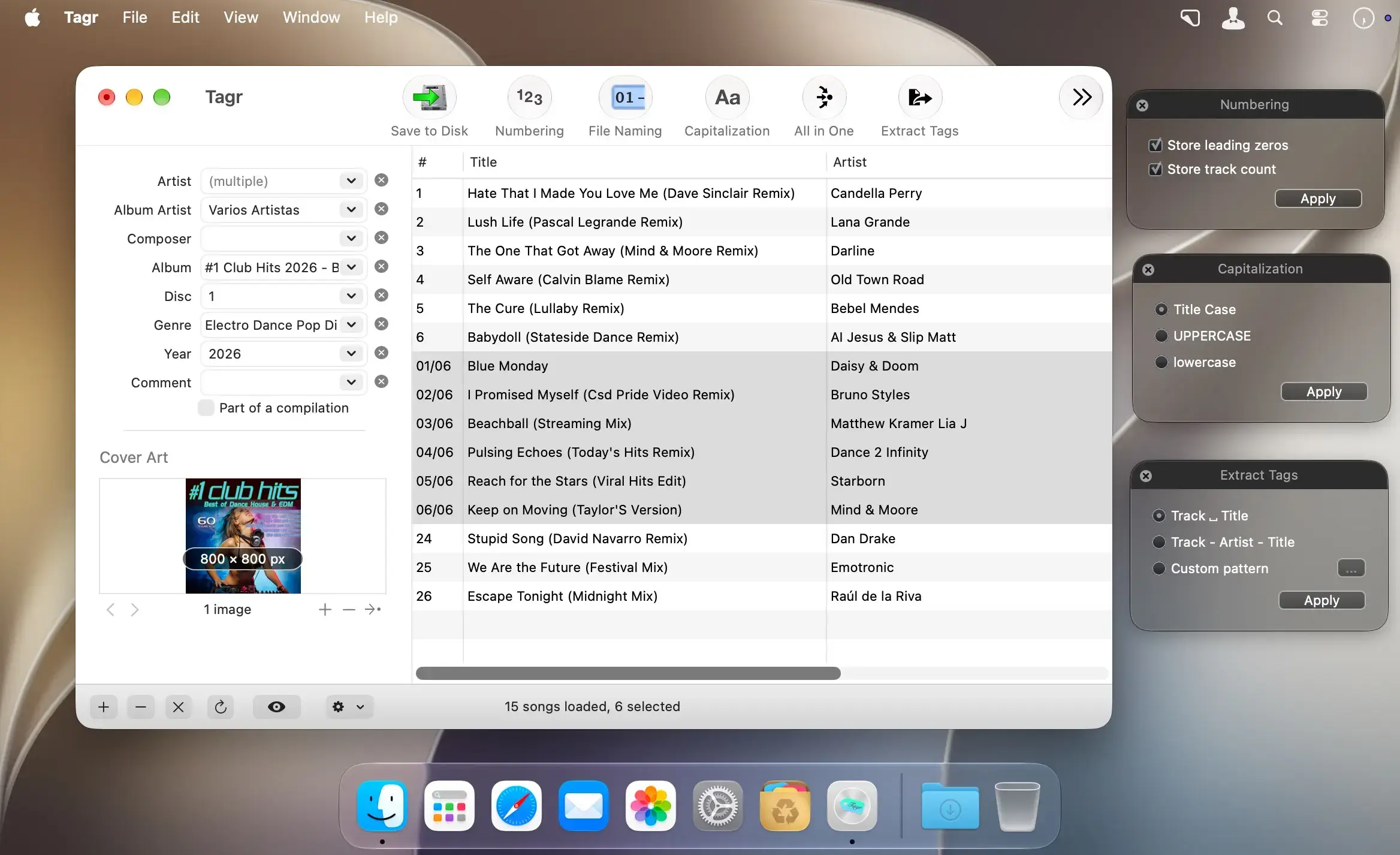
内置多套常用文件命名模板,亦可自由创建专属规则;一键切换全大写、全小写或首字母大写的标题式格式;自动补全并规范音轨编号。更支持反向操作:从现有文件名或标题中智能提取标签信息,或将多个已有标签按预设或自定义模板组合生成新字段(例如“艺人 - 歌名”格式化为文件名)。
一键同步专辑资料与高清封面
直连 Discogs 数据库,快速检索专辑详情(含发行信息、厂牌、曲目列表等),一键复制至本地音频文件;支持嵌入封面图,并可手动限制图片尺寸(如适配车载音响系统对缩略图的分辨率要求)。
核心功能一览
- 兼容格式广泛:全面支持 MP3、M4A/M4B、WAV、FLAC 和 AIFF 文件的元数据编辑
- 批量编辑能力:支持多文件并行处理,大幅提升整理效率
- 标签字段丰富:完整覆盖音轨序号/总数、标题、艺人、专辑艺人、作曲家、专辑名、光盘编号/总数、流派、年份、备注、合辑标识、歌词、BPM 等关键信息
- ID3 版本支持:完美兼容 MP3 的 ID3v1、ID3v2.3 与 ID3v2.4 标准
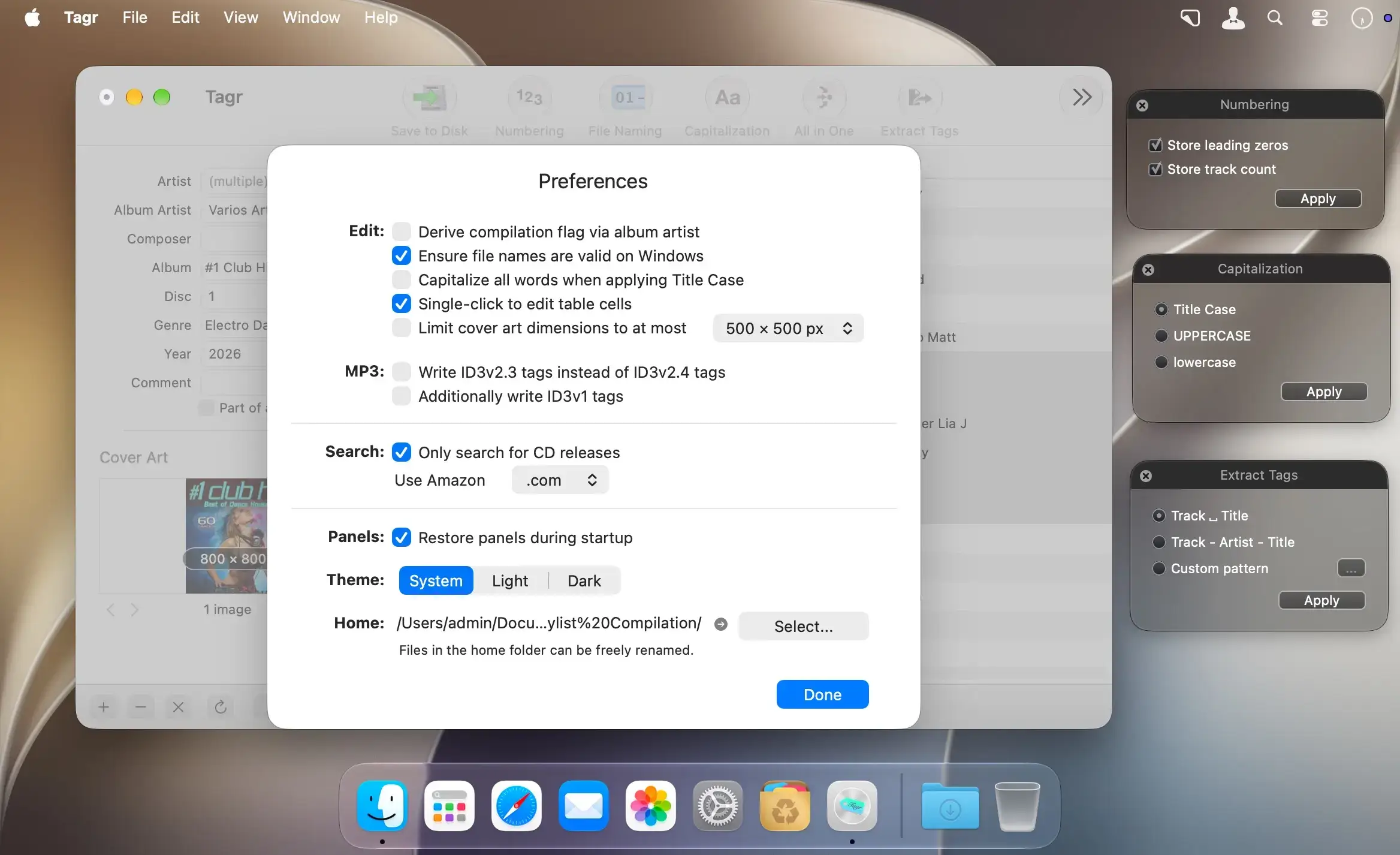
- 封面图管理:嵌入高质量专辑封面,并可设定最大宽高像素值
- 智能大小写:提供大写、小写、标题式三种标准化格式选项
- 自动编号:根据文件顺序或播放列表逻辑,智能生成连续音轨编号
- BPM 自动识别:基于音频波形分析,精准测算每首歌曲的节拍速率
- 灵活命名系统:选用内置模板或完全自定义文件命名逻辑
- 文件名转标签:通过正则匹配或可视化模板,从文件路径/名称中提取结构化信息
- 标签合成引擎:将多个原始标签字段按规则拼接,生成全新元数据(如“[年份] [艺人] - [歌名]”)
- Discogs 智能对接:直接调用 discogs.com 海量唱片数据库,秒级导入权威专辑资料
- QuickLook 集成:无需打开播放器,直接在 Finder 中预览并试听音频
- TSV 表格互通:导出/导入制表符分隔文件,方便在 Excel、Numbers 等表格软件中批量编辑标签
- 深度个性化:界面布局、快捷键、默认行为均可按个人工作流定制
What's New
Version 5.15.0
Important: Tagr now requires macOS 12 Monterey or later.
Features
- Tagr is now available in French.
- Files that can't be changed are now detected as soon as they are loaded: locked files, files on a read-only volume or without write permission, missing files, and files that can't be renamed outside the Home folder. They appear greyed out with a lock icon that shows the reason when you hover over it, and batch edits skip them. If saving still fails, the error message now gives the reason.
Bug Fixes
- Adding songs while others are still loading no longer causes crashes or duplicate entries.
- Songs added via a folder outside the Home folder can still be renamed after a reload.
- Importing a TSV file no longer tries to rename songs that can't be renamed.
- All in One after copying data from Discogs now only applies to the songs that received data, not to the whole selection.
- Valid file names that contain extra spaces are no longer shown in red.
- Picking a genre from the genre list now records that genre in the history, not the previous one.
- Names of missing tags in file naming schemes are now translated and capitalized correctly.
Usability Improvements
- More accurate BPM detection.
- The genre history now keeps the last 40 genres instead of 10.
- Improved Spanish translation; a few texts that were still shown in English are now translated.
- Smarter Title Case: words that already contain capitals stay as they are (ABBA, AC/DC, McCartney), words with apostrophes are capitalized correctly (Don't, He's), and there is no capital after a digit or symbol (1st, P!nk). The tooltip of the strict option has also been corrected.





