
PowerPhotos 3.4.9 fix macOS 多库管理与照片智能整理工具

PowerPhotos — 专为 macOS 照片(Photos)应用深度定制的全能管理套件。它无缝集成系统自带的「照片」App,为你提供一整套高效、安全、可视化的照片资产治理方案,轻松应对日益庞杂的影像库管理挑战。
自由创建与切换多个照片图库
告别单图库束缚!PowerPhotos 支持同时管理多个独立的 Photos 图库,助你按时间、项目、设备或用途灵活划分照片资产,让组织方式真正贴合你的工作流与存储习惯。
将照片分散存于不同图库中,不仅能显著提升「照片」App 的启动与浏览响应速度,还能便捷归档旧年份内容、将部分图库迁移至外置硬盘释放本机空间,并有效降低 iCloud 照片图库所占用的云存储配额。
一键复制照片及完整元数据
拖拽即完成跨图库迁移——选中相簿或照片,直接拖入目标图库即可。PowerPhotos 将自动同步复制所有关联资源,并完整保留关键词、说明文字、标题、拍摄/修改日期、收藏标记等全部元数据,确保信息零丢失。
智能合并图库并自动去重
手头有多个分散图库?PowerPhotos 可将其安全整合为统一图库,并在合并过程中精准识别并过滤重复照片。操作前,系统会生成可视化预览,清晰展示最终图库结构与去重结果,让你全程掌控、安心执行。
多图库联动查重
日常导入、备份、跨设备同步常导致同一张照片在不同图库中反复出现。PowerPhotos 支持跨一个或多个图库批量扫描重复项,支持左右对比查看、一键归集至专用相簿,便于你集中审核与清理。
独立浏览与全局搜索
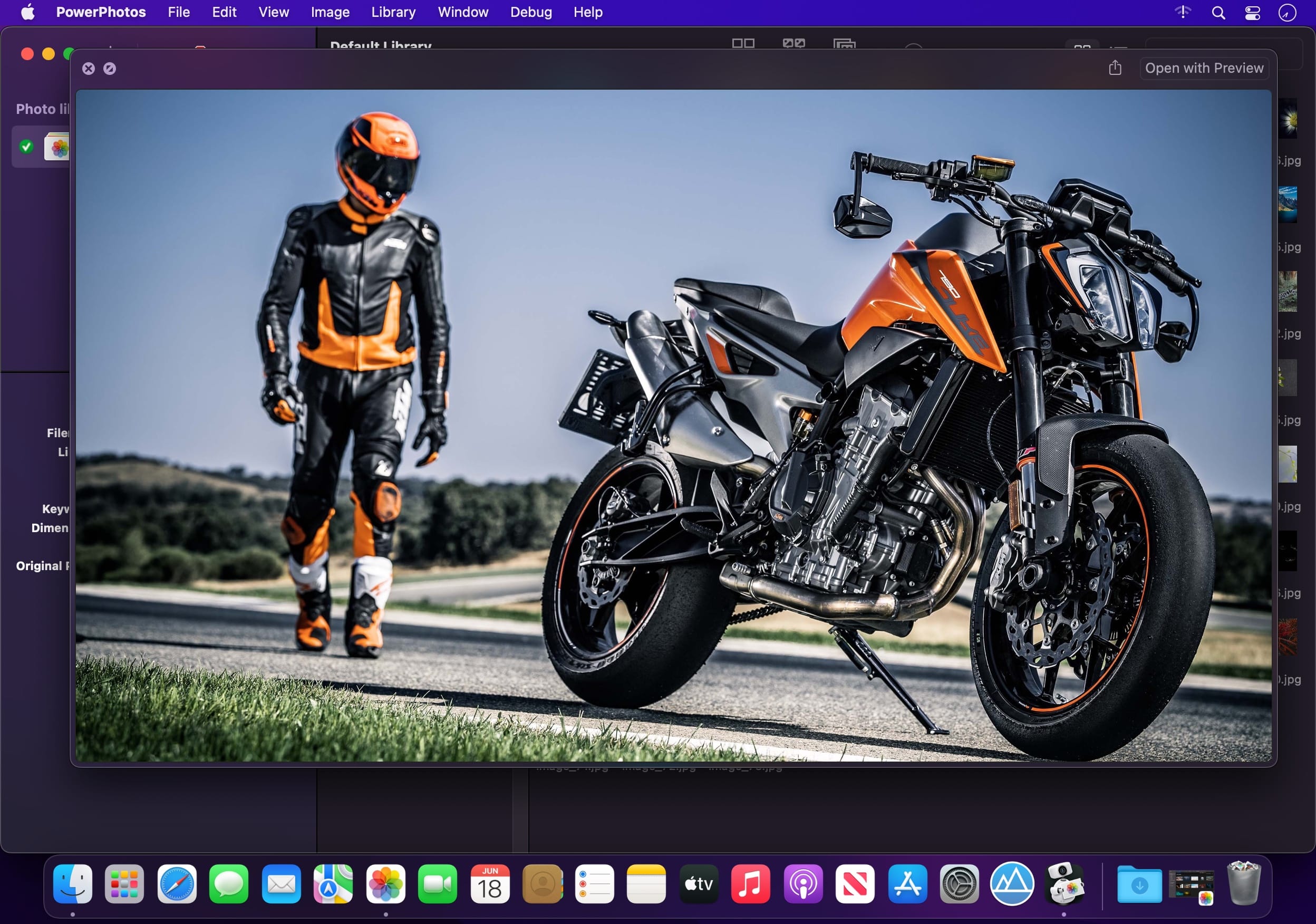
无需打开「照片」App,即可通过 PowerPhotos 内置的高性能图像浏览器快速预览所有图库中的照片;列表视图呈现详尽的元数据信息;更支持一次性横跨全部图库进行关键词、日期、描述等多维度检索,查找效率倍增。
一键迁移 iPhoto / Aperture 老图库
仍在使用大量 iPhoto 或 Aperture 图库?PowerPhotos 提供自动化迁移通道,可批量将历史图库无损导入现代 Photos 系统,全程无需人工值守,省时省力,告别繁琐手动导出导入流程。


What's New
Version 3.4.9:
- The settings to delete items after an export are now remembered between exports.
- When merging and choosing to skip incomplete items, PowerPhotos no longer analyzes those items while looking for duplicates.
- Fixed an issue that would consume a lot of memory during a duplicate search of a large library.
- Fixed a hang that could occur while loading libraries, especially with many libraries or libraries on slow external/network drives.
- Fixed a rare issue that could cause a duplicate search to hang while looking for duplicate matches.
- Fixed an issue that could show the wrong version number for certain libraries.
- Fixed an issue where the inspector showed “No selection” when a merge or copy session was selected in the sidebar.
- Fixed an issue when merging where if there was an error analyzing a photo for duplicates, that photo would not be included in the merge.
- Fixed an error that would be displayed trying to run a second merge preview after returning to the setup screen.
- Fixed an issue where removing the active library would not choose another library to make active.
- Fixed an error that could occur trying to copy certain photos that were edited by third party plugins.
- When merging and choosing to skip incomplete items, the report no longer includes the incomplete items in the “Items After” count.
- Fixed an issue where holding the command key while dragging photos onto an album would not move them to that album.
- Fixed a crash that could occur when browsing the preview of an album copy.





