
Things 3.24.2 macOS 优雅易用的智能任务管理工具
Things 是一款以极简美学与强大功能见长的任务管理应用,助你轻松梳理纷繁待办,让规划变得赏心悦目又毫不费力。它巧妙融合标签系统与智能筛选栏,在不牺牲灵活性的前提下坚守简洁哲学;借鉴 macOS Leopard 经典设计的源列表,让你一键聚焦关键内容,无需切换视图模式,也无需反复琢磨筛选逻辑。
我们的演示视频是快速上手的最佳向导。
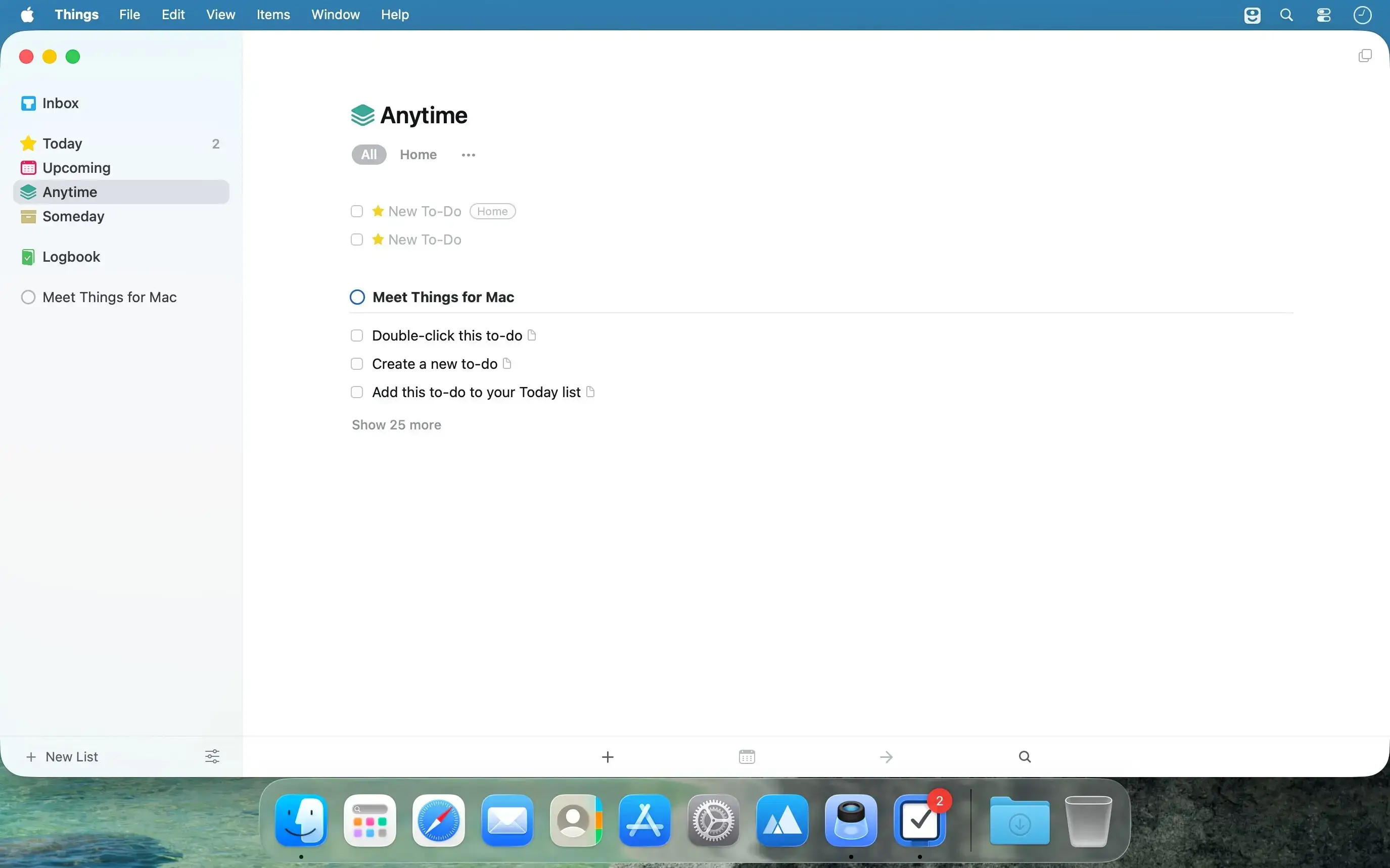
- 全局掌控,一目了然:Leopard 风格源列表将项目、区域、标签等入口直观呈现,专注当下任务如呼吸般自然,彻底告别视图跳转与规则记忆负担。
- 会“思考”的标签栏:仅在需要时悄然浮现,并智能适配当前列表结构——无论待办清单多么庞杂,都能层层下钻精准定位;支持多级嵌套标签,复杂分类需求轻松满足!
- 协作更轻盈:团队任务分配功能已上线,可一键指派任务给同事并实时同步进展。(持续优化中)
- 拒绝无效信息堆砌:摒弃传统表格式列布局——日期、备注、多标签等信息按需展开,界面清爽无冗余,每一寸屏幕都只为有用信息服务。
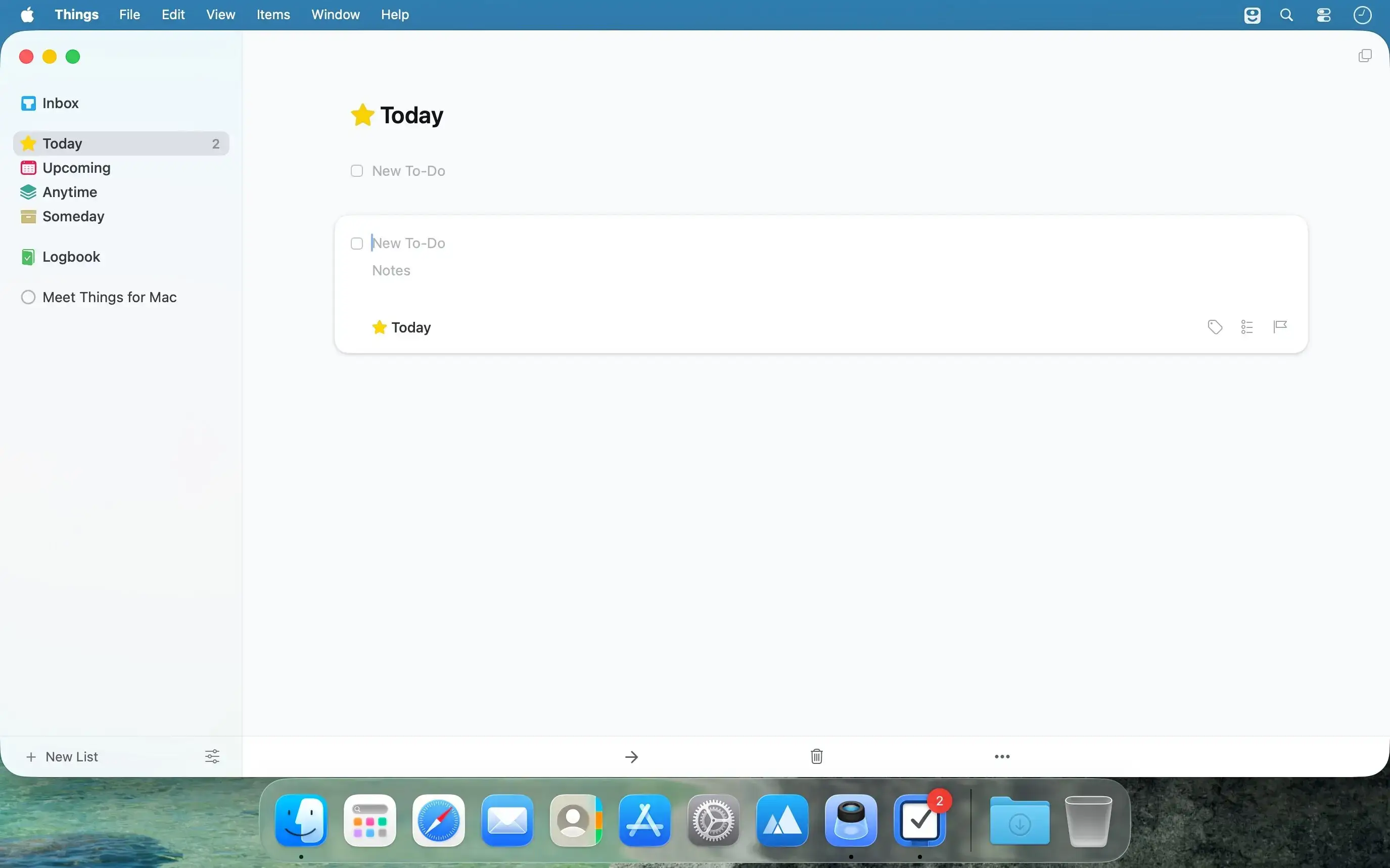
- 灵感即刻捕获:悬浮式快速录入 HUD 随时待命,灵光乍现的瞬间即可记录,从此再不必为未落地的想法分心走神。
- 数据真正属于你:坚持开放理念,未来将采用标准 XML 格式存储全部数据,确保长期可迁移、无厂商锁定风险。(功能即将启用)
- 天然兼容 GTD 工作流:如果你已是 GTD 方法论的践行者,Things 的分区逻辑(今日/计划/ someday/maybe/归档)与行动分类机制,将让你无缝衔接、毫无违和感。
What's New
Version 3.24.2
- Restored Today as the preselected date in the Add Deadline dialog for an expanded to-do.
- Restored the correct selection behavior in a list when collapsing a to-do after editing it.
- Improved the handling of undo in checklists.
- Increased the spacing between a project’s title and notes.
- Refined the size and spacing of disclosure triangles in the Tags window.
- Fixed a bug on macOS 27 where you couldn’t click to place the cursor on the final empty line of a text field.
- Fixed a bug where checklist text could reappear or merge incorrectly when splitting or deleting an item.
- Fixed a bug where a dialog such as Get Info in one window could block menu commands in other windows.
- Fixed a bug where toolbar buttons didn’t shrink correctly in narrow windows.
- Fixed the handling of the Complete and Cancel keyboard shortcuts in a project’s notes with Markdown checklists.
- Fixed the size of the selection highlight in the Tags window at larger font sizes.
- Fixed the background color of unselected tags while dragging.
- Fixed a rare crash that could occur on macOS 27 when editing text.
- Fixed several crashes that could occur when dragging and dropping.
- Fixed a crash that could occur when repeatedly deleting checklist items with Cmd+D
THINGS 3.24
- Things is ready for macOS Golden Gate 27, with great new system integrations:
- Full integration with the new Siri (where available).
- Full integration with Spotlight, your device's built-in search.
- More snooze options for notifications, with better-suited durations.
- A new extra-tall widget to see longer lists.
- Other compatibility improvements for the new OS.





