
MountMate 6.5 macOS 轻量级外置存储管理工具
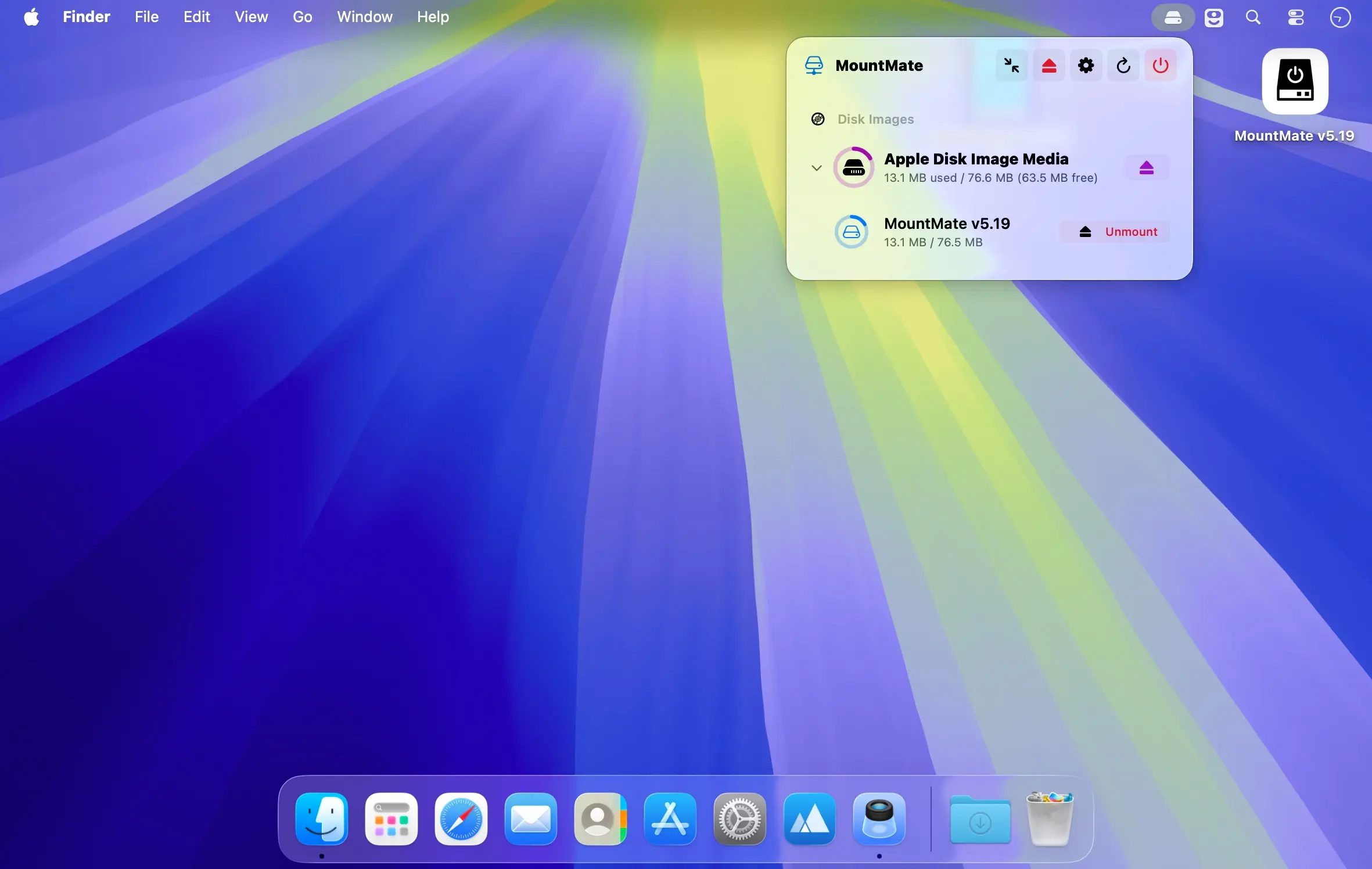
直接从 macOS 菜单栏统一管控所有外接硬盘与磁盘镜像,无需切换窗口或调用系统工具。
告别 Terminal 命令行和 Disk Utility 的繁琐操作——MountMate 让你用一次点击即可完成挂载、卸载、重挂载等常用操作。插入设备后自动识别,想用时点一下即用,不用时随手一卸载,全程不需拔线、不重启、不打扰当前工作流——一切都在那个小巧安静的菜单栏里完成。
核心功能
- 菜单栏一键挂载/卸载各类外接存储设备(HDD/SSD/USB闪存盘等)
- 已卸载的设备无需物理拔插,随时一键重新挂载,即刻恢复访问
- 全面支持 .dmg/.iso/.sparseimage 等常见磁盘镜像:挂载、在 Finder 中打开、安全移除一气呵成
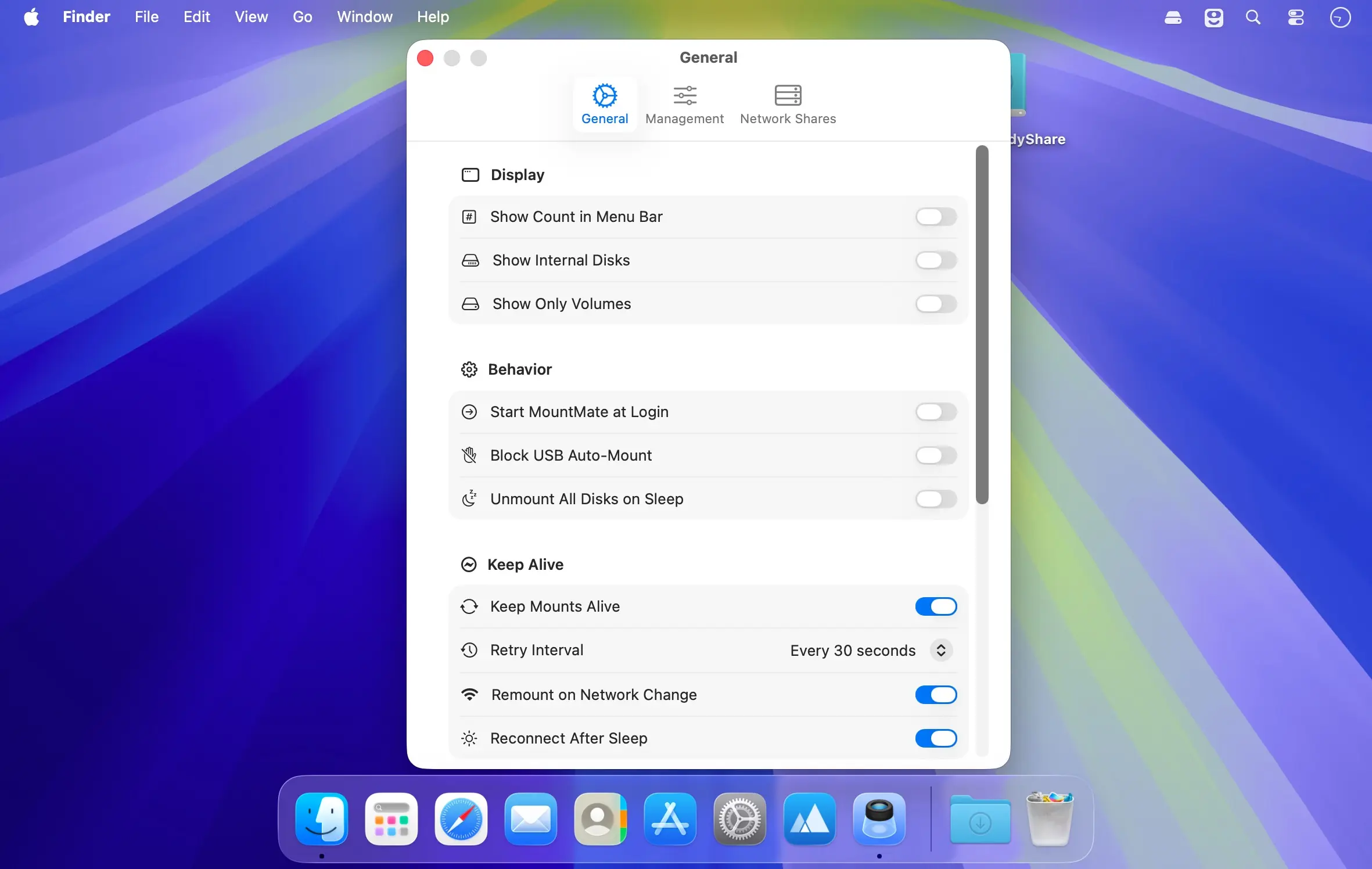
- 可选关闭 USB 设备的自动挂载机制,避免干扰专注工作或节省电量
- 单击“全部弹出”,瞬间释放所有已连接的物理硬盘与虚拟镜像
- 新设备接入后自动刷新菜单列表,实时同步状态,绝不遗漏
- 常驻菜单栏,内存占用极低,运行无声无感,真正零负担后台服务
特别适合那些不常驻使用的移动硬盘、备份盘或测试用存储设备。让闲置的机械硬盘停止空转耗电,让 SSD 远离不必要的读写磨损——只在真正需要时唤醒它们,既延长硬件寿命,又提升系统响应效率。
What's New
Version 6.5:
Fixed
- Shortcuts no longer act on the wrong drive: a Mount, Unmount or Eject Volume action that picked a drive which is not plugged in now fails with "not connected" instead of acting on another drive with the same name (such as "Untitled"). Shortcuts that hold only a name match by name as before.
- Browse Network with local-network access denied now says the permission is missing instead of "no servers found".
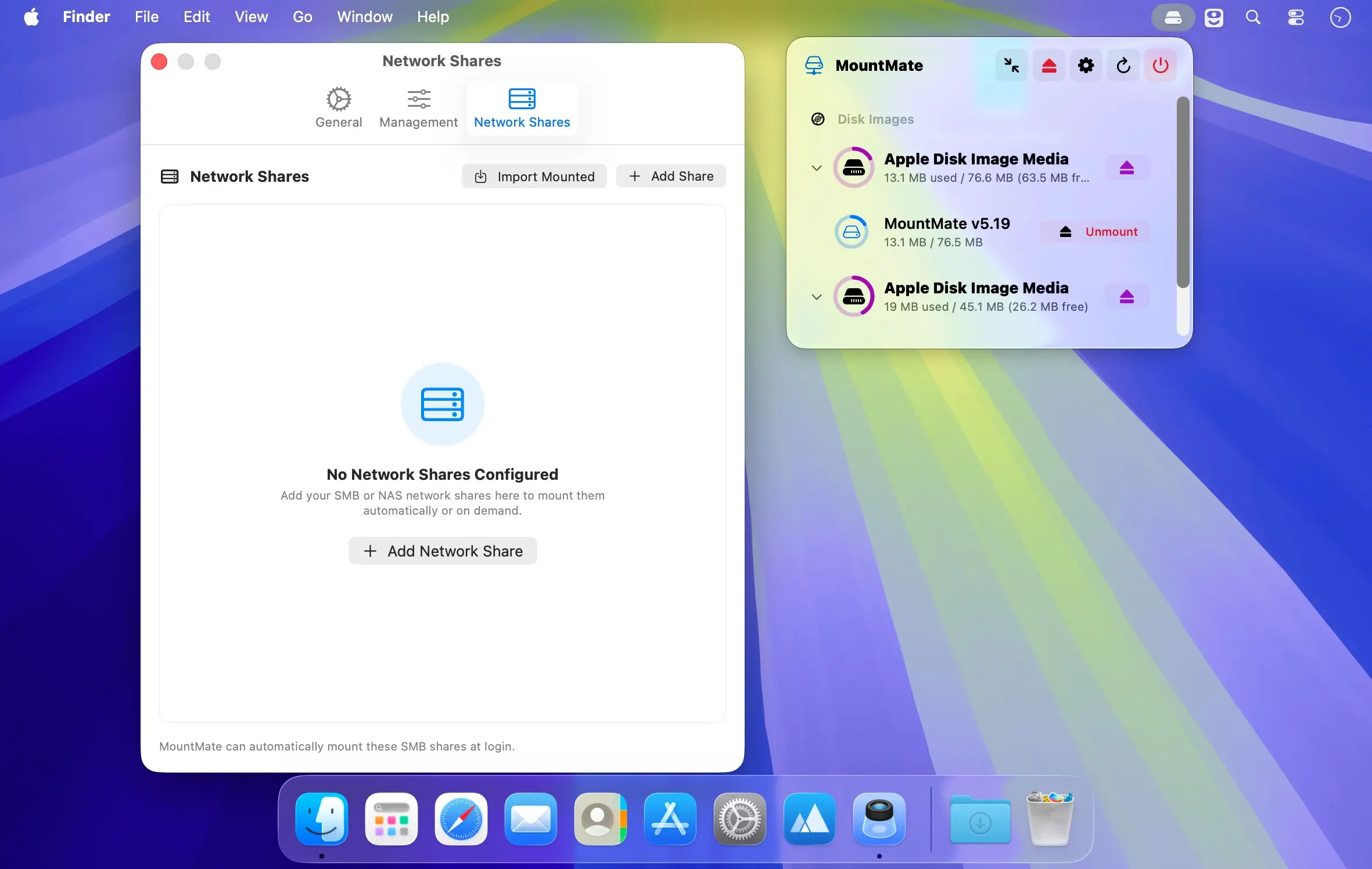
Import Shares from another Mac: custom mount points in your home folder are exported as ~/… (no user name in the file) and imported for the current user; a mount point under another user's home or in a missing folder is reset to the default, and the import message counts those shares. - Rename Volume checks the name against the mounted file system, so a FAT32 or exFAT drive on a GPT disk now gets the 11 (FAT, letters without accents only) or 15 (exFAT) character limit as you type instead of a misleading diskutil error.
- Verify Volume only says "Problems were found" when diskutil reports damage. NTFS, a busy or unplugged volume now get "Could Not Verify Volume" with the reason (diskutil's raw output is in Copy Diagnostics). A running check can be stopped with "Cancel Verify" in the context menu, and quitting MountMate stops it too.
- Safer /etc/fstab edits: an fstab with Windows line endings (CRLF) is read line by line again instead of gaining blank lines and being rewritten in full, and MountMate keeps the previous file as /etc/fstab.mountmate.bak before every change (also shown in Copy Diagnostics).
- Time Machine backups: Unmount, Eject, Unmount All and Eject All External Disks ask first ("Unmount Anyway" or "Skip") when Time Machine is backing up to one of the volumes.
- Open in Terminal shows an alert when Terminal cannot be opened instead of doing nothing.
- Encrypted volumes and a locked Keychain: when the Keychain is locked or denies access to a saved APFS password, the password prompt now says so (with the Keychain error) instead of asking again with no reason, and a password deleted in Keychain Access no longer shows as saved.
- Keyboard shortcut recorder: system combinations (⌘C, ⌘V, ⌘Q, ⌘W, ⌘Tab, ⌘Space, ⌘⇧4, ⌃Space, ⌘⌥Esc…) are refused with a "reserved by macOS" message, and pressing ⌘Q or ⌘W while recording no longer quits MountMate or closes Settings.
- Key names in shortcuts (Space, Esc, Help, keypad keys) are now translated.





