
Dropshare 6.16.0 macOS 轻量级菜单栏文件共享工具,一键上传、智能分发、全程自主掌控
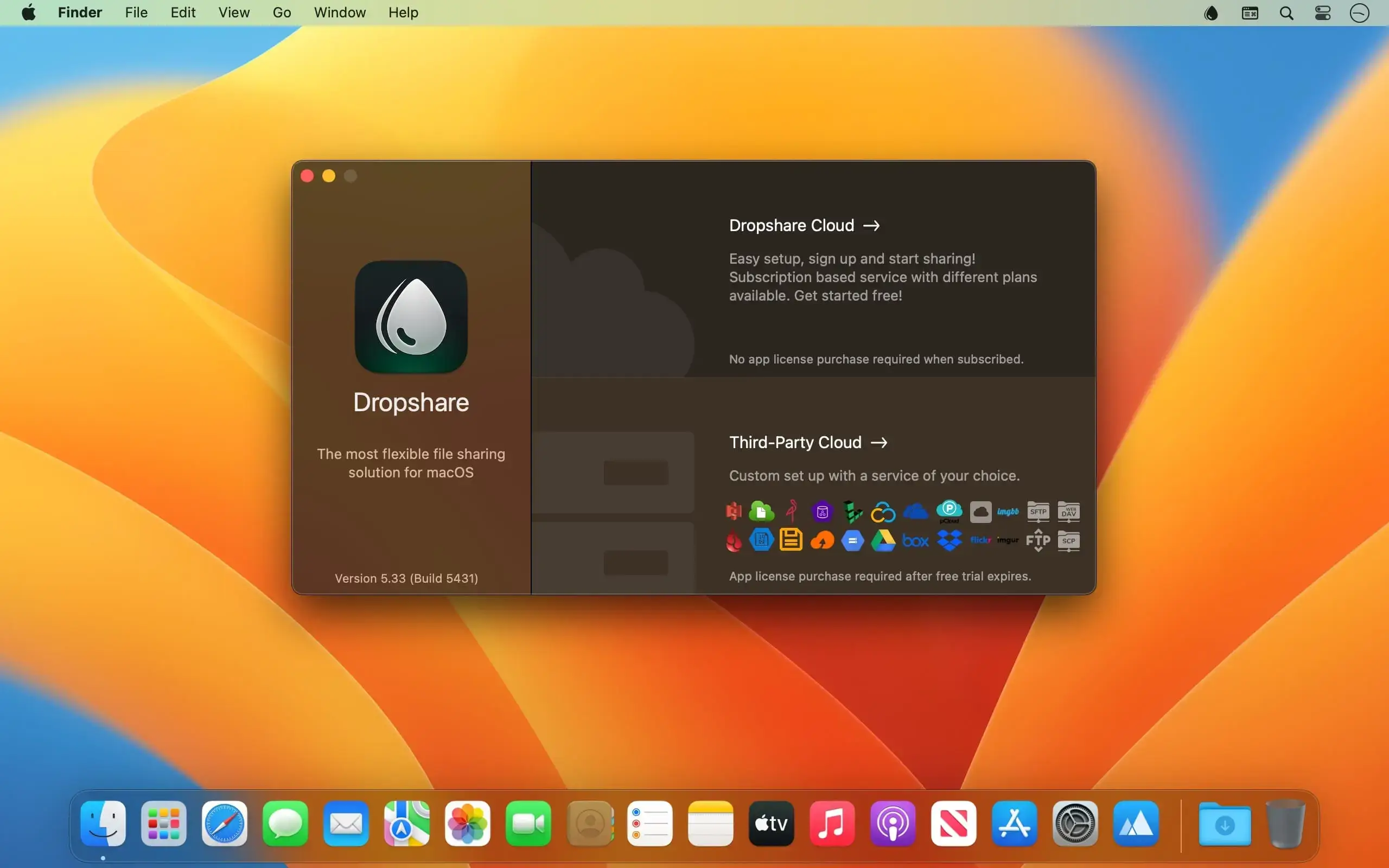
Dropshare 是一款专为 macOS 打造的高效文件共享工具,常驻菜单栏,后台静默运行——不打扰你的工作流,只在你需要时即刻响应。无论是任意文件、文件夹、文本片段、截图还是屏幕录制视频,只需轻轻一拖,它便会自动上传至你预先配置的存储空间,并立即将可直接粘贴的分享链接存入剪贴板,省去手动复制的繁琐步骤。无论你是自由职业者、远程协作团队,还是经常向客户、同事或朋友发送资料的职场人,Dropshare 都能帮你牢牢掌握数据去向,告别第三方中转风险,真正实现“我的文件,我做主”。
核心功能
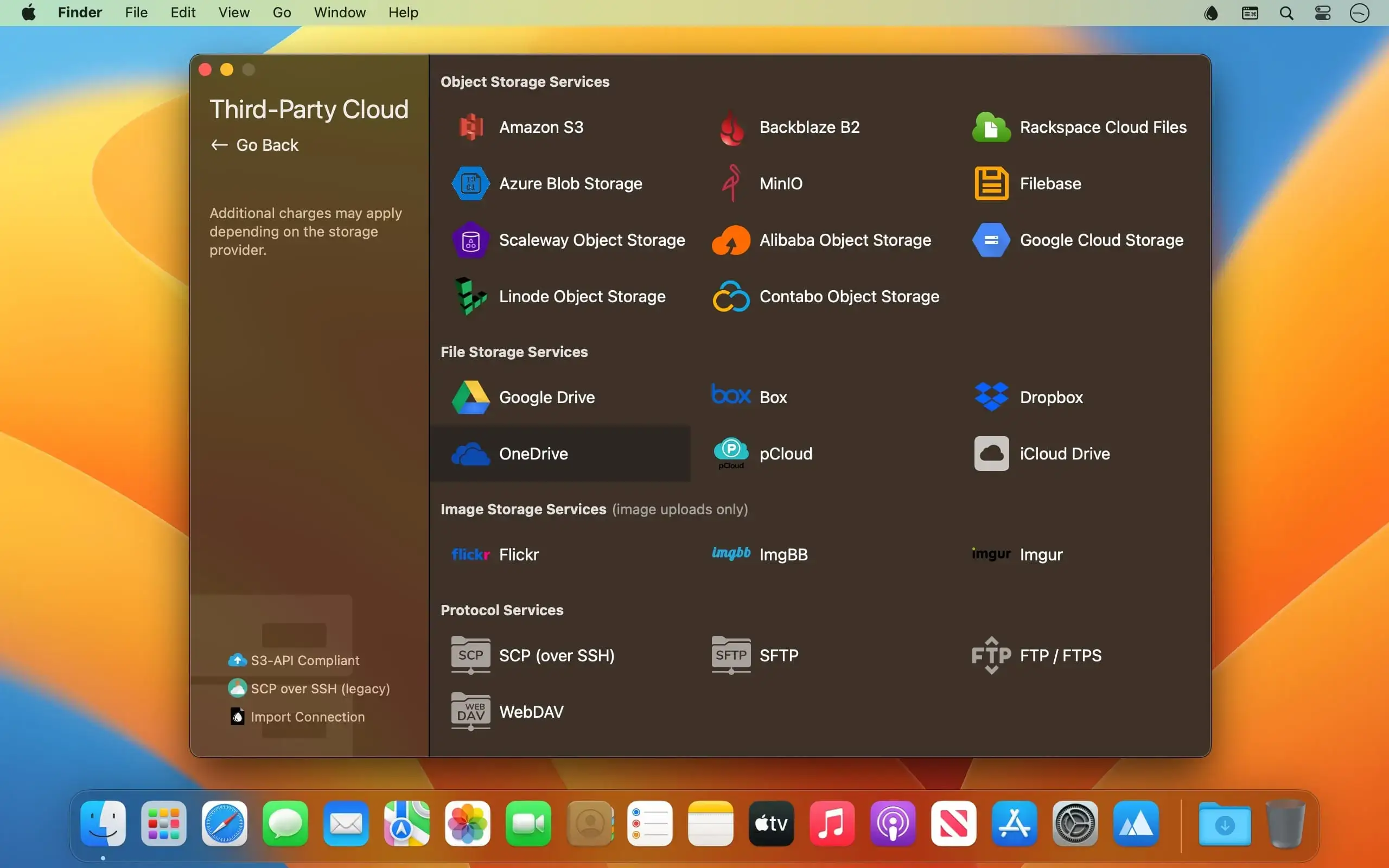
- 全平台存储兼容——支持直传自有服务器(SCP/SFTP/FTP/WebDAV),也无缝接入主流云服务:Amazon S3、Backblaze B2、Google Cloud Storage、Microsoft Azure、Google Drive、Dropbox、OneDrive、pCloud、Imgur、Flickr 等数十种选项
- Dropshare Cloud 云端托管——开箱即用的内置托管方案,无需配置服务器,几分钟内即可开启高速上传
- 智能链接秒生成功能——上传完成前,甚至上传过程中,专属分享链接已自动写入剪贴板,复制即发,快人一步
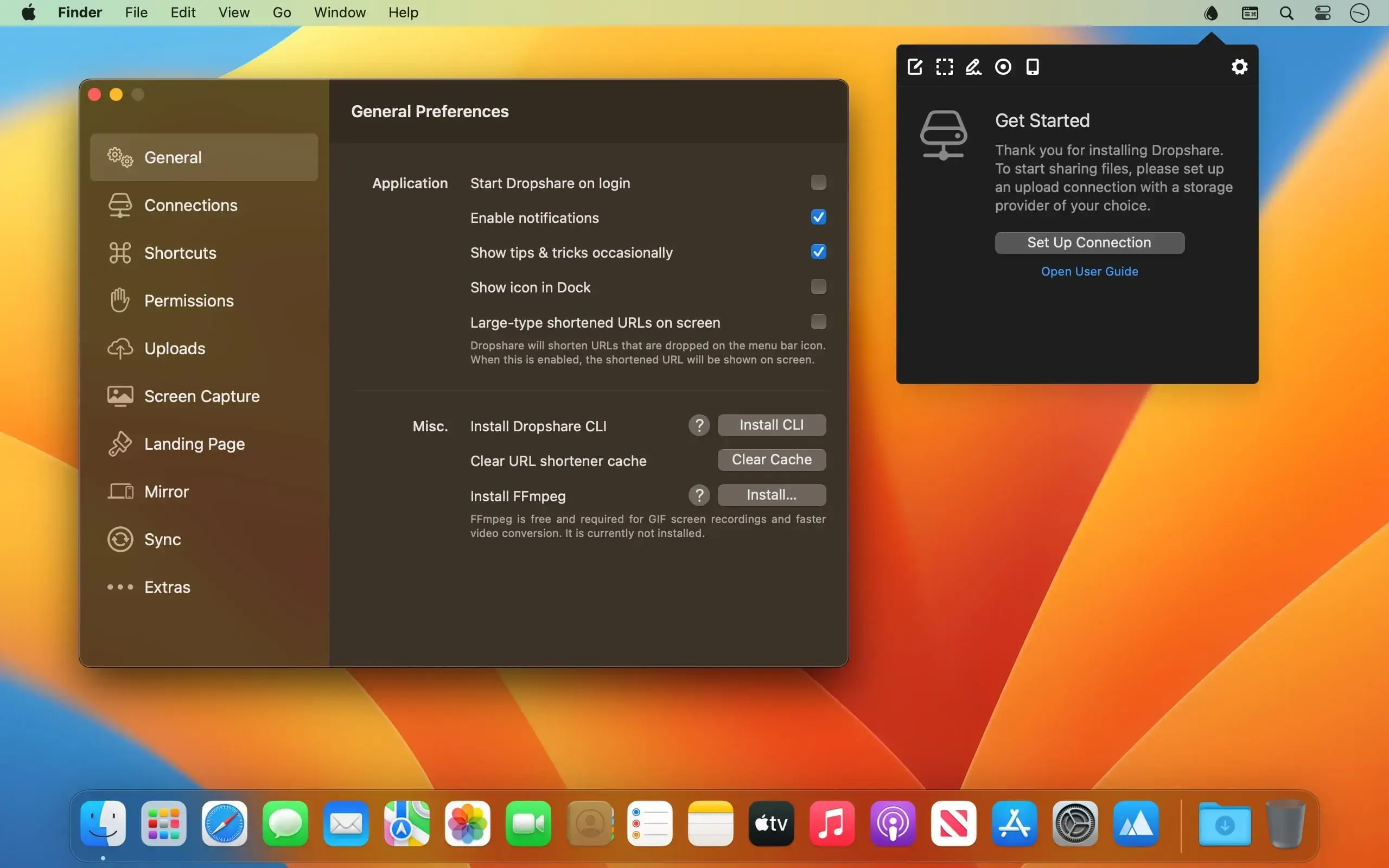
- 多目标灵活切换——可预设多个上传目的地,通过自定义快捷键快速切换,或按住 ⌘ 键拖拽实时选择目标,操作随心所欲
- 端到端直连传输——所有文件均从你的 Mac 直达目标存储,全程绕过 Dropshare 服务器,零中转、零缓存、隐私更可控
- 一体化截图与标注——内置轻量编辑器,支持截图后即时涂鸦、加文字、打马赛克;亦可联动 CleanShot X、Shottr 等专业截图工具,扩展更多创作可能
- 高自由度屏幕录制——支持录制高清视频或动图(GIF),可选叠加麦克风语音、系统音频、前置摄像头画面,以及实时显示键盘快捷键提示
- AI 智能截图命名——基于图像内容与上下文自动为截图生成语义化文件名,大幅提升后期检索与归档效率
- 个性化分享落地页——通过内置模板、社区精选设计,或完全自定义 HTML/CSS/JavaScript,打造专属品牌下载页面,让每一次分享都专业有温度
- 全场景上传入口——支持拖放上传、全局快捷键触发、以及从任意 macOS 应用的“共享菜单”一键调用,无缝融入你的日常操作习惯
What's New
Version 6.16.0
New Features
Scrolling Capture
- Capture content taller than the screen, like a full web page, as one image of up to 20,000 pixels. Scroll by hand or let Dropshare scroll automatically.
- Sticky headers, footers, sidebars and floating banners appear only once in the image.
- Available in the Screen Capture menu, as a quick dial button and with its own shortcut.
macOS 27
- Added a new Dropshare Zone option to show a zone below the menu bar icon when dragging a file, to circumvent macOS showing Mission Control when dragging a file ontop of the menu bar.
Upload Hooks
- Added support for pre- and post-upload hooks to call URLs, CLI commands, or Apple Shortcuts with information about the upload.
Annotation Editor
- Rotate shapes, text, stamps, images and pen strokes.
- Number badges as circle, rounded square, pin or speech bubble.
- New hand-drawn Excalifont, plus all installed fonts.
- White outline for text.
- Fixed a moved Magnify source shifting after cropping.
Performance & Bug Fixes
- Fixed an issue where Bunny uploads with a subfolder would not work properly (copied URL cut off subfolder)
- Fixed an issue where uploads would silently fail if a temporary file could not be created.
- Fixed a number of performance issues that might have caused Dropshare to consume more memory than necessary.





